VoicePing's latest update enhances online meetings with two-way translation across Zoom, Teams, and Google Meet, plus real-time cursor tracking and improved collaboration features.
VoicePing’s latest update enhances online meetings on platforms like Zoom, Teams, and Google Meet with advanced translation and collaboration features. We introduce two-way translation without the need for all participants to use VoicePing, offering easy bilingual conversations.
Users can share a URL for translation access or create separate URLs for different meetings, enabling simultaneous use. The update also adds text-to-speech for translations, real-time cursor tracking on whiteboards and screen shares, and extends meeting transcription access to all workspace members, improving inclusivity and collaboration.
Two-Way Translation Across Zoom, Teams or Google Meet
Previously, VoicePing users were limited to viewing subtitles in other online meeting tools, requiring all participants to use VoicePing for two-way translation. But this latest update allows users to engage in bilingual conversations effortlessly on their preferred platforms, including Zoom, Teams, and Google Meet.
VoicePing’s innovative approach offers two methods for utilizing the translation feature:
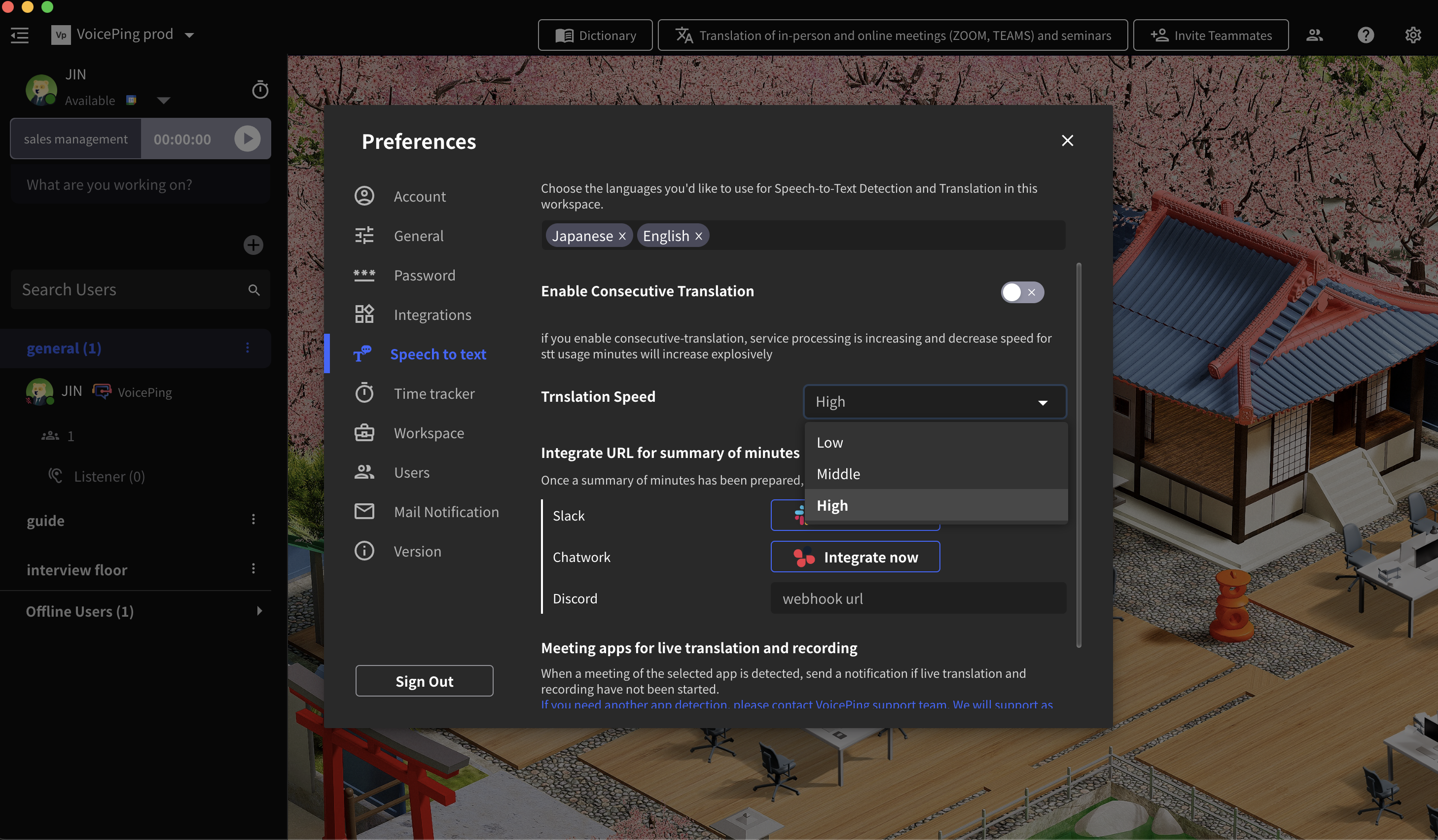
Method 1: Users can turn on “Translation for Zoom, Teams, Meets, and more” and enable sharing URLs. Then copy that link and share it with your participants. Your participants can use VoicePing translation on the browser while using other online meeting tools.
Method 2: Create separate URLs for different meetings, enabling simultaneous use across multiple sessions.
Real-Time Mouse Cursors for White Board and Screen Sharing
See where your collaborators are pointing in real-time. This feature makes it easier to follow along during presentations and whiteboard sessions, improving team collaboration and understanding.
Sharing Meeting Notes with Workspace Members
Meeting transcription access is now extended to all workspace members. This improvement ensures everyone on your team can access important meeting notes and stay informed, even if they couldn’t attend the meeting.
Text-to-Speech for Translations
The update adds text-to-speech capability for translations, allowing participants to hear translations spoken aloud in their preferred language.
Interested in our product? Register a demo meeting today.