Multilingual Virtual Office for Remote Teams | VoicePing
Multilingual virtual office for distributed teams

Your global team, together in one virtual office

See who is available, start a conversation in one click, translate speech live, and keep decisions searchable. VoicePing gives distributed teams one shared place to work across distance and language.

Available on Web, Windows, macOS, and Chrome OS

Start free with 1 member, 5 listeners, 90 AI minutes per month, and 500 MB of workspace storage.

Global team floor Available now
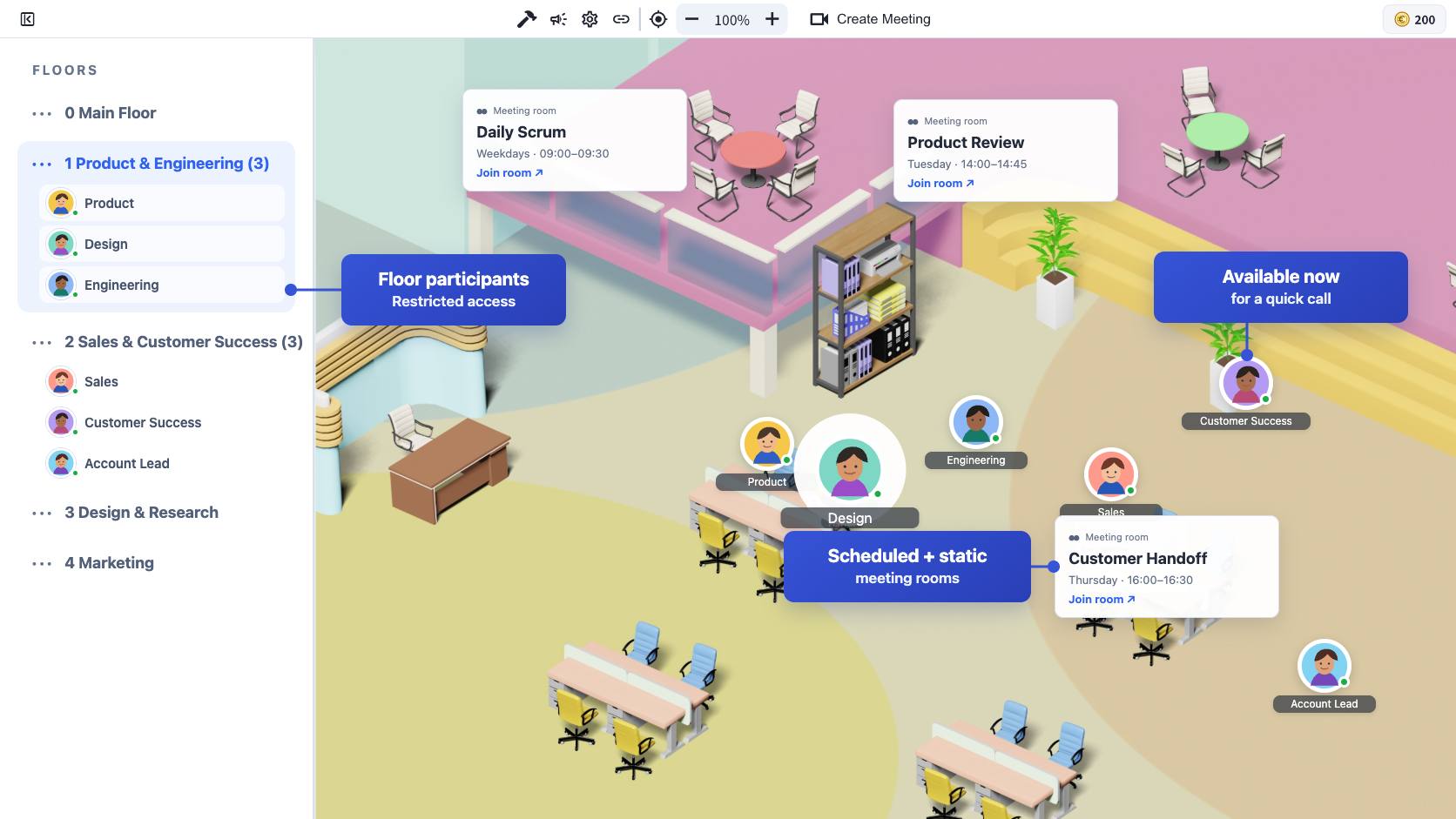
VoicePing multilingual virtual office workspace
46speech-recognition locales
60translation target languages
1 + 5member + listeners on Free

Start free with 1 member, 5 listeners, 90 AI minutes per month, and 500 MB of workspace storage.

Remote work should not feel remote

The small communication gaps are what slow global teams down

Chat queues, meeting links, language barriers, and scattered notes turn a quick question into a long process. VoicePing removes those gaps inside one persistent team workspace.

Waiting in chat

A two-minute question sits unread because availability is invisible.

Scheduling every conversation

Teams create links and calendar events for discussions that should be spontaneous.

Working through a language barrier

People simplify ideas, stay quiet, or wait for someone else to translate.

Losing decisions after the call

Context disappears into personal notes, recordings, and separate tools.

One continuous team workflow

See. Call. Translate. Remember.

VoicePing connects the moments before, during, and after an internal conversation.

  1. 01

    See

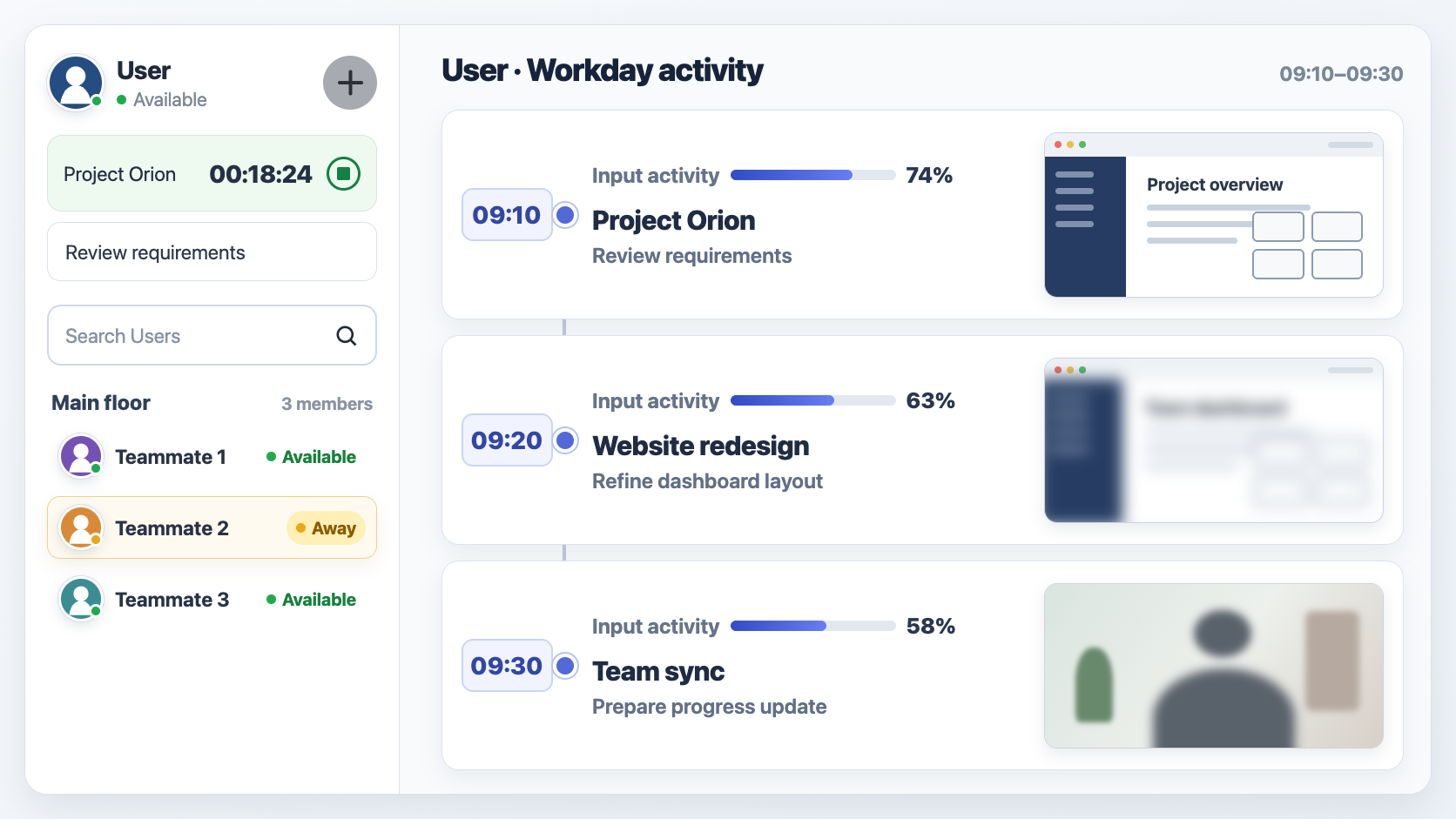
    Check each teammate’s availability, focus status, working memo, and calendar-derived status at a glance.

  2. 02

    Call

    Call one person, a group, or everyone on a floor without creating a meeting link.

  3. 03

    Translate

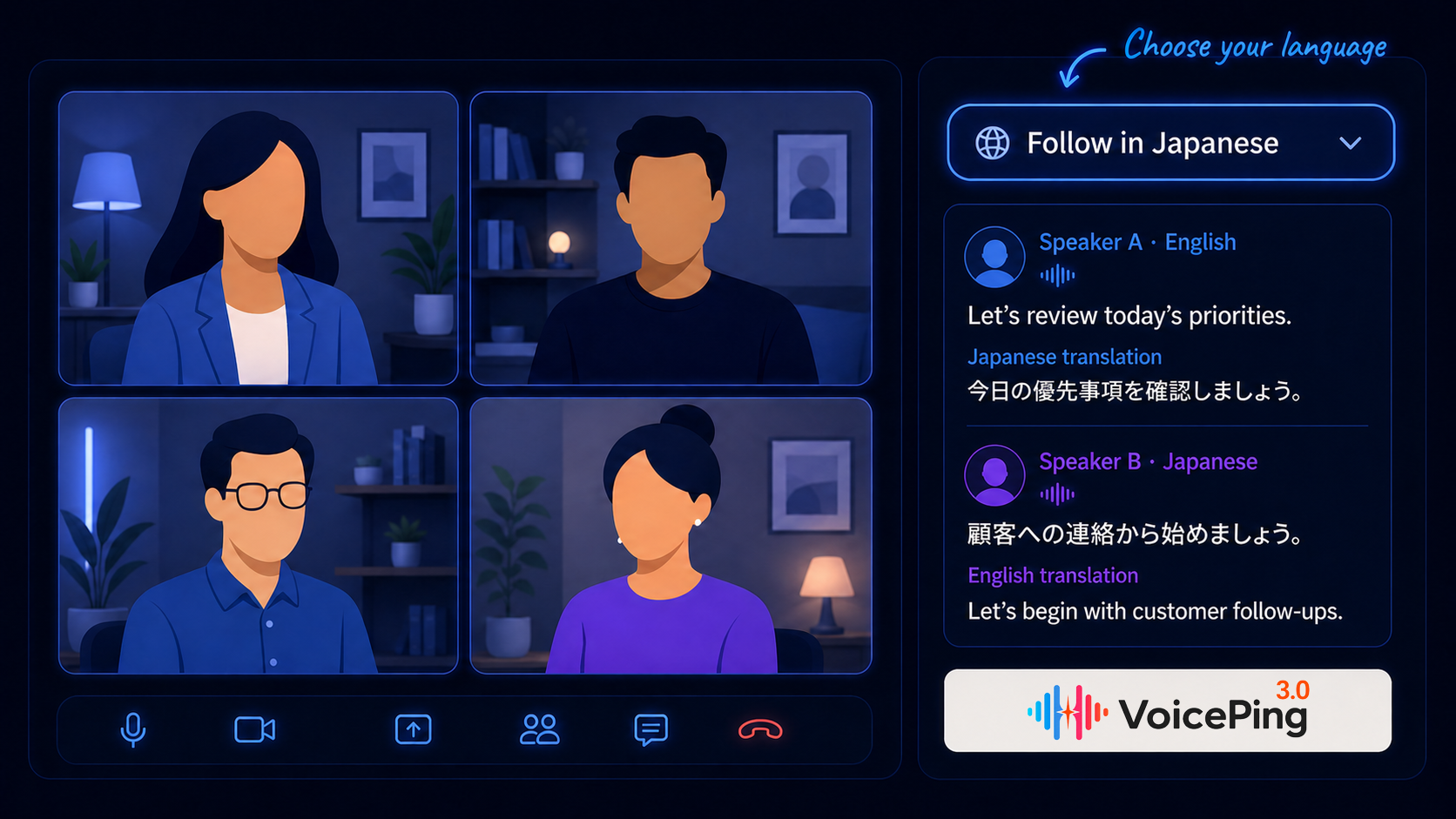
    Give each participant live captions and translated audio in their chosen language.

  4. 04

    Remember

    Keep recordings, transcripts, summaries, topics, and action items searchable for the team.

Presence + one-click calls

Talk while the context is still fresh

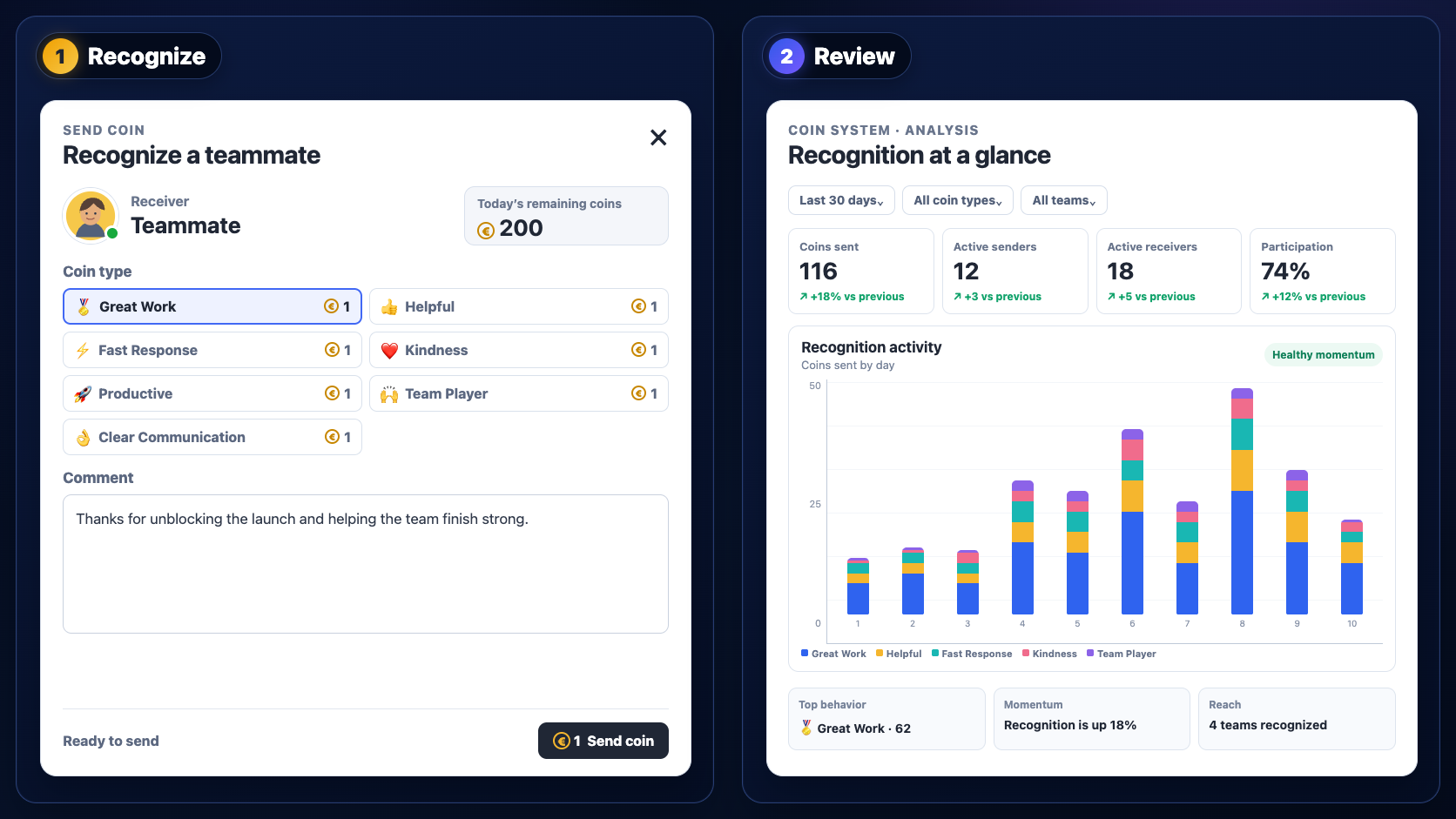
Presence shows who can talk now. Call Out handles the full invitation flow—including accept, decline, join later, missed calls, group calls, floor-wide calls, and knocking before entering a private room.

  • Move closer to a teammate and begin talking without a URL
  • Invite a group or call everyone on the current floor
  • Use working memos, emoji reactions, and focus status to signal context

Live speech translation

Let every teammate speak in the language they think in

VoicePing recognizes a broad range of speech locales and delivers captions and translated audio across an even wider set of target languages. Each participant chooses the language they need.

  • Live transcription, translated captions, and translated audio
  • Workspace and personal dictionaries for names, products, and technical terms
  • Upload approved PDF, Word, or CSV references to build team vocabulary
46 speech-recognition locales across 43 language groups
60 translation target languages

Vocabulary Builder can process up to 20 reference files totaling 100 MB to extract workspace terminology.

Real-time multilingual voice translation in VoicePing

Searchable conversation knowledge

Turn spoken work into usable team memory

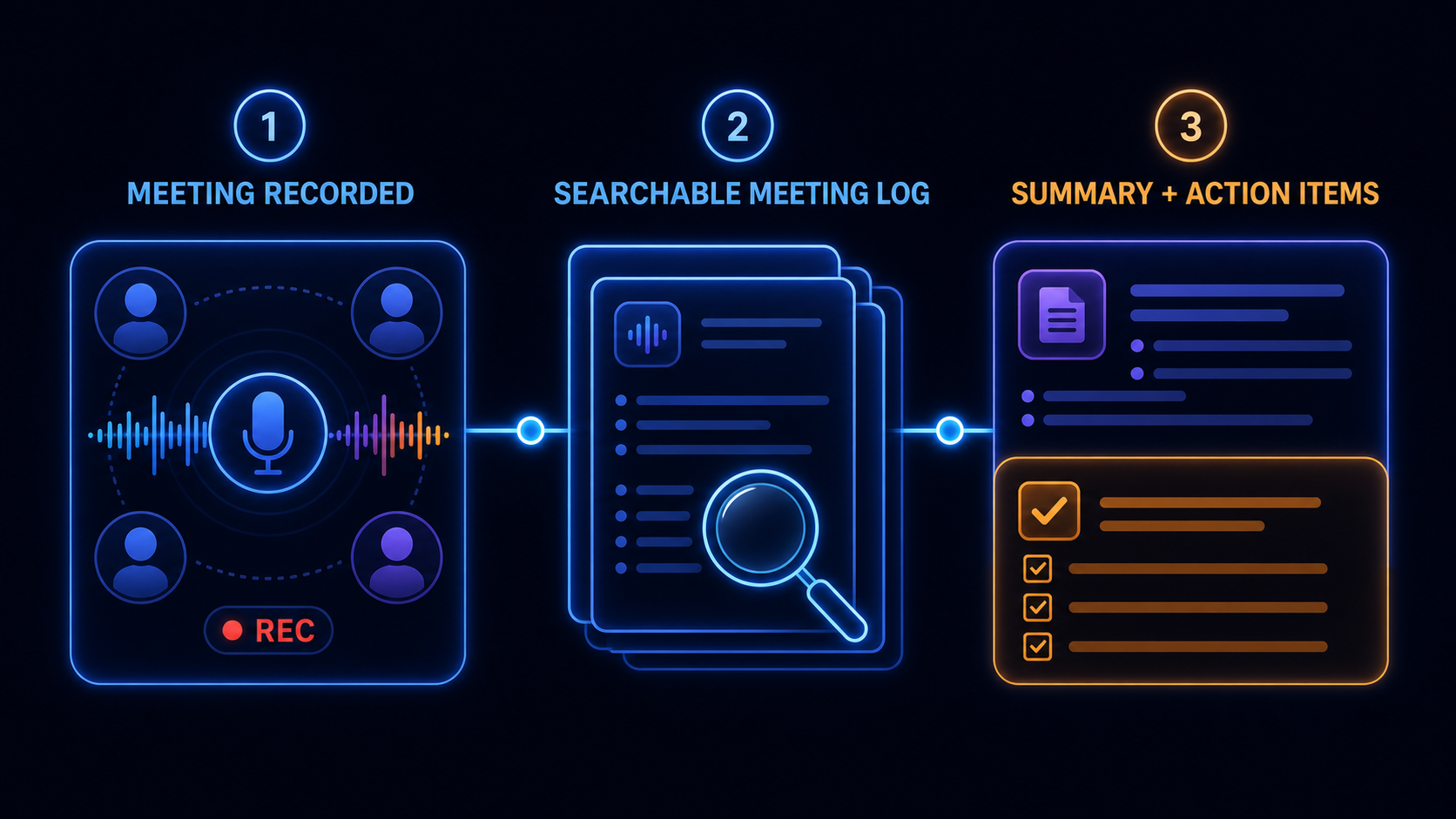
Conversation records stay organized on the web so teammates can find what was decided without replaying an entire meeting or asking the same question again.

  • Search transcripts and review cloud recordings
  • Generate summaries, topics, and action items
  • Use live AI insights and custom prompts where enabled

A virtual headquarters, not another meeting tab

Build a workspace your team can return to every day

Organize people, conversations, and shared resources inside a persistent office that reflects how your company actually works.

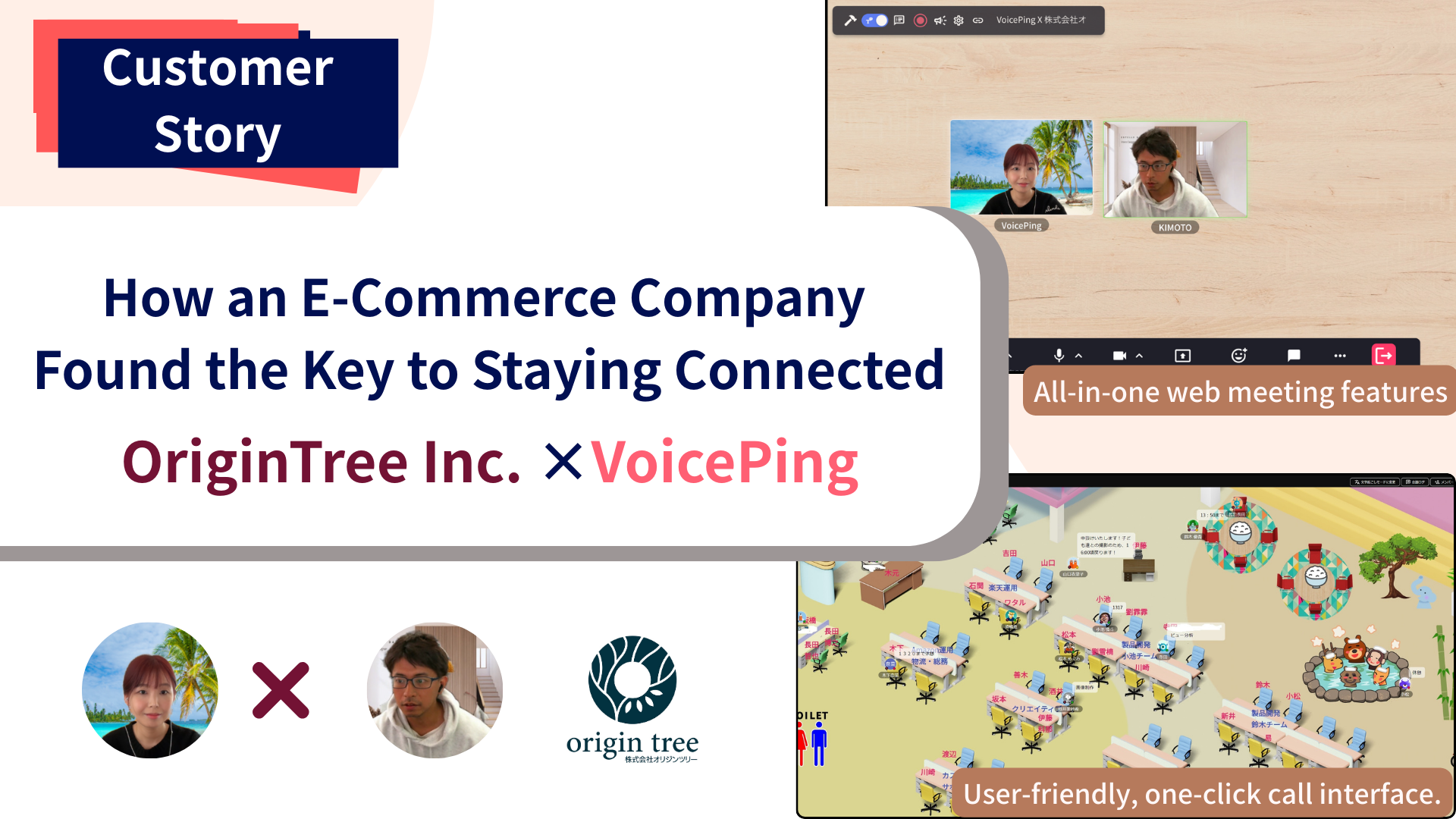
VoicePing 3.0 virtual office overview with team rooms, live translation, whiteboard, notes, and shared resources

Floors for teams and departments

Create multiple floors, assign members, control access, and choose a background or floor template.

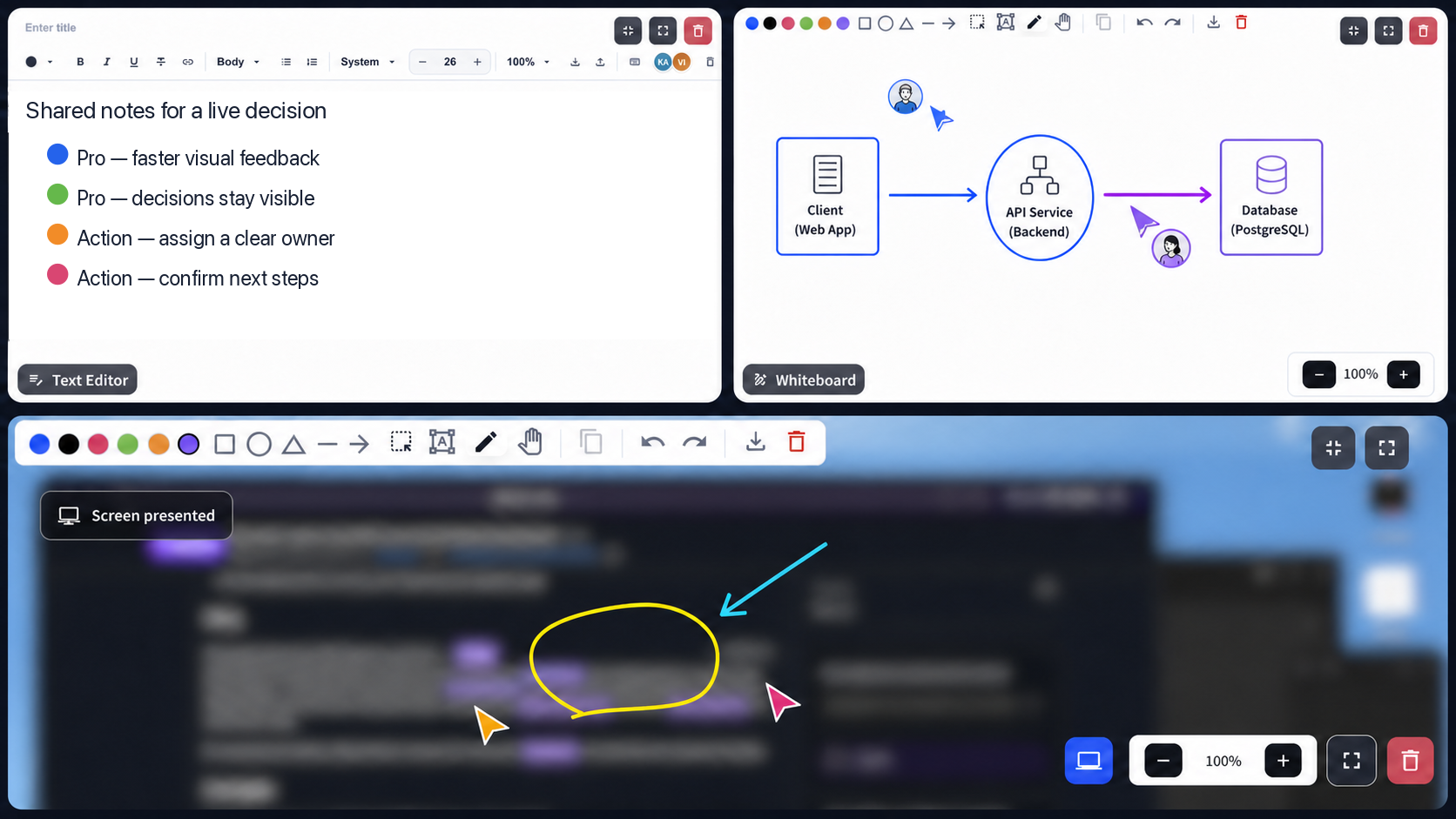
Collaboration inside the room

Use whiteboards, a shared editor, screen-share drawing, embedded URLs, and simultaneous screen sharing. Share up to 3 screens at once.

Objects that make the office useful

Drag in text, images, files, URLs, and embedded pages for announcements, tools, and shared resources.

Guest access when you need it

When an admin enables browser access, invited guests can join by URL and optional password without installing the desktop app.

Flexible visibility and governance

Match workspace controls to your company culture

Employees control their availability and focus status, while workspace admins configure operational signals, access, recordings, and audit records to match company policy.

Review VoicePing security
BSI ISMS ISO/IEC 27001 and ANAB accredited certification
ISO/IEC 27001 certifiedInformation security management system · IS 820960

Browser guest access and selected AI capabilities depend on workspace settings and plan availability.

Configurable presence

Set idle timing and choose whether app-usage visibility and time tracking are enabled.

Recording permissions

Set automatic recording policies and scope who can view each recording by user or group.

Floor and guest access

Restrict floors, control browser guest access, and protect guest links with passwords.

Auditable operations

Review security-relevant event logs and export operational records as CSV or PDF.

Customer story

A multilingual virtual office at the center of daily work

“Thanks to VoicePing’s high-quality translation, now we can comfortably talk in either English or Japanese. VoicePing is considered the center of our workflow.”

ShareWis, a remote team with members from Vietnam and Taiwan

Read the ShareWis story

Designed for internal B2B teamwork

Where multilingual virtual presence has the most impact

Headquarters + overseas offices

Give regional teams one daily space while letting each person follow conversations in their preferred language.

Offshore product development

Resolve design and engineering questions immediately, then keep technical decisions searchable.

Remote-first operations

Replace repeated status-check messages with clear availability, working memos, and lightweight calls.

Global support and back office

Help cross-border teams hand off work with translated conversations and shared action records.

Plans for teams at every stage

Start small, then scale the office with your organization

Compare member capacity, included AI usage, storage, admin controls, and governance before choosing a plan.

Free Plan

Free Forever
  • 1 user + 5 listeners
  • 90 AI minutes/month
  • 500 MB workspace storage
Start Free Plan

Small Plan

$41.25/monthBilled yearly
  • 15 users + 15 listeners
  • 450 AI minutes/month to start
  • 5 GB workspace storage
  • Admin controls and workspace security
Subscribe

Enterprise

From $9.90/user/monthBilled yearly
  • 50+ accounts
  • Custom usage and storage
  • Audit logs and permission controls
  • Rollout and operational support
Talk to sales

The Small Plan price shown includes 450 AI minutes per month. Premium and Enterprise AI allowances are confirmed during signup or with sales because team usage needs vary. See complete pricing details

Frequently asked questions

What teams ask before moving into VoicePing

How many languages does VoicePing support?
VoicePing supports 46 speech-recognition locales across 43 language groups and 60 translation target languages. Availability can vary by speech and output mode.
Can employees control when they are interrupted?
Yes. Availability, focus status, working memos, call invitations, decline, and join-later flows help teammates choose the right moment to talk.
Does VoicePing monitor every employee activity?
No single monitoring setup is forced. Workspace admins can enable or disable time tracking and current-app visibility and configure idle timing to match company policy.
Can external guests join from a browser?
Yes, when browser-based Virtual Office access is enabled by a workspace admin. Guests can join through an invitation URL and optional password without installing the desktop app.
Can we separate departments or confidential teams?
Yes. Multiple floors support member assignment and access restrictions, and recording visibility can be scoped to specific users or groups.
What is included in the Free plan?
The verified Free plan includes 1 user, 5 listeners, 90 AI minutes per month, and 500 MB of workspace storage.

Give your global team one place to be together

Create a virtual office for your team, or talk with us about multilingual workflows, governance, and rollout.