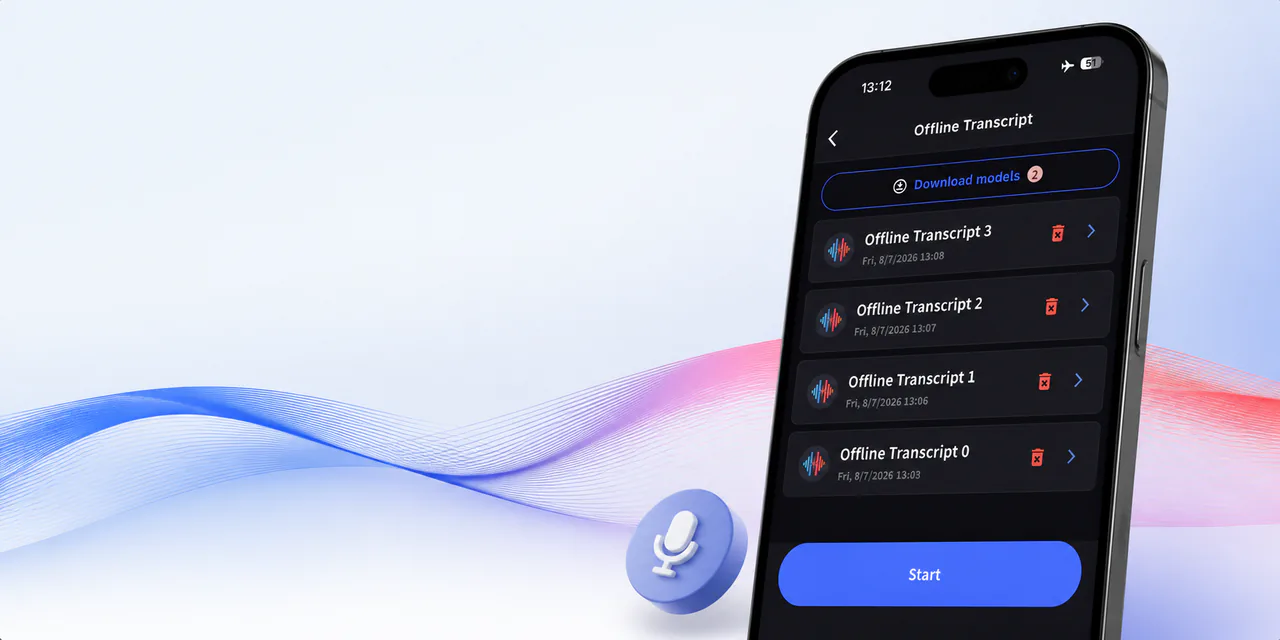
Offline translation for iOS and Android
Translate offline
Download your languages before you go. Then translate spoken conversations without Wi-Fi or mobile data, with everything processed on your phone.
Download the app


No cloud upload required
VoicePing customers


18-second product walkthrough
See offline translation in action
The demonstration shows an English speaker reporting that line three stopped and asking for the safety sensor to be checked. VoicePing translates the message into Japanese. A Japanese reply asks whether the power is off, and VoicePing translates the reply back into English. The exchange is marked complete and processed on the device.
Offline speech-to-text
Read back the words
VoicePing turns speech into text on your phone. Review the words during a conversation, even without Wi-Fi or mobile data.
From speech to text
- Spoken phrase
- Line 3 conveyor stopped. Check the safety sensor.
- Illustrative transcript
- Line 3 conveyor stopped. Check the safety sensor.
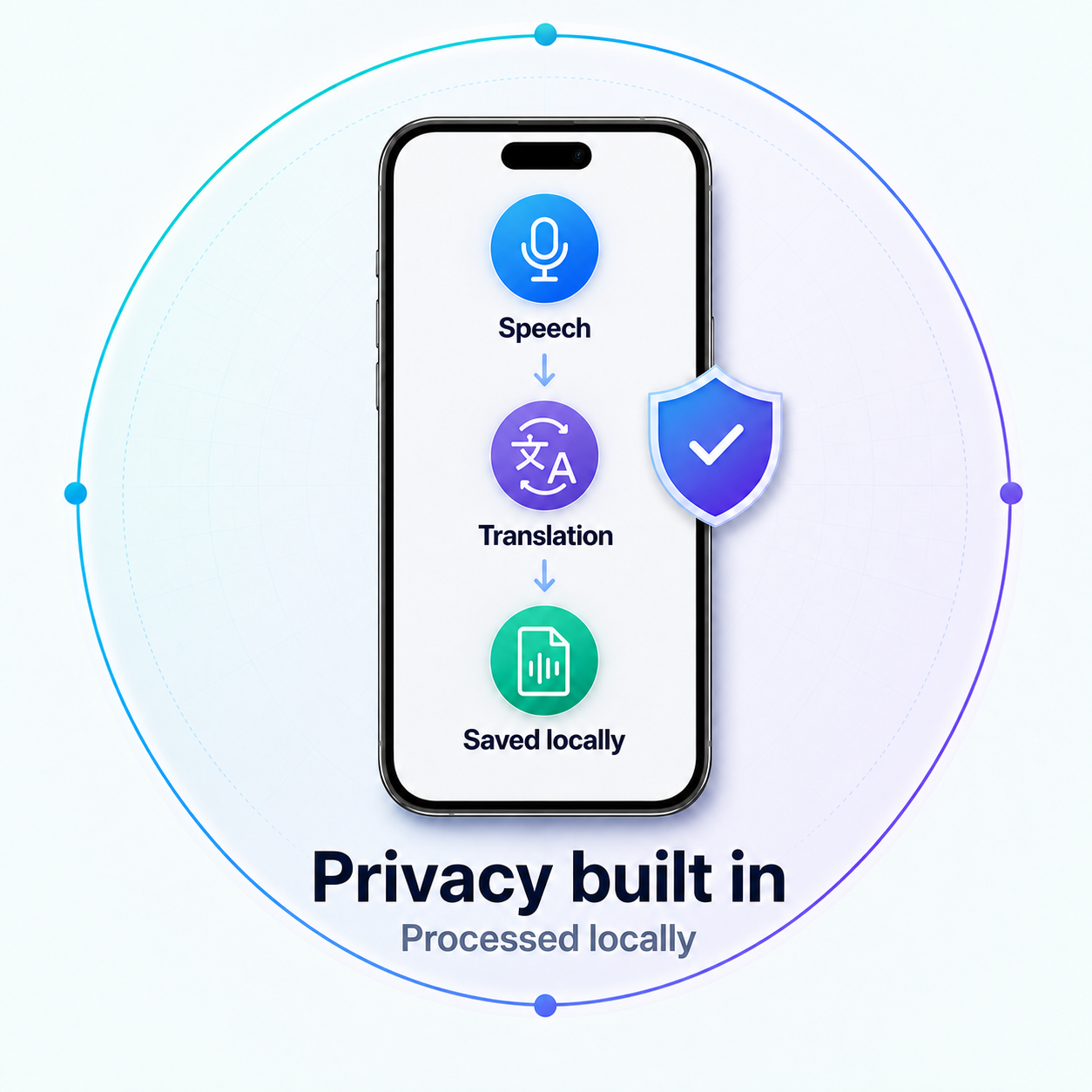
Processed on your phone
Processed on your phone
Speech and translation are processed on the device, so the offline exchange does not need to be uploaded to the cloud.
No cloud processing required
Lower rollout cost
Use the phone you have
Start without buying a dedicated translator for every person who needs one.
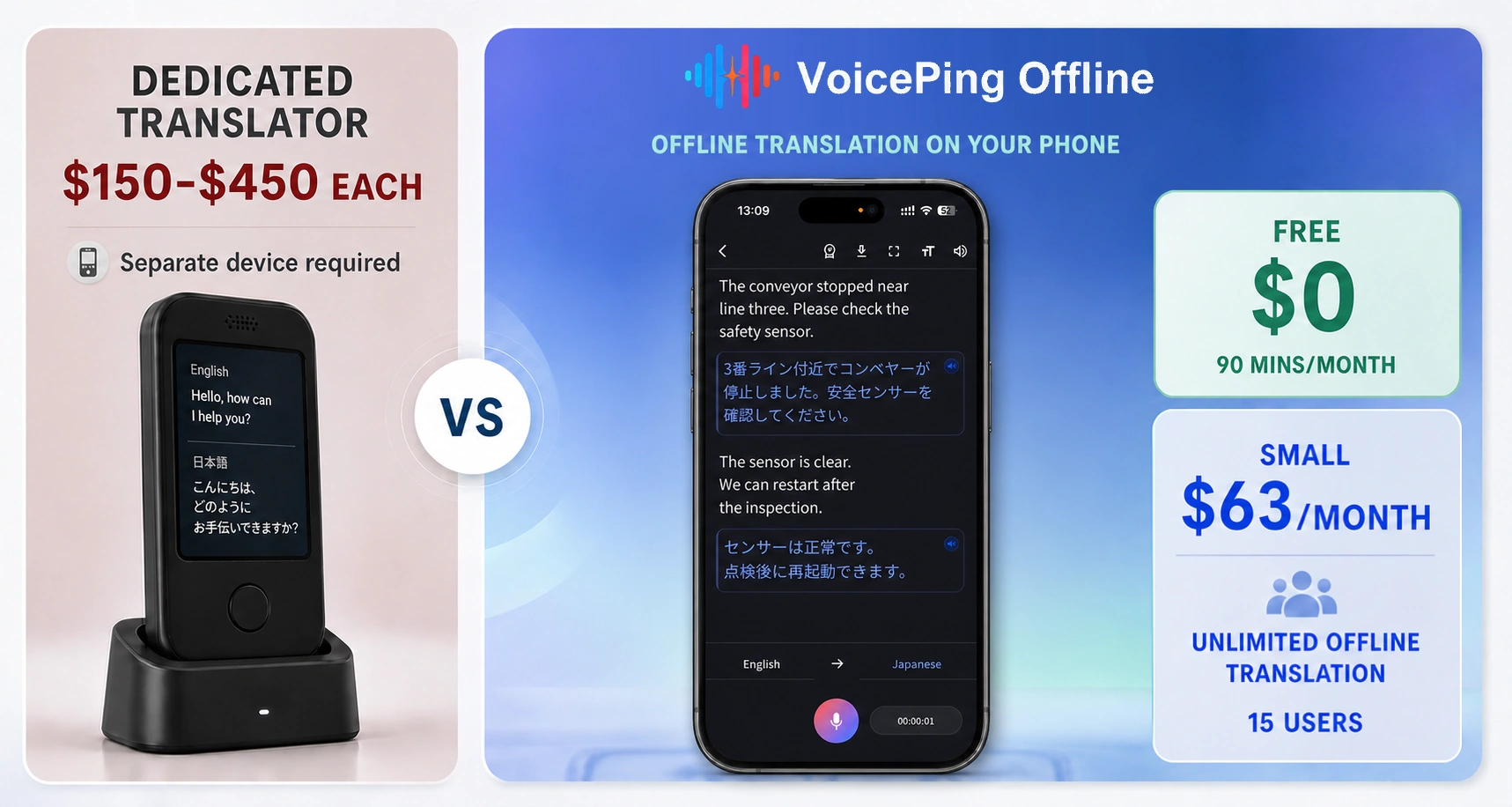
Published U.S. device prices sampled in August 2026. VoicePing Free and Small plan prices shown; taxes and shipping included.
See pricing details ↗Start with the phone you have
Try offline translation
Create a free account, install the app, and download the languages you need while you're connected.
Download the app
Before you go offline
Offline translation questions
Which languages work offline?
Offline speech recognition supports English, Japanese, Korean, Simplified Chinese, Traditional Chinese, Cantonese, Vietnamese, and Thai. Cantonese can be recognized as input but is not available as a translation output.
How does the offline license stay up to date?
The license refreshes automatically whenever the app reconnects to the internet.
Do I need internet during the conversation?
No. Download the required models and choose the language pair while connected; the prepared conversation then runs without Wi-Fi or mobile data.
Where is the offline conversation stored?
The offline exchange stays on the phone, including the source text, translation, and saved audio record.
Before you go offline
Take translation with you
Get VoicePing for iOS or Android and download the languages you need.