Web Meeting Bot
Join Zoom, Google Meet, or Microsoft Teams from a meeting URL or Google and Outlook calendar automation.
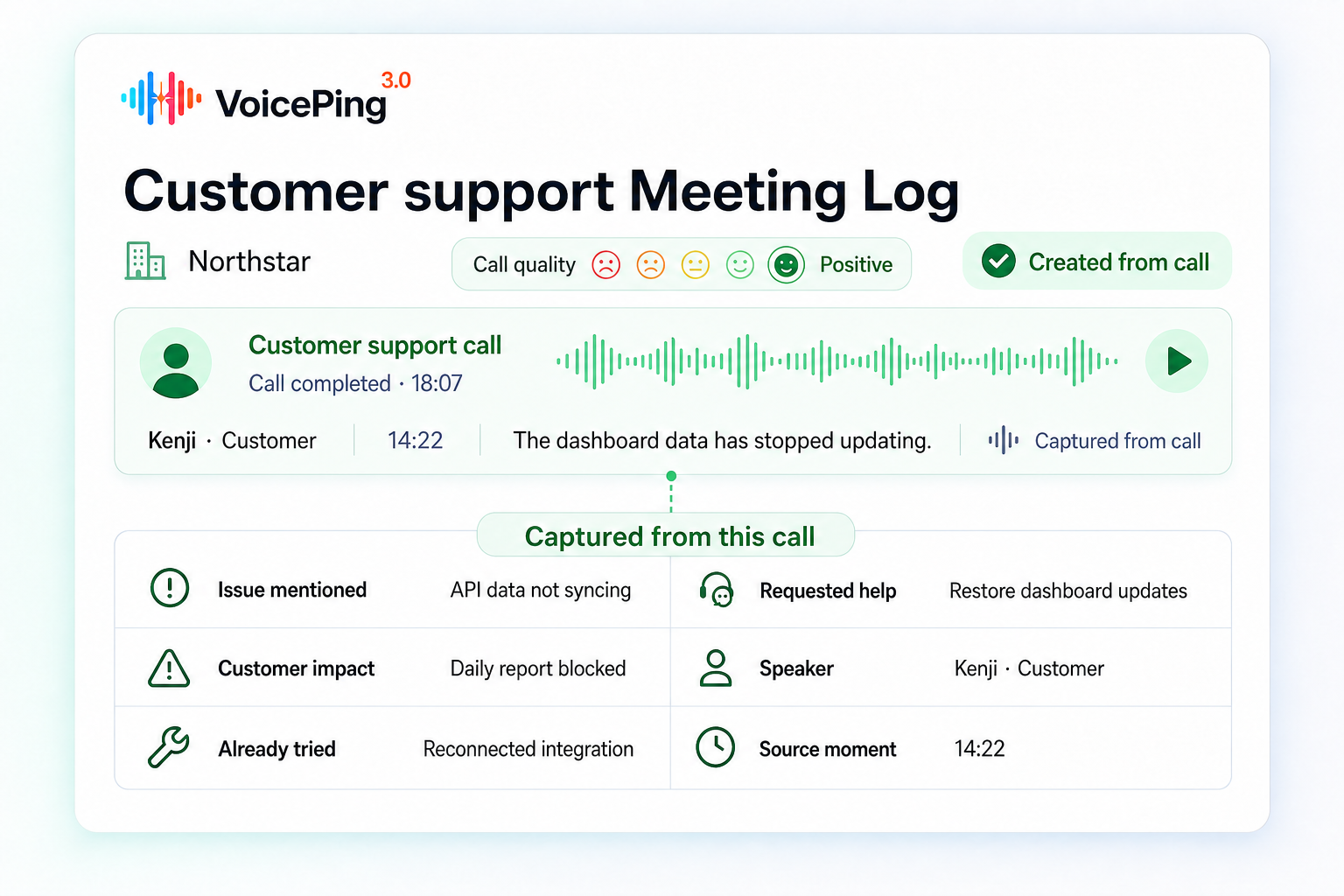
Meeting Logs
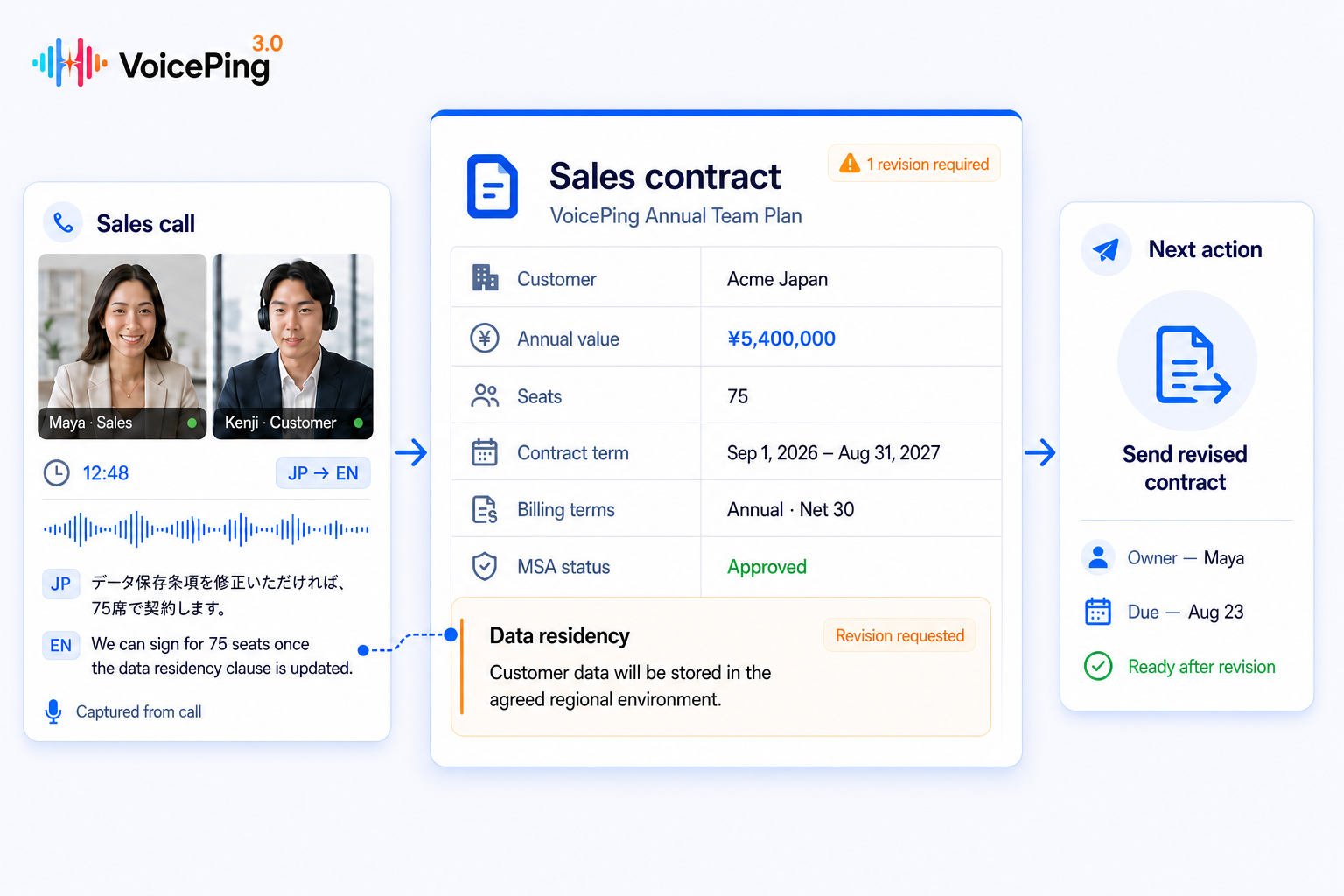
VoicePing brings meetings, events, uploaded media, and team conversations into one governed record. Search the transcript and translation, verify the source, use built-in AI outputs, or connect approved read-only access to AI clients and business systems.
Global product review
We agreed to prioritize the enterprise rollout.
I will confirm the security review owner today.
A record your team can verify and reuse
Why one record matters
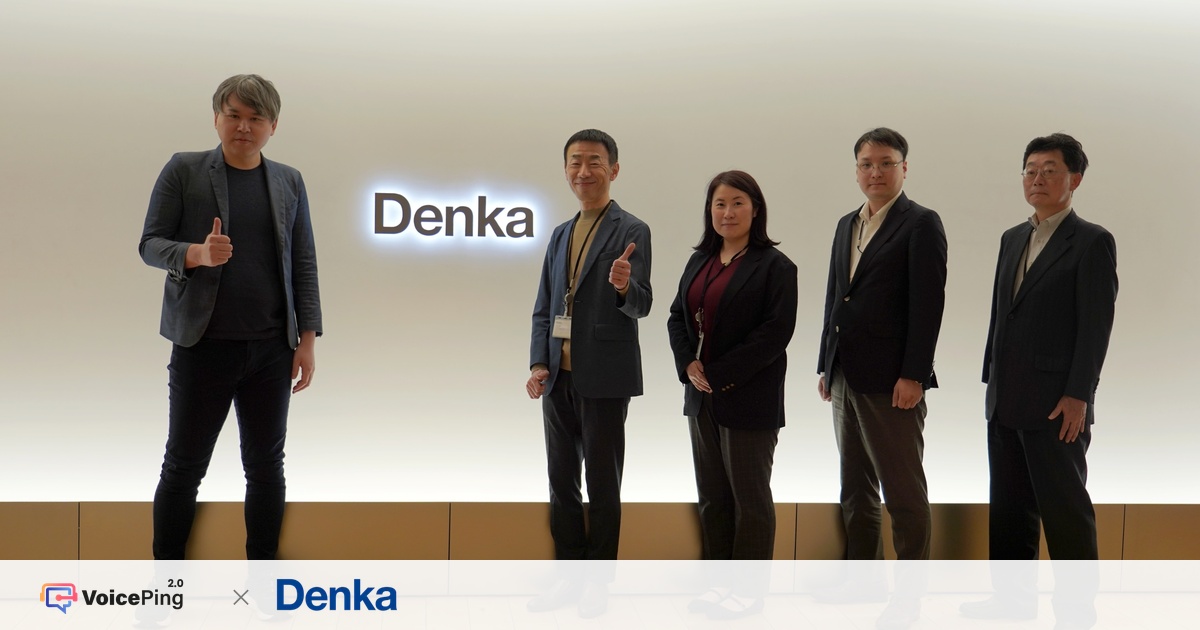
“As long as we are on VoicePing, we are covered.”
Denka described the need to bring translation, meeting minutes, research, meetings, and chat into one working environment instead of switching between separate tools.
Mr. Moriguchi, General Manager, Internal Control Department, Denka Co., Ltd.
Read the Denka case studySix sources, one archive
Meeting Logs unify live communication and recorded media without forcing every team into the same capture method.
Join Zoom, Google Meet, or Microsoft Teams from a meeting URL or Google and Outlook calendar automation.
Capture system audio from online meeting apps or use the microphone for face-to-face conversations.
Keep conversations from VoicePing rooms beside the rest of the team's meeting history.
Turn multilingual Expo and QR listener sessions into records that continue after the event.
Upload audio or video up to 2 GB across 15 supported input formats for full post-processing.
Bring mobile live, offline, and uploaded conversations into the same searchable experience.
Durable post-processing
VoicePing chooses the processing path that fits the source, while keeping progress observable and each stage independently retryable.
Clean the live transcript, identify speakers, generate structured AI output, and add workspace-language translations.
Run full transcription before translation, speaker processing, AI output, subtitles, and optional dubbed media.
Known voices can be recognized across future conversations, then corrected by a user when needed.
Precise timestamps keep transcript text aligned with source playback.
Durable stages can retry independently, with status and summary-ready notifications.
Search, replay, and correct
Meeting Logs keep the editable transcript, translation, speaker labels, and source media together instead of hiding evidence behind an AI result.
Use keyword syntax and field scopes, then filter by date, device, tag, creator, or author.
Karaoke-style text highlighting follows audio or video down to each utterance.
Edit transcript text and rename, reassign, or merge speaker labels across segments.
Request another translation, add notes and templates, and organize records with titles and tags.
Search Meeting Logs
Jul 10 · Meeting Bot · JA / EN
“I will confirm the security review owner today.”
Useful inside VoicePing first
Before any external client is connected, VoicePing turns the conversation into an organized record your team can review and act on.
Choose from six AI Summary templates for different meeting jobs.
A concise account of the meeting, generated from the stored transcript.
The themes that shaped the conversation, kept beside the source.
Follow-up work and owners when the conversation provides enough evidence.
Generated titles and workspace-language output make records easier to find and share.
The Meeting Logs UI leads with Summary, Key Topics, and Action Items. Structured external output can also expose decisions and next steps.
Governed external activation
Both paths are managed from External Access and stay grounded in the same permissioned Meeting Logs.
Documented and in-product clients
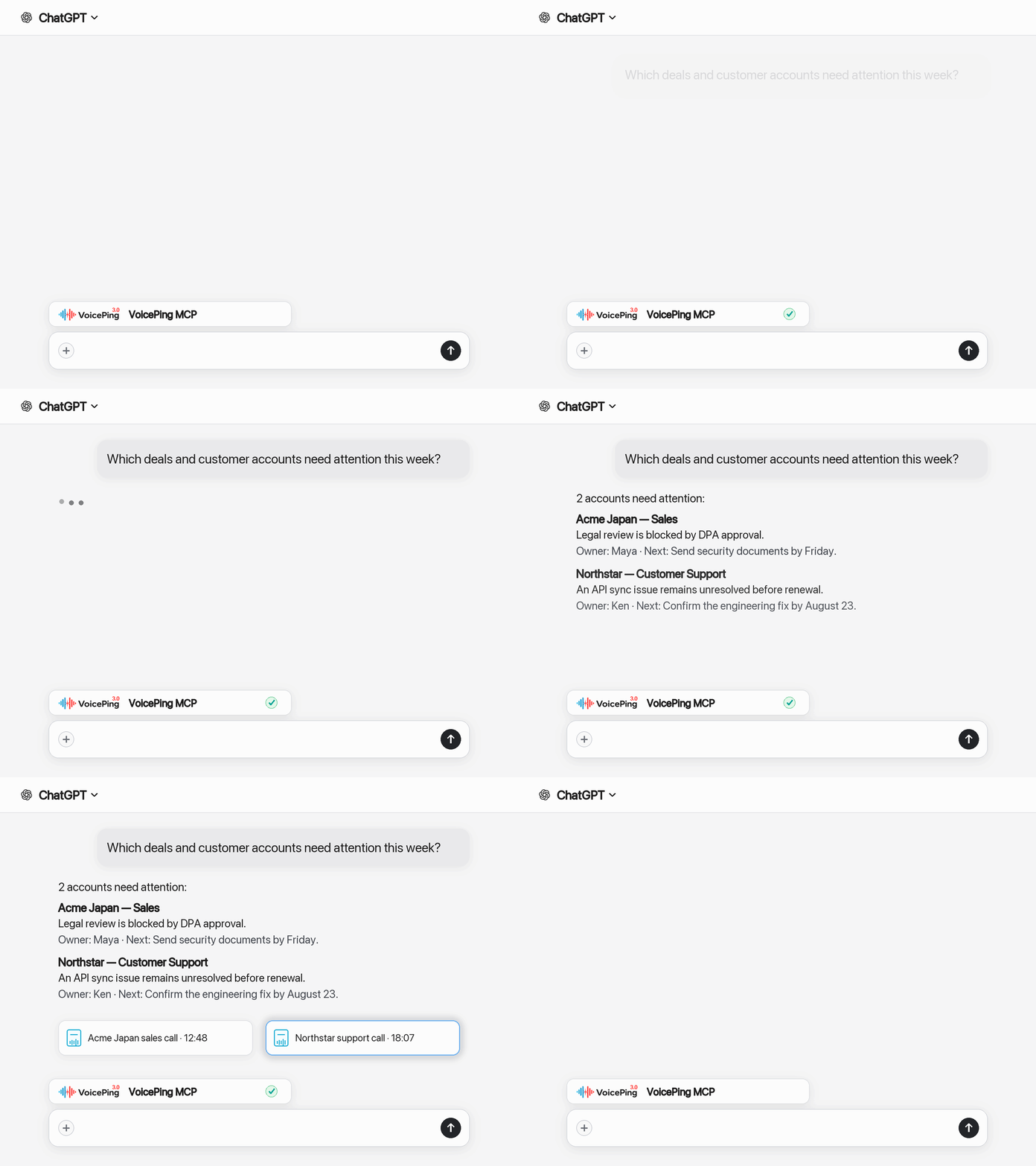
Six read-only tools let an approved AI client search records and retrieve transcripts or structured AI output through OAuth 2.1 with PKCE.
Send Meeting Logs into CRM, reporting, dashboards, or internal tools with expiring keys tied to an exact allowed IP.
Five documented workflows
The product page shows the business result. External Access keeps the copy-paste prompts, screenshots, and detailed setup.
Use the last customer meetings to prepare a client-ready, time-boxed agenda.
View workflowTurn one meeting's goals, pain points, objections, and timeline into an executive-ready draft.
View workflowRecap commitments, assign owners, and prepare the email while the conversation is fresh.
View workflowCompare meetings across team members and produce a manager-ready KPI report.
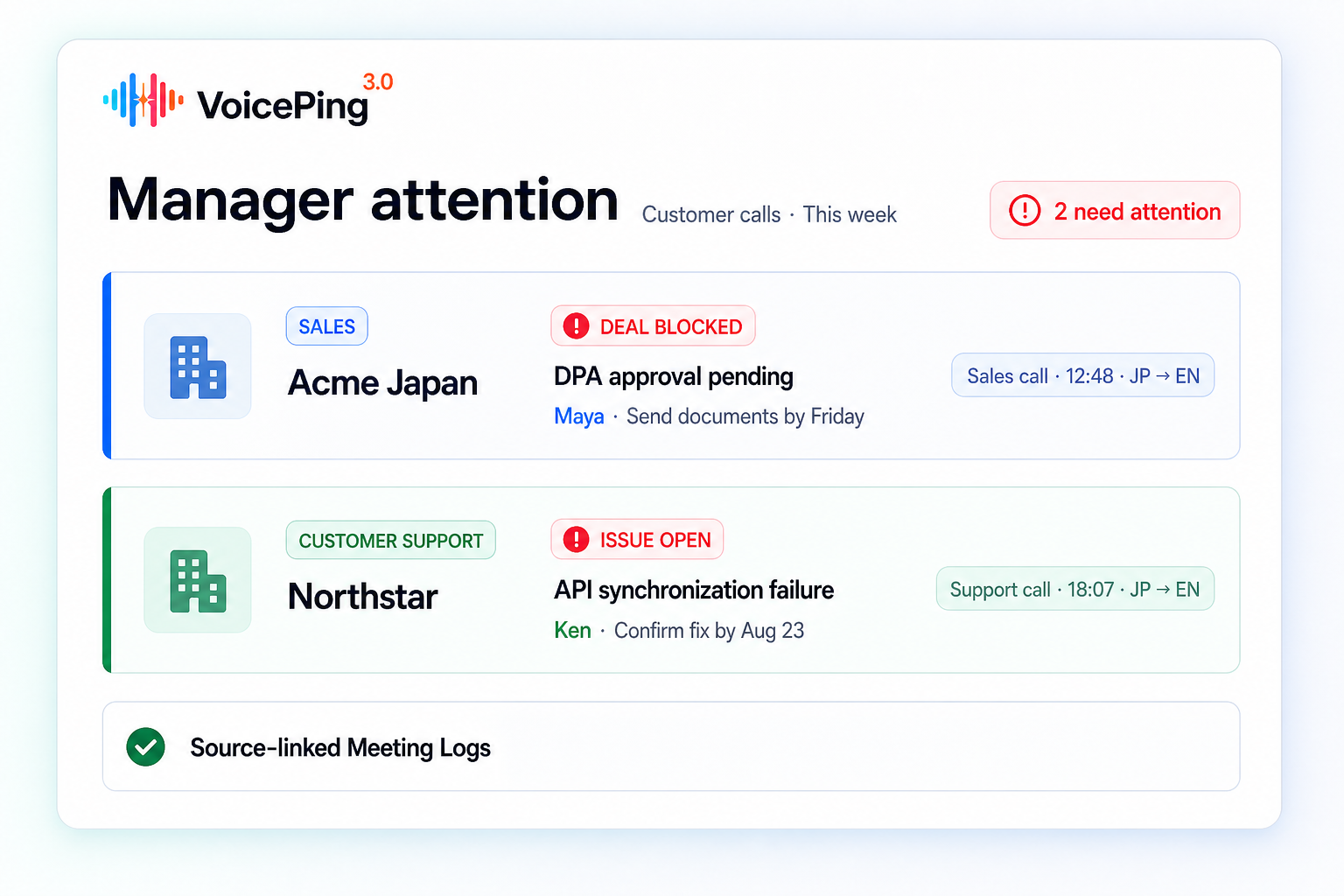
View workflowSurface recurring blockers, ownership gaps, and security delays across customer conversations.
View workflowCompany knowledge needs boundaries
Governance is part of the product structure—not a badge added after the AI story.
Keep a record private, limit it to participants or selected people, or share it across the workspace.
Administrators can prevent broad workspace sharing; Meeting Logs do not rely on public links.
Separate transcript discovery, transcript reading, and structured AI-output permissions.
Approvals, key changes, deactivation, deletion, mode changes, users, timestamps, and IPs appear in event logs.
SAML SSO is tested with Microsoft Entra ID, HENNGE One, and Google Workspace configurations.
A workspace can disable cloud storage entirely when the policy is to store nothing.
Retention varies by data type, plan, and enterprise agreement. Current documentation notes audio retention up to 3 months and Meeting Bot video up to 1 month; confirm transcript and log terms for your workspace.
Run the archive
Meeting Logs support the operational work around the transcript, not only the moment when AI produces a summary.
Download TXT, PDF, audio, video, subtitle, and dubbed outputs, or package multiple records in a bulk ZIP.
Notify users when summaries are ready and offer opt-in email digests for completed work.
Review view analytics and use archive filters to understand which records are being found and reused.
One archive, different outcomes
Proposals, follow-ups, objections, commitments, and deal bottlenecks.
Account themes, ownership, promises, and the context behind the next touchpoint.
Requirements, decisions, speaker-corrected evidence, and implementation context.
Cross-team patterns, activity reporting, governance, and multilingual visibility.
MCP makes meeting data accessible. VoicePing's difference is the translation-native, correctable, governed record that exists before the connection.
Choose the operating model
Feature availability, storage periods, External Access, and administrative controls vary by plan. Use the live plan page for current entitlements or review requirements with the enterprise team.
Meeting Logs can come from Web Meeting Bot sessions, desktop Live Translation, in-person conversations, Virtual Office rooms, Expo and QR event sessions, uploaded audio or video, and mobile workflows.
Yes. Users can edit transcript text and rename, reassign, or merge speakers. Synced playback helps reviewers return to the exact source moment.
The current Meeting Logs UI leads with Summary, Key Topics, and Action Items, alongside the transcript, translation, and source playback. Six AI Summary templates support different meeting jobs.
VoicePing's current guides cover ChatGPT, Claude, Claude Code, Codex CLI, Codex App, and Gemini CLI. Other MCP-compatible clients may work when they support the required authorization flow.
Microsoft Copilot is not currently listed as a tested client in VoicePing's External Access guide, so this page does not present it as supported.
Yes. Scoped REST API keys are intended for server-to-server workflows such as CRM updates, reporting pipelines, dashboards, and internal tools. Keys can expire and be restricted to an exact allowed IP.
Retention depends on the plan, data type, and contract. Current documentation notes audio up to 3 months and Meeting Bot video up to 1 month. Confirm transcript and log retention for your workspace and export critical records when needed.
Yes. Workspaces can disable cloud storage, restrict sharing, revoke MCP connections, deactivate or delete API keys, and review External Access changes in workspace event logs.
Make every conversation reusable
Capture the conversation, verify the evidence, and turn approved meeting knowledge into the next useful piece of work.