Transcription
#1 of 12 systems19.3
%
Average WER across 5 languages
5 languages · 5,000 clips · about 41 hours
 VoicePing
19.3%
VoicePing
19.3% ElevenLabs
23.4%
ElevenLabs
23.4% Qwen3-ASR
24.4%
Qwen3-ASR
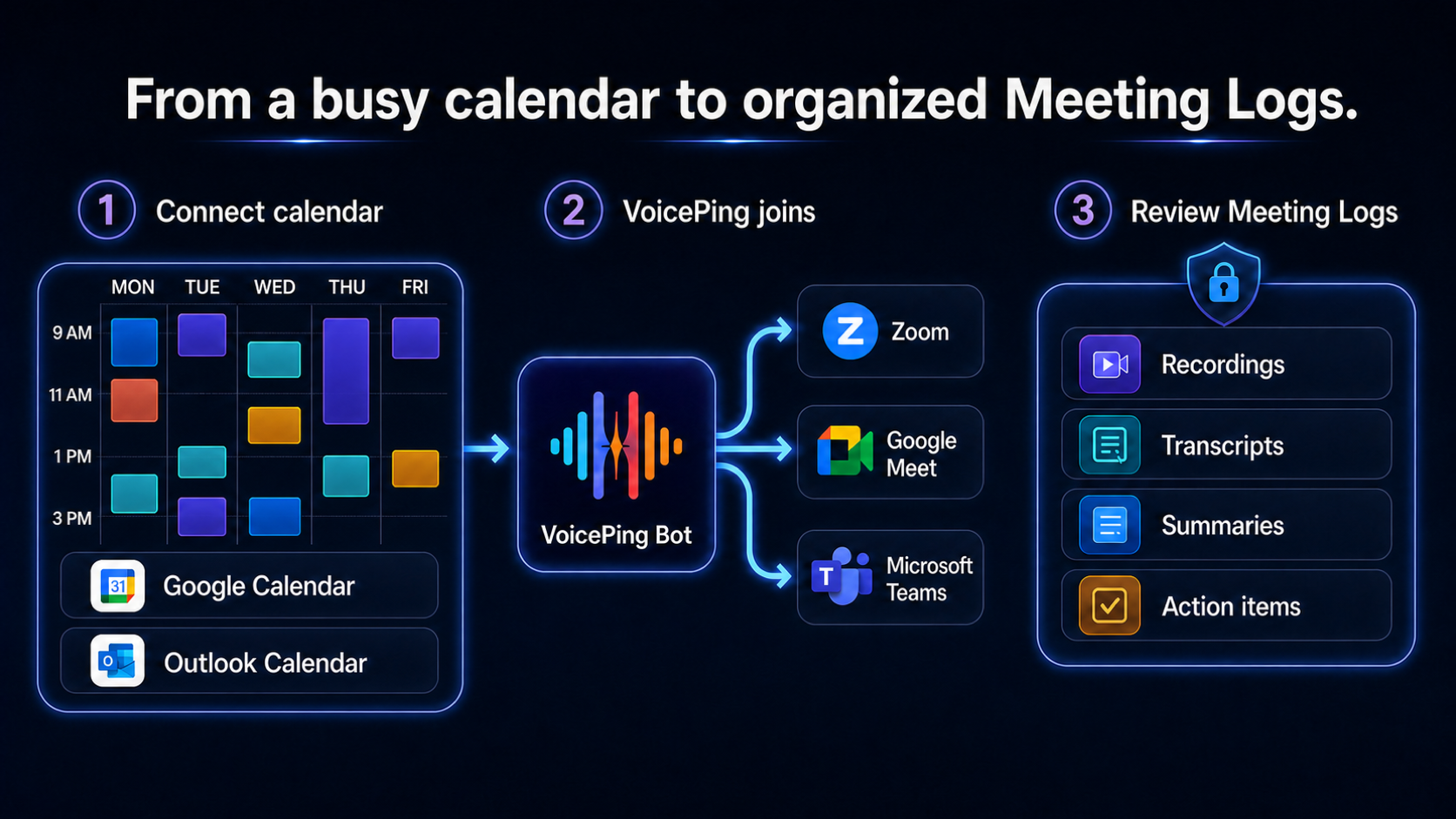
24.4%Get live transcription and translation for Zoom, Google Meet, and Microsoft Teams, then review the recording, AI summary, and action items. The host admits the named VoicePing bot; participants follow captions through its QR code or shared browser link. Check the processed notes before sharing or assigning work.


Meeting setup
Add a meeting manually, or connect Google Calendar or Outlook and choose when the bot should join. VoicePing joins supported calls when the host allows it and a bot slot is available. Once processing finishes, the recording, transcript, summary, and action items are together in Meeting Logs.
After the meeting
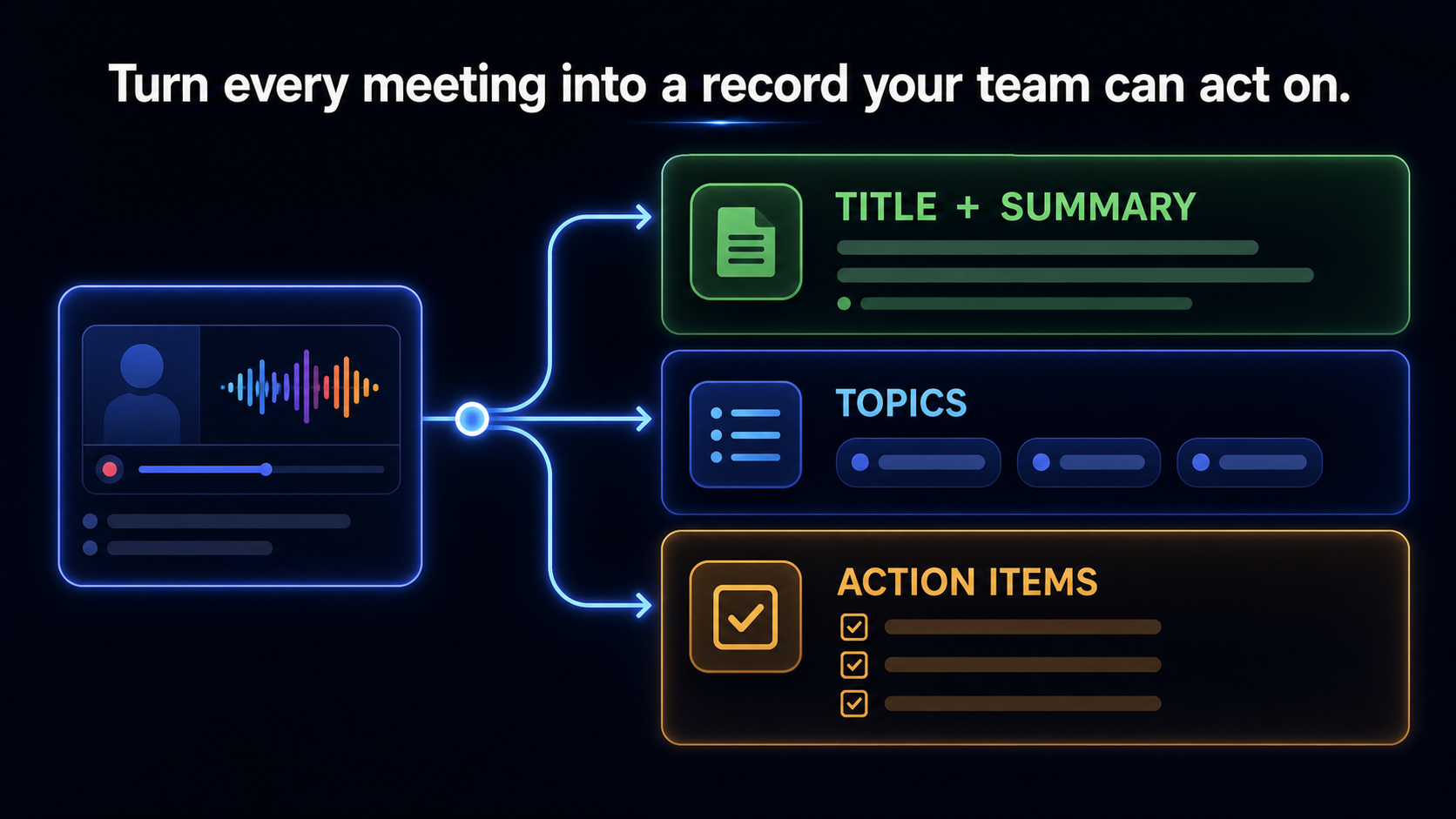
Review the summary alongside the transcript, with action items and owners where the conversation identifies them. Confirm the details with your team before assigning work or sending a follow-up.
Compare our results for transcription, English-to-Japanese translation, and identifying who spoke. Each benchmark explains the test conditions.
Average WER across 5 languages
5 languages · 5,000 clips · about 41 hours
VoicePing
19.3%
ElevenLabs
23.4%
Qwen3-ASR
24.4%Overall translation score
100 English sentences evaluated across 8 models
 DeepL
89.4
DeepL
89.4 Sakana AI
88.0
VoicePing
87.2
Sakana AI
88.0
VoicePing
87.2Diarization error rate
5 languages + multilingual audio · 42 files · about 10.5 hours
VoicePing
4.01% NVIDIA NeMo
6.64%
NVIDIA NeMo
6.64% pyannoteAI
8.55%
pyannoteAI
8.55%Note: VoicePing benchmark results. Accuracy may vary by audio quality, speakers, language, and environment.
Customer stories
See how VoicePing customers use transcripts and Meeting Logs to check details, prepare reports, and revisit multilingual discussions. Each story describes the customer's own setup.
 Meeting Logs → event reports
Kobe City
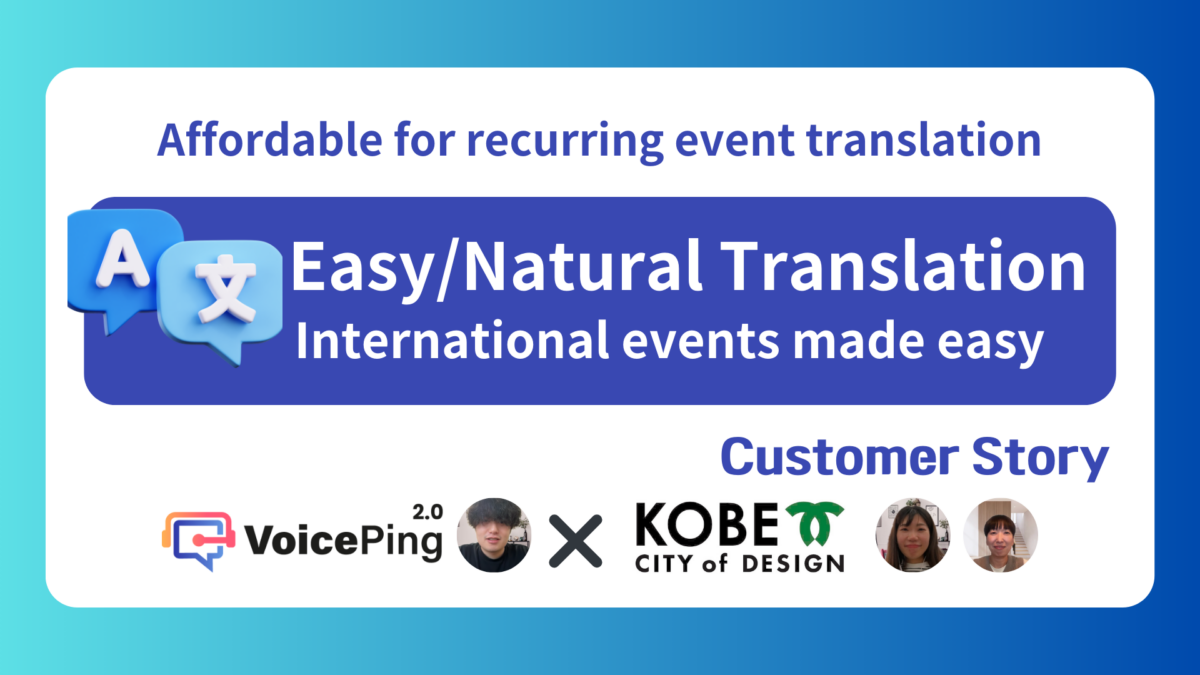
Kobe City’s startup-support team reviews AI summaries and meeting minutes, then uses Meeting Logs as reference material when preparing event reports.
Customer stories
The team said the ability to review summaries and meeting minutes is valuable when creating reports.
Kobe City customer interview
 Bilingual transcript review
Brave group
Japanese- and Korean-speaking teams use VoicePing transcripts as a shared text record after multilingual meetings.
Customer stories
Members said conversations became much easier when both sides could be seen in one app.
Brave group customer interview
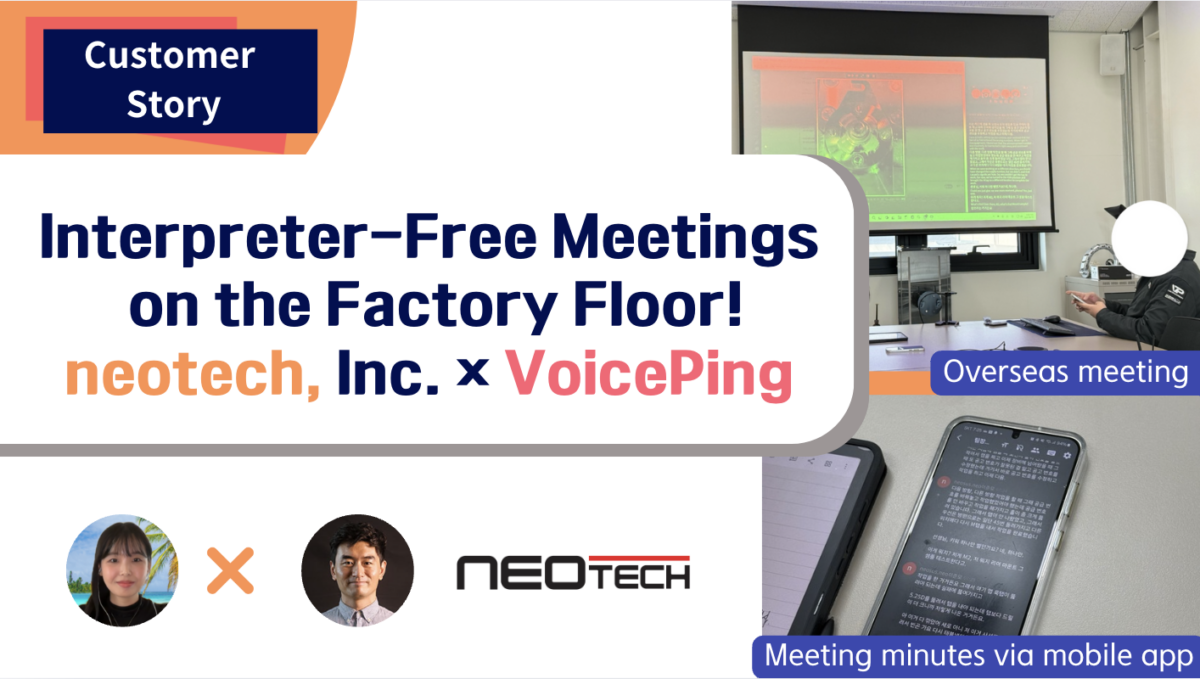 On-site meeting transcripts
Neotech
Neotech uses VoicePing for translation and to record transcripts during approximately ten-person on-site meetings.
Customer stories
The published story reports high satisfaction with VoicePing’s accuracy and speed in live production environments.
Neotech customer interview
Recording and access controls
VoicePing joins as a named participant, and the host controls admission. Organizers must tell attendees that the meeting will be recorded and processed. Access to the recording and how long it is kept depend on workspace settings and the plan.
Attendees can see the named VoicePing bot in the meeting.
VoicePing cannot bypass the waiting room or the host’s decision.
Follow the recording and consent rules that apply to your organization and location.
VoicePing maintains ISO/IEC 27001:2022 certification, BSI certificate IS 820960.
Customer data is not used to train VoicePing AI models.
ISO/IEC 27001:2022
BSI certificate IS 820960
Meeting Bot supports standard invitation links for Zoom, Google Meet, and Microsoft Teams. Not every URL format is supported.
Yes. Schedule the bot with a supported Teams invitation link, check that a bot slot is available, and have the host admit it if required. Your organization's bot policy still applies. Participants view VoicePing's transcript and translation in a separate browser page; Teams' built-in captions are unchanged.
No. VoicePing joins as a named participant and displays its transcript and translation on a separate browser page. It does not change the platform's built-in captions or a human interpreter's audio channel. Use a supported meeting link and check that the host can admit the bot.
Live captions help participants follow the conversation as it happens. After processing, you can review the transcript and AI summary in Meeting Logs. Treat the minutes as a draft: check names, decisions, and action owners before sharing. For a recording you already have, use File Transcribe.
The host or meeting platform may require admission. VoicePing cannot bypass a waiting room or a host’s decision. Before the meeting, check organization rules and available bot slots. If the bot does not join, check its Live or History status and the meeting invitation link.
Participants open the shared link or scan the bot's QR code to see live transcription and translation on a VoicePing browser page, separate from the meeting platform's captions.
No. A participant can open the shared browser listener without a VoicePing account. The organizer can add a listener password when required.
The Free Plan is free forever. It includes live translation, meeting capture, and basic meeting logs; 1 User (5 listeners); 90 mins/month; and Storage 500 MB per workspace. Plan features and limits can change, so check the pricing guide before you subscribe.
Try it in your next meeting
Start on the Free plan and schedule the bot for a meeting. Check that the host can admit it, follow the live captions, then review the record when processing is complete.
Free Forever · 90 mins/month · 1 User (5 listeners)