Live caption translation for international events
Translate your event
Help your audience follow talks, panels, and Q&A. Display translated captions on the venue screen, or let attendees scan a QR code to choose from the available caption and audio languages on their phones.

Presentation captions
Show slides and captions together
Show translated captions beneath the speaker's slides so attendees can read the translation and see the presentation together.

Unscripted discussions and Q&A
Switch between two languages
Set the two languages for the session. When speakers switch between them, VoicePing changes the translation direction automatically, so the operator can focus on the discussion.
- Designed for panels and live Q&A where speakers do not follow a fixed language order.

Translation on attendees' phones
Let attendees choose a language
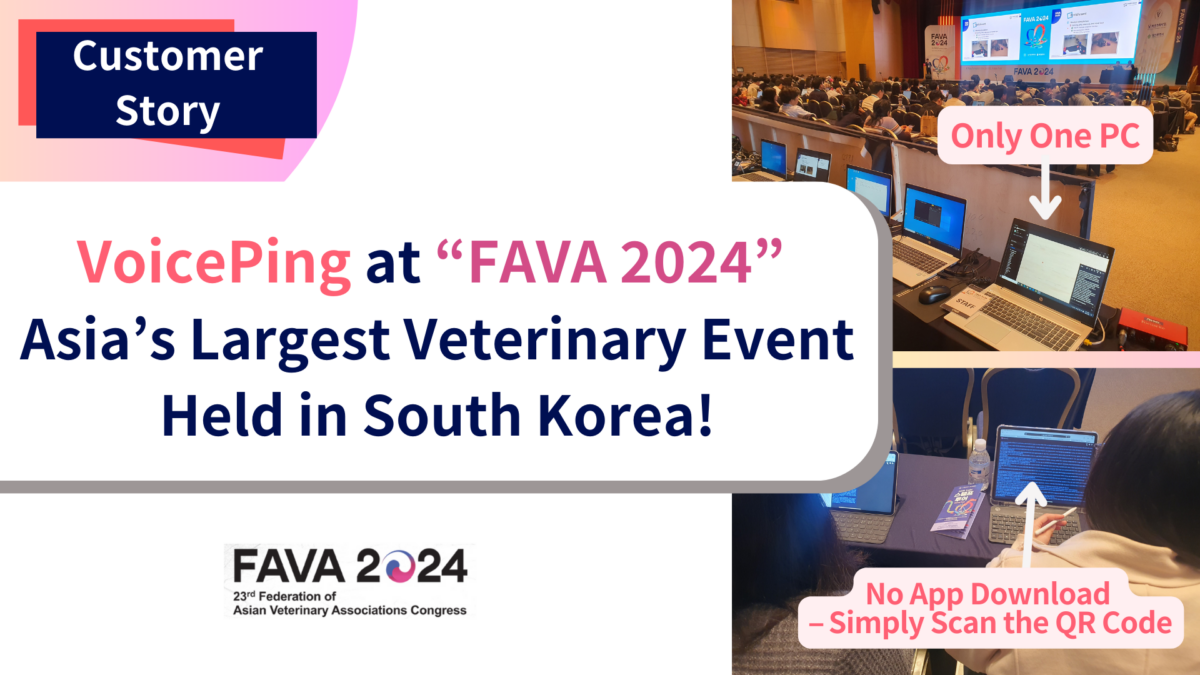
Attendees scan one event QR code, choose their preferred language from the event’s available options, and follow live captions in their browser—without installing an app or creating a VoicePing account.
- Works on mobile and desktop browsers.
- Listen to translated audio in supported languages on the same page.
- Protect listener access with event-room passwords and TLS 1.3 encryption for application and audio/video traffic.

Names and technical terms
Prepare names and terms
Add names, acronyms, product terms, and specialist vocabulary to the Workspace Dictionary before the event to help captions and translations use your preferred wording.
- Register pronunciations and common misrecognitions for difficult names and technical terms.
- Share one Workspace Dictionary across presenters, sessions, live captions, and transcripts.
Teams and event organizers
Organizations use VoicePing for multilingual meetings, conferences, and international collaboration.


Plans for your audience
Choose by attendee count, with optional remote or on-site support.
Event Plan
Prices are in USD and include tax.
Choose a plan based on the expected number of attendees who will use translation.
Included event features
Plan terms and discounts
A test period is available before contracting. Refunds are not available after the agreement is signed or for device-related issues.
The standard Event Plan includes account setup. Remote and on-site operational support are optional paid add-ons.
Qualifying events can save up to 30% by taking part in a customer interview after the event; eligibility is confirmed before booking.
Event Plan Premium
Prices are in USD and include tax.
Event Plan features plus operational support.
Support and travel terms
On-site pricing covers one support specialist; additional specialists are billed separately.
Rehearsals held on a different day are billed separately.
On-site support includes one service day in Tokyo, Chiba, Saitama, or Kanagawa; two days elsewhere in Japan; and at least three days outside Japan. Travel expenses are billed separately.
Event operations
Help with setup and event day
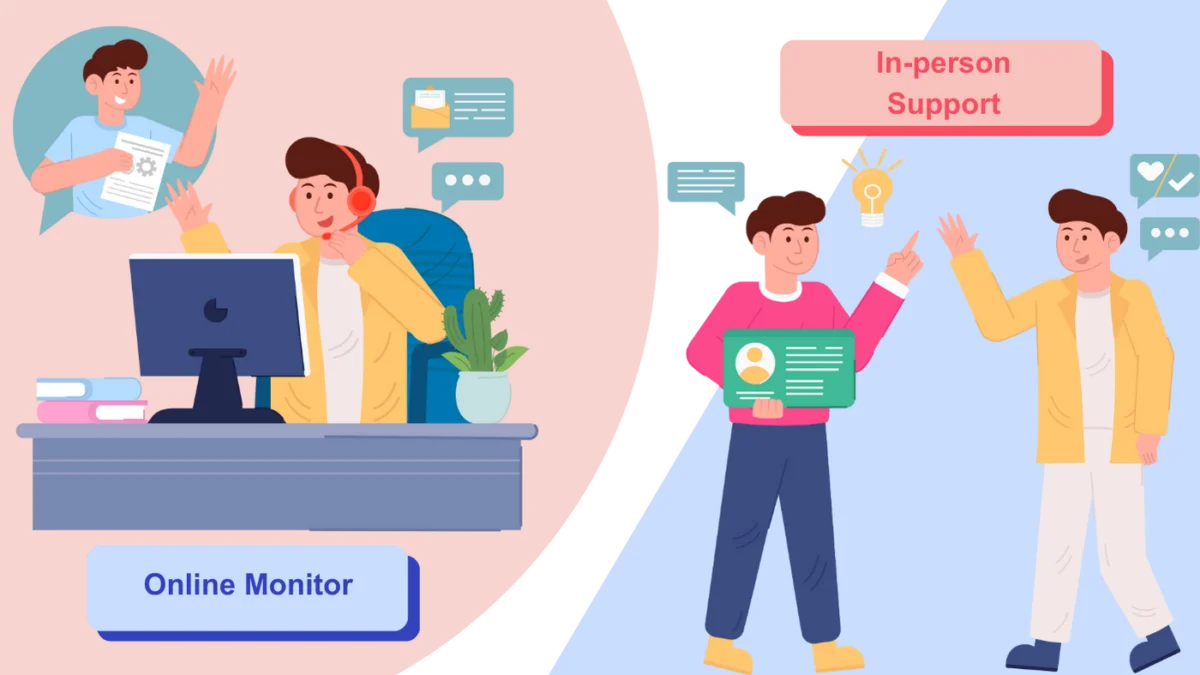
Choose remote or on-site support for setup, rehearsal, and event-day monitoring. Our team can help prepare languages, QR codes, and terminology for your sessions.
- Online demos and setup guidance
- Setup for online and in-person events
- Remote monitoring during the event
Event planning FAQ
Event translation questions
Find out how attendees join, what your venue needs, and which support options are available.
Do attendees need to install an app or create an account?
No. Attendees open the event link or scan its QR code, choose a language, and follow captions and supported audio in their browser.
Which languages are supported for captions and audio?
VoicePing currently supports 46 speech-recognition locales, 60 translated-caption target languages, 43 translated-audio languages, and 16 bilingual auto-detect languages.
Can access to an event be restricted?
Yes. Event rooms can use password protection so organizers can control who joins the attendee experience.
How many attendees, rooms, or sessions can VoicePing support at the same time?
Capacity depends on attendee connections, simultaneous rooms or sessions, selected languages, and whether you need translated audio. Include these details when requesting a quote so our team can confirm the setup for your event.
What equipment and internet connections are required for the venue and attendees?
VoicePing needs a clean audio feed from the presenter microphone or venue mixer and a stable venue connection for the translation session. Attendees need a stable internet connection on their devices for live captions and supported audio in the browser. Required capacity depends on attendee count, concurrent rooms, and whether translated audio is enabled, so validate the network during pre-event setup and rehearsal.
What operational support is available?
The standard Event Plan includes account setup. Paid remote and on-site options can cover pre-event setup, monitoring, terminology preparation, exports, and equipment rental.
What is available after the event?
Depending on your event setup, you can keep transcripts and AI summaries, record and replay sessions, review usage for managed sessions, and export event data as CSV.
Customer stories
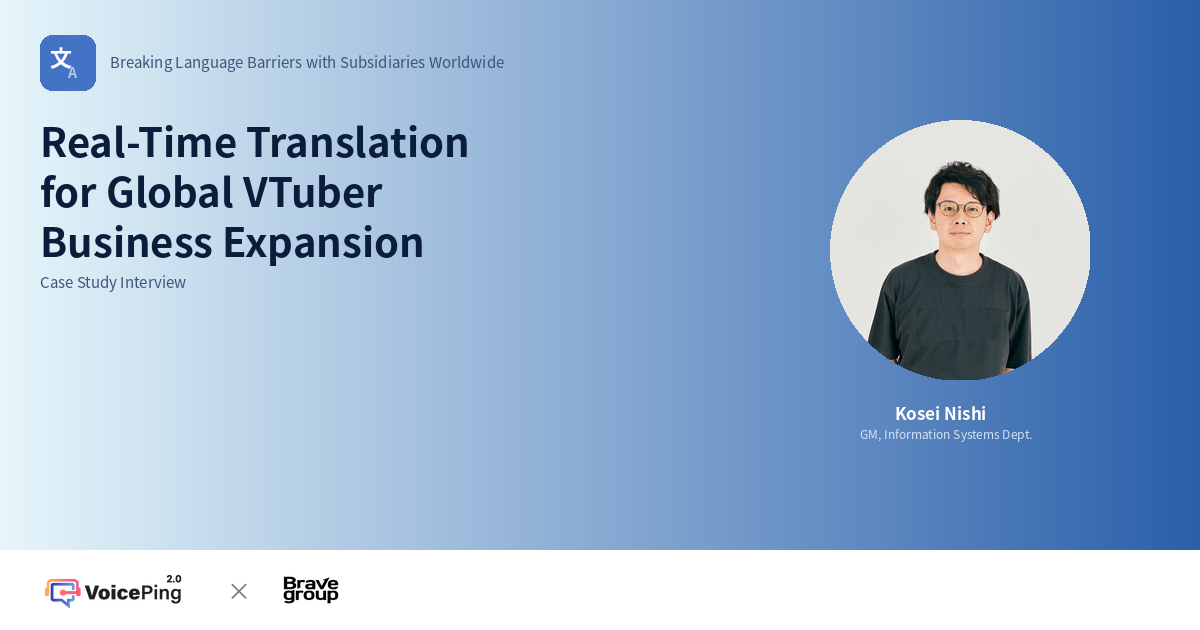
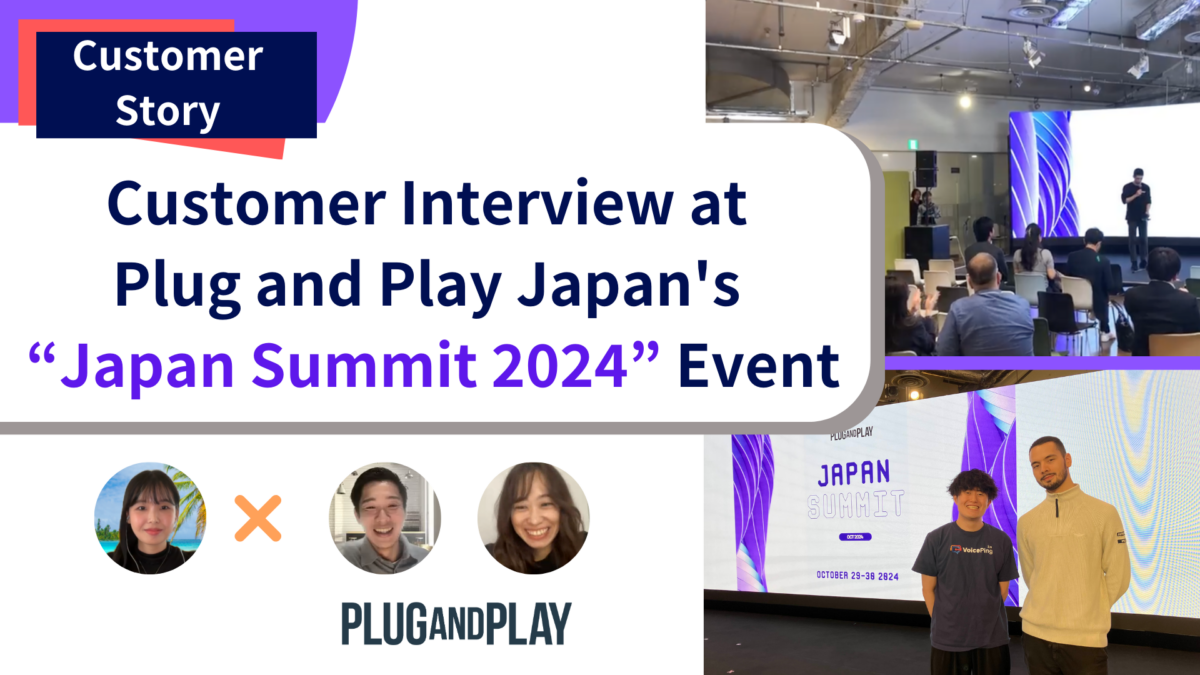
See how teams use VoicePing at conferences, summits, and international business events.
Plan your next event
Tell us your languages, audience size, and venue setup. We'll help you test the attendee experience and choose the support you need.