In this article
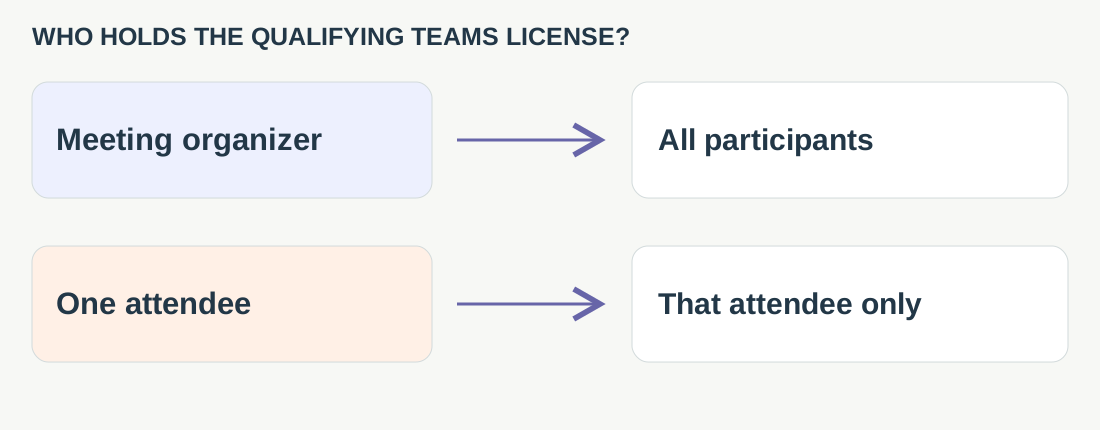
Start with the person who organizes the meeting, not the number of people attending. In Teams, a qualifying organizer can extend translated captions to everyone, while a qualifying attendee’s license benefits only that attendee. Zoom and Meet have their own eligibility rules.
This guide covers scheduled meetings, with three service profiles in the same order as the comparison tables. VoicePing publishes it. Documentation and prices were checked on September 19, 2026; we did not run a licensed-tenant comparison. Product screenshots show public reference pages, not guest-access test results.
Where access comes from
| Service | Where to check access |
|---|---|
| 1. Microsoft Teams | Check the organizer's qualifying license. A license held only by an attendee does not cover everyone. |
| 2. Zoom | Check the host's eligible plan or assigned caption add-on, enabled settings and language pairs. |
| 3. Google Meet | Check the eligible Workspace edition, then verify the external guest's client and access. |
The service sections below link to each platform’s current eligibility and setup guides. A purchase alone does not confirm that a supplier can use the feature: administrator policy, meeting role and the client used to join still matter.
Three services, step by step
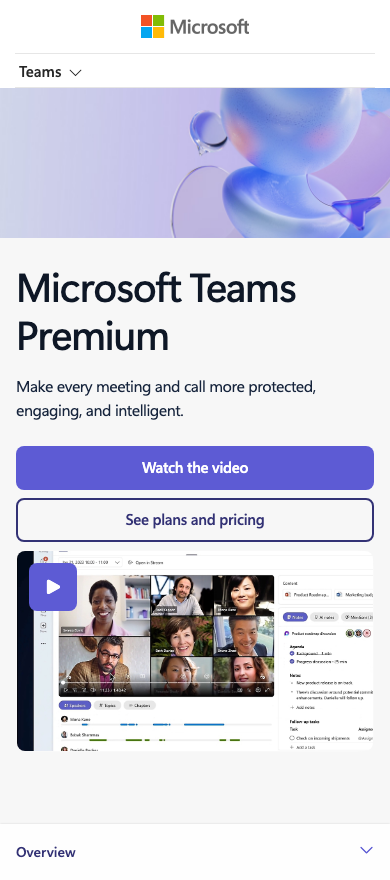
1. Microsoft Teams: check the organizer first
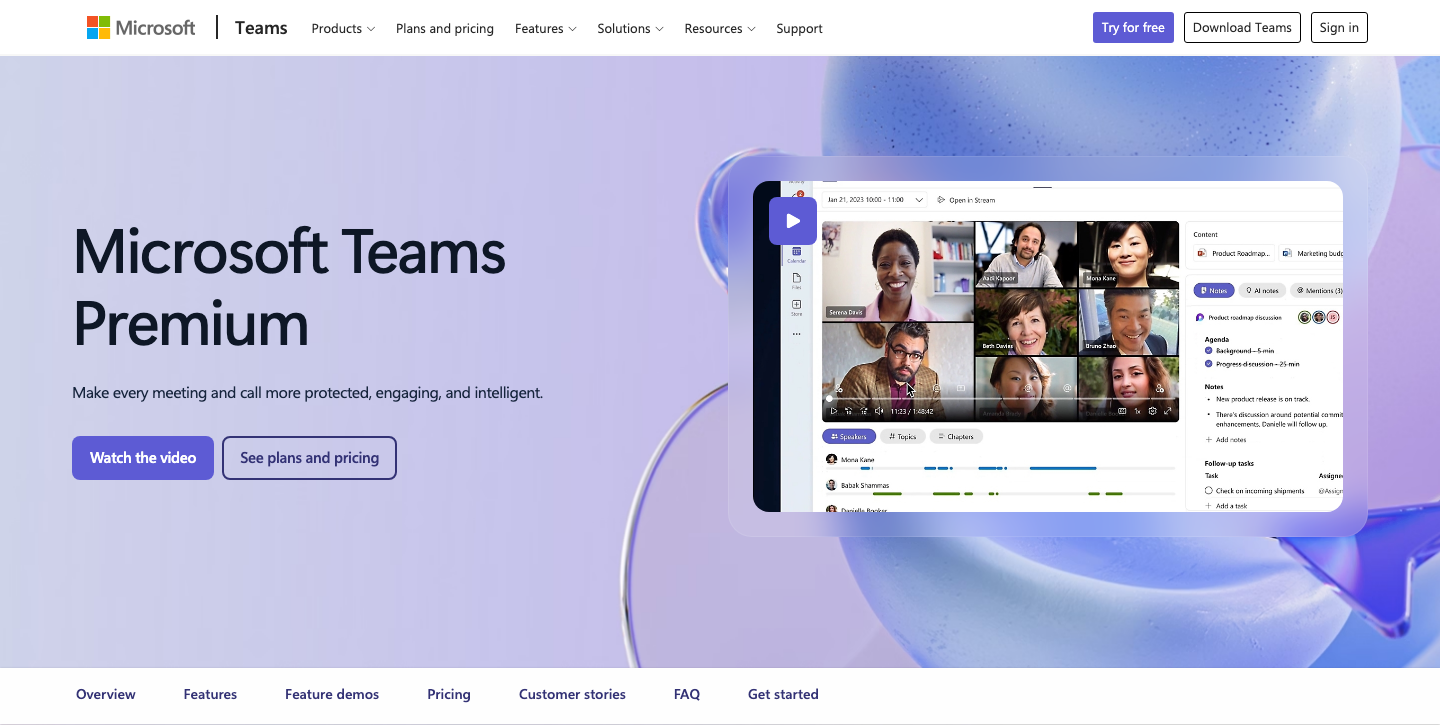
Official product page · Enlarge desktop screenshot · Enlarge mobile screenshot
Best fit: a team already using Microsoft 365 that can control who organizes supplier meetings. Watch out: a successful test by one licensed employee does not prove that other attendees have the same access.
- Check whether the organizer has Teams Premium or a qualifying Microsoft 365 Copilot license. That can cover all participants. If only an attendee has one, only that person gets the translation option.
- In the meeting, turn on live captions under Language and speech, then open caption language settings. Set the spoken language and the translation target correctly.
- Repeat the check as the external guest. Teams does not save captions; test transcription separately if you need a record. Microsoft’s live-caption guide
Teams Premium also requires an Office 365 or Microsoft 365 subscription and a Teams license. Check existing entitlements before adding it. A delegate scheduling for a licensed organizer does not need a separate Premium license for organizer-based features. Microsoft’s licensing requirements
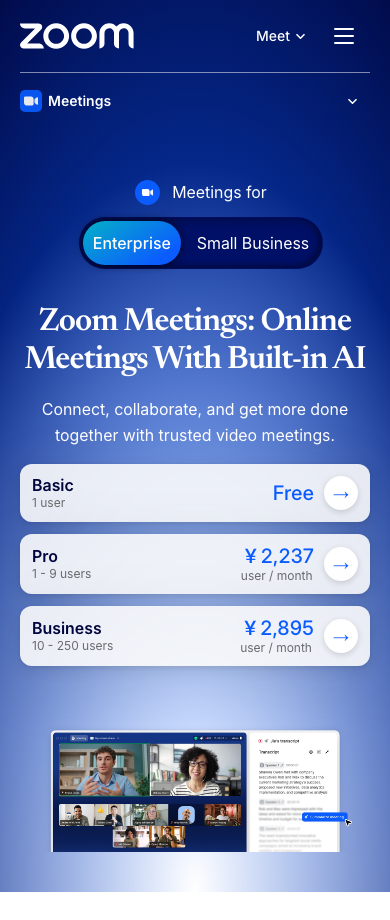
2. Zoom: verify the host plan and language pairs
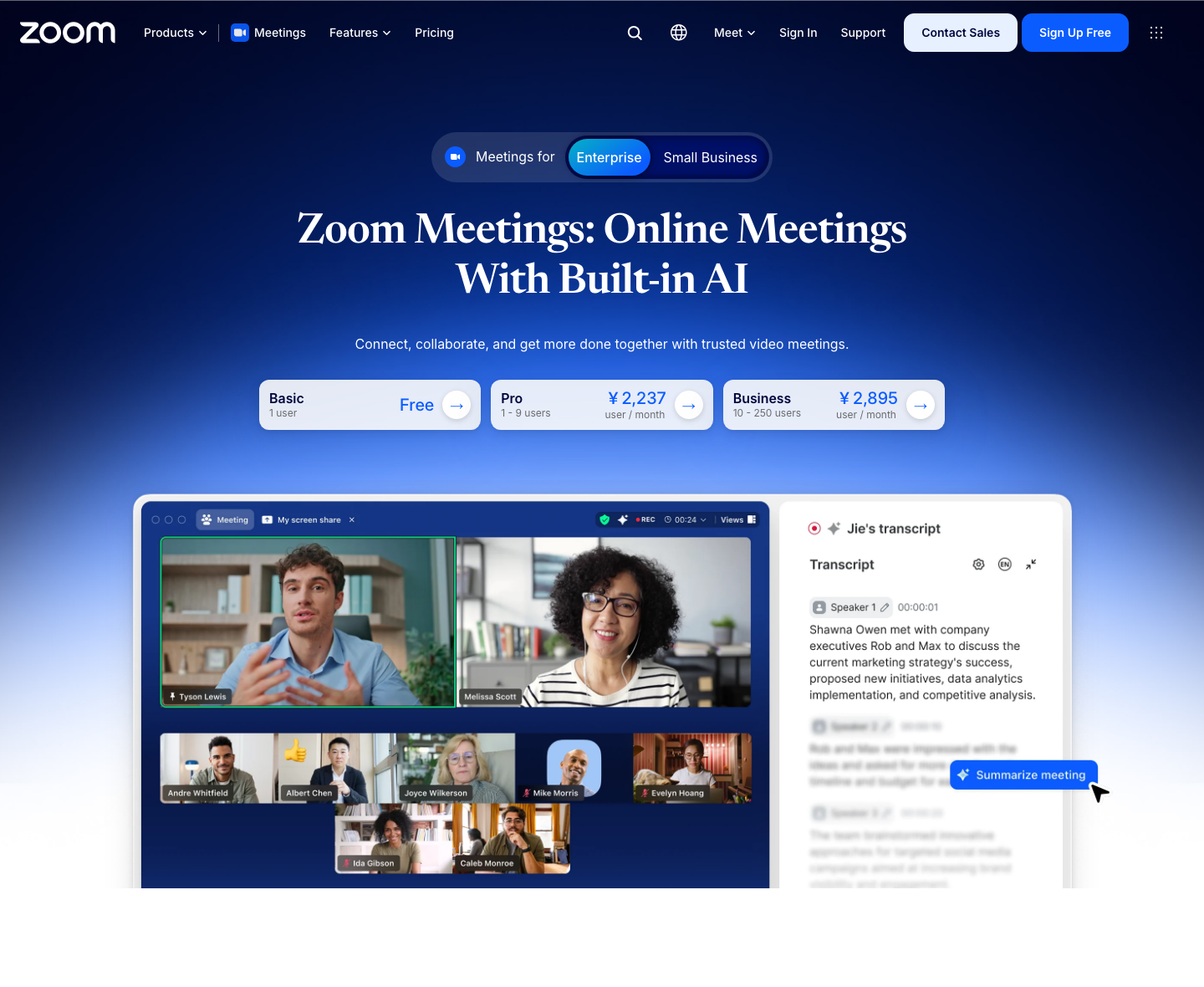
Official product page · Enlarge desktop screenshot · Enlarge mobile screenshot
Best fit: supplier calls that already run in Zoom, with an eligible host. Watch out: paid Zoom access by itself does not establish caption-translation eligibility.
- Verify Workplace Business Plus, Enterprise Essentials, Enterprise Plus or Enterprise Premier, or a Translated Captions add-on assigned to the host.
- Enable automated captions and translated captions in meeting settings. If an administrator locks the setting, ask them to configure it. Check the exact supported speaking-to-caption language pairs, including the reply direction. Zoom’s configuration guide
- Join as the guest and select the desired caption language. Each participant can choose independently. The viewer guide lists Windows, macOS and the Zoom web app; do not assume the same experience in a phone app. Zoom’s participant guide
Keep speaking language and caption language separate in your test notes. One identifies the speech being recognized; the other controls the text a participant reads. Test a supplier’s reply, not just a one-way presentation.
3. Google Meet: confirm the Workspace edition
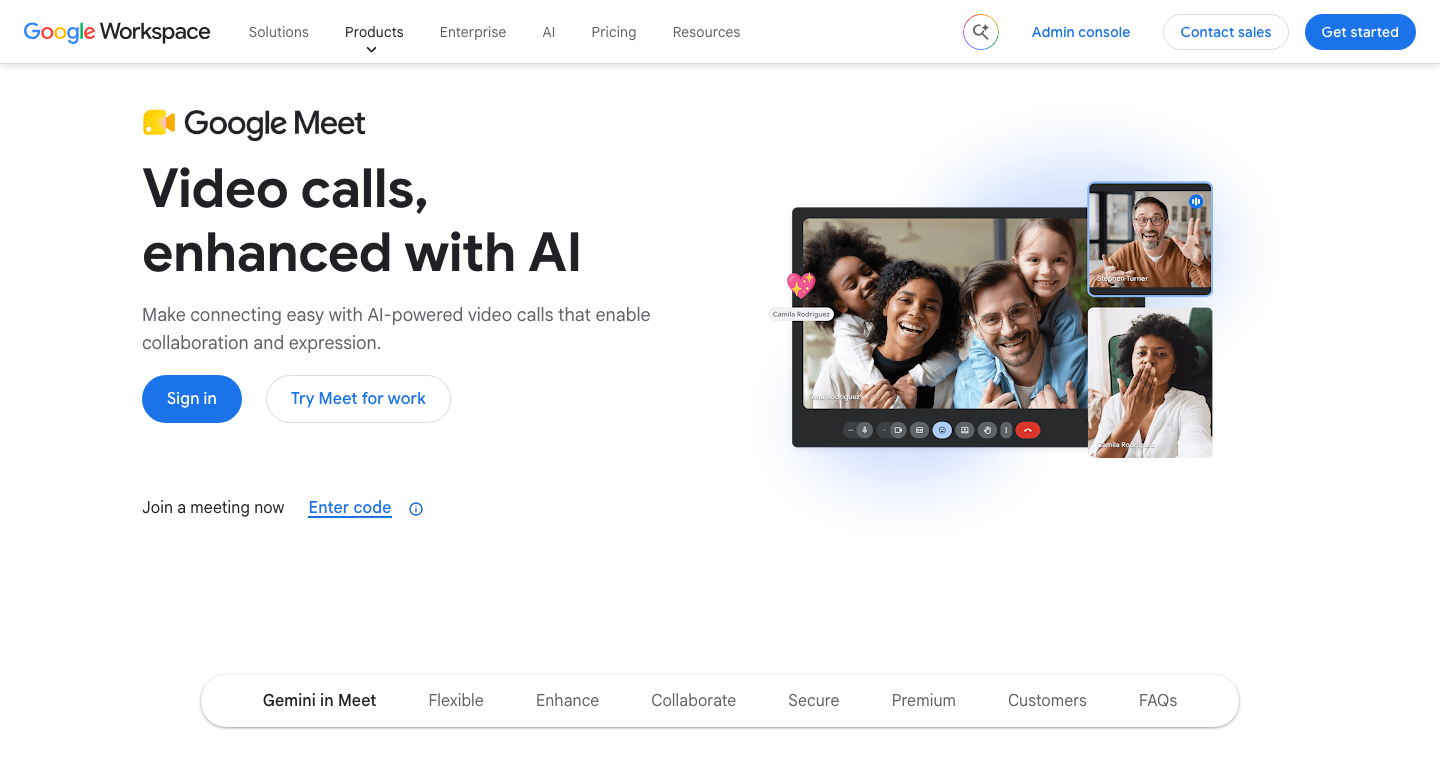
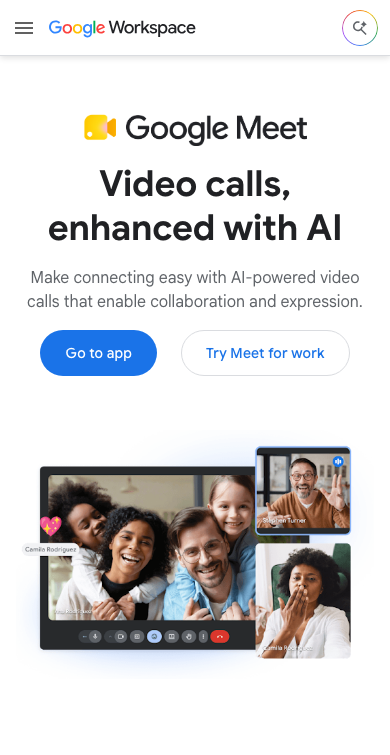
Official product page · Enlarge desktop screenshot · Enlarge mobile screenshot
Best fit: an organization already paying for a qualifying Workspace edition. Watch out: a free Google account or Business Starter is not evidence of translated-caption eligibility.
- Check the current list: Business Standard, Business Plus, Enterprise Standard, Enterprise Plus, or Google AI Pro for Education. The old Enterprise Starter exception ended in June 2025.
- On a computer, open More options → Settings → Captions. Set the meeting language, enable translated captions and choose the target.
- Verify the external guest’s actual account and client. Google’s availability page does not settle every guest path, and language availability can roll out gradually. Google’s translated-caption guide
For a recurring supplier call, save the verified organizer account, meeting link and joining instructions together. If someone else sends the next invitation, repeat the access check rather than carrying over the previous result.
Prices, billing units and trials
These are US-dollar reference prices, not a quote for your organization. Compare the added cost over licenses you already own. Exclude temporary promotions from a recurring budget, and confirm taxes, currency and contract terms at purchase.
| Service / route | Price | Billing unit | Trial / free access |
|---|---|---|---|
| 1. Teams Premium | US$10 per month, paid yearly Official pricing | Per licensed user. Required Microsoft 365/Office 365 and Teams licenses are additional. | Public purchase page: one-month trial, credit card required; converts to a paid annual subscription unless canceled. |
| 2. Zoom caption access | Sales quote Current purchase guidance | Eligible host plan or assigned caption add-on. Confirm the base plan and term in the quote. | Do not treat a free Basic meeting as a translated-caption trial. Confirm evaluation access with sales. |
| 3. Workspace Business Standard | US$14 per month on annual commitment US$16.80 per month on Flexible Plan Billing comparison | Per Workspace user, not per caption-reading guest. Annual commitment remains even with monthly invoices. | 14-day Workspace trial. Confirm eligible edition and guest access before the trial ends. Official pricing |
Microsoft’s public purchase trial differs from its documented 30-day admin trial and 60-day self-service trial. Check the route offered to your tenant; do not assume identical payment or renewal terms. Microsoft’s trial guidance
Zoom’s February 2024 introduction advertised a $5 add-on. That historical price is not a current quote. Google’s US pricing excludes tax; its Flexible Plan allows monthly changes, while annual commitments constrain when purchased license counts can be reduced. Workspace pricing · Billing terms
Four organizers, thirty employees
Consider a fictional team with thirty staff and four people who organize recurring Teams supplier calls. First inventory those four organizers’ existing entitlements. If all four need Premium and already have the required base licenses, the add-on reference cost is 4 × US$10 × 12 = US$480 per year, equivalent to US$40 per month. This excludes base subscriptions and any applicable taxes.
If some organizers already qualify, quote only the missing licenses after testing guest access. Staff headcount alone does not tell procurement how many caption add-ons to order. Do not apply this calculation to every Workspace account or to unrelated Teams Premium features.
Supplier-created invitations and substitute organizers need separate checks. Download the organizer-and-guest worksheet to record the exact license, role, client and result. Its sample recommendation is fictional, with untested access explicitly marked pending.
Test the invitation you will send
Use the real organizer account, meeting type and supplier’s expected client. Check three things:
- Access: can the guest find and enable translated captions? Repeat for the internal attendee and phone user if both will attend.
- Exchange: can each side follow the presentation and the reply? Include a product name, a number and a corrected deadline. Record who changes the spoken-language setting.
- Follow-up: can the intended reviewer reopen the required record, in the required languages, with the right permissions?
Live text, spoken translation and a retained translated transcript are different requirements. Record which one you actually need before comparing another subscription.
Keep native captions when they cover the exchange and a separate action sheet is sufficient. If licensing or policy is the obstacle, change it and retest. If cross-platform translation or retained records remain a gap, use that requirement to evaluate the meeting-assistant comparison .