In this article
Engineering moves a document-revision field from the upper-right panel to the left navigation. The English lesson is fixed. The Japanese subtitle, narration and distributor’s downloaded video still point learners to the old location.
Track the source change into every language output and delivery destination. Approval of a new file is only one part of keeping training current.
Follow the revision to the learner
In this fictional release, engineering approves DEMO-DOCUMENT-01 Rev 3 on September 7, 2026. The revised shot, Japanese speech and subtitles must all indicate the left navigation panel. The instruction to ask the document owner about a mismatch remains unchanged.
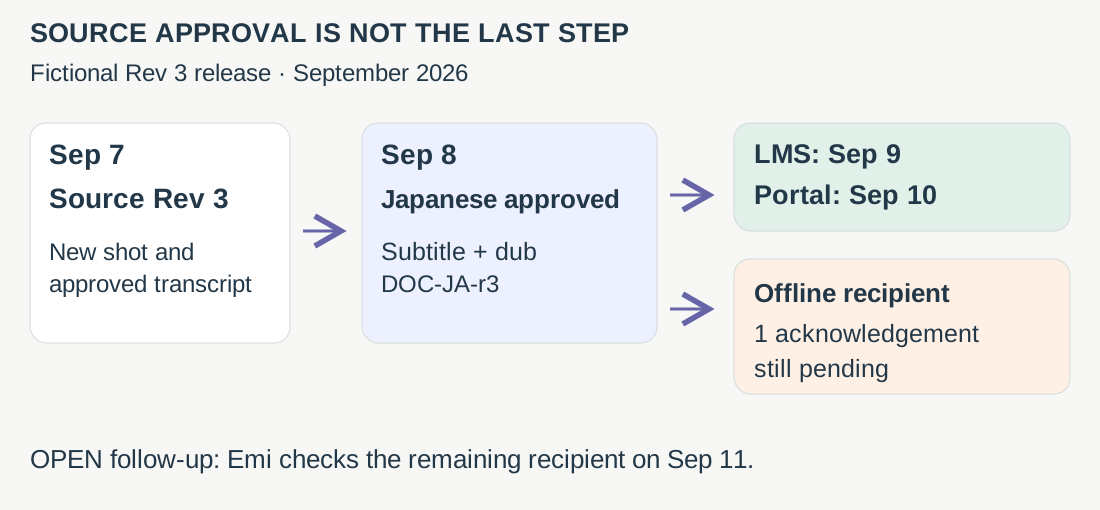
The release register connects each delivered file to its source version, reviewer and replacement evidence.
Ask a learner to locate the revision in the delivered lesson and name whom to contact if it differs. An answer using the old panel sends the reviewer back to the actual file or player the learner received.
Buy the publishing model that fits the library
| Option | Publishing model and update obligation |
|---|---|
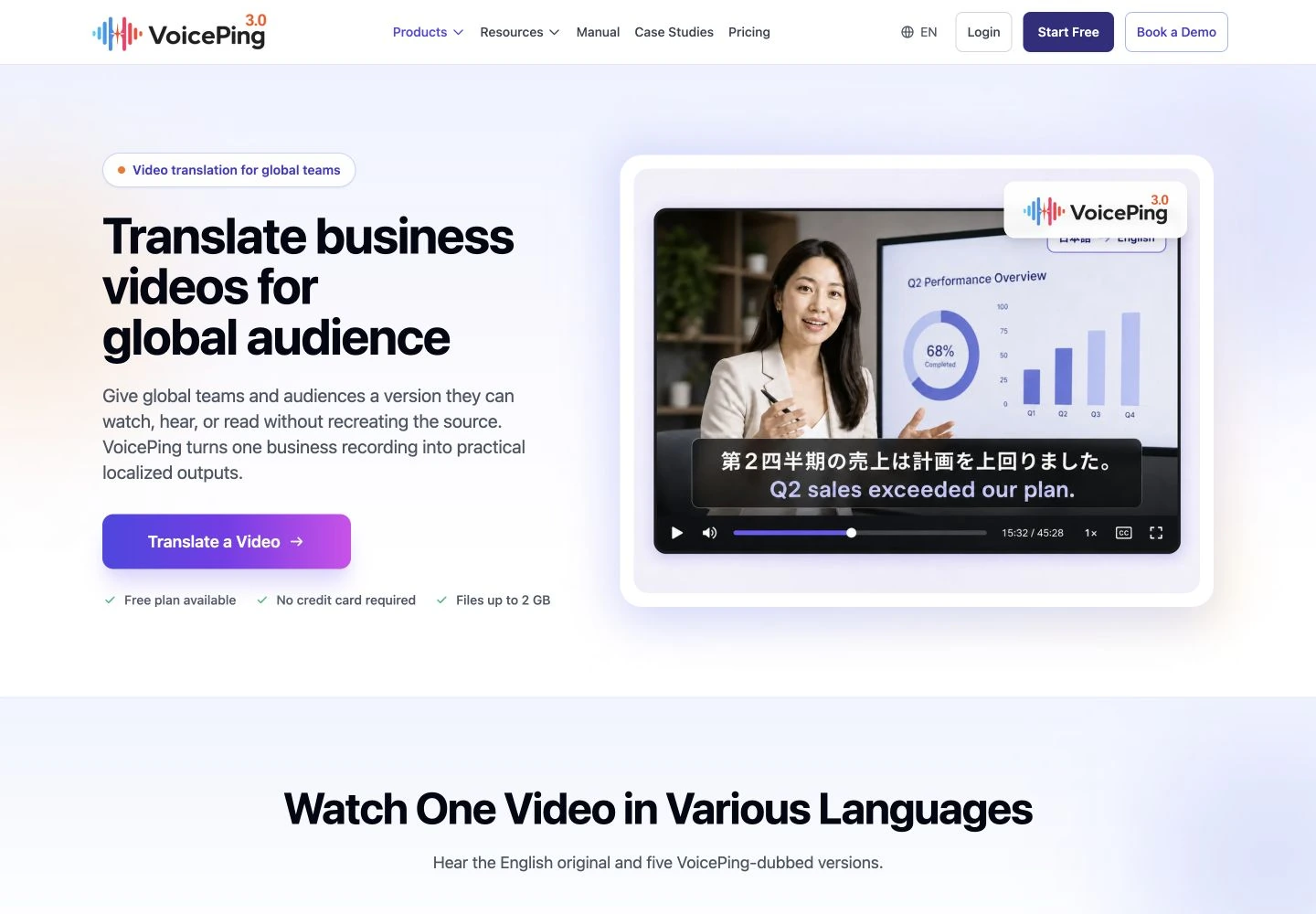
| VoicePing File Transcribe | Existing recordings → transcripts, subtitles or dubbed output. Verify the repair route and assign file replacement; no native LMS publishing is established. |
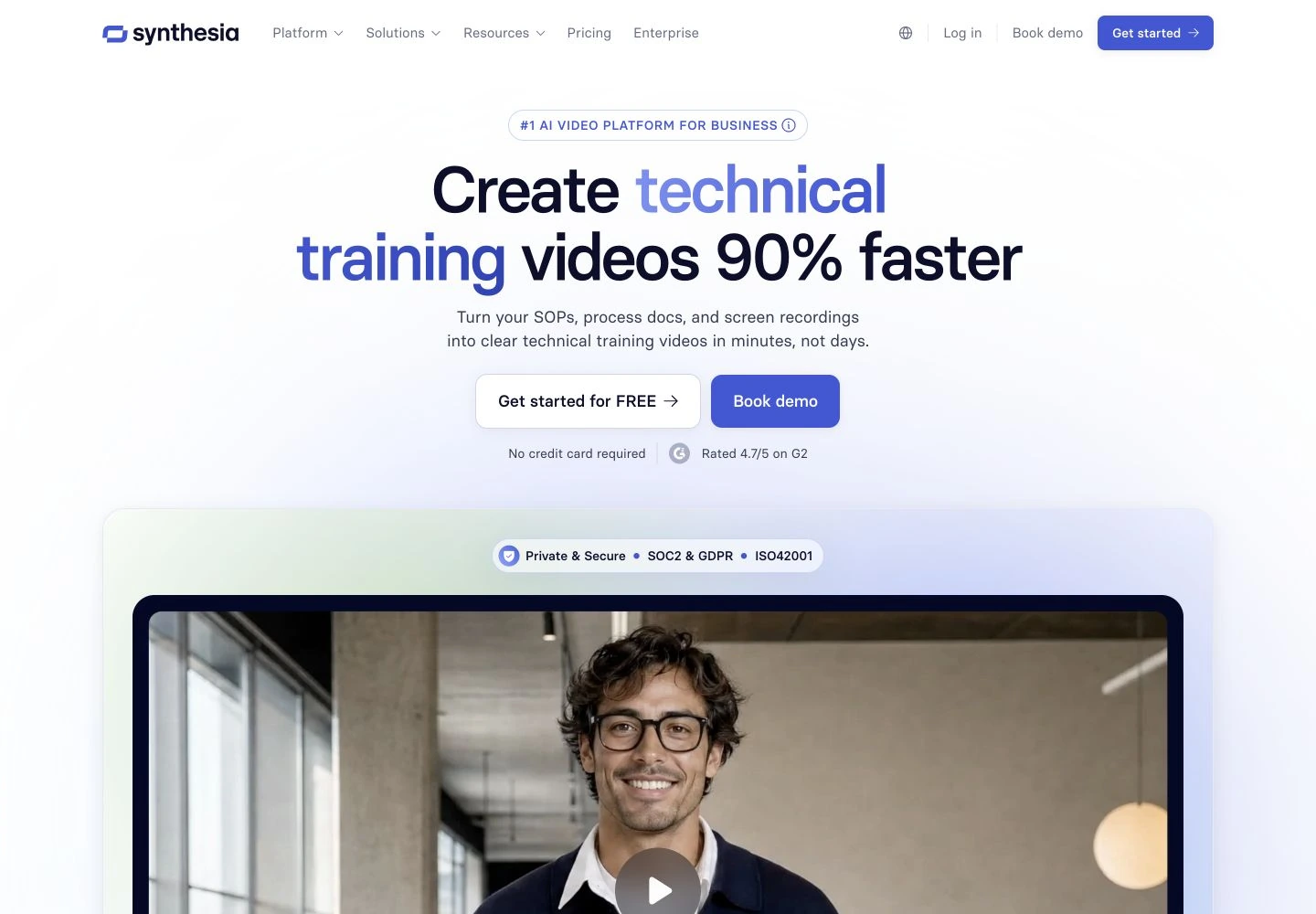
| Synthesia | Hosted video: reshare the selected revision to make it live. Downloaded MP4s still need replacement. |
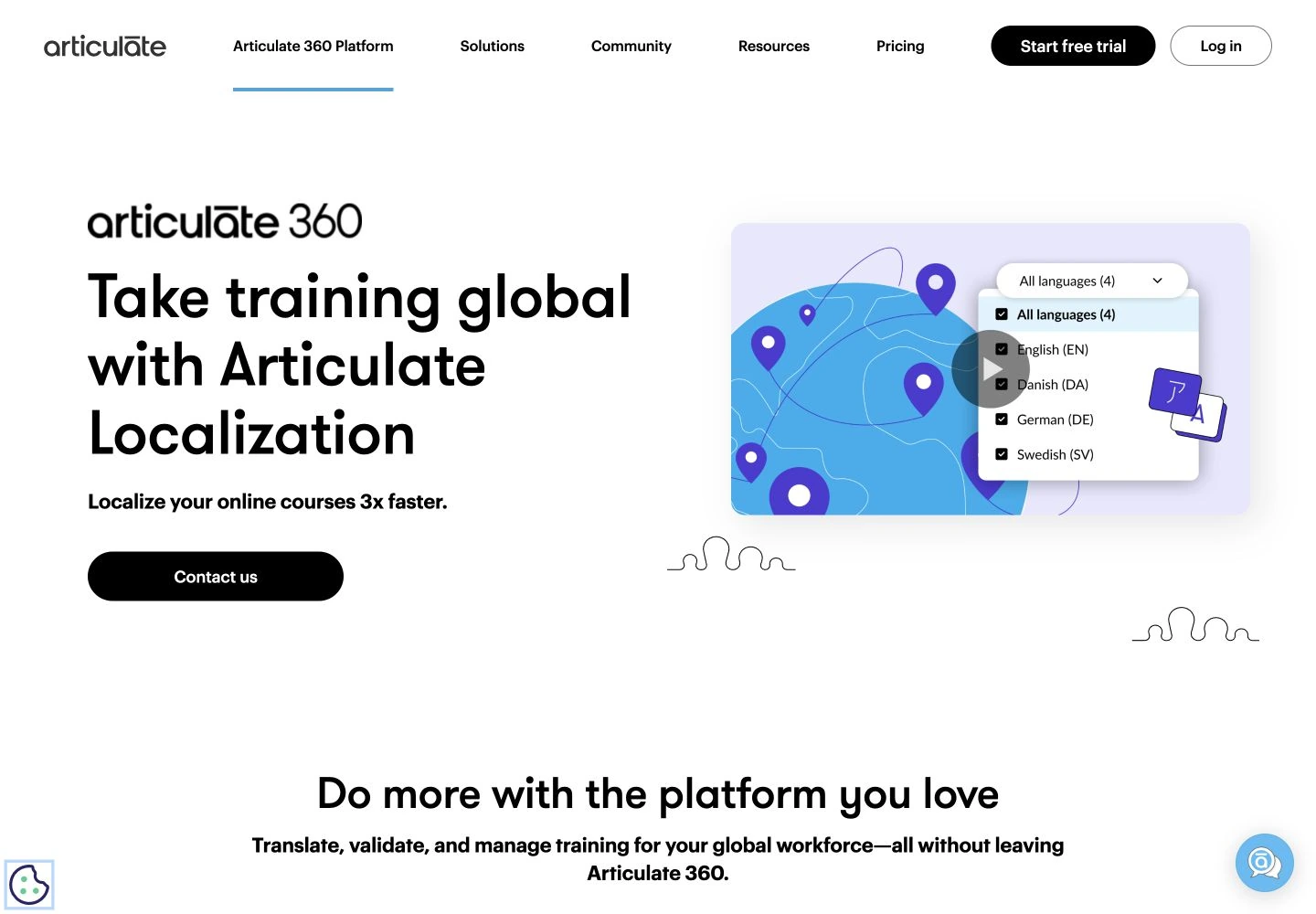
| Articulate Localization | Complete Rise/Storyline courses, including text, questions and media. Validate affected languages and the required publishing/export path. |
Sources: VoicePing manual , Synthesia publishing , Articulate Localization .
Synthesia’s SCORM export requires Enterprise and loads its hosted player. A fully self-contained offline SCORM package is not a standard feature. SCORM describes a learning-system package/interface; the label alone does not tell you whether video is embedded or fetched online.
Select subtitles when learners can read while following the visual. Dubbing can keep their eyes on a moving demonstration, but the spoken reference must stay aligned with the relevant shot. For a course, test navigation, questions and feedback in the delivered language, including whether the LMS records completion. Captions may need speaker and non-speech information for accessibility. W3C guidance .
Evaluate one planned source correction before committing the library. Have technical and language reviewers approve the revised package, then check a real test destination from the learner’s view. Record its source version, release owner and replacement evidence. Use the dubbing correction comparison for the editor’s repair controls.
VoicePing publishes this guide. Documentation reviewed September 6, 2026; all release records are fictional.
Sources and service screenshots (3)
Public reference pages captured September 6, 2026.