In this article
Start with the communication tools you already pay for. A team that has the right Microsoft 365 or Google Workspace license may be able to consolidate chat. A team that depends on Slack’s history, external channels and integrations may get better value by keeping it. Adding a virtual office makes sense when quick conversations are the missing piece; the extra subscription must earn its place.
This guide compares five chat services and three virtual offices, including Slack as the baseline. VoicePing publishes this article and appears first. The numbers are an introduction order, not measured performance rankings. Prices and public specifications were checked on September 18, 2026; no account-based performance benchmark is claimed.
Compare prices and billing units
These plans cover different jobs. Per-user, per-team and per-space prices are not interchangeable. USD prices are from the English pages; LINE WORKS uses its Japan price in JPY. Temporary discounts are excluded. Annual rates require a commitment, even when presented as a monthly equivalent.
| Tool and plan | Published rate | Billing scope |
|---|---|---|
| 1. VoicePing Virtual Office Small VoicePing pricing | US$126.50 / month US$82.50 / month annually | 15 accounts per workspace. Translation-plan alternative below. |
| 2. Slack Pro Slack pricing | US$8.75 / user / month US$7.25 / user / month annually | Paid users; Free has history and app limits. |
| 3. Microsoft Teams Essentials Microsoft Teams pricing | US$4 / user / month Paid yearly: US$48 / user | Confirm edition and channel features before migration. |
| 4. Google Chat Workspace Business Starter Google Chat pricing | US$8.40 / user / month US$7 / user / month annually | Workspace bundle; annual license commitment. |
| 5. LINE WORKS Standard · Japan LINE WORKS pricing | JPY540 / user / month JPY450 / user / month annually | Japan contract; email and Drive vary by plan. |
| 6. Chatwork Standard · English Chatwork pricing | US$8.40 / user / month US$7 / user / month annually | Purchased licenses; Free has 40-day visibility. |
| 7. Tandem Small Teams Tandem pricing | US$64 / month US$599 / year | 10 members; extra members cost more. |
| 8. ovice Entry-S ovice pricing | US$78 / month US$65 / month annually | One space; recommended 10 users, maximum 50 simultaneous. |
VoicePing’s listed prices include tax; Google Workspace, Chatwork and ovice list tax separately. LINE WORKS’ standard-plan announcement identifies its prices as tax-exclusive; confirm the current local invoice. Tax treatment for Slack, Microsoft and Tandem depends on the quote and billing location and was not normalized here. Do not compare the JPY row with USD rows without a dated exchange rate and matching tax assumptions.
Eight tools, one service at a time
1. VoicePing
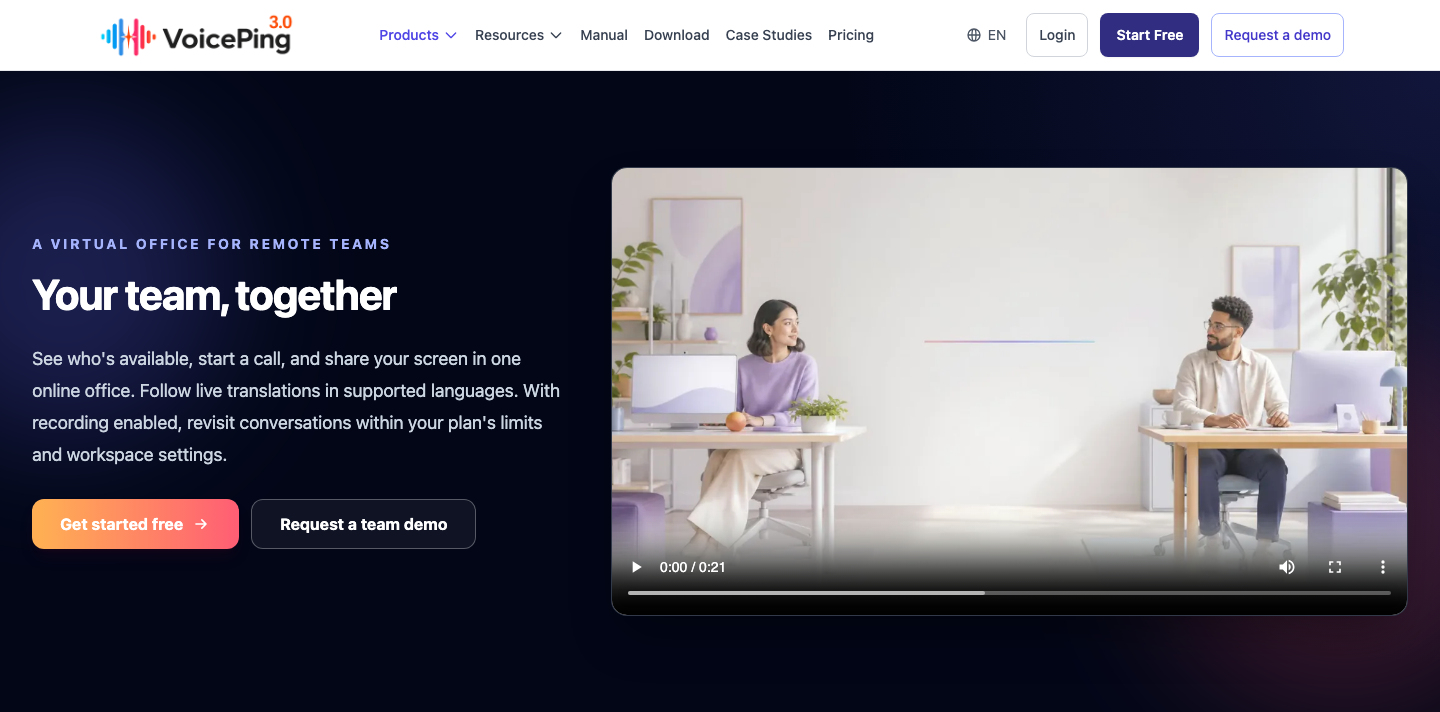
VoicePing Virtual Office brings availability, calls, screen sharing and optional live translation into a shared workspace. It is useful when a remote team needs a quick way to ask for help while keeping written decisions in its chat or project system.
Strength: You can combine a visible team space with multilingual conversation. Agree on focus status, invitation rules and recording permissions before rollout; being online should not mean being constantly interruptible.
Trade-off: This is not a migration tool for Slack’s historical messages or app workflows. The dedicated Virtual Office & Time Tracking Small plan covers 15 accounts at the rate in the table. Voice-translation plans also include virtual office features: Small 450 offers 15 accounts and 450 shared translation minutes for US$63 monthly or US$41.25/month on an annual plan. Compare those options rather than buying both. Free has one account; Small has no time-limited trial, while Premium offers one week. Current plan details
2. Slack
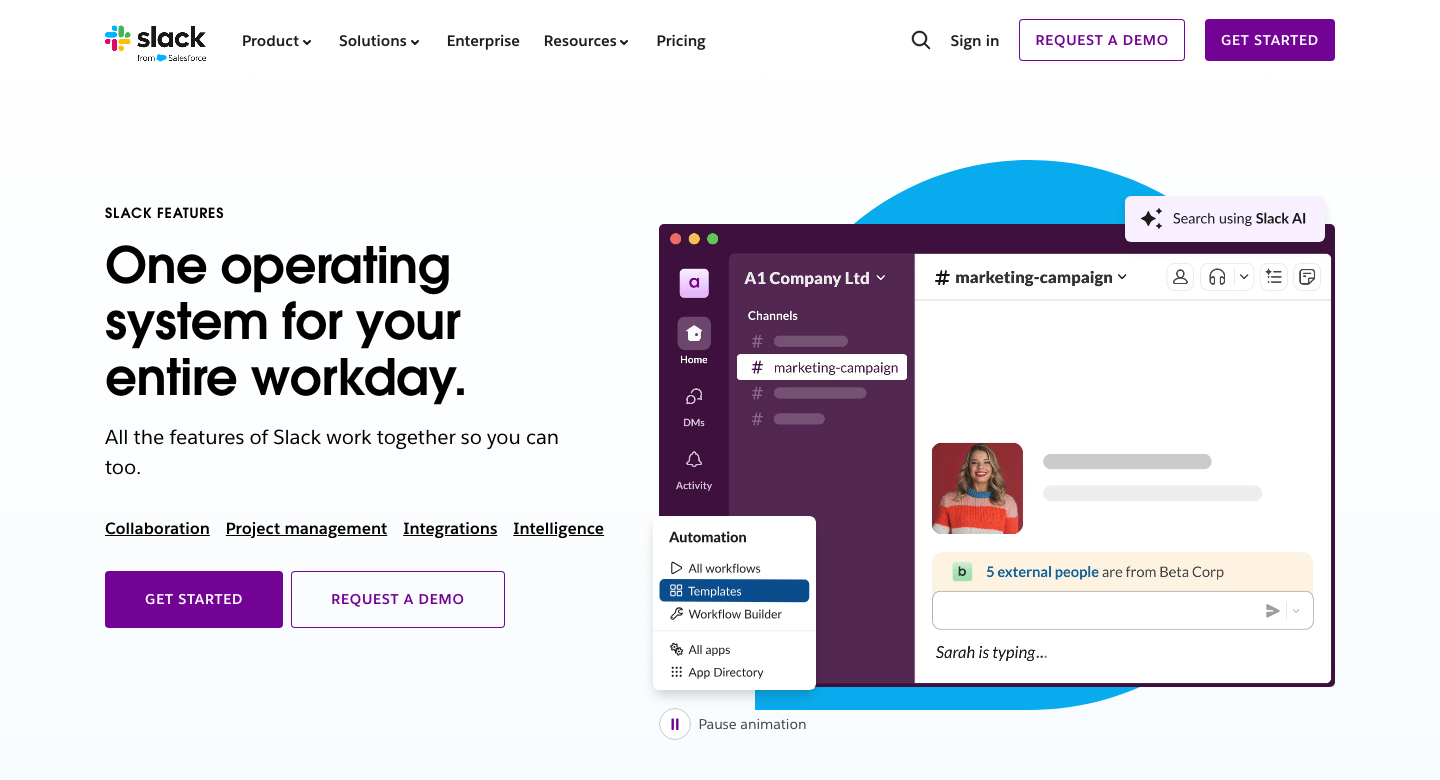
Slack organizes conversations into channels and threads and connects work across apps and organizations. Its value depends on whether your team uses those connections and can retrieve useful decisions later.
Strength: Pro removes Free’s history and app limits and supports group huddles. Paid huddles allow up to 50 participants, with up to 25 cameras on simultaneously; Free huddles are one-to-one. Huddle limits
Trade-off: The bill grows with paid users. Pro is US$7.25/user/month billed annually or US$8.75 monthly. Business+ is US$15 annually or US$18 monthly and adds administration and support capabilities. Confirm the exact tier for your retention, identity and export requirements. Slack pricing · Business+ details
3. Microsoft Teams
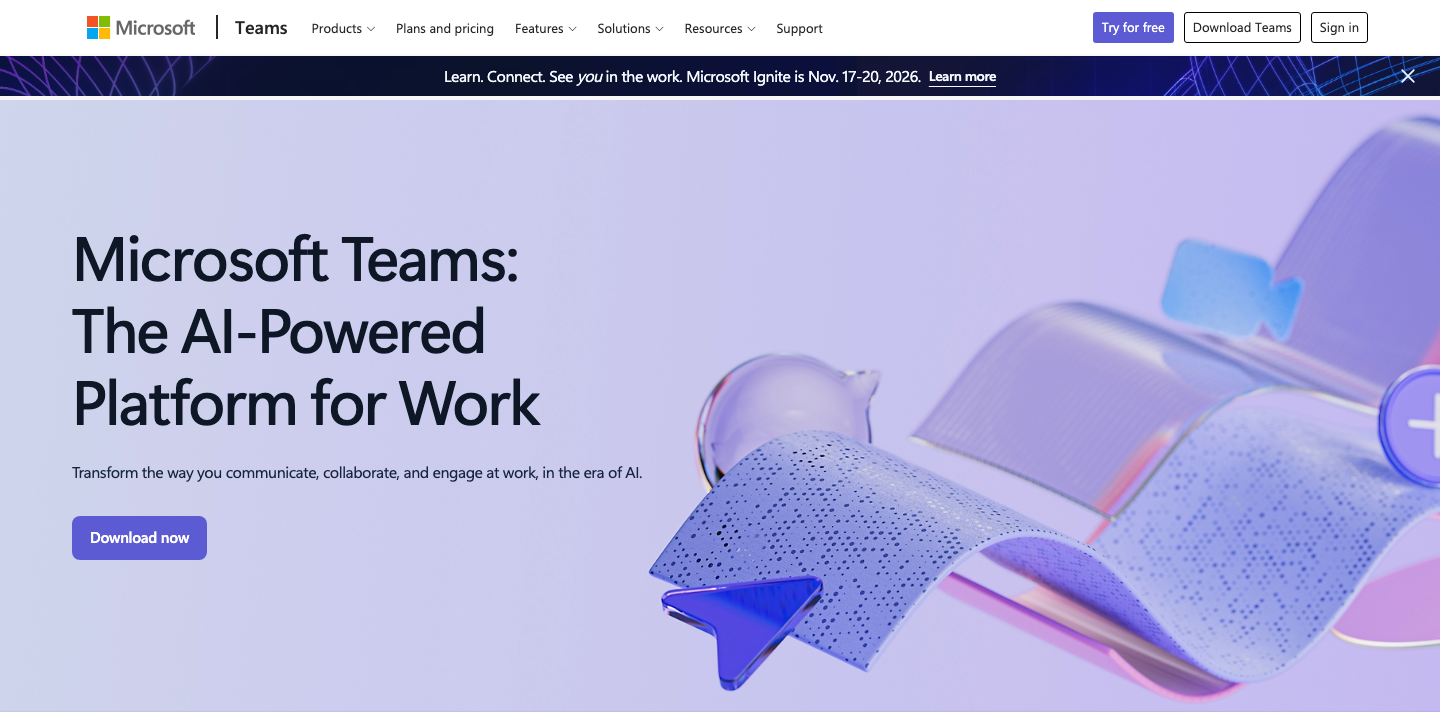
Microsoft Teams is worth evaluating when employees already use Microsoft accounts and collaboration tools. Essentials starts at US$4/user/month paid yearly, with 10 GB storage per user and meetings for up to 300 people and 30 hours.
Strength: Chat, calls and meetings can sit within the same working environment. A suitable existing license may avoid a second chat bill.
Trade-off: Microsoft sells both with Teams and no Teams editions. Essentials is not the entire Microsoft 365 suite, and account type, purchase channel and administrator settings matter. Before migrating Slack channels, confirm that the offered license includes the channels, guest access, integrations and records you need. Do not substitute the consumer Free offering for a managed business deployment. Current business plans
4. Google Chat
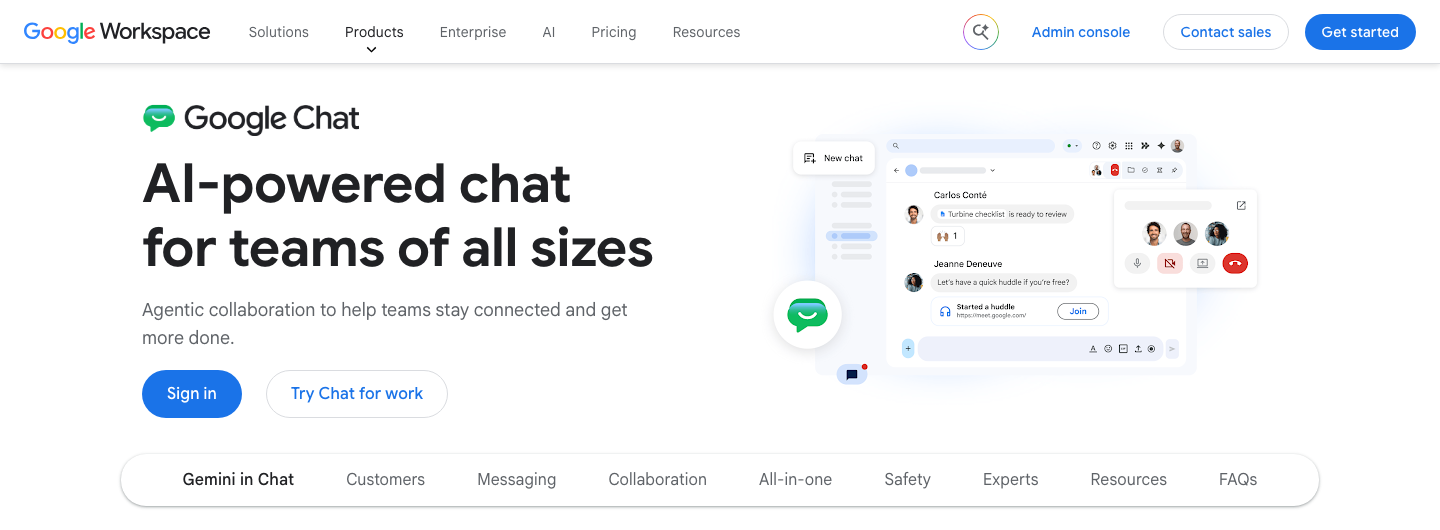
Google Chat combines direct conversations and team spaces with Google’s collaboration environment. Check it first if Gmail and Drive are already your company’s daily tools.
Strength: Business Starter bundles business email, Chat, 30 GB of pooled storage per person and Meet calls for up to 100 participants. The US list rate is US$7/user/month with an annual commitment or US$8.40 on the flexible plan. Workspace pricing
Trade-off: A Workspace subscription is a broader purchase than chat alone. Advanced AI, recording and governance features vary by edition. Annual licenses can normally be reduced only at renewal; cancellation does not erase the remaining commitment. Test external spaces and the integrations you actually use. Billing conditions
5. LINE WORKS
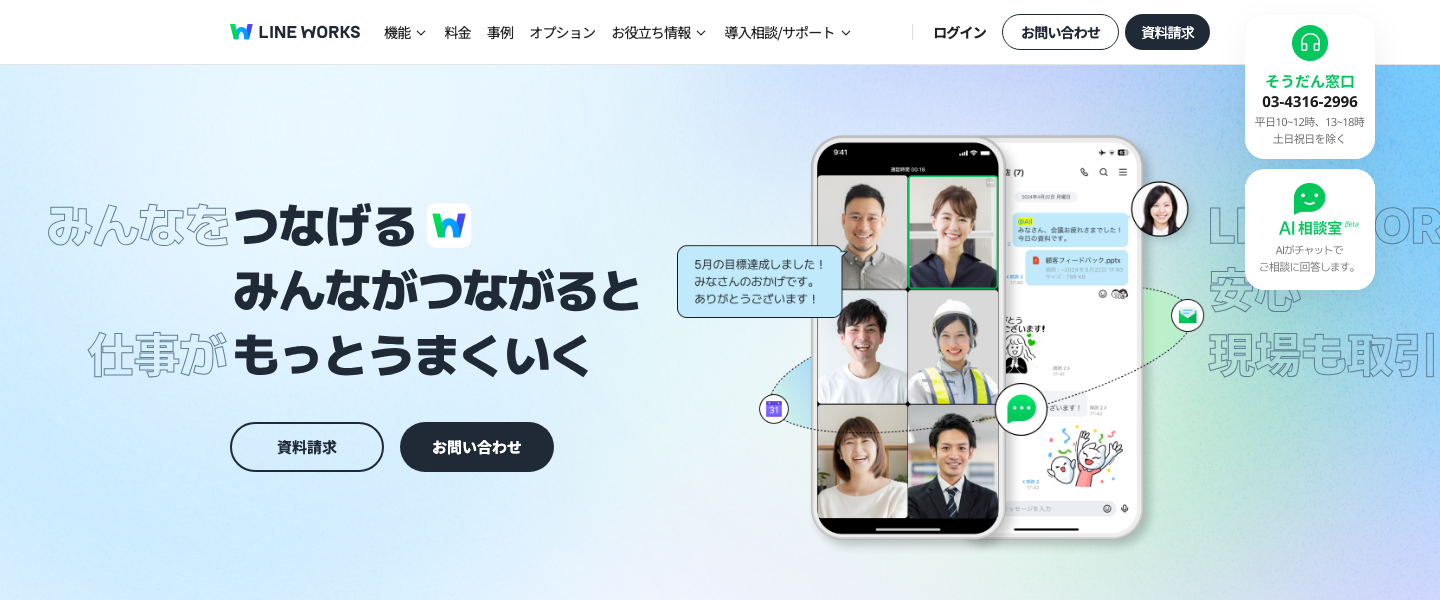
LINE WORKS is a candidate for teams working with Japanese colleagues or customers who use LINE. It combines business messaging with a bulletin board, calendar, tasks and administration.
Strength: The familiar messaging approach and supported LINE connections can suit mobile staff and external contacts. Standard is JPY450/user/month on an annual contract or JPY540 monthly; it includes 1 TB of storage and calls for up to 200 people.
Trade-off: LINE WORKS is a separate business service, not ordinary consumer LINE. Confirm the permitted external contacts and admin settings. Free is limited to 30 users, 5 GB storage and calls with up to four participants for 60 minutes. Advanced adds email and Drive; do not assume they are part of Standard. Paid plans have a separate 30-day trial. Japan plans
6. Chatwork
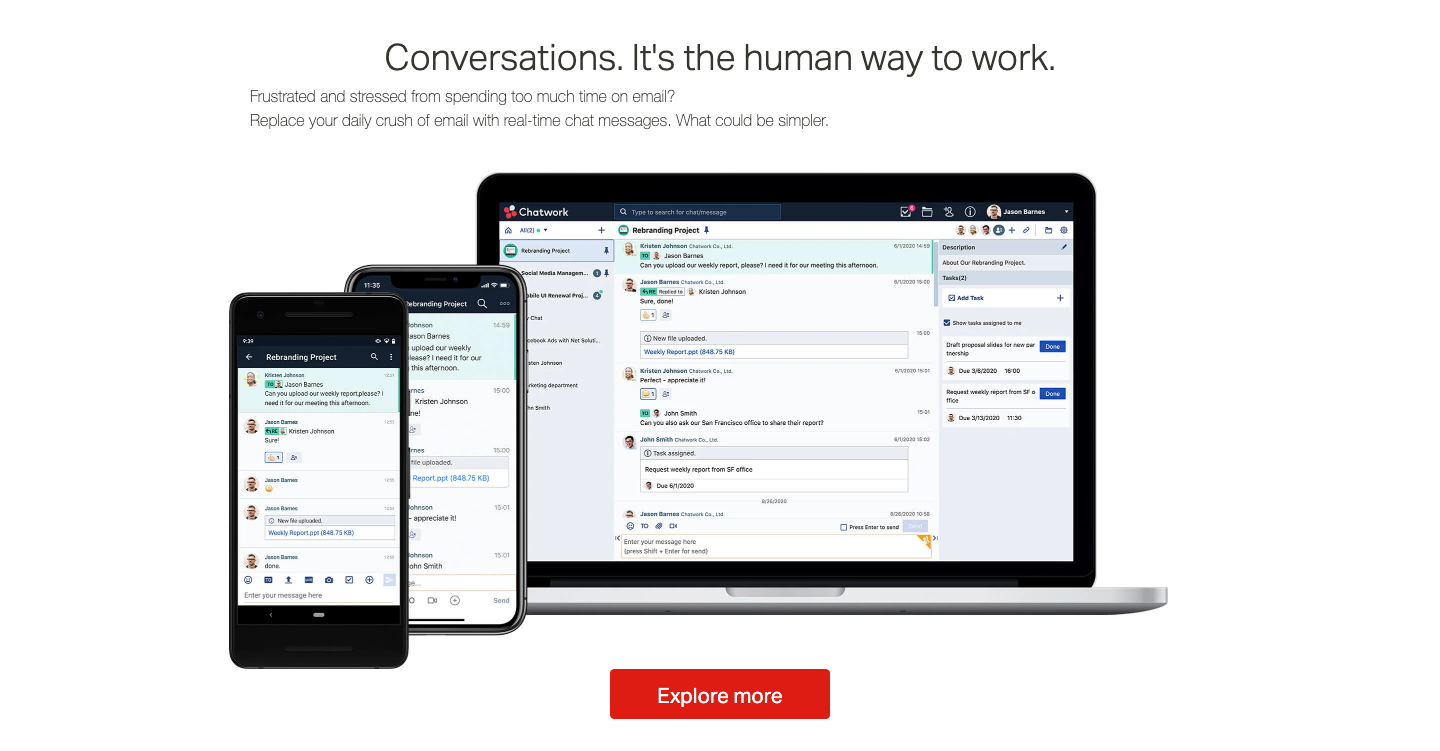
Chatwork puts messages, files and simple task management together. It can suit a team that wants to assign follow-up work from a conversation without introducing a complex project system.
Strength: Its English Standard plan provides unlimited viewable messages, group calls and 10 GB storage per user. It costs US$7/user/month annually or US$8.40 monthly, excluding tax.
Trade-off: Free only shows messages from the last 40 days, despite supporting up to 100 users. It also limits external organization contacts and one-to-one external chats to 20 people per user; calls are one-to-one and the 10 GB storage allowance is shared by the organization. Budget for purchased licenses, not merely the number of people who happen to log in. These are the English plan’s terms, not a conversion of the Japanese Business price. English pricing
7. Tandem
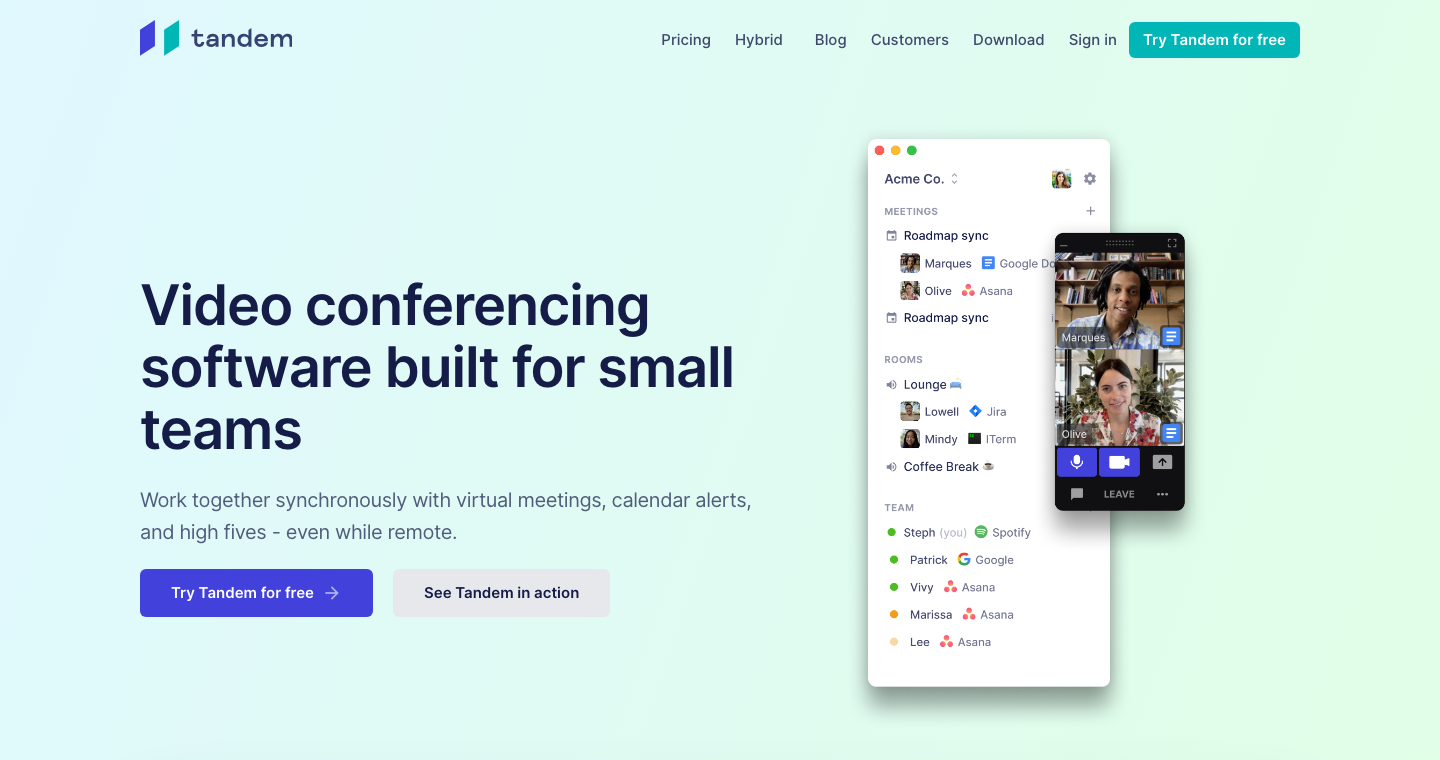
Tandem focuses on synchronous work: seeing who is available, starting a conversation, sharing a screen and gathering in rooms. It also offers meeting reminders and a notification when a colleague becomes free.
Strength: Shared cursors and optional remote control can help a pair work through a problem. Team-based pricing can be easier to budget than another per-user subscription when your headcount fits a tier.
Trade-off: Small Teams is US$64/month or US$599/year for 10 members, not US$8 per person. Extra members incur an additional fee that must be confirmed. Free supports four members and five call hours per day; the separate trial lasts up to two weeks. Keep a written record of decisions in your existing system. Tandem pricing
8. ovice
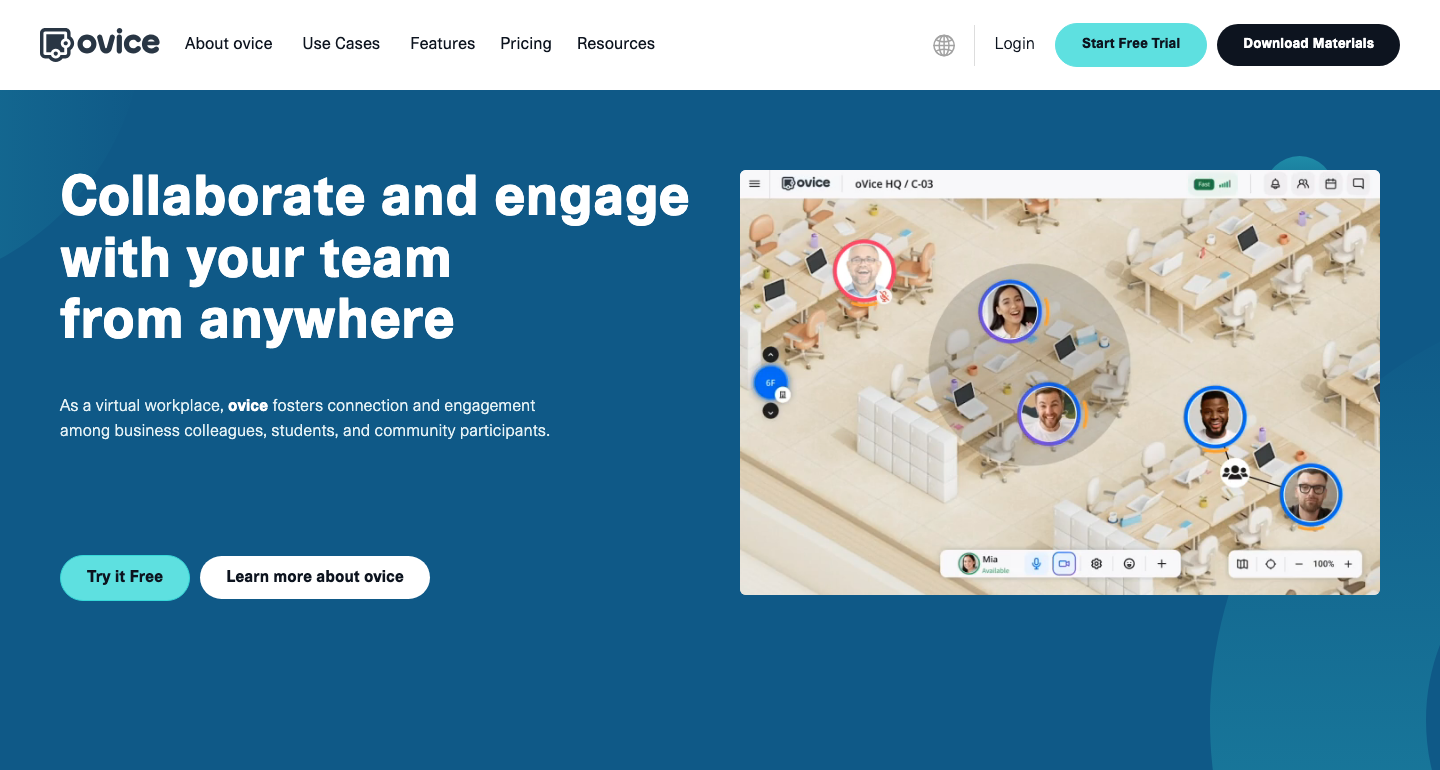
ovice uses a spatial workplace where participants move between conversations. It is a candidate when a team wants a persistent shared room rather than only a list of contacts.
Strength: Entry plans are priced per space. Entry-S is US$78 monthly or US$65/month on an annual contract, excluding tax. The provider recommends it for around 10 users even though its maximum simultaneous capacity is 50.
Trade-off: Maximum capacity is not the same as a comfortable daily team size. Test overlapping conversations, focus areas and guest access at your expected attendance. Free supports five simultaneous users and follows the separate 14-day trial; paid features do not all remain after that trial ends. Plan details
About mycrew in the previous edition: Its former official domain displayed a domain-for-sale page during this review, and a current product or contract destination could not be verified. It is therefore excluded from the active comparison. This does not establish a service closure date.
Work out the real cost
Start with licenses + required add-ons + migration work + ongoing administration. Count the people who need each paid feature, the full commitment and any duplicate subscriptions. Do not assume a new service will automatically import your existing messages, permissions or workflows.
The following is an illustrative budget for 10 paid Slack users for 12 months, with unchanged list prices and no promotions or credits. Tax and migration labor are excluded. The third row is an incremental-cost scenario, not a free productivity suite.
| Scenario | Calculation | Annual amount |
|---|---|---|
| Slack Pro · annual commitment | 10 × US$7.25 × 12 | US$870 |
| Slack Pro · monthly subscription | 10 × US$8.75 × 12 | US$1,050 |
| Chat already included in a suitable existing suite | No additional chat licenses needed | US$0 extra; the existing suite still costs money |
The US$180 difference between the first two rows is a billing-term comparison for the same Slack tier. It is not proof that a different tool will save money. If you retain paid Slack and add a virtual office, add that office’s entire quote to the budget. If you remove paid Slack, first verify that the resulting setup meets the requirements below.
History and files
Slack Free exposes only the latest 90 days of messages and files and permits up to 10 installed apps. Retention can be set to one year or 90 days; data deleted under that policy cannot be recovered by upgrading. Check the workspace policy and export permissions before changing plans. The visibility limit and permanent deletion are different events. Free-plan limits · Retention settings
Storage alone is a poor value measure: a team-wide pool, personal drive allowance and searchable conversation archive do different jobs. Test whether someone can retrieve last quarter’s decision and open its attachment with the correct permissions.
Calls and external collaboration
Decide how many people need to join, share a screen or turn on cameras. A four-person daily discussion and a company-wide meeting are different workloads. Test a real external collaborator’s account, not just another employee in your tenant.
Downgrading also affects Slack Connect channels. Review existing connections and your partner’s plan: Slack documents an Enterprise option that can allow invited Free teams to remain in shared channels. It is not a general promise that every external channel survives a downgrade. Downgrade effects · Enterprise connections with Free teams
Support and availability
A service-level agreement describes a provider’s contractual service commitment and remedies. It is not a promise that software has no bugs. Ask for the applicable agreement, covered service, exclusions, support response times and credit process for the exact plan. The previous edition’s blanket claim that Slack had no SLA was too broad; do not use a simple yes/no badge to compare whole product families.
Migration and daily habits
Pilot the candidate with one team. Test five ordinary jobs: find an old decision, share a customer file, receive a critical app alert, make a mobile call and remove a departing member. Record the time spent configuring and teaching the system. An attractive monthly rate can be outweighed by recurring manual work.
Make a virtual office useful
Agree on response expectations
Use written messages for updates that can wait. Set a clear route for urgent questions and a reasonable response window. An availability icon is a cue to ask, not a guarantee of an immediate reply.
Move unclear discussions into a call
When a thread becomes hard to follow, ask for a short call and share the relevant screen. Afterwards, put the decision, owner and next step back into the team’s written system so absent colleagues can catch up.
Leave room for focused work
Offer optional shared work sessions and explicit quiet periods. More conversation is not automatically better communication; evaluate whether the setup reduces blocked work without increasing interruptions.
Use status with care
Agree on the meaning of available, busy and away. Presence and activity indicators are not reliable measures of an employee’s output. If time tracking or recording is enabled, explain who can see the records and how they will be used.
Choose the smallest setup that meets your needs
Keep a durable place for written decisions, a dependable way to talk and the administration your organization needs. For many teams, that means improving one existing platform. For others, a chat service plus a virtual office is useful. Let a short pilot and a complete annual budget decide.