In this article
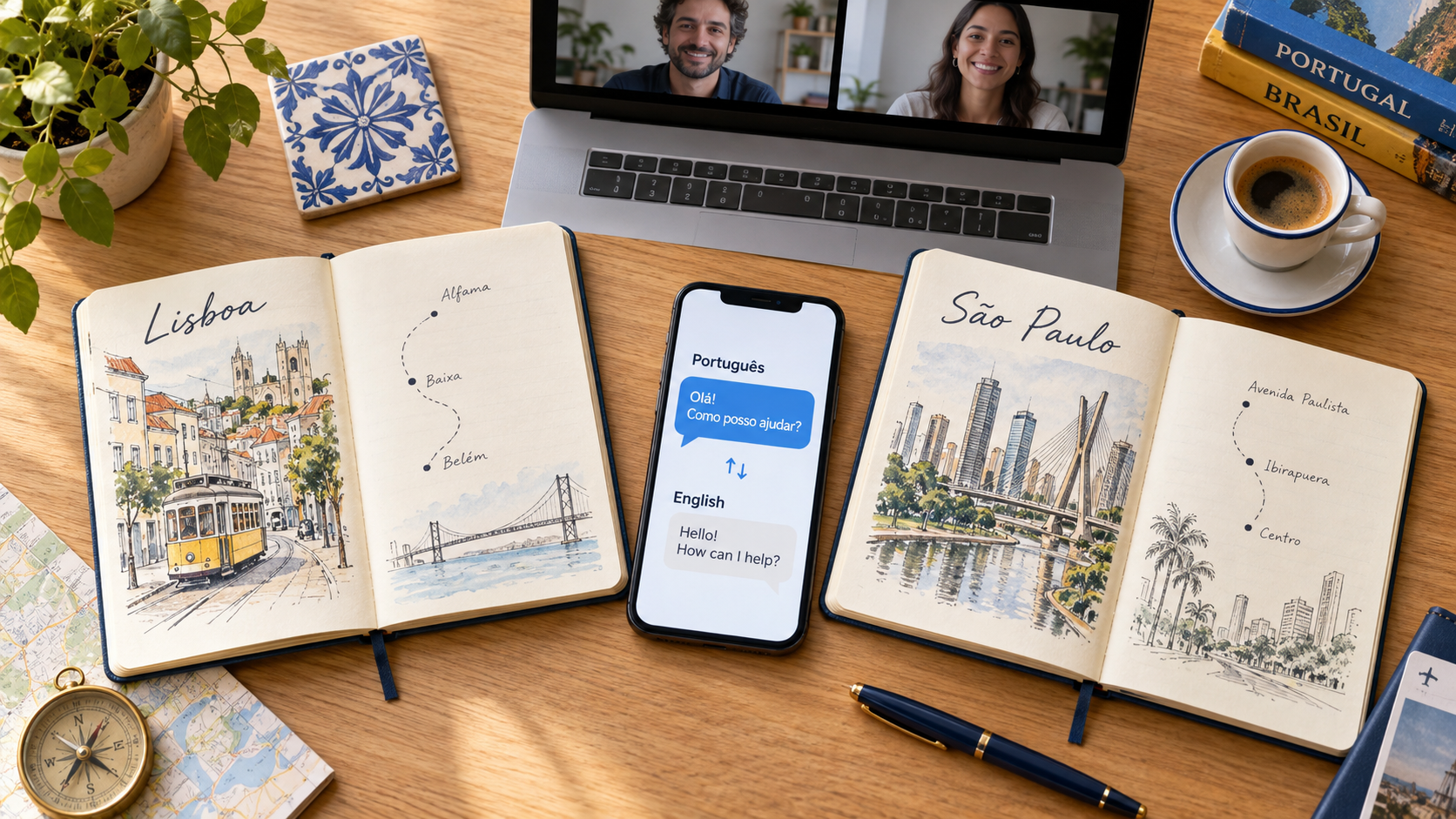
Choose the Portuguese variety and the task before choosing the app. A reply for a customer in Lisbon, a conversation with a Brazilian colleague and a multilingual event need different settings and outputs. A generic “Portuguese supported” label does not tell you whether a tool recognizes speech, reads images or produces the variety your reader expects.
This guide compares seven tools by those practical differences. VoicePing publishes the comparison; the numbers identify products, not an accuracy ranking. Official features and public prices were checked on September 18, 2026. We reviewed documentation and public pages, not paid accounts or a controlled accent benchmark.
Start with the task
- A call with decisions to record: VoicePing for live translation and meeting follow-up.
- A short question while travelling: Google Translate or Microsoft Translator; VoiceTra is an additional option for Brazilian Portuguese under its research-use conditions.
- An English email or document: DeepL Translator, with an explicit Portuguese output choice when writing a reply.
- A bilingual transcript to edit: Notta, after checking the translation allowance as well as transcription minutes.
- An event with multilingual listeners: Wordly, with source audio and participant access prepared in advance.
Brazil and Portugal: what is actually documented?
Speech recognition, written output and spoken playback are different settings. Choose the speaker’s variety for recognition when the app offers it; choose the reader’s variety for a written Portuguese reply. Neither setting guarantees every regional accent or every term used in a particular industry.
| Product | Documented Portuguese support | What to check |
|---|---|---|
| 1. VoicePing Official details | Portuguese is supported; separate Brazil/Portugal speech settings need checking in the app. | Test your speakers and selected recognition language before a live meeting. |
| 2. Google Translate Official details | Android live translation lists Portuguese and Portuguese (Brazil). | Offline Portuguese–English Live Translate has separate Pixel device requirements. |
| 3. Microsoft Translator Official details | Brazil and Portugal are separate rows for text, speech and playback. | Image translation is marked for Brazil; the Portugal Image cell is blank. |
| 4. DeepL Translator Official details | Portuguese source text is not split by variety; output distinguishes Brazilian from other Portuguese. | This is written translation support. Select the target variety for a Portuguese reply. |
| 5. VoiceTra Official details | Brazilian Portuguese has speech input, automatic detection and speech output icons. | The separate Portuguese entry has no speech icons; do not infer European Portuguese voice support. |
| 6. Notta Official details | Portuguese appears in transcription, translation and bilingual language lists. | The cited list does not separate Brazil/Portugal options. Test the intended speakers. |
| 7. Wordly Official details | The Portuguese product page lists Portuguese (BR) and Portuguese (PT) among supported routes. | Confirm source and listener language selections for your session; rehearse actual speakers. |
A missing distinction in a public guide means that the specific option is unconfirmed here, not that every speaker from that country is unsupported. Ask for a demonstration using the input and output you need.
Prices, free access and billing units
The table uses US-dollar reference prices. Annual charges and monthly equivalents are separated. VoicePing includes tax; other vendors’ checkout currency, tax and renewal offers can vary. A consumer translation app, a transcription subscription and a prepaid event package are different purchases.
| Product / plan | Price | Billing | Access and limits |
|---|---|---|---|
| 1. VoicePing Free / Individual Official price / access | Free or US$31.50/month | Individual: monthly billing, one active account. Tax included. | Free: 90 online minutes/month. Individual: 450 online minutes/month and five guest listeners. No annual Individual plan or Individual trial. |
| 2. Google Translate Consumer app Official price / access | Free | No app subscription for standard consumer translation. | Portuguese online speech; offline Live Translate requires an eligible Pixel and language download. Cloud Translation API is a different product. |
| 3. Microsoft Translator Consumer app Official price / access | Free | Android / iOS app; developer services are separate. | Brazil/Portugal text, speech and playback; image support differs by variety. Android offline mode excludes voice and conversation. |
| 4. DeepL Translator Free / Individual Official price / access | Free or US$10.49/month | Individual: per user, monthly billing, US reference price. | Free: 50,000 characters and one file/month. Individual: 300,000 characters and three files/month; 30-day trial. |
| 5. VoiceTra Research app Official price / access | Free | No app charge; internet/data costs remain. | Brazilian Portuguese speech. Research terms limit suitable content and may restrict constant, large-scale organizational use. |
| 6. Notta Free / Pro; bilingual add-on Official price / access | Pro: US$97.99/year | US$8.17/month equivalent, billed annually per user. Bilingual add-on: US$108/year or US$15 with monthly billing. | Free: 120 transcription minutes/month, three minutes per conversation. Pro: 1,800 transcription minutes/month. Translation allowances differ; see the profile. |
| 7. Wordly Prepaid translation package Official price / access | About US$1,500 | A 10-hour package usable across sessions for up to 12 months; request a quote. | Package includes languages, audio, captions, transcripts and summaries. Optional setup/support services may cost extra. |
1. VoicePing for a call and its follow-up
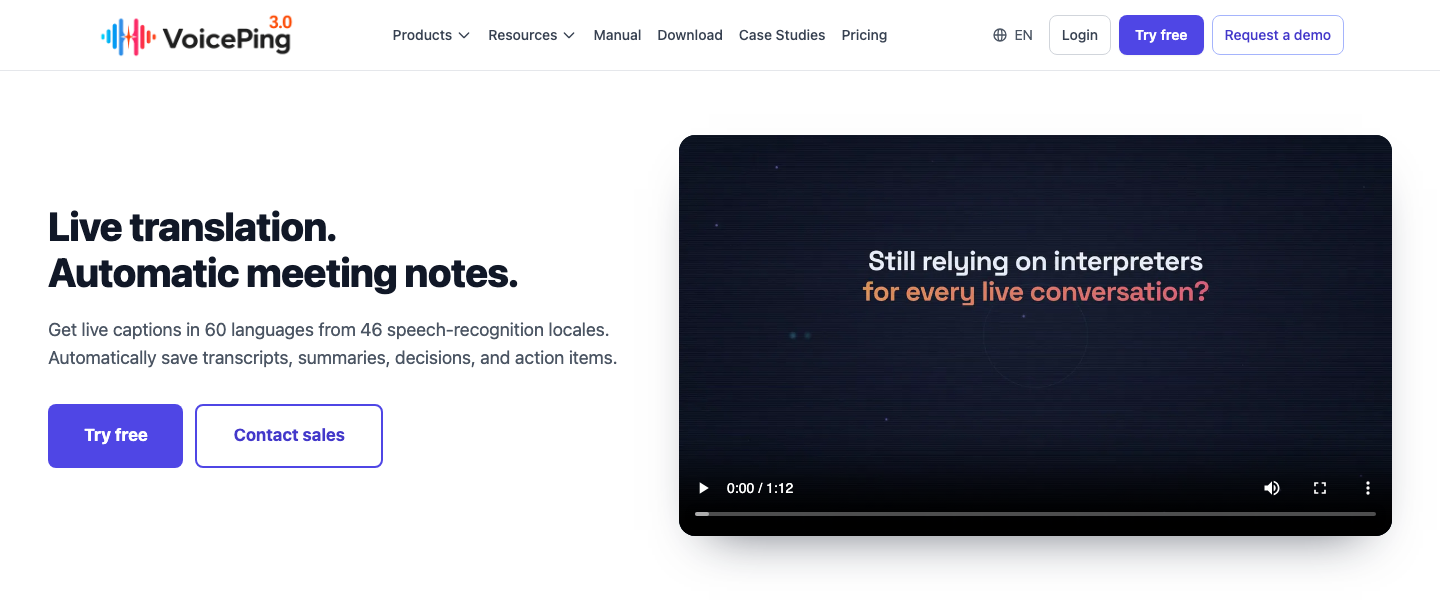
A Portuguese–English supplier call often ends with details that must survive the conversation: a revised quantity, an owner and a delivery date. VoicePing connects live translation with a source transcript and meeting follow-up. The meeting guide covers supported Zoom, Teams, Google Meet, browser and desktop audio sources, plus listener links and QR captions.
Its advantage is keeping the discussion and its review in one workflow. Its limitation is setup: confirm that both sides’ audio reaches the selected input, and test the Portuguese speakers and terminology you expect. This article does not claim separate Brazil/Portugal selectors or an accent accuracy score for VoicePing.
The free plan includes 90 online minutes per month. Individual is US$31.50/month including tax, with 450 online minutes, one active account and five guest listeners. Check storage, permissions and meeting-log conditions for the records you need. Online allowances do not establish offline Portuguese speech support.
2. Google Translate for travel conversations
Google Translate is a useful starting point for short spoken exchanges, typed questions and camera lookup. For a question at a station or restaurant, keep the source text visible and deal with one idea at a time. A place name shown in its original spelling can be easier to confirm than a spoken approximation.
The Android live-translation guide lists Portuguese and Portuguese (Brazil). It also documents an offline Portuguese–English pair on Pixel 9, 10 and 11 after downloading the language. Look for the “Live & Text” designation in the language picker; do not extend this offline claim to every Android phone or iPhone.
The advantage is quick access to several travel modes in a free consumer app. The limitation is that device-specific availability and a broad language label do not prove equal results for every speaker. Before departure, test a spoken exchange and a printed sign on the phone you will carry.
3. Microsoft Translator for explicit country variants
Microsoft is worth checking when the Brazil/Portugal distinction matters to your input. Its current language matrix marks both variants for text, speech and spoken playback. Image translation is marked for Brazil, while the Portugal Image cell is blank. A generic camera feature is therefore not enough evidence for a Portugal-specific image workflow.
The free Android/iOS app suits short exchanges and lookups. However, its Android offline guide excludes voice and conversation from downloaded offline packs. Confirm each mode before losing connectivity.
The benefit is an explicit support matrix. The limitation is that its former multi-device conversation feature has been retired, as the publisher’s iOS listing notes. The consumer app also should not be priced as a Microsoft 365 or Azure subscription; those products have separate entitlements and billing.
4. DeepL Translator for audience-specific writing
DeepL addresses the written side of the exchange. Its language guide treats Portuguese source text without a variety split, but distinguishes Brazilian Portuguese from other Portuguese output. That is especially useful when an English response must be sent to a reader in Brazil or Portugal.
Keep the full sentence around a technical term, date or obligation. Review the result with the intended audience in mind, and compare quantities and negation against the source. For Portuguese-to-English work, choose US or UK English where appropriate.
The advantage is a focused draft-and-review workflow. The limitation is scope: text translation support is not a promise of continuous meeting interpretation. The US monthly Individual reference is US$10.49 per user, with 300,000 characters and three files per month. Free access has lower allowances; specialized Voice and API products have their own terms.
5. VoiceTra for Brazilian Portuguese speech
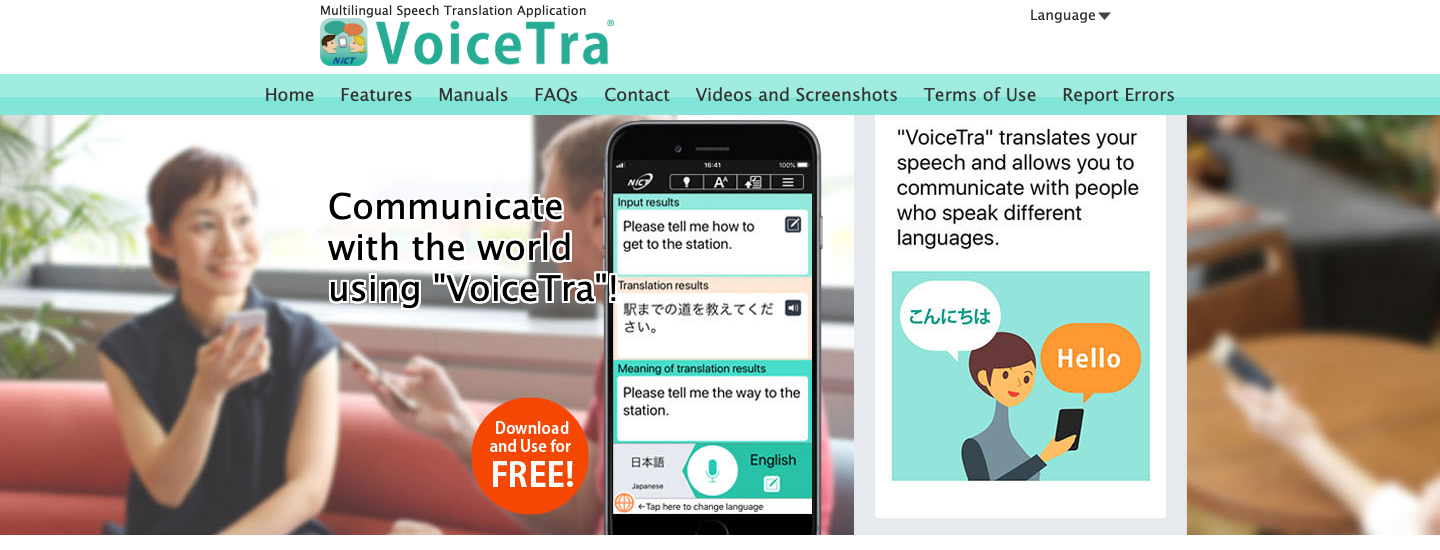
VoiceTra is a free NICT research app with a particularly useful language distinction. Its feature chart gives Brazilian Portuguese speech input, automatic detection and speech output. The separate Portuguese entry has no speech icons. Select the documented Brazilian option for that spoken workflow rather than assuming both entries behave identically.
Its back-translation display can help you notice a changed meaning, although agreement between two machine outputs is not proof of correctness. Internet access is required . The current official notice also asks users of affected older versions to update to 9.2.1 following the August 2026 service restoration.
The benefit is a free way to evaluate short speech translation. The limitation is its research role: NICT’s terms say input is collected for improvement, exclude private or commercially confidential content, and allow restrictions on constant or large-scale organizational use. It is not a substitute for a contracted confidential meeting workflow.
6. Notta for a bilingual transcript to review
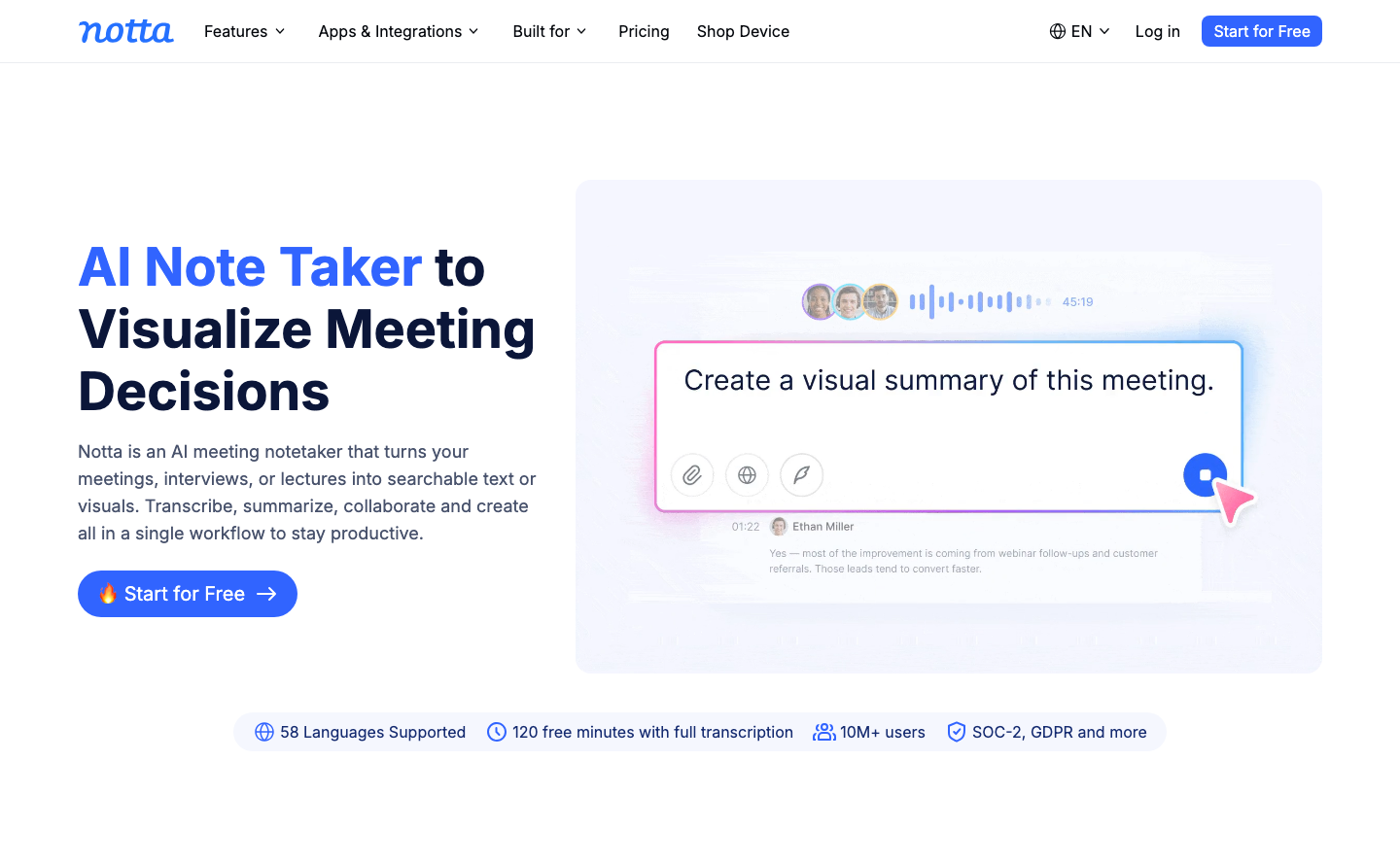
Notta suits a discussion whose transcript will become the working document. Its language guide includes Portuguese and English for bilingual transcription and translation. That list does not distinguish Brazil and Portugal, so test the speakers you intend to record instead of assigning an unsupported regional guarantee.
The bilingual workflow supports two selected languages for recordings, uploads and supported meeting-bot sessions. For an existing transcript, translation after transcription requires Pro, Business or Enterprise. Correct names and recognition errors before generating the English version.
The advantage is a source record that can be edited before follow-up. The limitation is quota complexity. Pro’s US$97.99 annual charge includes 1,800 monthly transcription minutes, not unlimited bilingual translation. The bilingual add-on costs US$108/year or US$15 with monthly billing and allows up to 200 uses/account/month on Pro/Business. The pricing table lists four free bilingual uses monthly; the Free transcription cap is three minutes per conversation.
7. Wordly for events and multilingual audiences
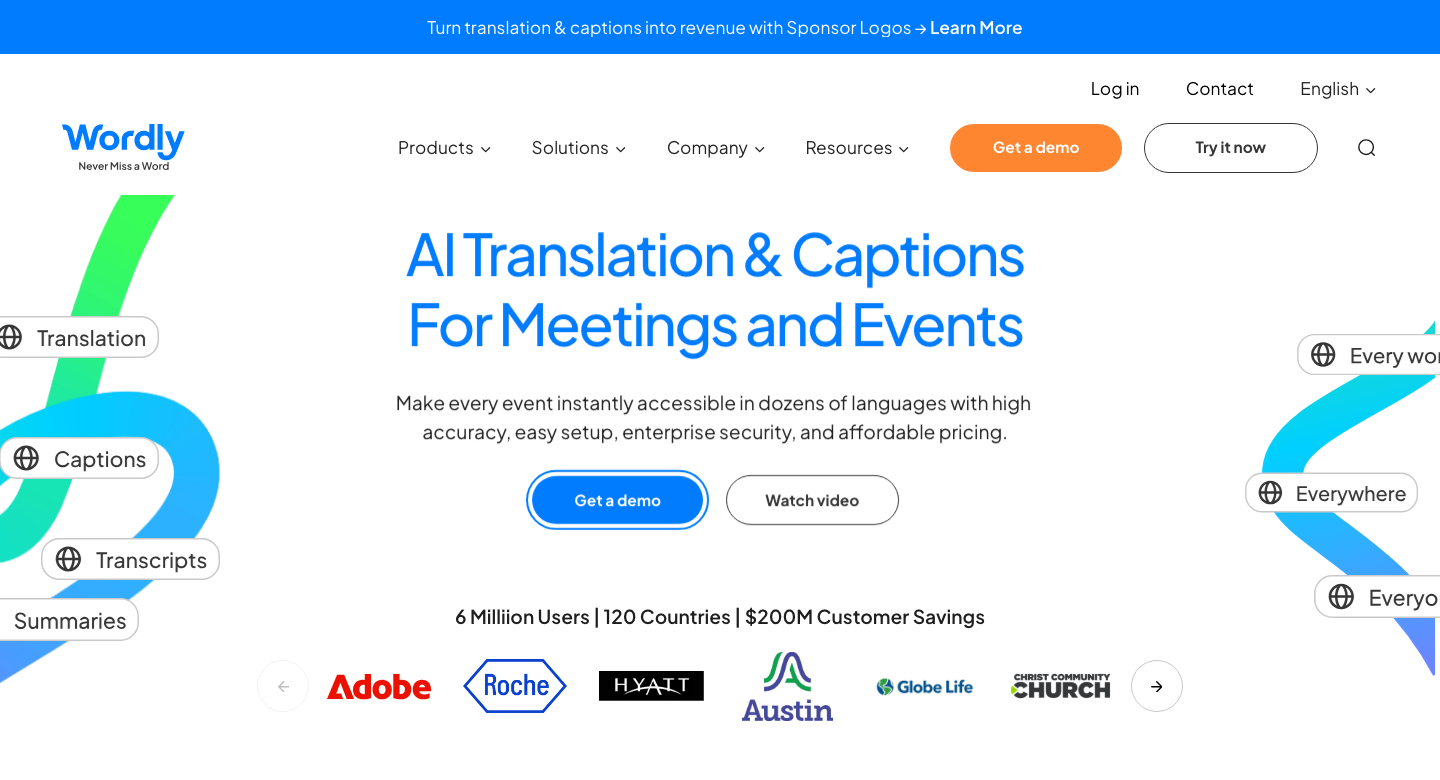
Wordly is an event-oriented option when many listeners need their own translated audio or captions. Its Portuguese product page lists Portuguese (BR) and Portuguese (PT) among translation routes. Confirm the exact source and listener choices for your session rather than treating the generic Portuguese label as the whole setup.
The advantage is participant-selected output from a shared session. The limitation is production preparation: microphone quality, source audio, attendee connectivity and instructions all affect whether the event works. Rehearse with an actual Portuguese speaker and one listener before the audience arrives.
The pricing guide gives about US$1,500 for a 10-hour package, usable across sessions for up to 12 months. Audio, captions, transcripts and summaries are included; optional setup or support services can cost extra. Request a quote for the required hours rather than comparing that package directly with a monthly individual app plan.
Test the speakers and the final meaning
Choose a short, non-confidential sample with the actual speakers. Include a name, a quantity, a date and a correction. Check the recognized Portuguese first, then the English. If the source is wrong, a fluent translation may still be wrong for the conversation.
A useful test case is a delivery moved from one day to another. The final record should keep the corrected date and the person responsible. This is an example acceptance check, not a result measured across these products. Repeat it with the microphone and background noise you expect to use.
Prepare the right fallback
For travel, save addresses and booking details as text before leaving. Test offline modes in airplane mode, then restore connectivity. A downloaded dictionary, a camera pack and offline speech are separate capabilities. Keep the destination’s original spelling available to show someone.
For work, agree how the conversation will be recorded and who receives the result. After the call, compare the source and translation for amounts, deadlines and commitments. A participant-confirmed summary is more useful than an unchecked fluent paragraph.
Corrections to older Portuguese app lists
Portuguese is absent from Papago’s official supported-language list , so its earlier inclusion was not justified. Microsoft’s retired group-conversation feature and VoiceTra’s distinct language entries also need to be separated from broad “supports Portuguese” claims.
This shortlist focuses on seven documented workflows. Omitting iTranslate, Talking Translator, SayHi, UDictionary, Webex, KUDO or Interprefy is not a statement that every one of those services has closed or lacks Portuguese. Check the exact product, mode and current plan before adding another candidate.
FAQ
Which apps distinguish Brazilian and European Portuguese?
Can I translate Portuguese speech offline?
Is Papago suitable for Portuguese–English?
Does a Portuguese label guarantee every accent?
Can a free translator handle a confidential company meeting?
Choose for your speaker and your audience
Use VoicePing when live discussion and meeting follow-up need to stay together. For a short exchange, start with a phone translator and verify the Portuguese mode. For a written reply, choose the output variety your reader expects. For transcripts and events, budget for the correct translation allowance and prepare the audio. The useful comparison is the result you can verify with your own speakers.