In this article
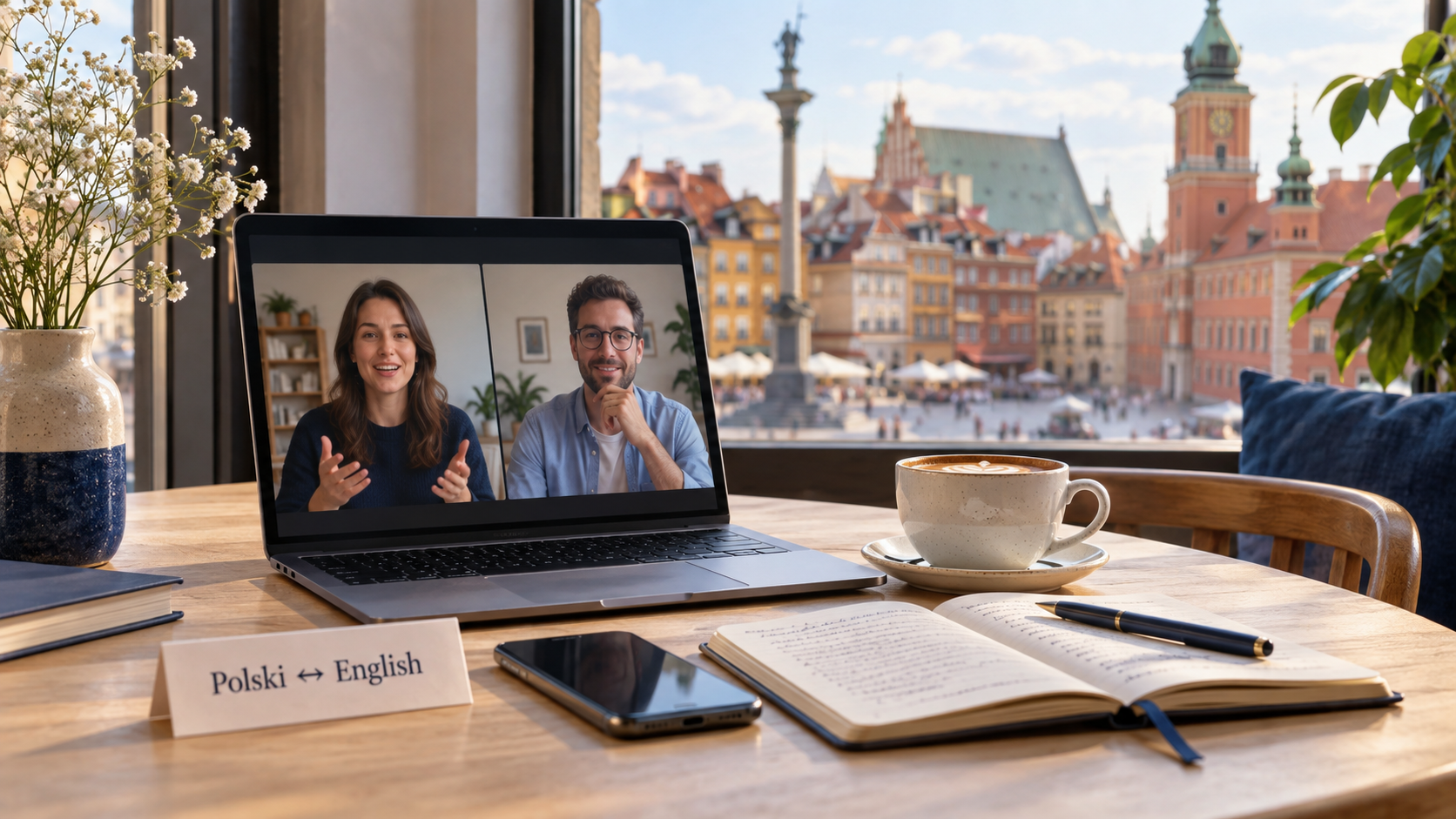
A conversation in a Warsaw café needs a different translator from a supplier meeting or an English document. Start with the output you need: a quick answer, a checked written draft, or a record of the discussion. The six tools below cover those different jobs.
VoicePing publishes this guide. Product numbers identify the profiles, not an accuracy ranking. Features and public prices were checked on September 18, 2026. This comparison uses official documentation and public product pages; it is not a Polish speech benchmark or a paid-account test.
Choose by the conversation you need
- Live business discussion: VoicePing for translated conversation and follow-up records.
- Short travel exchanges: Google Translate or Microsoft Translator for a question at a hotel, station or restaurant.
- Emails and documents: DeepL Translator for a Polish draft that needs an English version.
- Recorded or bilingual discussions: Notta for transcription and translation in one note-taking workflow.
- Meetings and events with many listeners: Wordly for participant-selected audio or captions.
Check modes, not just language names. Polish text support, speech recognition, camera translation and spoken playback are separate capabilities. A product’s desktop and phone versions can also differ.
Prices and contract differences
Amounts below are US-dollar reference prices. Annual equivalents are labelled with the full annual charge. VoicePing explicitly includes tax; other vendors’ local checkout, tax and renewal terms can differ. Consumer apps and developer APIs have separate pricing.
| Product / plan | Price | Billing | Access and limits |
|---|---|---|---|
| 1. VoicePing Free / Individual Official price / access | Free or US$31.50/month | Individual: monthly billing, one active account. Tax included. | Free: 90 online minutes/month. Individual: 450 online minutes/month and five guest listeners. No annual Individual plan or Individual trial. |
| 2. Google Translate Consumer app Official price / access | Free | No app subscription for standard consumer translation. | Polish online speech; check each downloaded mode separately. Cloud Translation API is a different product. |
| 3. Microsoft Translator Consumer app Official price / access | Free | Android / iOS app; developer services are separate. | Polish text, speech, image translation and spoken playback. Android offline mode excludes voice and conversation. |
| 4. DeepL Translator Free / Individual Official price / access | Free or US$10.49/month | Individual: per user, monthly billing, US reference price. | Free: 50,000 characters and one file/month. Individual: 300,000 characters and three files/month; 30-day trial. |
| 5. Notta Free / Pro; bilingual add-on Official price / access | Pro: US$97.99/year | US$8.17/month equivalent, billed annually per user. Bilingual add-on: US$108/year or US$15 with monthly billing. | Free: 120 transcription minutes/month, three minutes per conversation. Pro: 1,800 transcription minutes/month. Translation allowances differ; see the profile. |
| 6. Wordly Prepaid translation package Official price / access | About US$1,500 | A 10-hour package usable across sessions for up to 12 months; request a quote. | Package includes languages, audio, captions, transcripts and summaries. Optional setup/support services may cost extra. |
1. VoicePing for live meetings and follow-up
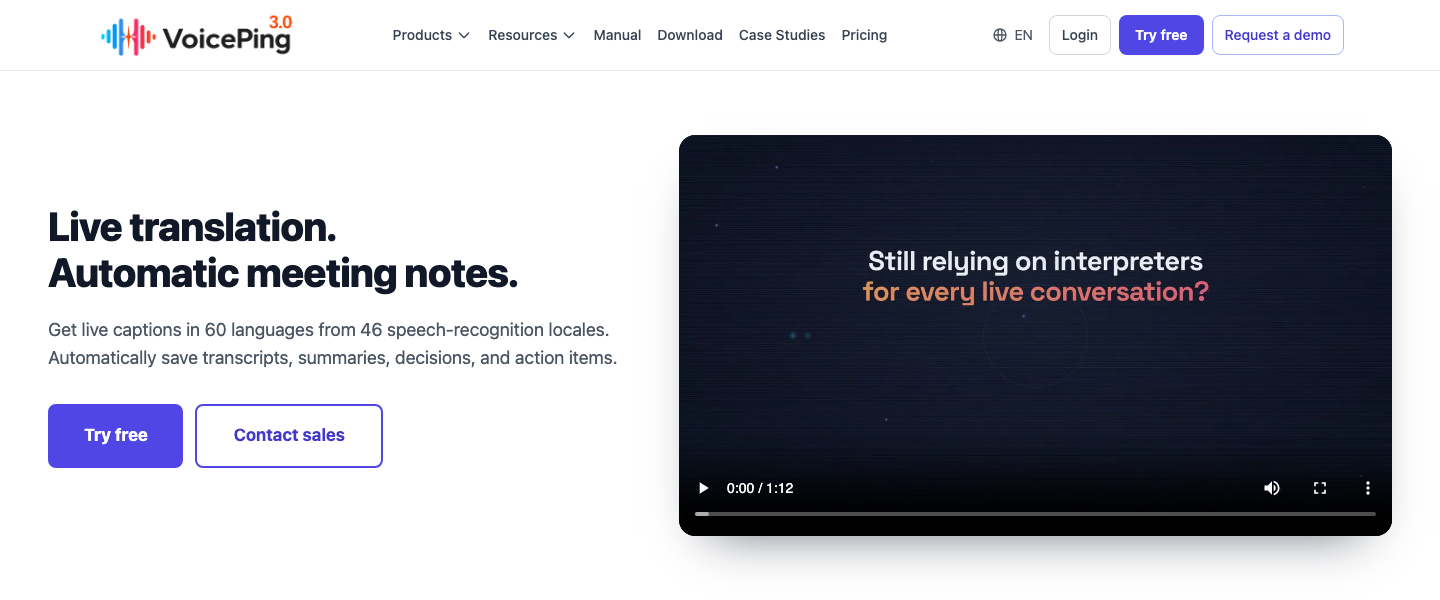
VoicePing is useful when a Polish–English call needs more than a translated sentence: participants also need to review decisions and next steps. Its meeting setup guide covers audio from Zoom, Teams, Google Meet and supported desktop or browser sources. Select the speaking and display languages, check the captured audio, and share a listener link or QR code when others need captions.
The benefit is continuity between the discussion and its follow-up. The limitation is preparation: test the actual Polish speakers, microphone and terminology before the meeting. A phone translator may be quicker for one question at a counter. Confirm the selected plan’s storage, permissions and meeting-log conditions rather than assuming all records have identical access or retention.
Use the free 90 online minutes to evaluate the intended conversation. Individual adds 450 online minutes per month at US$31.50, including tax. These are online allowances; this comparison does not establish offline Polish speech support. See the current plan details .
2. Google Translate for everyday travel
Google Translate puts short spoken exchanges, text lookup and camera translation in one free consumer app. At a station, ask one question at a time and show the destination name on screen. For a menu, photograph a clearly printed item and compare the recognized text with the original before trusting the translation.
Google’s Android live-translation guide includes Polish and English. However, its offline Live Translate list is restricted to specified Pixel devices and language pairs; Polish is not included. A downloaded text pack does not establish offline conversation support.
The advantage is low setup for a brief exchange. The limitation is that an informal conversation view is not a reviewed meeting record. Plan internet access for Polish live speech, and test any downloaded text or camera features separately before travelling.
3. Microsoft Translator for speech and image translation
Microsoft’s language table explicitly marks Polish and English for text, speech, image translation and spoken playback. That makes the free phone app a candidate when you want both a short spoken exchange and help reading a sign.
Check the recognized Polish before playing the English aloud. A wrong place name or amount at the speech-recognition stage will carry through into the translation. The Android FAQ distinguishes offline text/camera packs from voice and conversation, which require connectivity.
The benefit is a documented set of Polish input modes. The limitation is workflow scope: the former multi-device conversation feature has been retired, as noted in the publisher’s iOS listing . Do not confuse a two-person exchange on one phone with the old multi-device group service.
4. DeepL Translator for emails and documents
DeepL is the writing-focused option in this shortlist. Its Translator language guide lists Polish and English, with US and UK English output options. Choose the intended audience before reviewing a translated email or document.
For example, provide the full sentence around a delivery date instead of translating isolated words. Compare names, quantities, obligations and negation against the source. A fluent English draft can still change the meaning, so have the document owner approve important wording.
The advantage is a focused written workflow. The limitation is that Translator text support does not by itself establish a live meeting service; DeepL Voice and API products have their own conditions. The pricing page lists free access and paid plans. The US monthly Individual reference is US$10.49 per user, with 300,000 characters and three files per month; check local pricing and any specialized language features before purchase.
5. Notta for bilingual transcripts
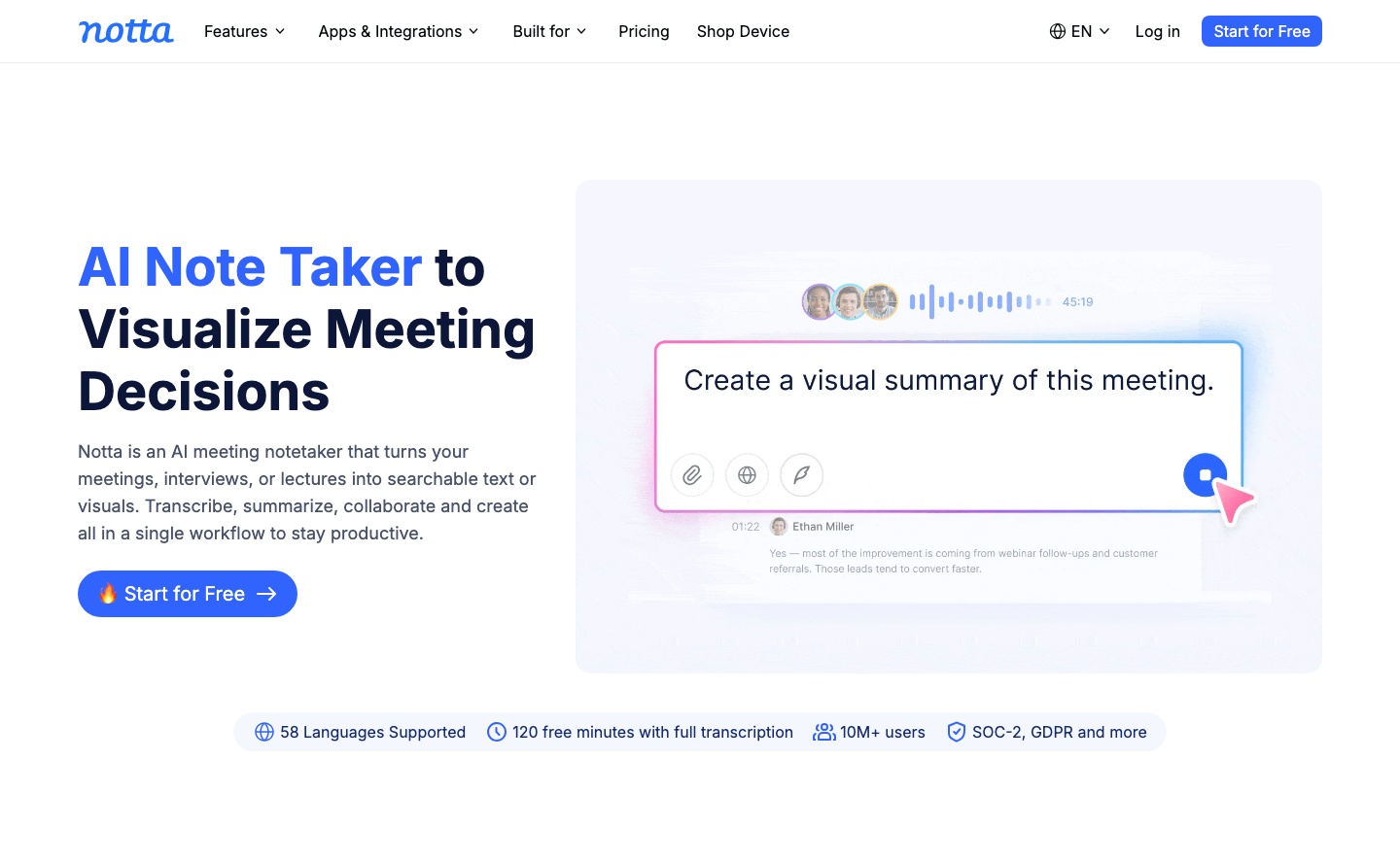
Notta is useful when the transcript is the main working document. Its language guide lists both Polish and English among the bilingual transcription options. The bilingual workflow lets you select two languages and enable bilingual translation for a recording, upload or supported meeting-bot session.
The advantage is having source text to correct before follow-up. For an existing transcript, translated transcripts require Pro, Business or Enterprise. Correct transcription errors first; otherwise the translation may faithfully reproduce the wrong words.
The limitation is the distinction between quotas. The free 120 monthly transcription minutes are capped at three minutes per conversation; they are not 120 minutes of unrestricted bilingual translation. The current pricing table lists four free bilingual uses per month. The bilingual add-on offers up to 200 uses per account per month on Pro/Business, at US$108 annually or US$15 with monthly billing. Pro’s US$97.99 annual charge and 1,800 transcription minutes are separate. Local prices vary; do not treat the annual monthly equivalent as a cancellable monthly subscription.
6. Wordly for multilingual meetings and events
Wordly fits a meeting or event where listeners choose their own translation output. Its supported-language page includes Polish and English for translated audio and captions. Organizers need a clear source audio feed and a way for participants to access the session.
The benefit is a shared event workflow rather than passing one phone between speakers. The limitation is setup and purchasing scale: a one-off travel question is unlikely to justify a prepaid event package. Rehearse the microphone, speaker language, attendee connection and caption readability before the session.
The public pricing guide gives about US$1,500 for a 10-hour package, usable in increments across sessions for up to 12 months. This is neither a monthly per-seat subscription nor a guaranteed quote for every event. Check the required hours and any optional setup or support charges.
Check Polish recognition before judging the English
Polish uses letters such as ą, ć, ę, ł, ń, ó, ś, ź and ż. Preserve them in names and source text rather than removing them to make a word look familiar. A product’s Polish language option is not a promise that every regional accent, fast speaker or noisy room will work equally well.
Use a short, non-confidential sample with the actual speakers. Include a place name, an amount, a delivery date and a correction. First inspect the recognized Polish; then compare the English meaning. If recognition is wrong, improve the microphone position or repeat a shorter sentence before choosing a different translation engine.
Example check: if a speaker changes a delivery from Friday to Monday, the final record must contain the corrected day. This is a suggested acceptance check, not a measured result from the six products.
A practical workflow for travel and work
For a trip to Warsaw or Kraków, save the address and destination name in their original spelling. Use short sentences at the hotel or station, keep a text fallback ready, and check connectivity before starting a voice exchange. A camera result can help you ask a question about a menu or exhibition label; it should not replace confirmation from the person serving or guiding you.
For a supplier call, agree on the speaking languages and explain the transcription arrangement. Test names and product terms before the call. Afterward, check quantities, dates and the person responsible for each action against the source record. Send a corrected summary for participants to confirm.
For a document, decide whether the output is an informal draft or something a qualified reviewer must approve. Back-translation can reveal a discrepancy, but agreement between two machine outputs does not establish correctness.
Why this shortlist differs from older app lists
A long app list can mix phone translators, document tools and event platforms without checking the Polish workflow. This edition narrows the comparison to six distinct options with current documentation. Omitting iTranslate, VoiceTra, Talking Translator, SayHi, UDictionary, Webex, KUDO or Interprefy is not a claim that all those services have closed or lack Polish.
Papago needs a specific correction: Polish is absent from its official supported-language list . It should not be recommended for Polish–English solely because it appeared in an older list.
FAQ
Which Polish–English translation app should I choose?
Does a Polish language option include speech and camera translation?
Can I translate Polish speech without an internet connection?
Is Papago a Polish translator?
Can translation apps handle Polish names and accents?
Match the tool to the result
Choose VoicePing when the discussion and its follow-up belong together. Use a phone translator for a brief travel exchange, DeepL for a written draft, Notta when the transcript drives the work, or Wordly for an event with multilingual listeners. Before committing, test the actual Polish input and confirm the plan’s billing unit, translation allowance and connectivity requirements.