In this article
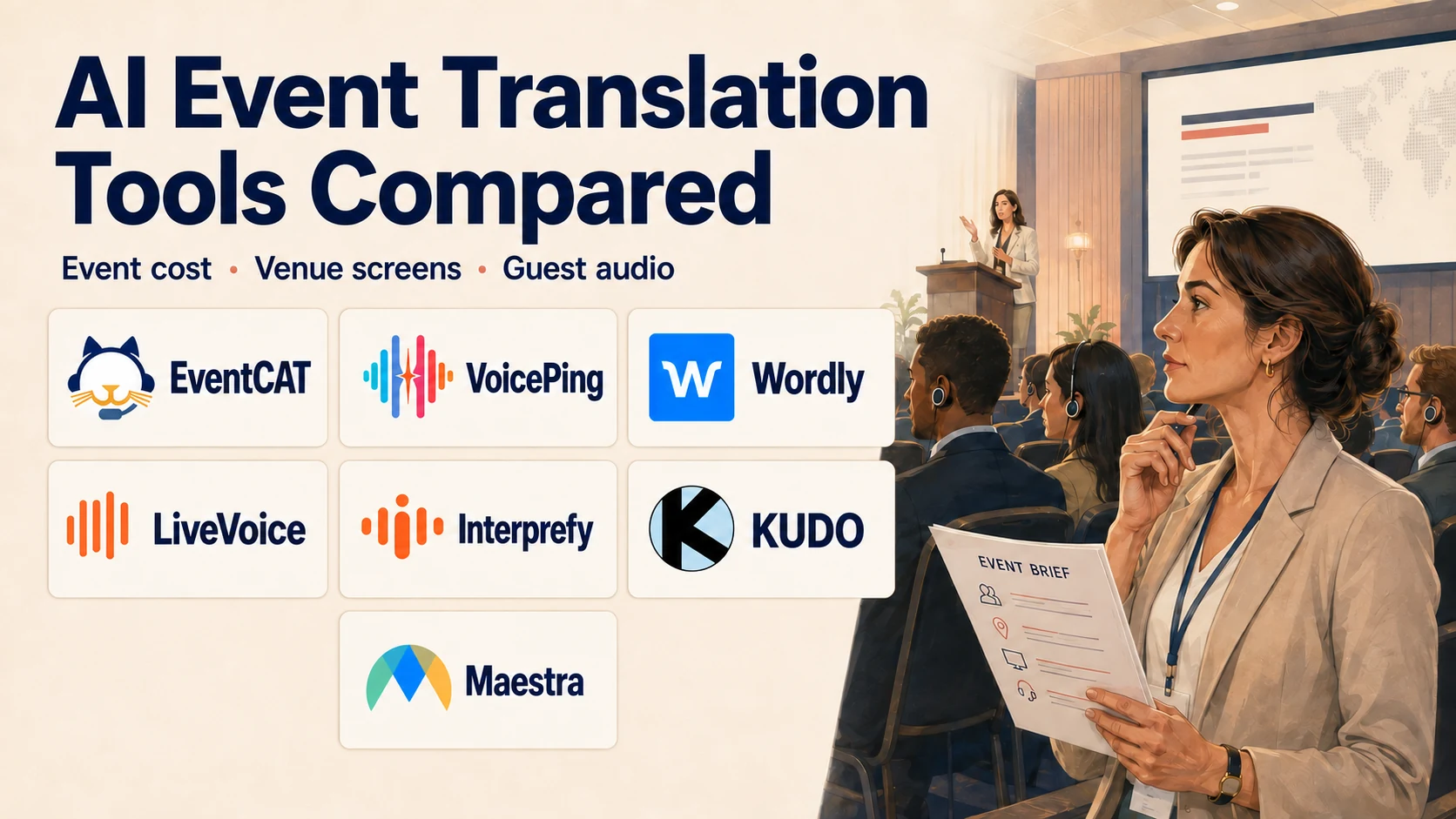
Hosting a seminar or conference with overseas guests or speakers? Compare providers on four things: translation accuracy, venue setup, the event-day bill and live support. Then shortlist two or three for a demonstration using your actual speakers and slides.
Which tools should you shortlist?
Swipe each table to see all columns.
| Your priority | Start with | Check in the demo |
|---|---|---|
| Captions beside slides | 1. VoicePing · 2. EventCAT · 3. Wordly | • Readable venue display |
| Public QR access | 1. VoicePing · 2. EventCAT · 3. Wordly | • Scan → choose language → captions/audio |
| Guests choosing audio | 1. VoicePing · 3. Wordly · 4. LiveVoice · 6. KUDO | • Joining and listening on phones |
| Event setup / live support | 1. VoicePing · 5. Interprefy · 6. KUDO | • Remote/onsite options and booked hours |
| Human interpreters | 5. Interprefy · 6. KUDO | • Interpreter availability and language pairs |
| Custom stream or caption layout | 3. Wordly · 7. Maestra | • Your production software |
These are starting points. Compare the package and support scope before booking.
Provider profiles: official visuals and past event experience
Supplier-published examples show event experience. “Best for” suggests a demo shortlist; it is not an accuracy ranking. Image captions identify the source and image type.
This guide is published by the VoicePing editorial team. The numbers indicate listing order, not an accuracy ranking.
1. VoicePing
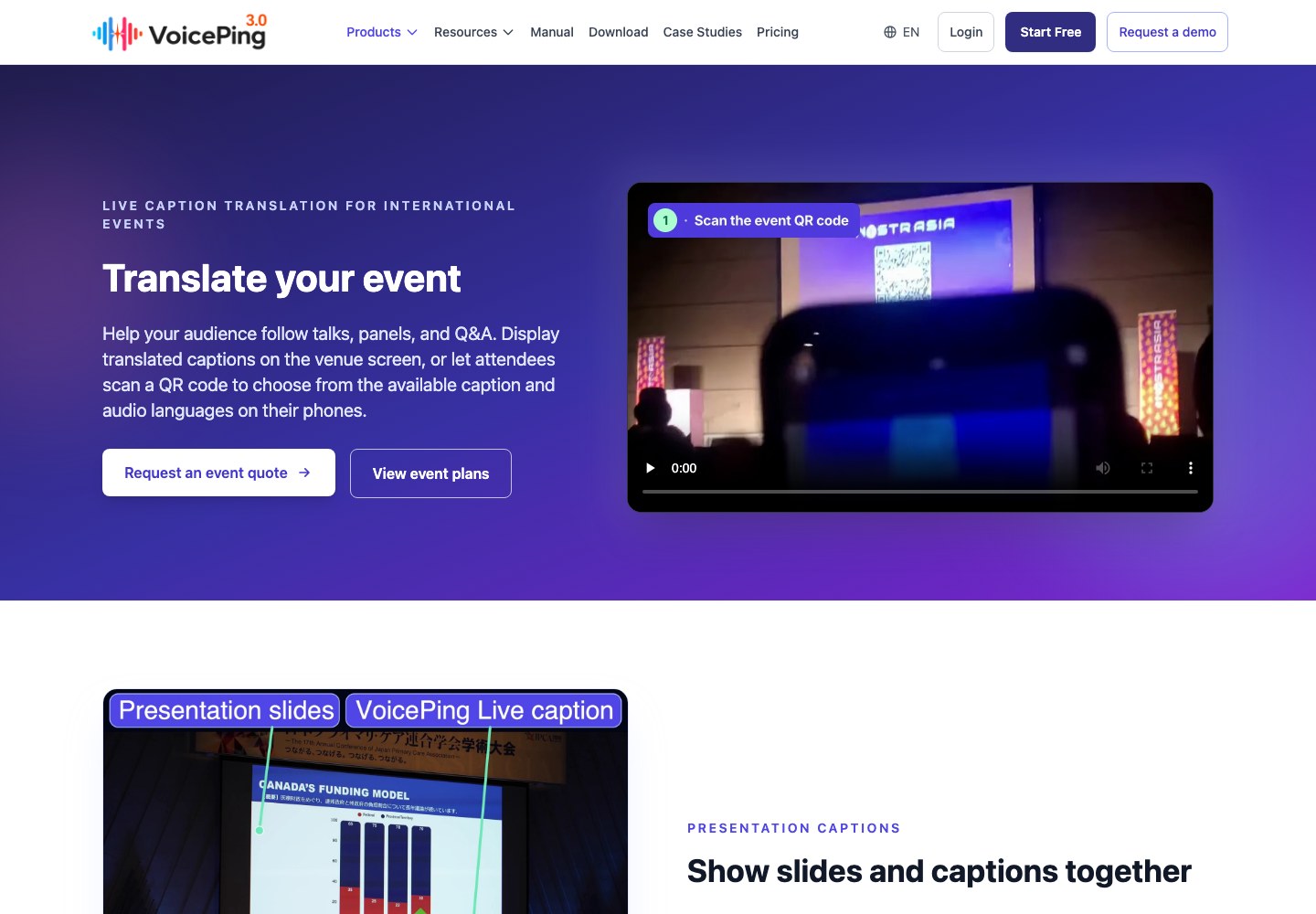
Best for: Multilingual conferences, seminars and pitch events needing venue captions, guest QR access and optional operational support.
Service area: Japan-based, with online delivery and onsite support in Japan and overseas by arrangement
.
Experience: Founded in 2019
; QR conference translation documented by 2023
.
Event record: Repeat delivery at Japan Summit in 2024 and 2025
, plus multilingual conference and specialist pitch-event cases.
Major event experience
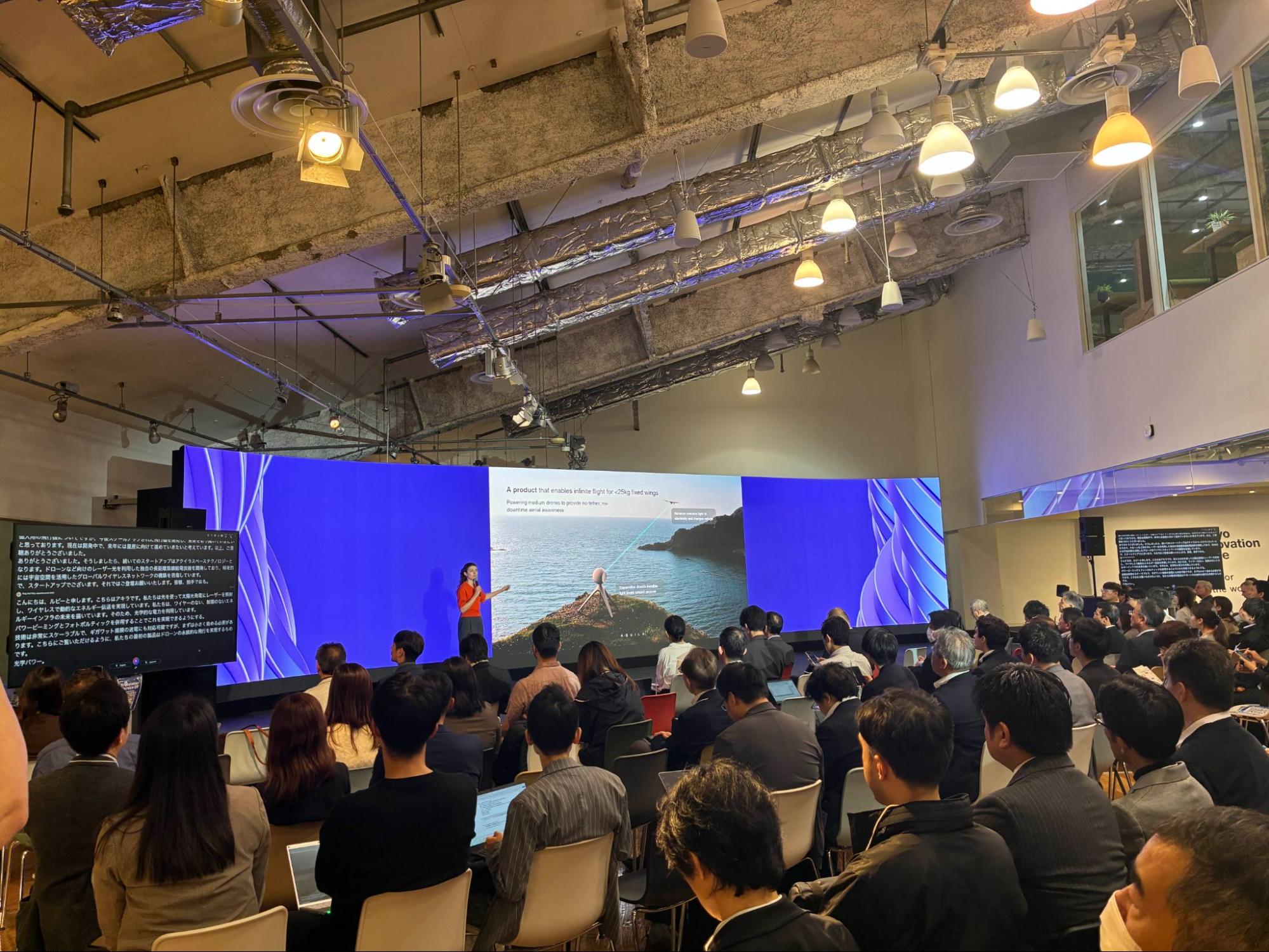
- Plug and Play Japan Summit 2024, Tokyo: At an event with 2,000+ attendees overall, VoicePing supported two session stages and two pitch sessions with secondary caption screens and QR access; two onsite staff handled setup and troubleshooting. Event setup
- Nostrasia 2023: A hybrid conference with 700 participants overall offered Japanese, English, Chinese and Spanish captions from English/Japanese presentations through one QR link. Multilingual setup
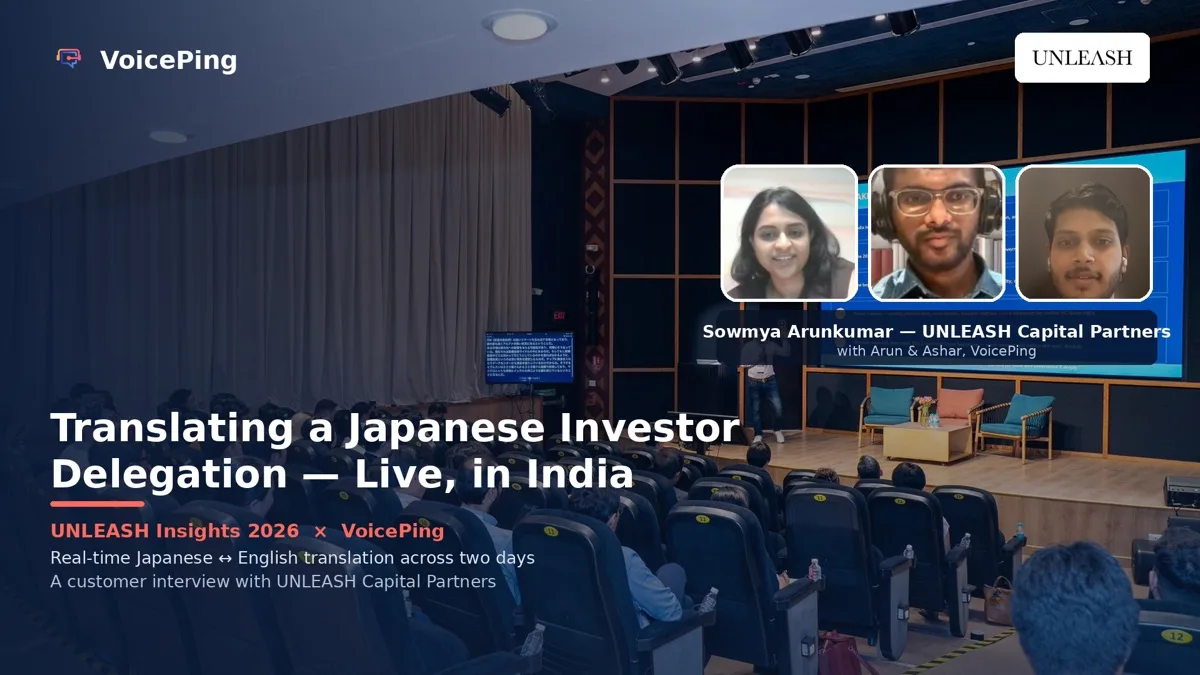
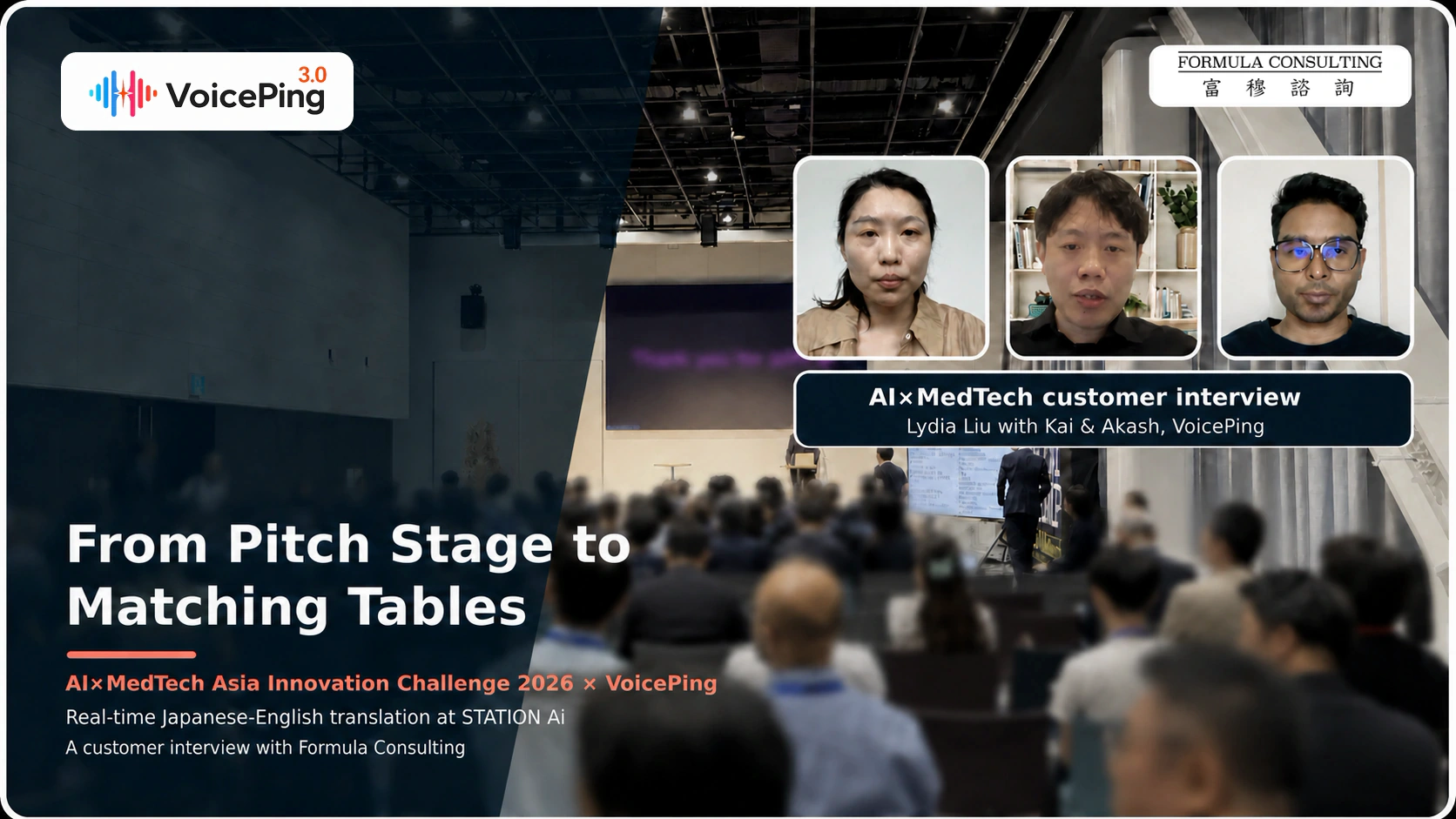
- AI×MedTech, Nagoya, August 2026: Organisers reported generally understandable Japanese–English pitch captions, with occasional recognition errors. Nearby conversations affected microphone pickup during simultaneous one-to-one matching meetings. Organiser feedback
Pros
- Japanese–English event experience, with shared dictionaries for specialist terminology.
- Daily plans include venue captions and app-free guest QR access to captions and supported audio.
- Remote or onsite teams can prepare the setup and monitor live delivery.
Cons
- Operational support costs extra; base-plan help covers login and plan-activation issues.
- Apply at least one week ahead; onsite minimums and separate travel/rehearsal charges apply.
Demo check: Try your speaker languages, prepared terminology, stage display and guest audio; confirm the audience tier and operator coverage. Capabilities and plans , support terms , request a demonstration
2. EventCAT Conference
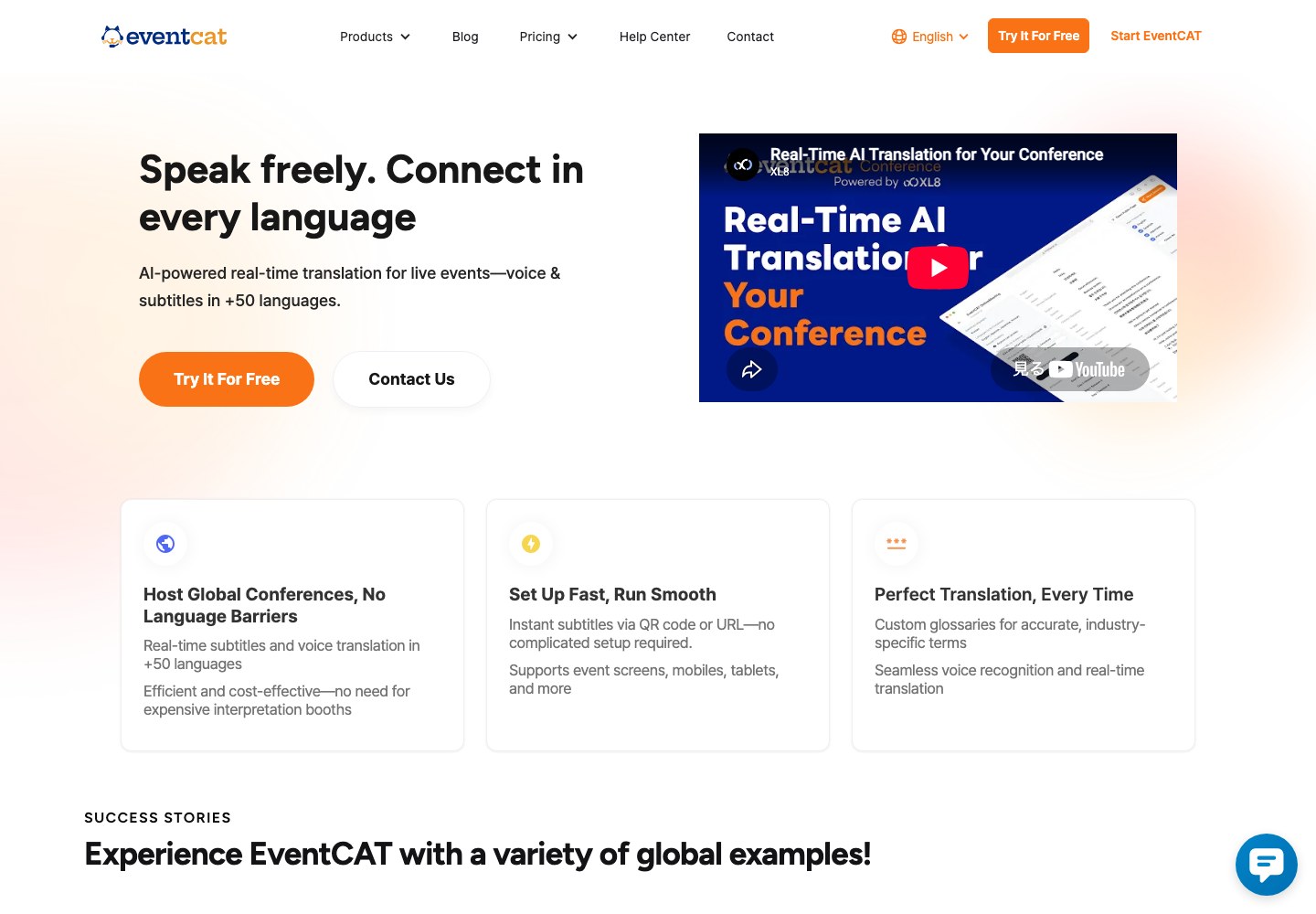
Best for: Conference stages, technical seminars and panels needing shared captions and QR access.
Service area: Global web service; onsite delivery is documented in South Korea. Confirm staffing for your venue.
Experience: XL8 founded in 2019
; EventCAT live-event product documented by 2022
.
Event record: Documented international symposia and awards
.
Major event experience
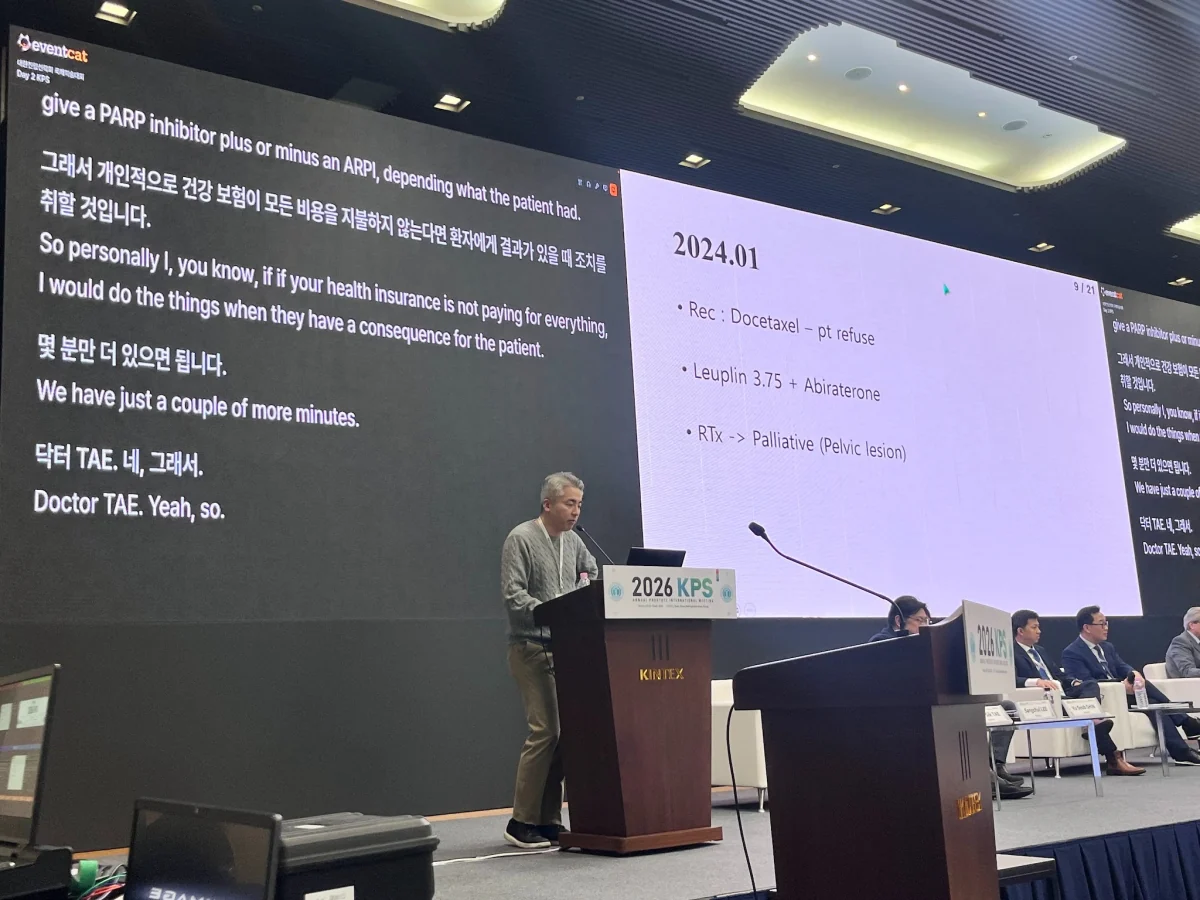
- KPS International Symposium, March 2026: A two-day event with experts from seven countries used venue LED captions plus QR access to phone subtitles and translated audio.
- Setup: Microphone/network checks, rehearsal and terminology prepared from presentation materials. Event setup
Pros
- Fixed-duration Conference passes make the initial software purchase straightforward.
- Documented venue displays and guest-device access support different viewing preferences.
Cons
- The pass clock keeps running through breaks once started.
- Overlays and 24/7 online live support require MAX.
Demo check: Use your actual slides and speaker languages; confirm the pass clock and staffed coverage. Plans and enquiry
3. Wordly
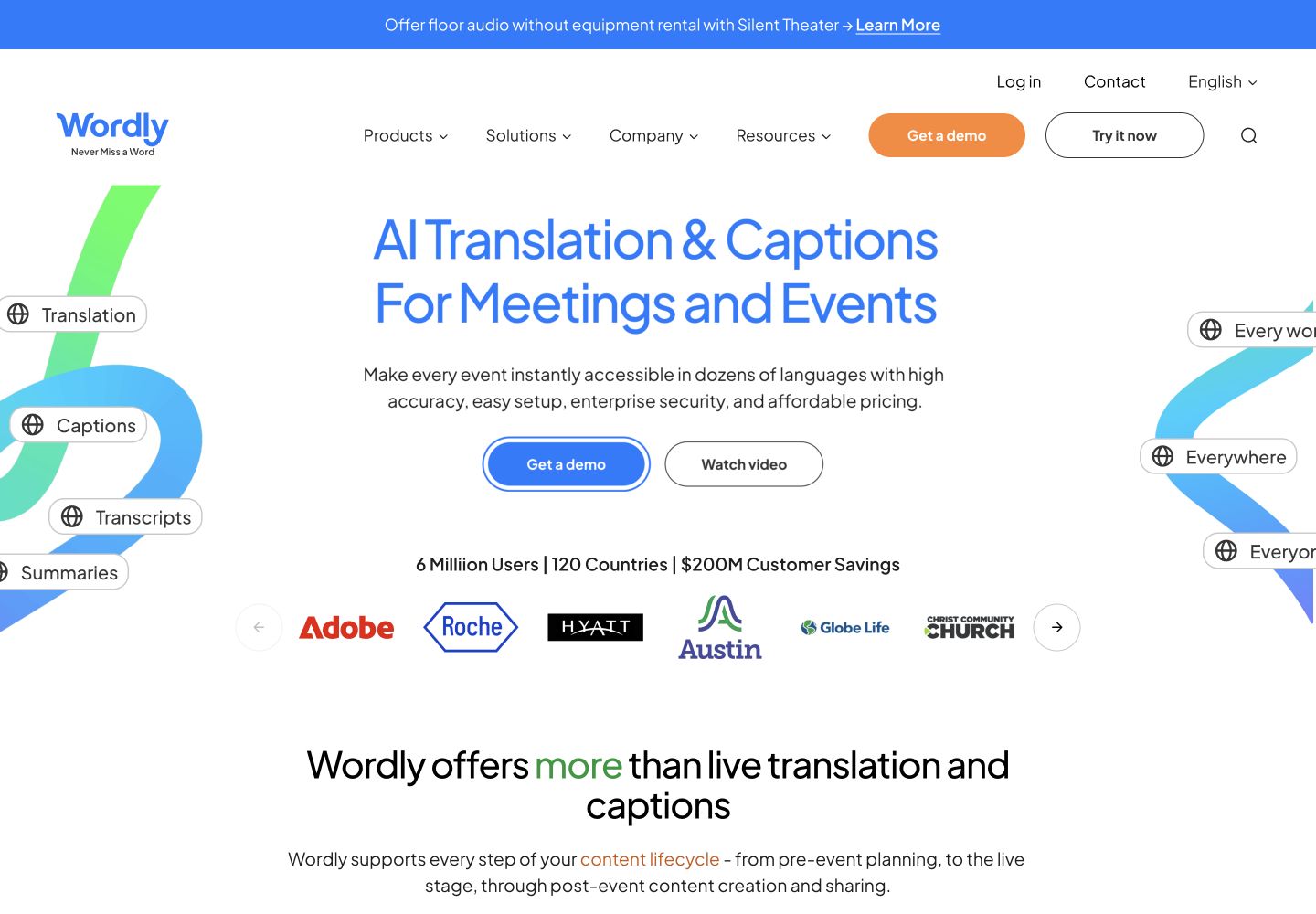
Best for: Multi-room conferences and hybrid seminars needing venue captions plus personal listening.
Service area: Global, with users in 120+ countries
; onsite support is arranged per event
.
Experience: Founded in 2017; live AI event translation launched in 2019
.
Event record: Reports hundreds of medical events
.
Major event experience
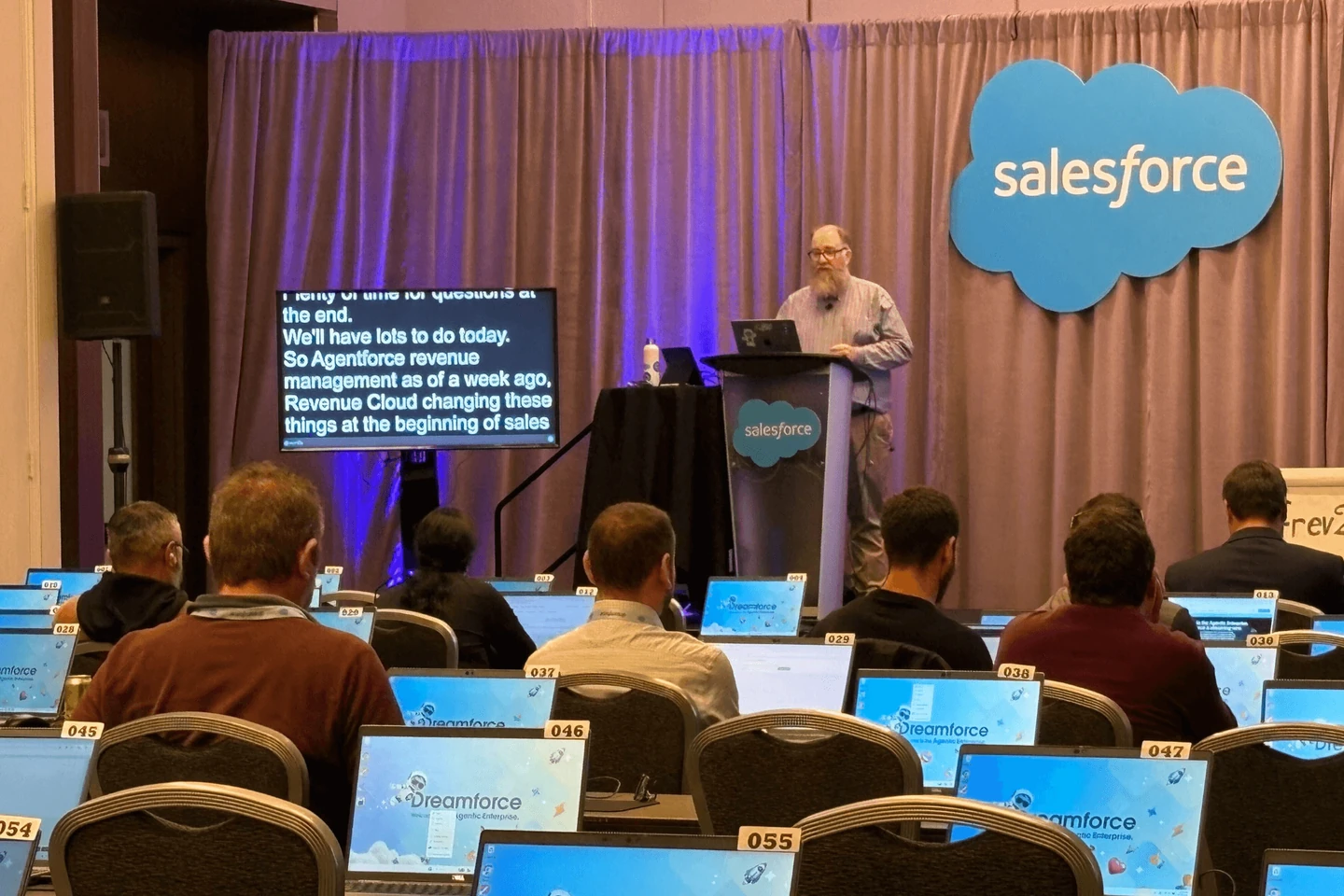
- Three-day technology conference: Live captions on 65-inch monitors beside 52 stages, with 600+ sessions and remotely managed laptops. This installation used captions only; translation was not enabled. Screen setup
- World Congress of Nephrology 2024, Buenos Aires: A 4,500+ delegate congress offered QR translation across sessions, breakouts and online content, with a prepared medical glossary. Translation setup
Pros
- Dedicated caption windows, multiple-language displays and overlays are documented.
- Guests can choose personal translated audio or captions.
Cons
- An upfront hours purchase can leave unused allowance after one event.
- Onsite support costs extra.
Demo check: Prove your slide/overlay layout and confirm the total purchase with support. Screen guide , pricing and demo
4. LiveVoice
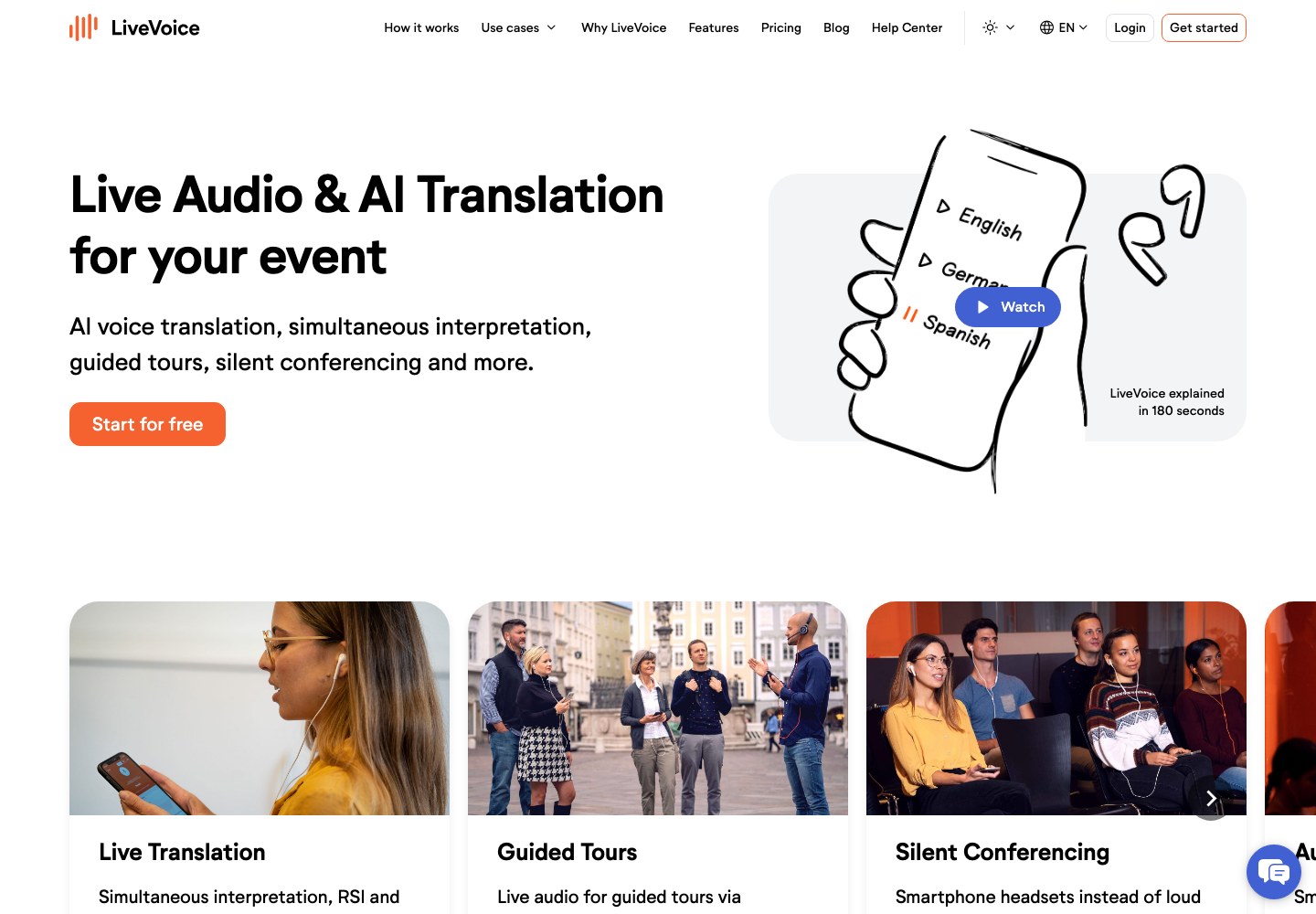
Best for: Small seminars, multi-stage events and guided tours where guests listen on their phones.
Service area: Austria-based and used in 100+ countries
; remote or onsite help is quoted separately
.
Experience: Company incorporated in 2021
; AI captions and voice translation launched in 2024
.
Event record: Reports 150,000+ events
across all platform uses.
Major event experience
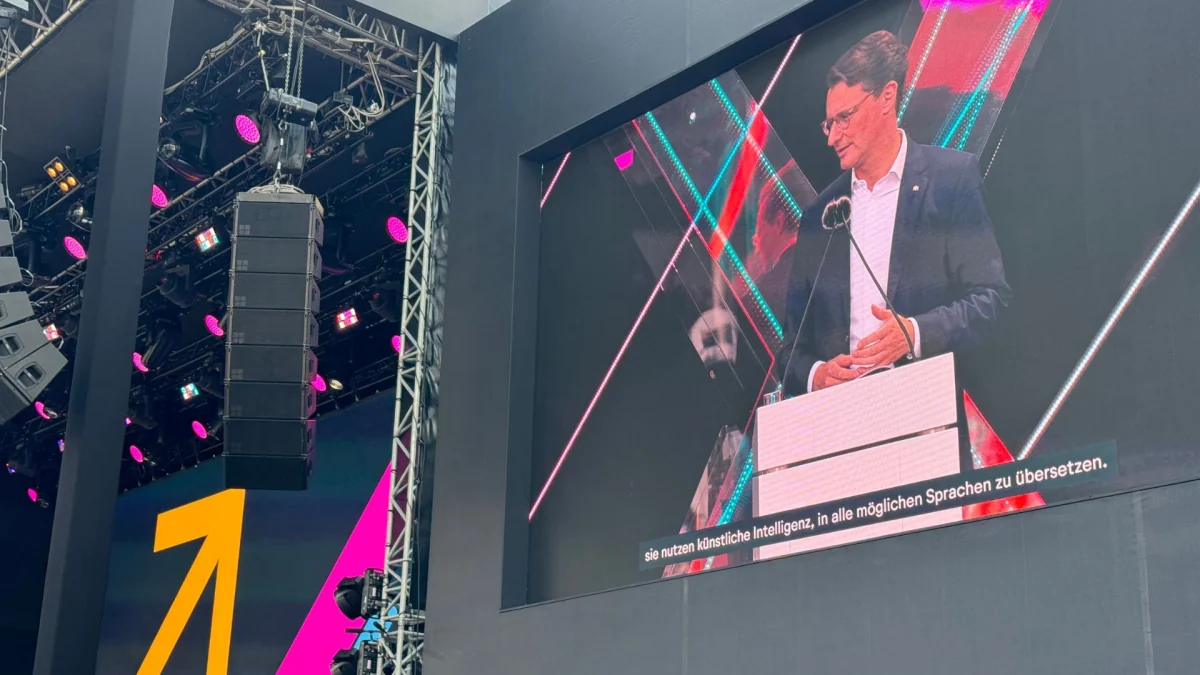
- Digital X 2024, Cologne: QR access connected visitors to interpretation across six stages. Two stages displayed German/English AI captions on LED screens; other stages offered phone captions.
- Beyond the stage: More than 70 tour guides used the app. Event setup
Pros
- Day plans suit temporary events without an annual purchase.
- AI voice and captions together carry the same usage charge as either alone.
Cons
- AI usage grows with each target language's running time.
- Shared-screen features require quoted PLUS access.
Demo check: Test background listening, glossary preparation and the screen feed; assign someone to stop billable channels. Plans , event services
5. Interprefy
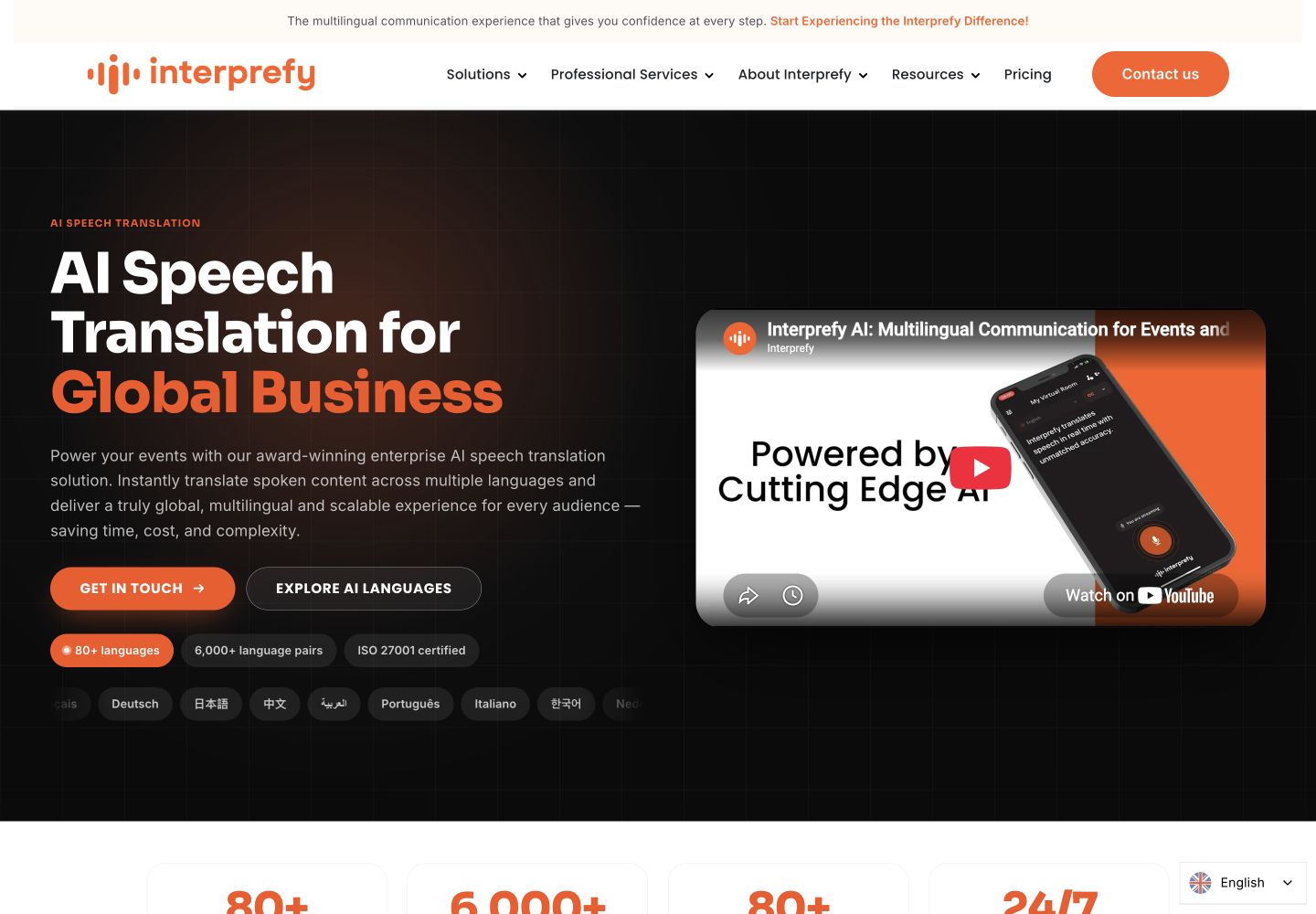
Best for: Managed conferences and hybrid events needing AV coordination and live technical help.
Service area: Global
, including Asia
; onsite support by arrangement
.
Experience: Founded in 2014
; AI speech translation launched in 2023
.
Event record: Reports 100,000+ multilingual events by 2024
, across its human and AI services.
Major event experience
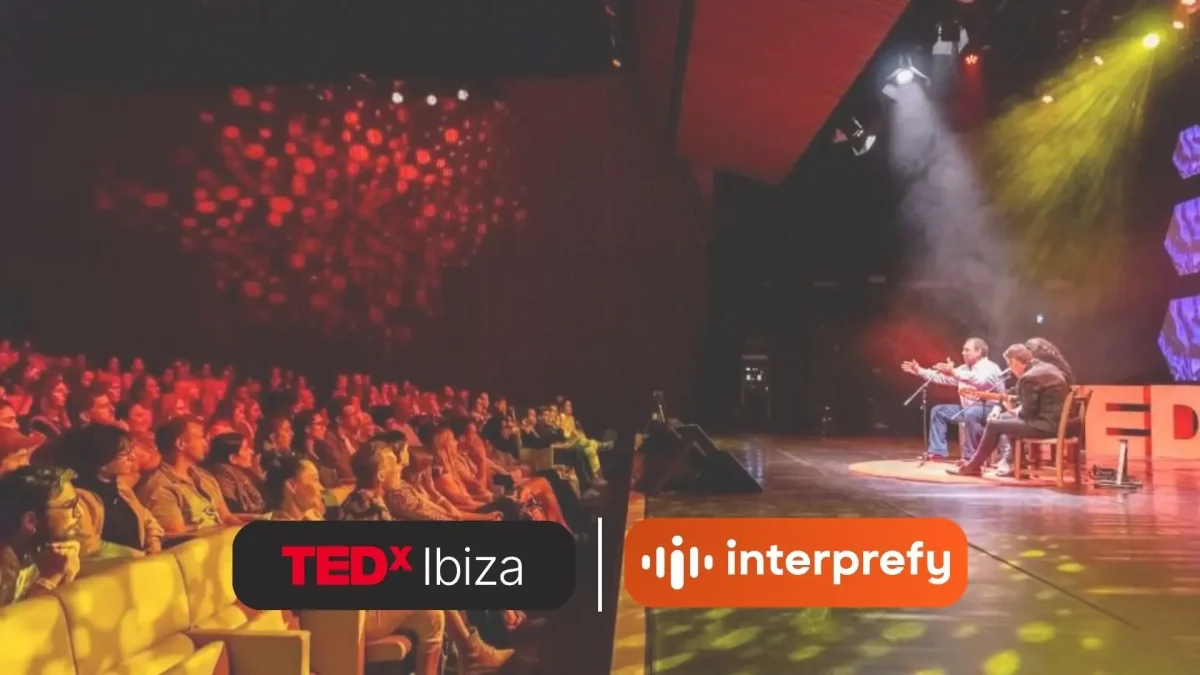
- TEDxIbiza, March 2026: Around 290 attendees accessed English, Spanish and Catalan captions or translated audio on their own devices, with rehearsal help and onsite technical support. Event setup
Pros
- Professional services specify coordination, a technical test and monitored delivery.
- Routing options cover venue captions, personal listening and interpreter connections.
Cons
- A single-event total requires a quote.
- Support inclusions need agreement; extra interpreter dry runs can be chargeable.
Demo check: Require a room plan covering guest listening, speaker return translation and booked technician hours. Pricing and enquiry
6. KUDO
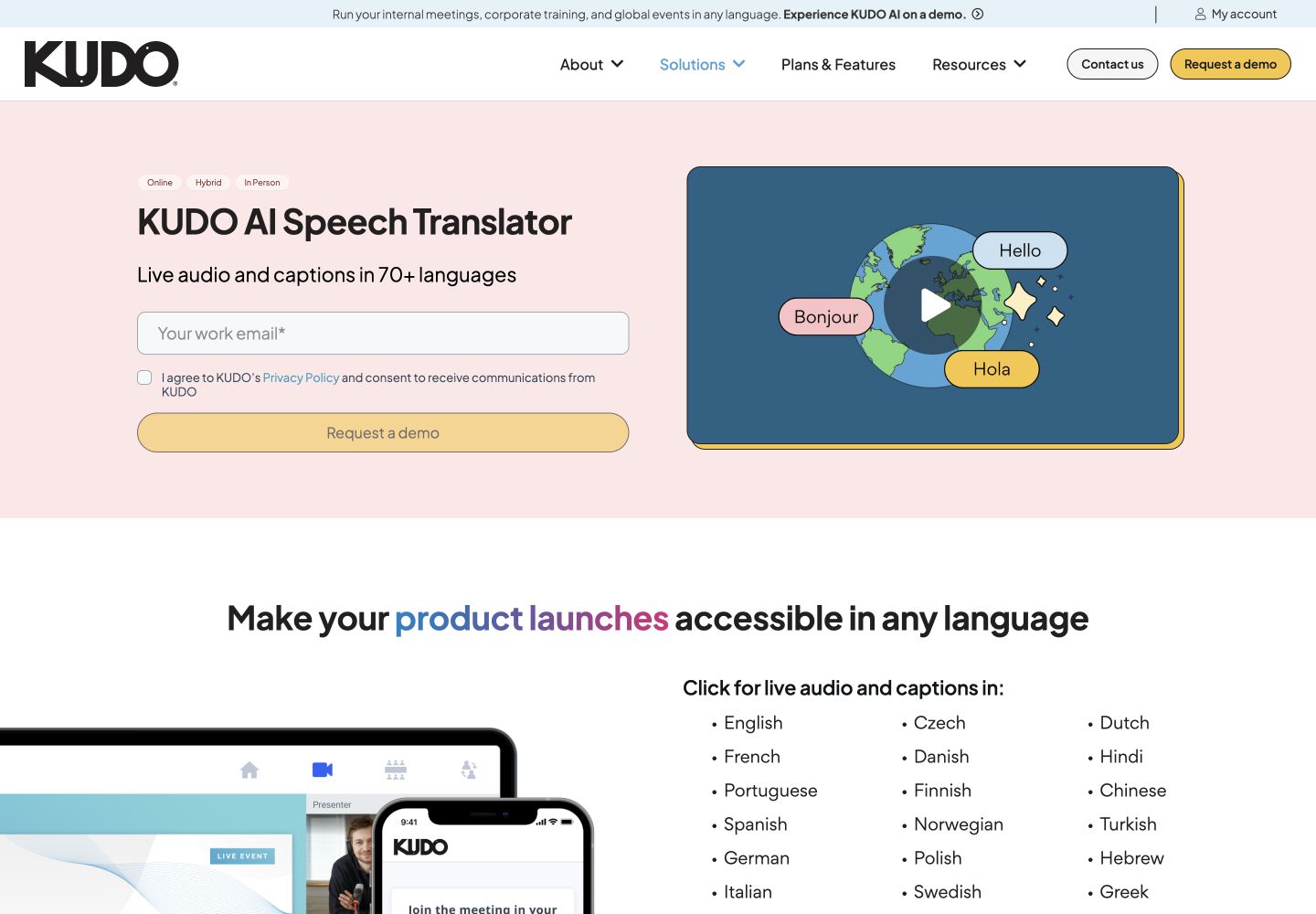
Best for: Multi-room conferences and closed internal events needing phone audio/captions or human interpretation.
Service area: Global, with onsite delivery documented in Japan
and Hong Kong
; regional network restrictions apply
.
Experience: Meeting platform since 2017
; AI speech translation since 2023
.
Event record: Translation sponsor at 15 global events and trade shows in 2025
.
Major event experience
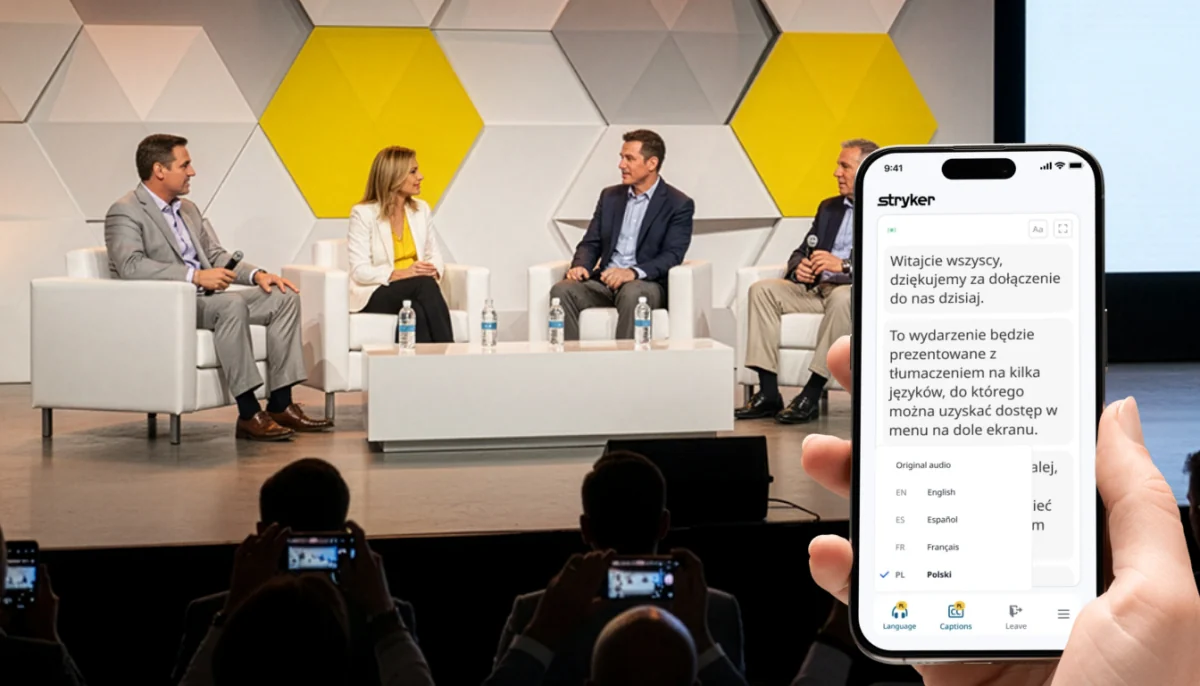
- Tokyo finance conference: 200 attendees, a 09:00–17:00 event and Japanese–English audio/captions across keynotes, panels and concurrent breakout rooms. The setup included a glossary, QR phone access and onsite help for the venue’s AV team. Event setup
Pros
- Pay As You Go supports a single event without an annual subscription.
- AI and human services can be scoped for different sessions.
Cons
- The event price and required support credits need confirmation.
- Conversational mode provides captions; presentation mode supplies audio/captions.
Demo check: Test speaker Q&A, spoken output and venue captions; include booked support in the event total. Plans and enquiry
7. Maestra Live
Best for: Operator-managed seminars, webinars and closed meetings needing captions or streaming integration.
Service area: Global browser service for onsite, online and hybrid events
; confirm staffed support for your location.
Experience: Founded in 2018
; Maestra Live announced in December 2024
.
Event record: A published testimonial reports roughly 30 conferences at Expo Osaka
.
Major event experience
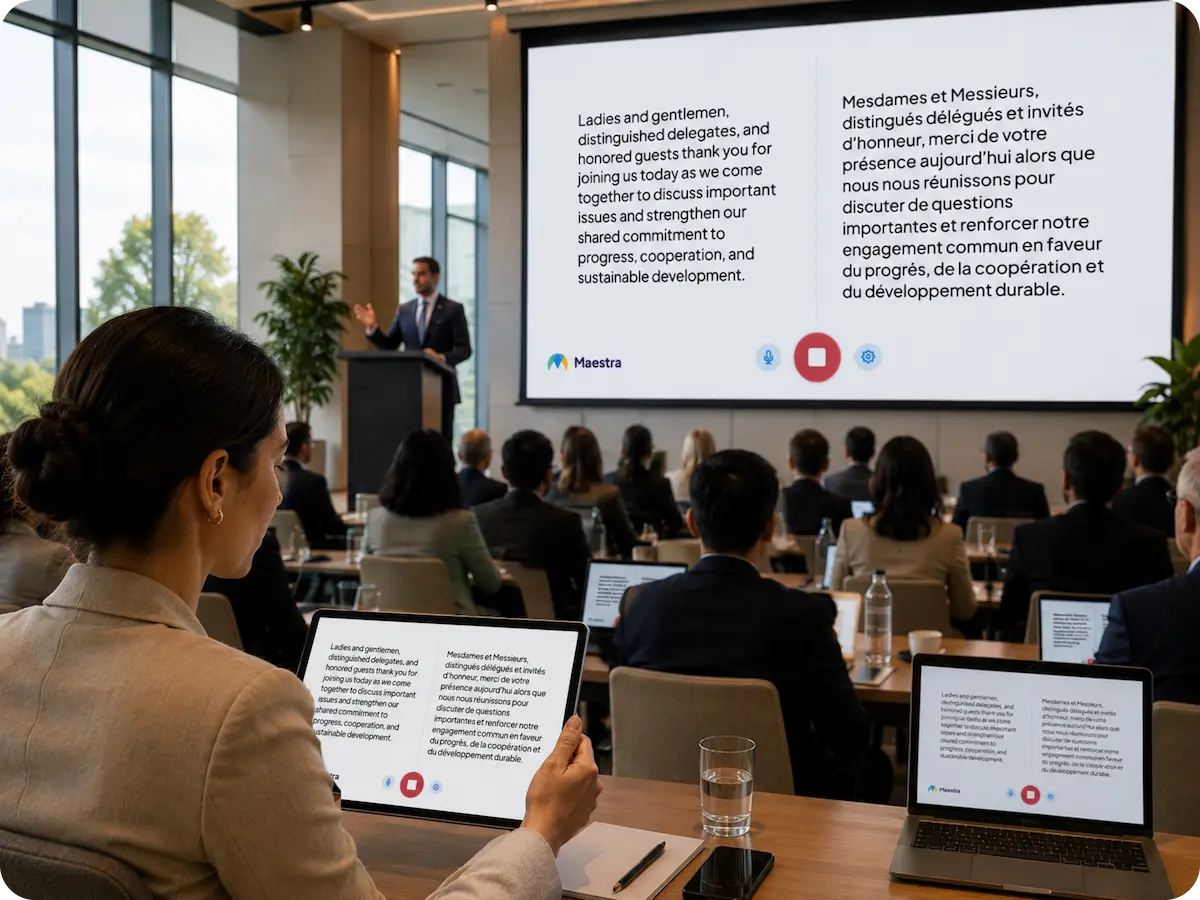
- Expo Osaka: A Maestra-published testimonial describes English–Japanese translation across roughly 30 conferences. It does not specify screen or room counts, so confirm your intended layout in the demo. Event testimonial
Pros
- Monthly plans provide a purchase option for a temporary project.
- Stage captions and OBS/vMix integration are documented.
Cons
- Shared sessions require Business or higher.
- Language/voice deductions and event-time support need confirmation before booking.
Demo check: Prove mixer input, two-language display and guest access; request a relevant event reference and written support scope. Sharing requirements , monthly plans and enquiry
Accuracy: will guests understand your actual programme?
Start with the words your event cannot get wrong: speaker names, specialist terms and numbers. Check how each tool recognises those words, then how it translates them for your guests.
1. VoicePing
- Names and jargon: Register correct spellings and common misheard variants to correct recurring transcription errors. Recognition dictionary
- Multilingual terminology: Set approved translations for each target language in a shared workspace dictionary; available on paid plans. Translation dictionary
Published test: Five-language ASR benchmark (WER); measures transcription errors.
2. EventCAT Conference
- Technical presentations: Build a glossary from slide PDFs and attach it to each session. Glossary setup
- Live corrections: Give the STT Revise Guide speaker spellings and context; edits apply from the next finalised sentence. Live controls
Published test: English ↔ Korean, earlier Zoom product.
3. Wordly
- Specialist talks: Boost names and jargon for recognition; use Replace rules for preferred caption wording. Glossary controls
- Before the event: Glossaries are included across plans. Rehearse first: edits require a session restart, and the glossary cannot teach audio pronunciation. Plans
Published test: Historical audio review in six UN languages; no Japanese.
4. LiveVoice
- Bilingual seminars: Separate recognition and translation glossaries let you specify both jargon and preferred equivalents on SMART/PRO. Glossary setup
- Language limits: English/Japanese support translation glossaries; Thai and Vietnamese currently do not. Check every event language. Language matrix
Published test: Competitor-run European-language test; no Japanese.
5. Interprefy
- Technical conferences: Supply speaker names, acronyms and specialist terms for Custom Vocabulary to help speech recognition. Vocabulary
- Managed preparation: Professional services include project-manager glossary preparation and a one-hour technical test; include this service in your quote. Preparation service
Published evidence: Evaluation approach; no documented numerical translation result found.
6. KUDO
- Names and specialist terms: Word Priority helps recognition; glossary entries set translations, while Do Not Translate preserves selected names. Customisation
- Mode matters: Glossary/preservation controls require AI Speech & Captions; captions-only has Word Priority. Save settings before the session. Timing
Published test: 2025 English → Japanese listener comprehension; an earlier engine.
7. Maestra Live
- Operator-led seminars: Live mode offers custom terms and word replacement for recurring caption errors. Live controls
- Translation context: Real-Time Premium adds OpenAI prompts; Business adds DeepL and a translation glossary. Confirm glossary support for your pair. Plan requirements
Published evidence: No sufficiently documented live-event quality score found.
Test terminology setup in your demo: use the same speech and microphone before and after terminology setup. Have a fluent reviewer check ✓ names and numbers, ✓ meaning, and ✓ caption/audio delay.
The sources reviewed do not quantify dictionary-on/off gains. The published tests below use different products, languages and metrics, so their scores cannot rank these providers.
View published test results and charts
EventCAT
Academic study · published September 2025
English ↔ Korean · WISE in Zoom

Four speeches, one assessor. This tested OnlineMeeting WISE, not the current Conference setup. Study and data
VoicePing ASR v0.1
Supplier transcription test · July 2026
Source speech · 1,000 clips per language

19.3% macro-average WER across 5,000 clips (~41 hours). This test does not measure dictionary-on/off improvement or translated meaning. ASR test and data
VoicePing MT v0.1
Text-model test · July 2026
English → Japanese · 100 rows · GPT-5.5 judge

Internal text samples; microphones and live delivery were not tested. Test and data
Wordly
WHO team audio review · 2025 report
18 challenging speeches · six UN languages

One of 90 outputs reached the study’s 75-point threshold. No Japanese; current-version performance is not established. Original report
KUDO
Listener test · February–March 2025
English → Japanese · 28 listeners per group

One 11m48s speech; February 2025 engine. Measures listener comprehension, not translation accuracy %. January 2026 paper
LiveVoice Pro
Competitor-run test · April 2026
Eight ~6-minute sessions · no Japanese
Closer to zero is better
Source phrase → translated speech
Five European languages; results reported by a competing supplier. Speech lag is separate from caption delay. Test and recordings
Interprefy · Maestra Live
Evidence gap in reviewed public sources
No sufficiently documented live-event translation score found.
Interprefy: Describes its evaluation approach without publishing numerical translation results. Quality guide
Maestra: The Expo Osaka testimonial gives event experience, not a measured quality score. Event evidence
Request results using your event’s languages and speech sample.
Test scope and limitations
- EventCAT: Four financial speeches (~10 minutes each), 348 segments. The chart reproduces Table 3’s penalties/segment; the paper’s printed formula differs. One assessor; exact build and test date undisclosed.
- VoicePing ASR: Supplier-run, product-specific speech dataset; 1,000 clips per language. WER compares transcripts with human references. No dictionary-on/off experiment; these scores do not establish the event plan’s current model or end-to-end translation quality.
- VoicePing MT: A separate supplier-run text-model test with an AI judge and no trusted Japanese reference; it excludes microphones and live delivery.
- Wordly: Historical review of 2024 assembly recordings. Build, test date and glossary settings are unspecified; some grading used English relay. The line shows observed minimum/maximum, not a confidence interval.
- KUDO: 56 current/former journalists, balanced groups, one recorded speech. Descriptive comprehension results; no statistically established superiority or current-engine conclusion.
- LiveVoice: A competitor’s LLM evaluation, repeated ten times per session; English, Spanish, French, German and Portuguese. Error points cannot be converted into an accuracy percentage.
Equipment and integration: what must your venue provide?
Typical room: microphones → mixer → audio interface → translation computer → screen / guest devices. Add reliable internet, power, cables and an operator; confirm the exact audio connection with AV.
Make the room comfortable for guests and speakers
- Screen: Read your real slides and captions from the back row. Keep displayed languages readable; offer other languages on phones.
- Guest audio: Provide joining instructions and earphones guidance. Test a pocketed phone and app switching; LiveVoice recommends its app for background listening. Attendee access
- Speaker Q&A: Feed the audience microphone into translation and provide the speaker a return screen or audio. Test the complete two-way workflow. KUDO modes
- AV handoff: Name the equipment and operator for each room; rehearse a connection failure. Confirm computer counts and concurrent-room limits. KUDO’s display guide specifies a separate display computer and AV technician.
Cost per event day: what will you actually pay?
Reference event: one room, six programme hours, 200 simultaneous translation users and two target languages, using existing venue AV. USD software prices and support charges are listed separately (checked September 17, 2026); screen access, language allowances and staffed coverage depend on the selected plan.
| Provider | Software purchase | Coverage / conditions | Support & add-ons |
|---|---|---|---|
| 1. VoicePing | $1,100/day | ✓ 51–200 translation users; tax included • Account setup included • Travel / separate-day rehearsal extra | • Remote: +$770/day; onsite: +$1,100/day • Setup + live monitoring • Onsite: one specialist + laptop rental • Regional onsite minimums |
| 2. EventCAT | $300 / 6 elapsed hours $600 / 24 hours | ✓ Venue screen • QR users: 300 (6h) / 500 (24h) • Clock includes breaks • MAX overlay: $1,200/24h Pass rules | • Online: Mon–Fri, 09–18 UTC+9 • MAX: 24/7 online • Onsite: not listed |
| 3. Wordly | From about $1,500 upfront | • Starter: 10h / 12 months • Full upfront purchase; confirm 200-user quote | • 24/7 phone/email help desk • Booked remote / onsite event support: extra • Agree monitoring scope |
| 4. LiveVoice | $599.40 subtotal + screen add-on quote | • SMART: $225/day for 200 users • 360 min × 2 languages × $0.52 • Tax excluded ; AI billing | • PLUS venue screen: quoted • Remote / onsite event support: quoted • Agree monitoring hours |
| 5. Interprefy | Single-event quote | • Specify AI/human interpretation and outputs • Request software and service breakdown | • Coordinator + remote technician • Quote technical test + live monitoring • Onsite on request |
| 6. KUDO | Single-event PAYG quote | • No annual subscription • Confirm minimum purchase | • Technical support: package / credits • Quote rehearsal and booked hours • Confirm AI-only / onsite coverage |
| 7. Maestra Live | Business $199/month Business Plus $449/month | • 360 / 900 translation mins “per language” • Confirm two-language billing and 200-guest access | • Priority support on these plans • Staffed live-event support: Enterprise quote • Onsite: not listed |
Request the total payable for your schedule, including screen features, rehearsal, support and taxes. Confirm what happens during breaks, overruns and cancellation, and whether unused credits expire.
Frequently asked questions
Can I buy event translation for just one day?
Yes. The market includes day passes, daily audience tiers, hourly credits and single-event quotes. They have different minimums and support conditions. Check the amount you must actually purchase, rather than dividing an annual plan by twelve.
Do guests need an app or headphones?
Several services offer browser access through a QR code or link. Confirm the chosen mode and device support. Headphones are needed for personal translated audio if you want to avoid disturbing people nearby; captions do not require them.
Can I display two languages while showing slides?
Several providers document multi-language or presentation-screen options. Ask for the precise layout and plan entitlement. Rehearse with real slides and the required writing systems; adding languages can make a shared screen harder to read.
Can an overseas speaker understand audience questions?
Only if the event includes a return translation path. Specify how questions are captured, how the speaker receives the translation and who controls language changes. Audience listening access alone does not establish a two-way discussion workflow.
Are transcripts and recordings included?
Entitlements, export formats and retention differ. Request them in the quote and establish recording permission before the event. If you plan to publish translated captions afterwards, allow time for human review and correction.