In this article
Choose by the output you need: a conversation people can follow now, or a recording you can edit and publish later. Live translation tools prioritize continuous speech and captions. Dubbing products add translated audio to recorded media, with different levels of script editing, speaker control and lip sync.
This guide covers 12 services, grouped by those workflows. VoicePing publishes the guide; the numbers identify services, not a quality ranking. Official features and public prices were checked on September 18, 2026. The retained July audio files are historical examples, not a new controlled test.
Choose a workflow
- Run a multilingual meeting: Start with 1. VoicePing when you need a meeting-ready interface and listener captions.
- Build translation into an application: Compare 2. Gemini , 3. OpenAI and 4. Azure for streaming output, integration requirements and billing.
- Localize a recording yourself: Compare 5. ElevenLabs , 6. HeyGen , 7. Rask , 10. Dubverse and 11. Perso for editing and export.
- Commission a managed production: Discuss deliverables and review with 8. Deepdub or 9. RWS / Papercup .
- Add languages to a YouTube channel: Check 12. YouTube automatic dubbing and the eligibility of the actual video.
Live speech translation
1. VoicePing — live meetings and listener captions
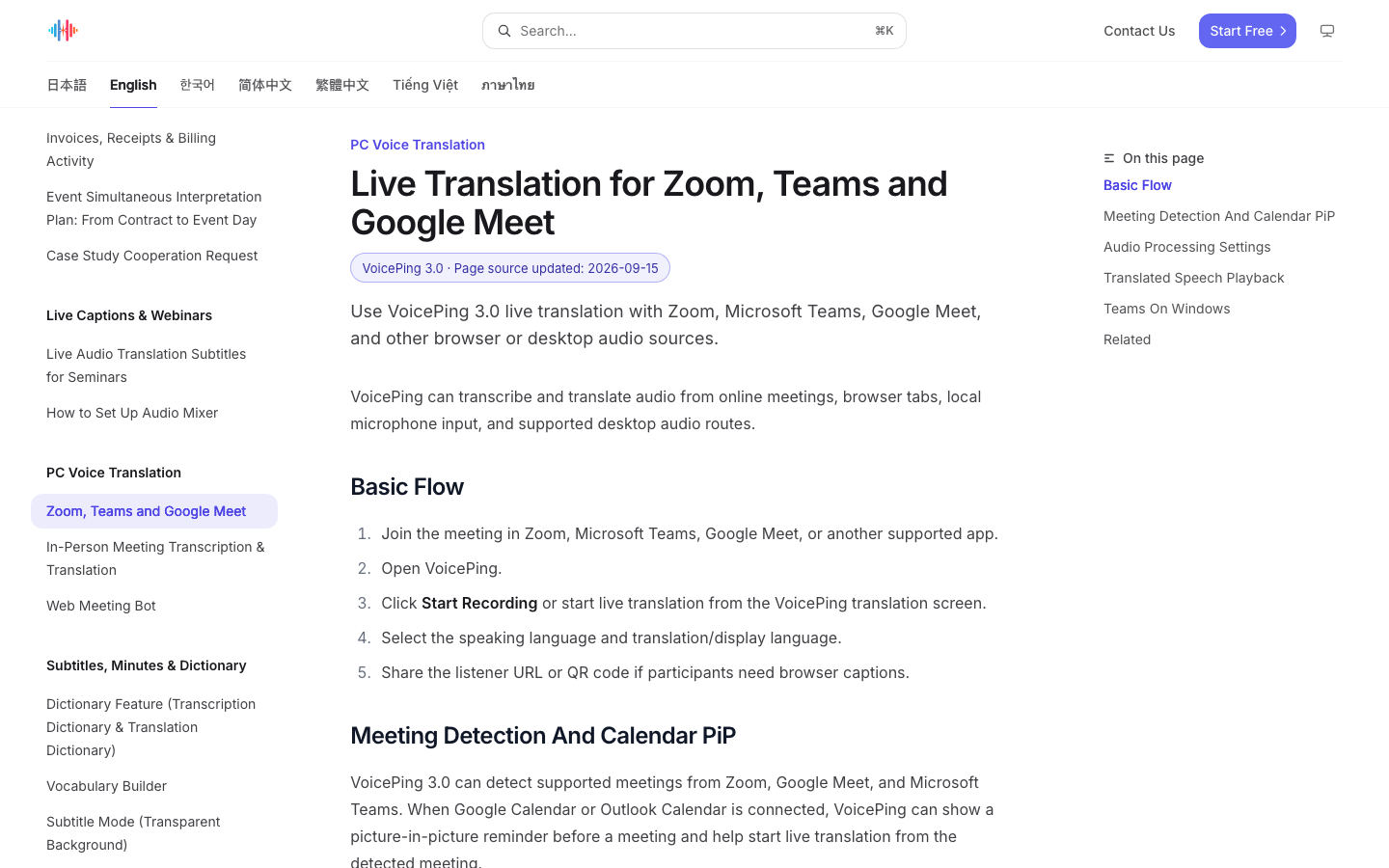
VoicePing captures supported meeting, browser or microphone audio and supplies transcription and translation. Its guide covers Zoom, Microsoft Teams and Google Meet, listener links or QR codes, and playback of translated final utterances.
- Useful for: A meeting or event where people need captions and translated speech while the discussion continues, without building an API application.
- Check before choosing: Audio routing, speaking language and playback settings still need setup. Test the actual microphone and meeting application. Live playback does not produce an edited, lip-synced video master.
The official setup guide explains the audio controls and notes that the high-accuracy setting may be disabled during translated TTS auto-play. Choose the listening workflow before evaluating the result.
2. Gemini Live Translate — a streaming translation API
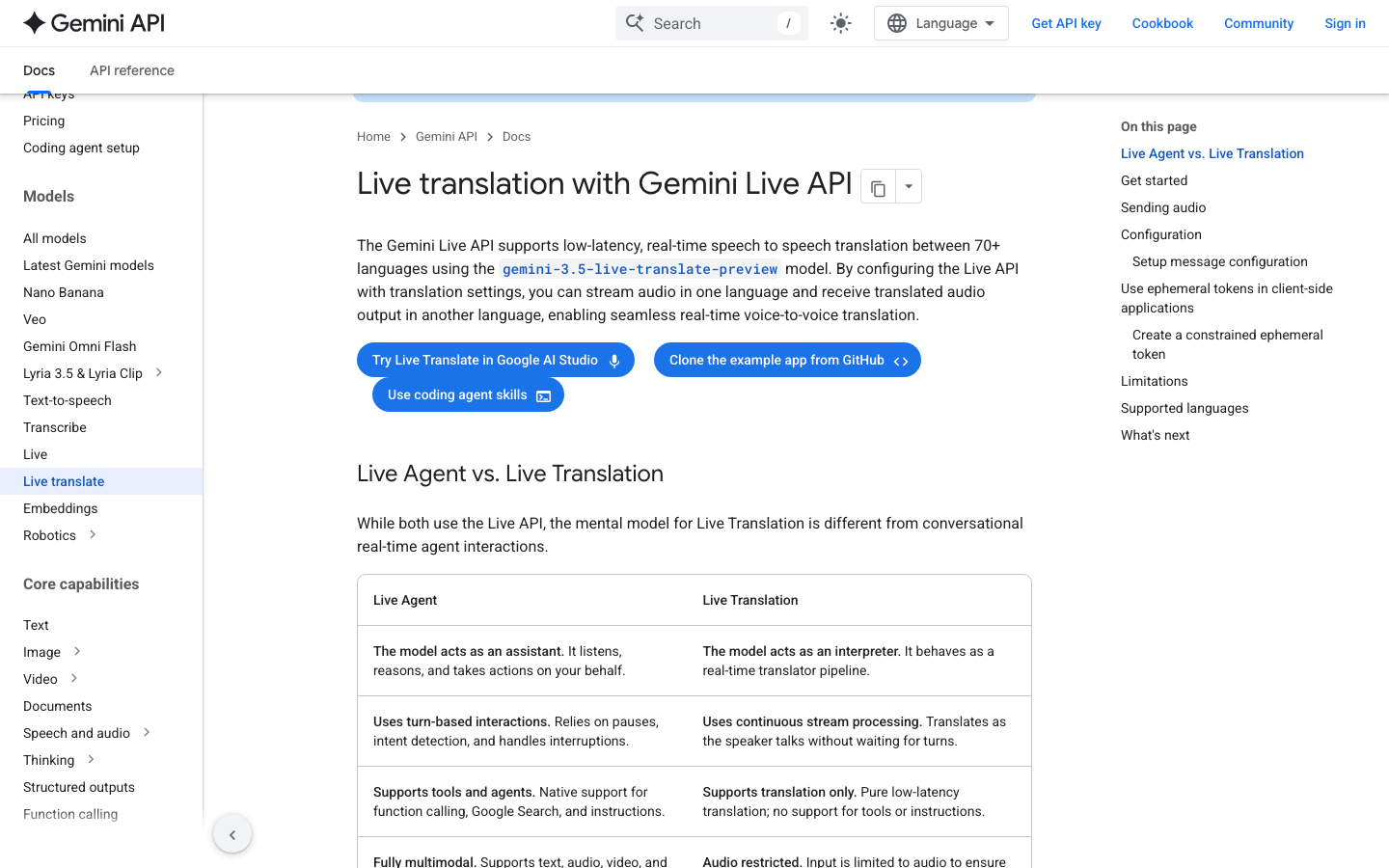
Google documents gemini-3.5-live-translate-preview for continuous speech translation across 70+ languages. The guide links to an AI Studio trial interface and describes streamed translated audio with optional input and output transcripts.
- Useful for: Exploring a browser demo, then building a dedicated live interpreter into a custom application.
- Check before choosing: This is a preview translation model with audio input. The translation configuration does not provide the tools and instructions of a general conversational agent. Production integration and operating costs remain the developer’s responsibility.
Google’s pricing bills input and output audio separately. A shorter input does not guarantee equally short translated output; calculate each side of the stream.
3. OpenAI Realtime Translate — translated audio and transcript updates
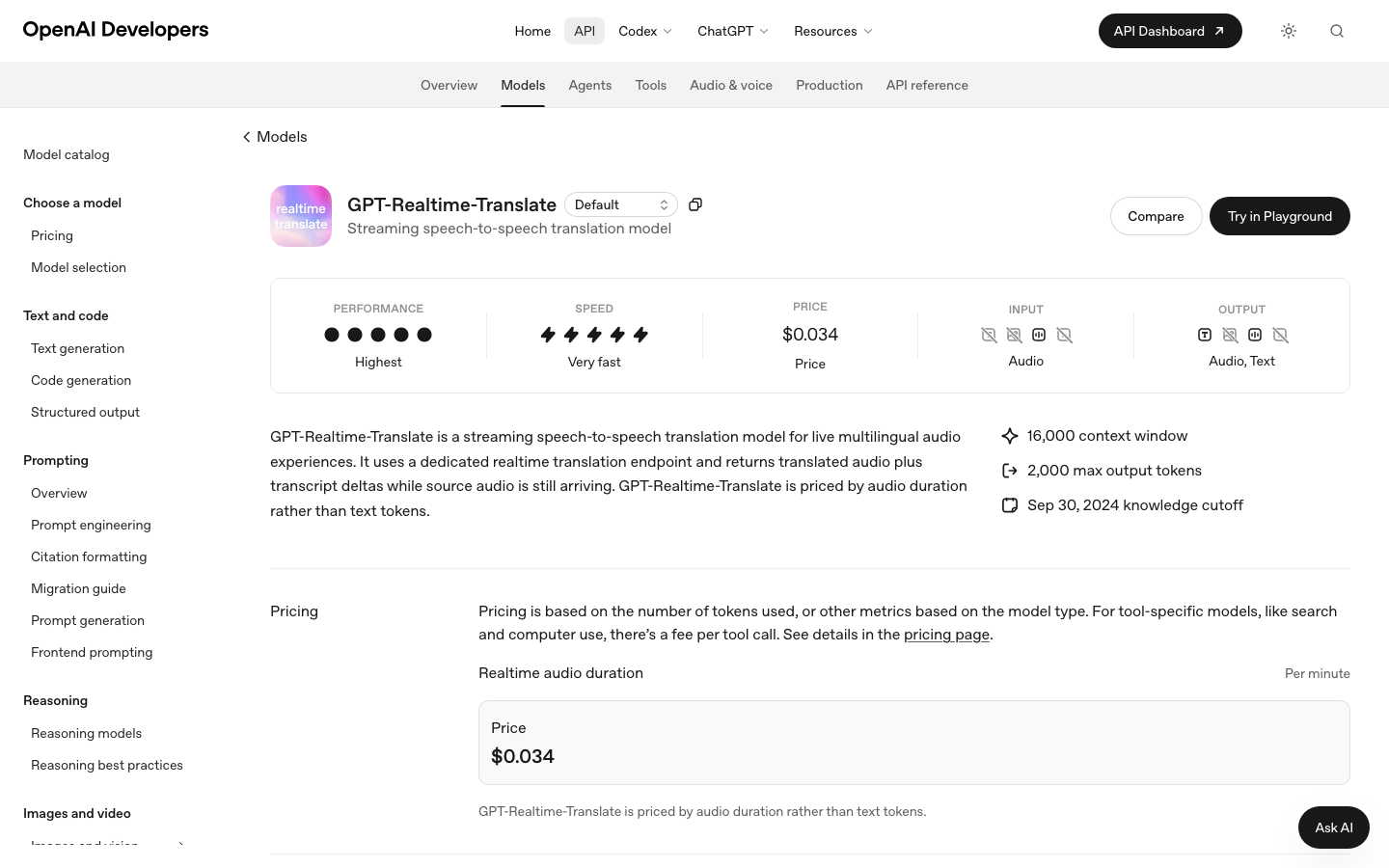
gpt-realtime-translate uses a dedicated realtime translation endpoint. The documented outputs are translated audio and transcript updates while source audio is still arriving; billing is based on audio duration.
- Useful for: Developers who need translated speech and incremental text inside their own live-audio experience.
- Check before choosing: An API supplies a component of the workflow. Your application must handle audio capture, playback, user access and error states. The model page does not describe a dubbing timeline, lip-sync editor or finished-video export.
The official price schedule lists $0.034 per minute for this specific translation model. Do not substitute the token rates or benchmark results of a different Realtime model.
4. Azure Speech Translation — Microsoft-managed speech workflows
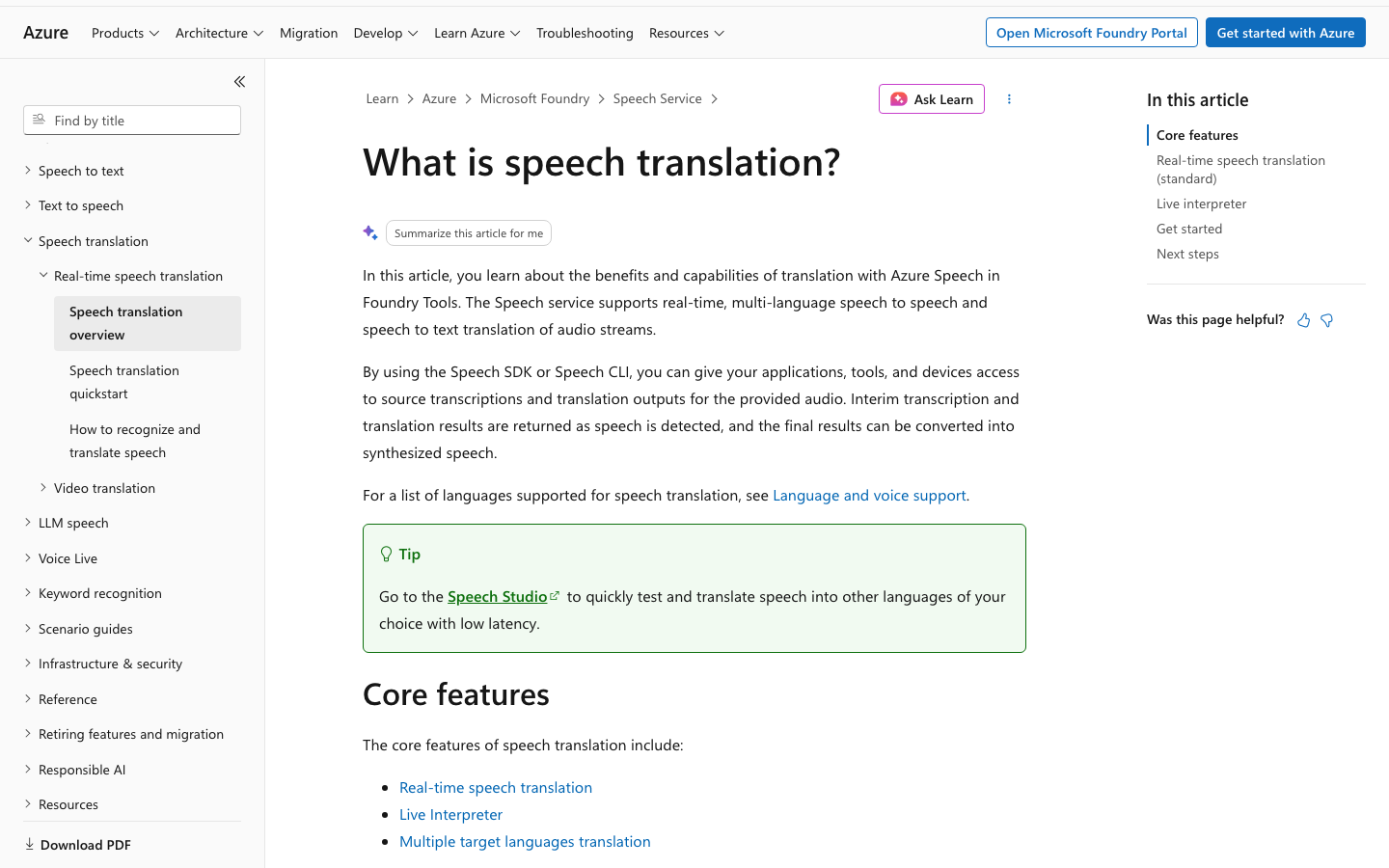
Azure provides Speech SDK and CLI workflows for translating audio streams. The documentation distinguishes standard real-time speech translation from Live Interpreter. Standard translation can expose source transcription and translated text; final results can be synthesized into speech.
- Useful for: Organizations building around Azure resources, regional deployment choices and existing Microsoft engineering operations.
- Check before choosing: Select the specific translation mode and its supported languages. Live Interpreter currently documents target-language transcription without source-language transcription. Speech synthesis, additional targets and other services can change the bill.
The pricing page separates Standard translation, Live Interpreter and video translation. The $2.50/hour figure in the explanatory guide is an illustrative calculation, not a verified quote for every region or mode.
Dubbing recorded audio and video
5. ElevenLabs — automatic dubbing and legacy Studio editing
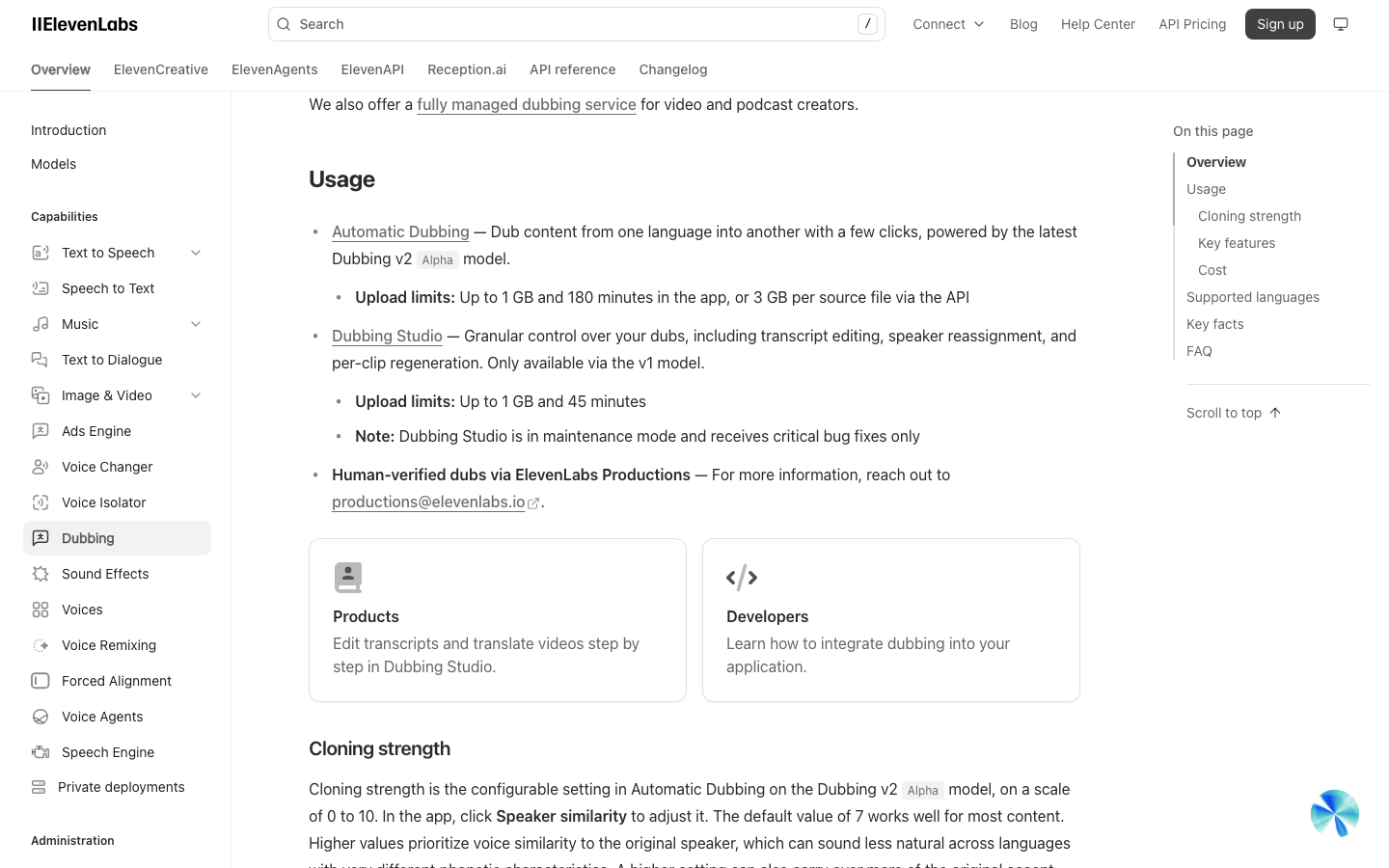
ElevenLabs documents Automatic Dubbing with v2 Alpha and a separate v1 Dubbing Studio. The current v2 model supports API use. The Studio offers transcript editing, speaker reassignment and per-clip regeneration, but is in maintenance mode.
- Useful for: Producing translated audio or video, with a deliberate choice between the current automatic model and the legacy detailed editor.
- Check before choosing: v2 transcript editing and audio regeneration through the API are Enterprise features. Do not assume the v1 editor is available for a v2 job, or that dubbing automatically supplies lip sync.
The API schedule lists v2 at $2.20/minute, separately from v1 rates. Free-tier v2 dubs are watermarked; the guide does not offer a v2 watermark-for-discount switch.
6. HeyGen — video translation with lip-sync choices
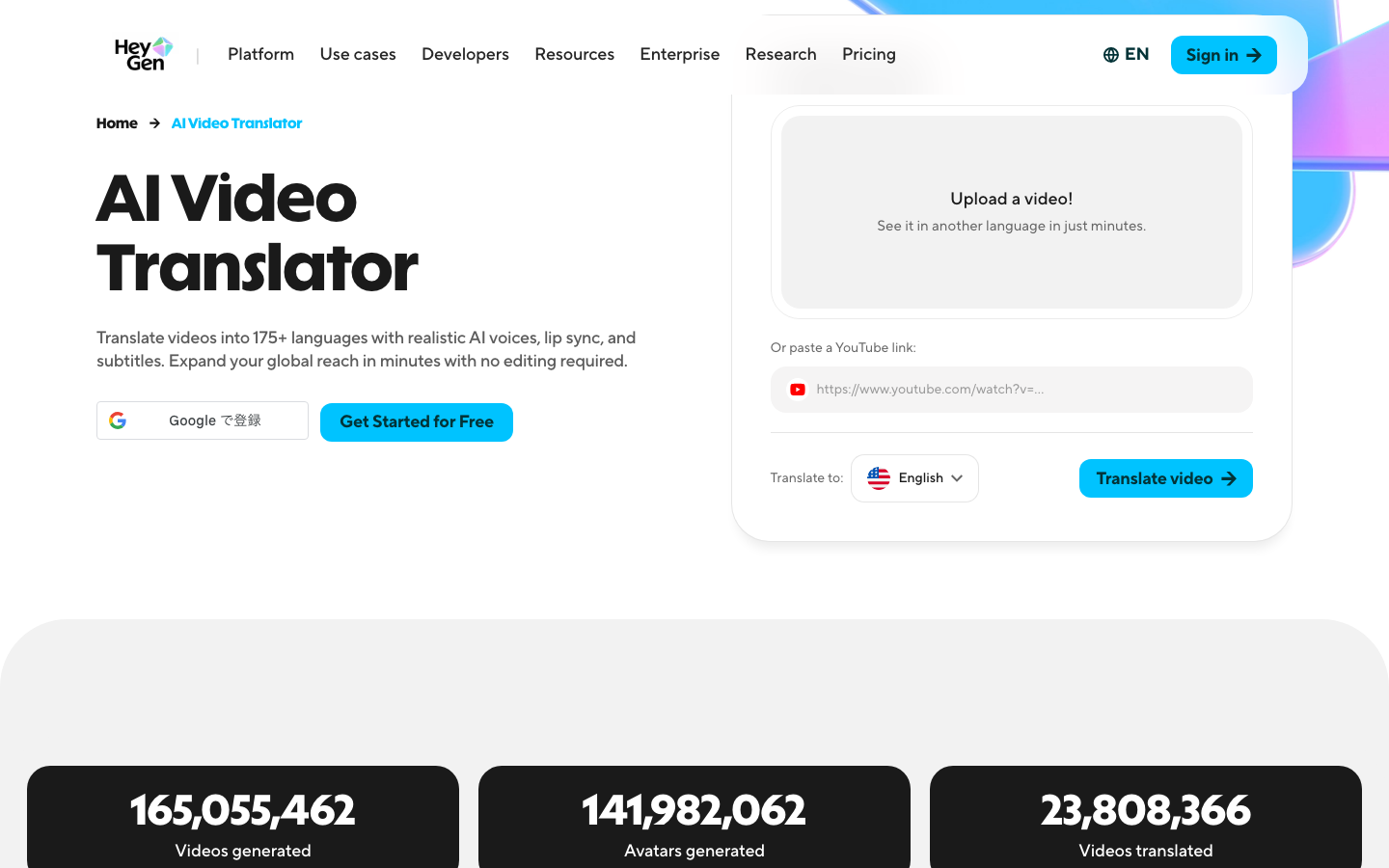
HeyGen combines video translation, translated voices, subtitles and lip sync. Its product workflow includes an Edit & Review step before finalizing the translated script. This is useful when the visible speaker and the translated soundtrack both matter.
- Useful for: Presenter-led training, product explanations and other recordings that need a localized video output.
- Check before choosing: Audio-only translation and lip-sync modes have different costs. Check the chosen engine, review controls and plan. A convincing face-to-voice match still needs an independent language review.
Web subscriptions and API purchases are separate. Check the official API pricing for the selected translation mode; custom avatar generation is a different charge.
7. Rask — recurring localization and review workflows
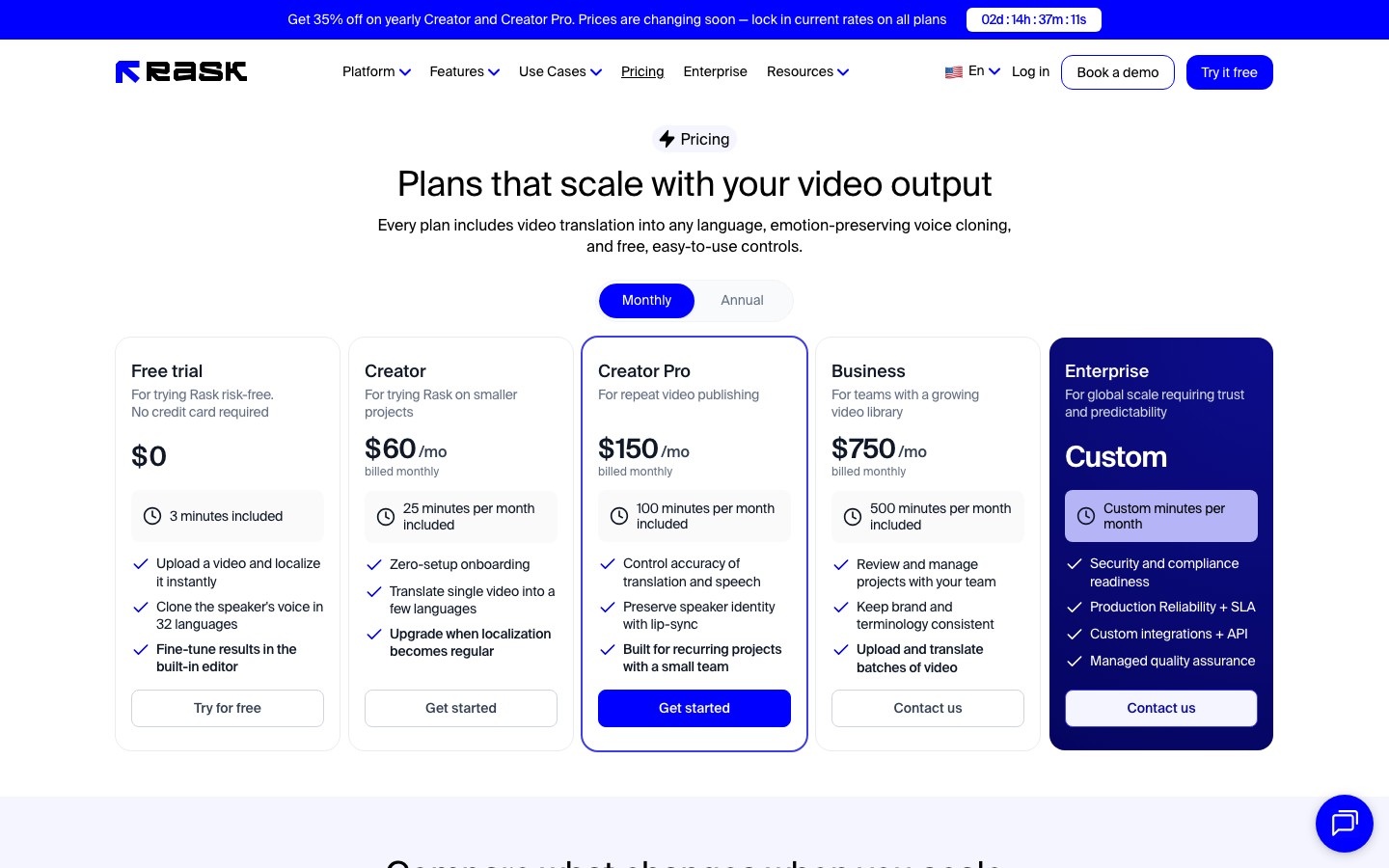
Rask offers translation, a built-in editor and plans for recurring publishing. Its comparison covers script and subtitle controls, glossaries, team review and batch workflows, with access varying by tier.
- Useful for: A creator or team localizing a continuing library of videos and coordinating corrections across languages.
- Check before choosing: An included “minute” is a usage credit. Translating into multiple languages consumes more minutes, and lip sync consumes additional minutes. Review team size, API access and monthly versus annual allowances.
Rask’s billing explanation gives a practical example: one minute translated into one target language plus Enhanced Lip-sync uses four minutes of allowance—one for translation and three for lip sync. That enhanced rate is described as beta.
8. Deepdub — production-oriented dubbing and voice control
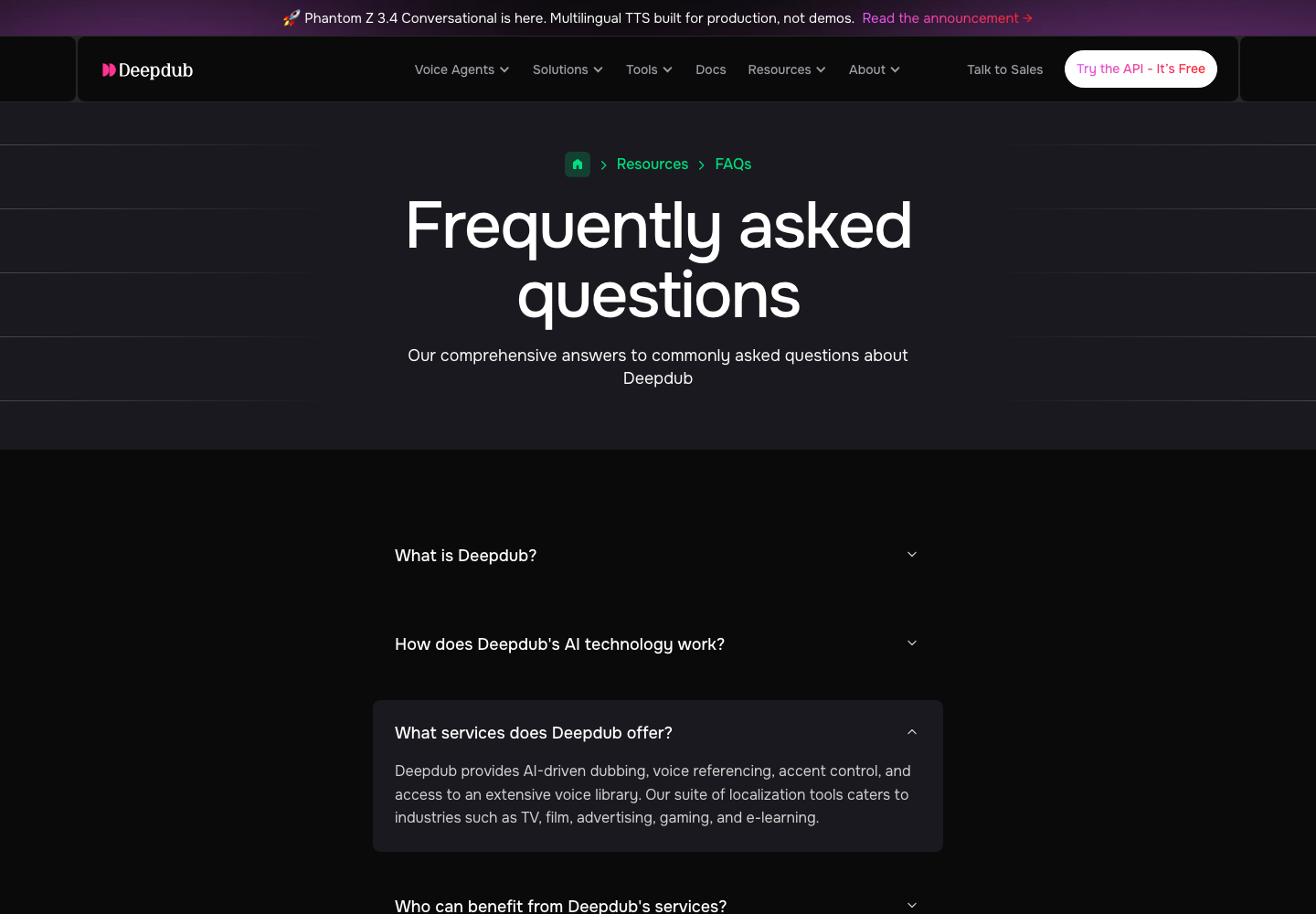
Deepdub’s FAQ describes dubbing, voice referencing, accent controls and a voice library, alongside work by language and post-production specialists. Its offering therefore needs a production brief, rather than a comparison based only on a text-to-speech unit rate.
- Useful for: A studio or enterprise assessing managed localization, character voices and the handoff to post-production.
- Check before choosing: Obtain a quote for the actual language pair, duration, speaker count, review, revisions and output files. Confirm whether the proposed scope is software access, managed production or both.
The official FAQ describes the service approach, but does not establish a single public price for a complete dubbing job. Evaluate a representative approved sample before committing a catalog.
9. RWS / Papercup — managed localization with human review
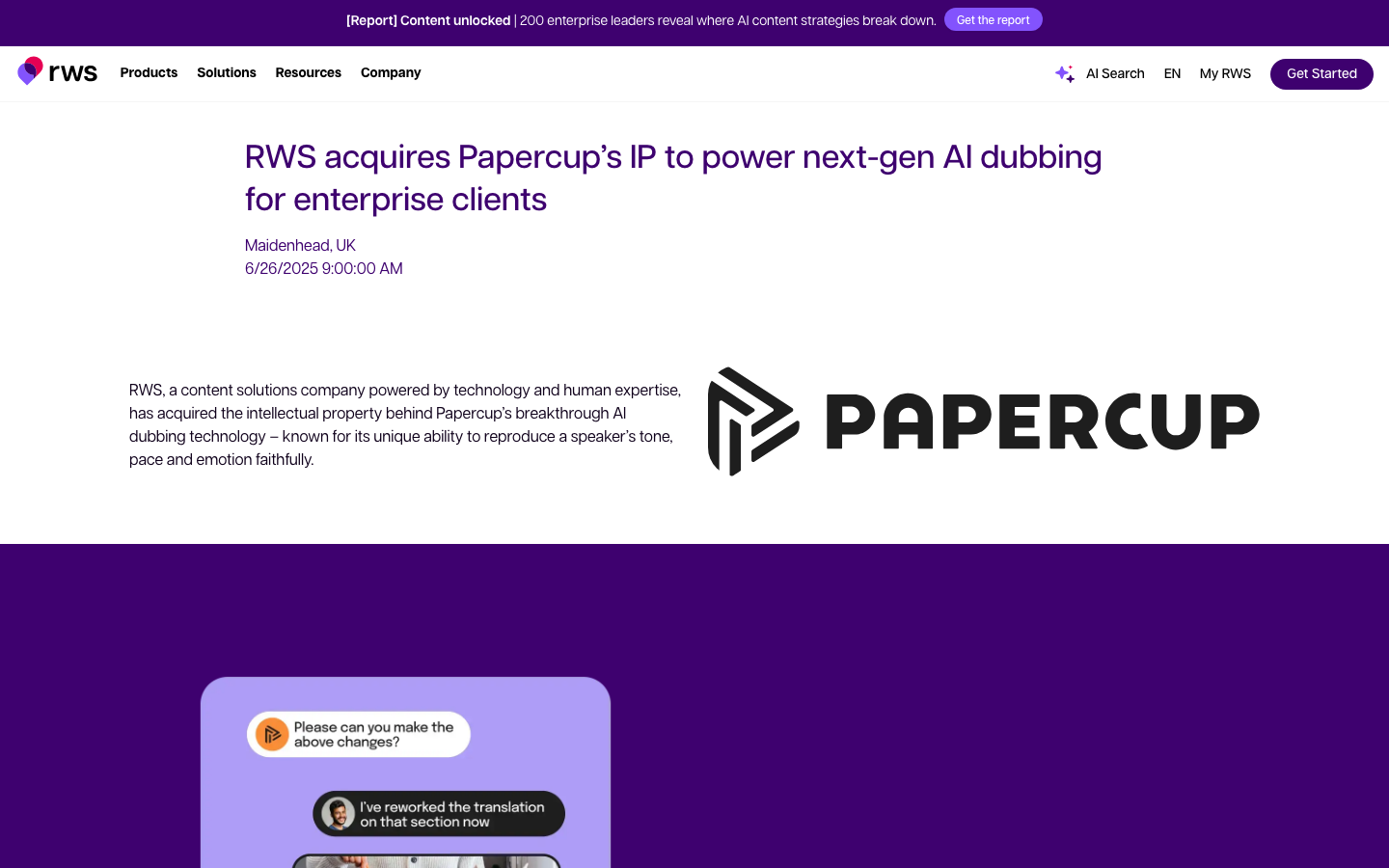
RWS announced the acquisition of Papercup’s intellectual property in June 2025. Its announcement describes combining voice synthesis and editorial tools with language specialists who review tone, pacing and accuracy. Treat Papercup in this shortlist as part of that RWS production discussion.
- Useful for: Enterprises commissioning localized training, communications or media with a defined human review and delivery process.
- Check before choosing: Request the current RWS scope and commercial proposal. Confirm language direction, reviewers, revisions, voice permissions, timing and final deliverables. A legacy Papercup pricing page does not establish a current self-service subscription.
The acquisition announcement is evidence of the change in ownership of the technology, not a public quote or an independent quality test.
10. Dubverse — dubbing, subtitles and creator editing
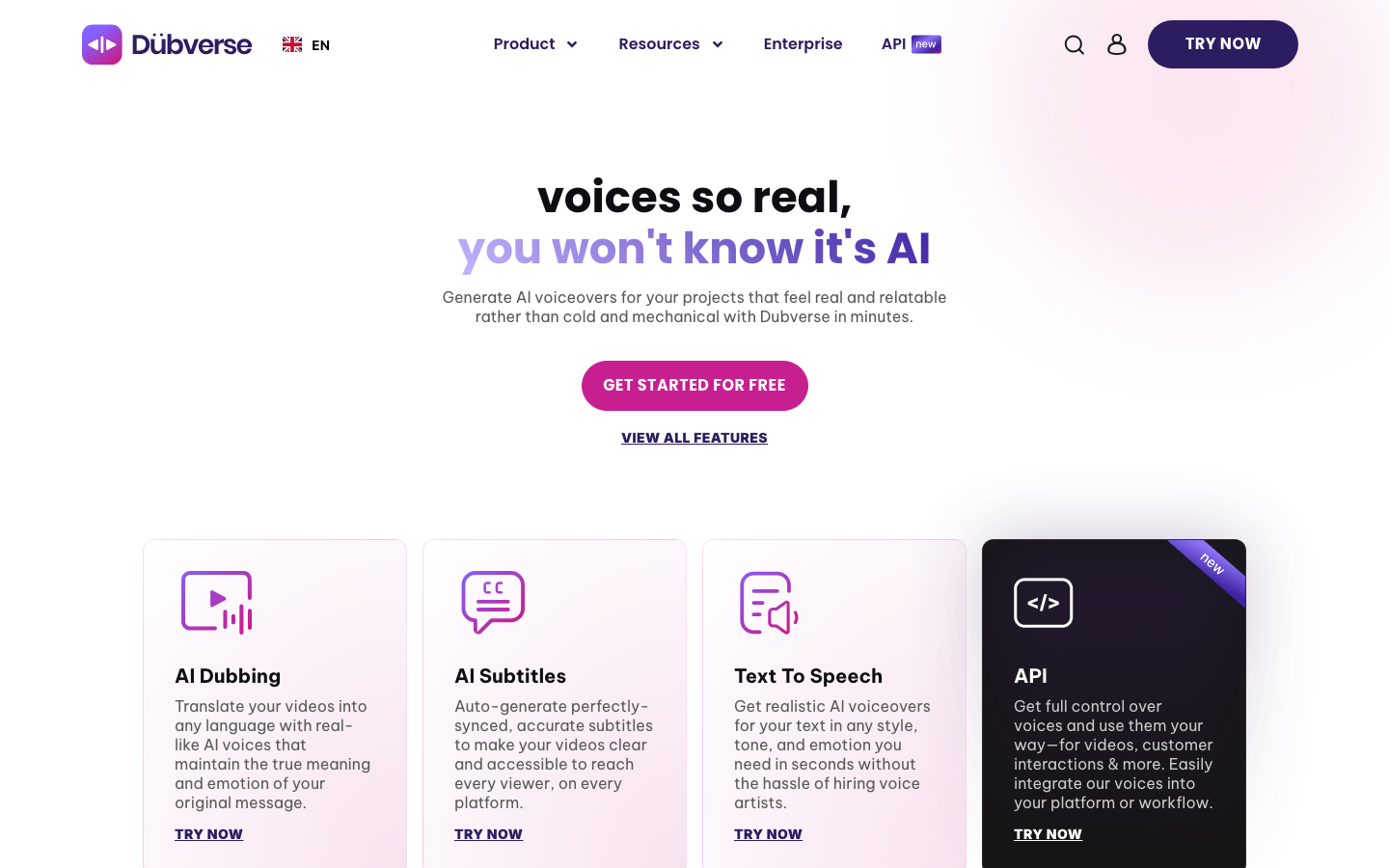
Dubverse presents dubbing, subtitles and text-to-speech as distinct workflows. Its paid-plan descriptions include transcript customization, segment rework and subtitle export; voice cloning and other features differ by plan.
- Useful for: Creators comparing an editor-based dubbing workflow with separate subtitle and narration tasks.
- Check before choosing: Check the language and voice you need, then estimate the credit consumption of dubbing and revisions. A text-to-speech API price per character does not cover the complete video-localization job.
The public pricing page lists a two-day trial without a credit card and separate Pro and Supreme credit plans. Its displayed billing options and offers need confirmation at checkout; do not read an annual or half-yearly promotion as a monthly contract.
11. Perso Dubbing — creator plans with script and lip-dubbing tools
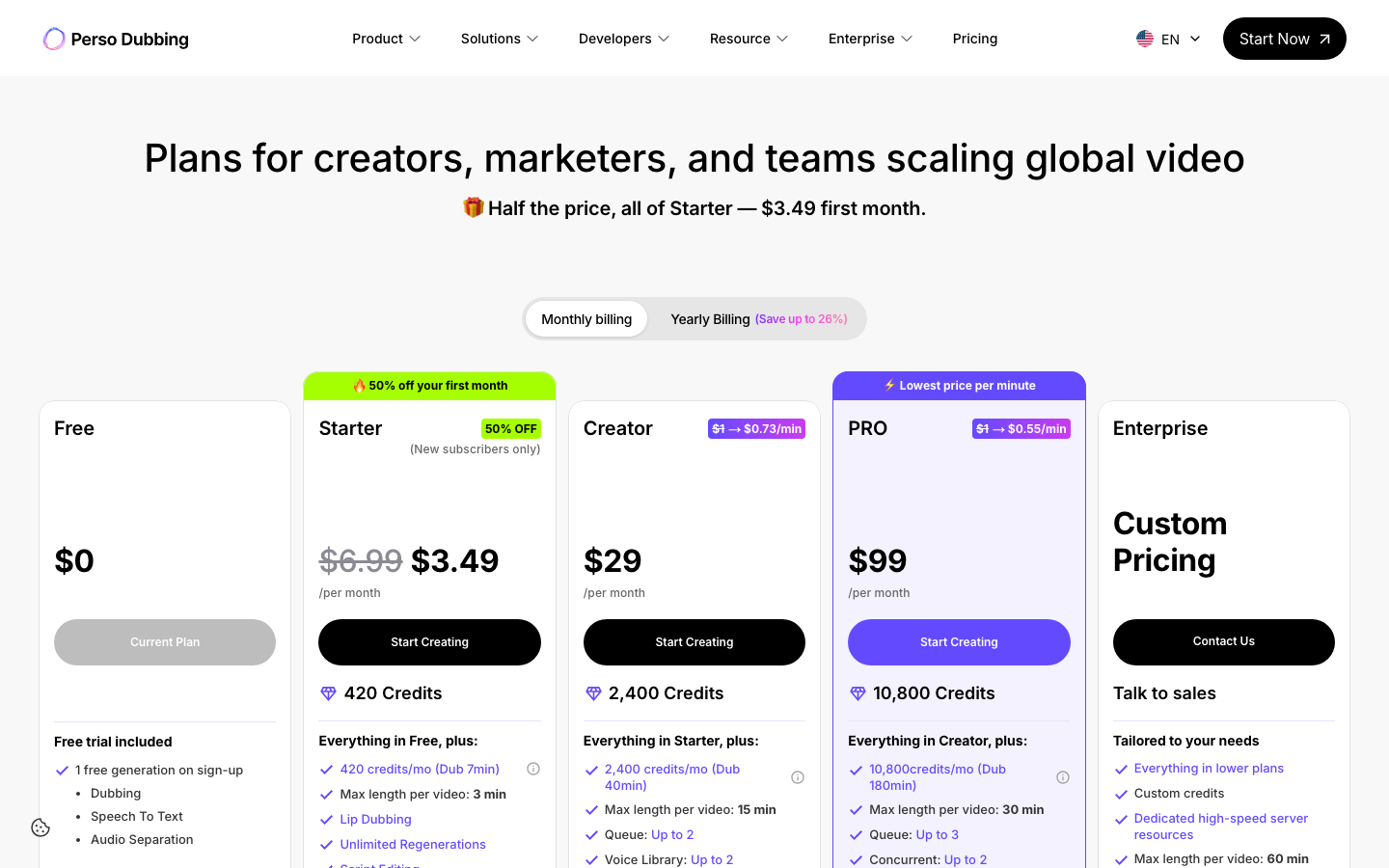
Perso now publishes self-service Dubbing plans, alongside enterprise options. Its Starter plan lists script editing, a glossary, lip dubbing, downloads and a small voice library, with credit and project limits.
- Useful for: Creators who want a bounded monthly plan for short localized videos and the ability to revise the script.
- Check before choosing: Starter includes seven dubbing minutes but limits each video to three minutes. Creator increases the allowance and project length. Check lip-sync offers, credit usage, regeneration terms and export resolution for the actual plan.
The pricing page distinguishes the regular Starter price of $6.99/month from a $3.49 first-month offer for new subscribers. The Free option includes one generation at signup; that is not an unlimited recurring dubbing allowance.
12. YouTube automatic dubbing — translated tracks for a channel
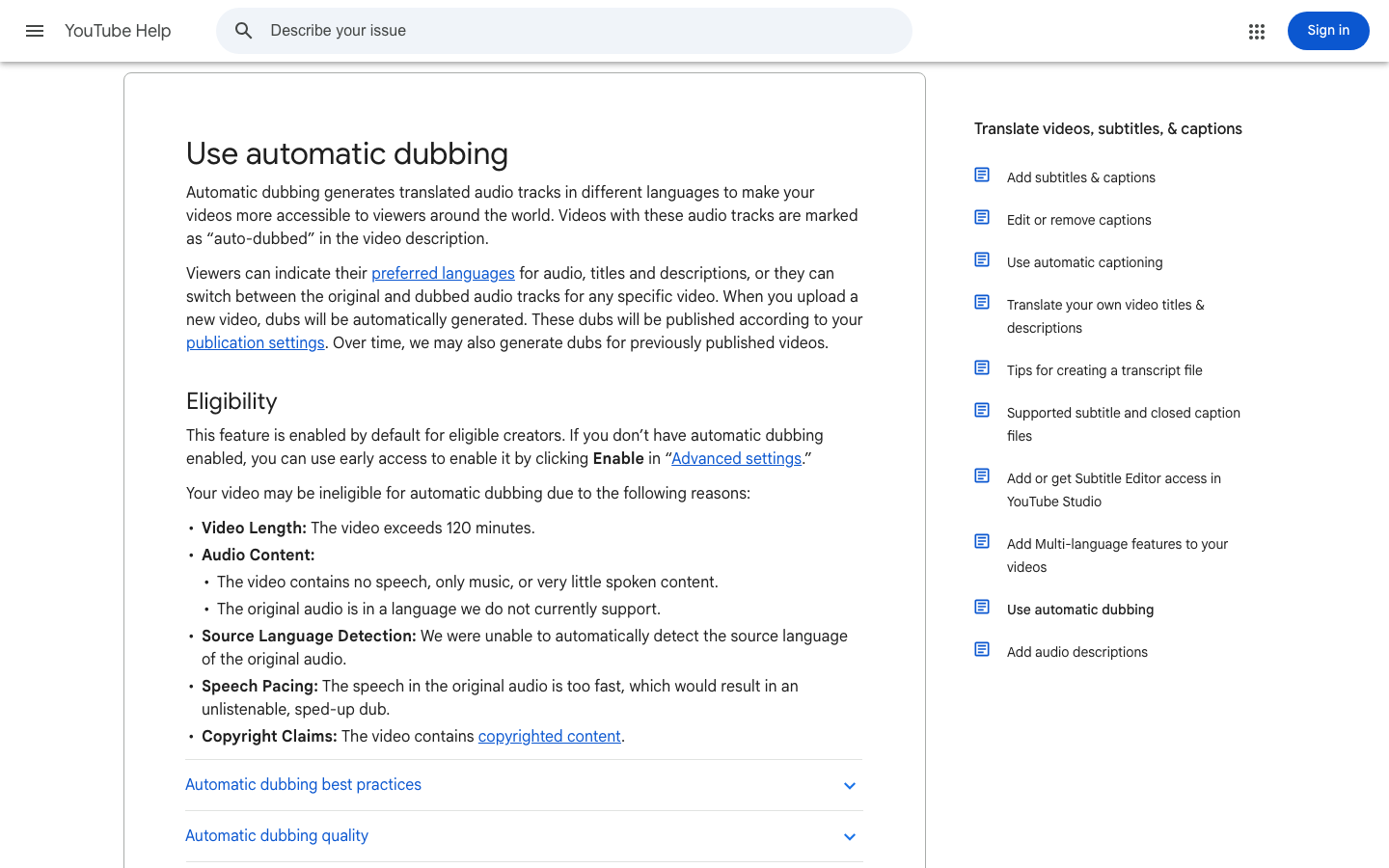
YouTube can generate translated audio tracks for eligible videos and channels. Creators can preview the result and manage publication in YouTube Studio. This keeps distribution and the additional audio tracks within the channel workflow.
- Useful for: A creator whose goal is to offer more audio languages on YouTube without maintaining a separate publishing pipeline.
- Check before choosing: Available language directions and video eligibility vary. Videos over 120 minutes, unsupported source languages or unsuitable speech may be ineligible. The guide says automatic dubs cannot be directly edited.
Set the original language correctly and review the dub before publication . YouTube explicitly notes that accents, names, idioms, noise and recognition errors can affect the output.
Compare prices and billing units
Prices checked September 18, 2026. Dollar amounts are USD. Tax treatment is stated where the source specifies it; otherwise verify regional taxes and the final checkout amount. Subscription allowances, API rates and managed-production quotes cover different deliverables.
| Service / plan | Price and billing unit | Allowance and limits |
|---|---|---|
| 1. VoicePing Free / Individual Official terms | Free: $0. Individual: $31.50/month, billed monthly; tax included. | 90 online minutes/month on Free; 450 on Individual, one active account. No Individual trial. Meeting translation, not a dubbing export allowance. |
| 2. Gemini Live Translate Preview Official terms | Audio: about $0.0053/input minute plus $0.0315/output minute. | Free tier available with limits. About $0.0368 for one input minute plus one output minute; billed by audio tokens, not a fixed finished-video price. |
| 3. OpenAI Realtime Translate Official terms | $0.034 per realtime audio minute. | API usage charge for this translation model. Application hosting, development and media editing are separate. |
| 4. Azure Speech Translation Official terms | F0 Standard translation: 5 audio hours/month free. Paid rates depend on region and configuration. | Standard translation bills by the second. Confirm synthesis and extra-language costs; Live Interpreter has separate input/output billing. |
| 5. ElevenLabs Dubbing API Official terms | v2: $2.20/minute. v1: $0.33 with watermark or $0.50 without. Taxes excluded. | Version and subscription allowances matter. v2 Free output is watermarked; v2 API transcript editing/regeneration requires Enterprise. |
| 6. HeyGen Video Translation API Official terms | Audio-only Speed: $0.57/minute; Speed lip sync: $0.81; Precision lip sync: $1.50. | API pay-as-you-go, separate from web subscriptions. Credits expire after 12 months; no recurring free API credits. Verify selected mode before purchase. |
| 7. Rask Creator / Creator Pro Official terms | Creator: $60/month for 25 minutes. Creator Pro: $150/month for 100; both billed monthly. | Three-minute trial. Multiple target languages and lip sync consume additional allowance; annual offers use different prices and allowances. |
| 8. Deepdub production services Official terms | Project quote; no comparable complete-job rate established. | Specify language pairs, duration, voice work, review, revisions and delivery. Do not substitute TTS API rates. |
| 9. RWS / Papercup production Official terms | Current project proposal required. | Managed scope and human review must be agreed. A legacy Papercup page does not establish the current RWS contract. |
| 10. Dubverse Pro / Supreme Official terms | Displayed monthly: Pro $18, Supreme $30; each with 50 credits/month. | Two-day trial, no credit card. Confirm dubbing-credit conversion, revisions, billing cycle and any promotional terms. |
| 11. Perso Free / Starter / Creator Official terms | Starter: $6.99/month; Creator: $29/month, monthly billing. | Starter: 7 dubbing minutes, 3-minute video limit. Creator: 40 minutes, 15-minute limit. Free: one signup generation. First-month Starter offer: $3.49. |
| 12. YouTube automatic dubbing Official terms | No separate generation fee is listed in the reviewed help guide. | Channel, video and language eligibility apply. Output is an additional YouTube audio track; this is not a general export-studio subscription. |
Estimate the whole job: source length × target languages, then add the selected lip-sync mode, regeneration, human review and delivery work. With subscriptions, divide by the minutes you expect to use, not the maximum advertised allowance. A short trial can reveal workflow friction without proving production quality.
Review the retained audio evidence
The files below were retained with the original July 2026 article. Their durations and formats can be checked, but they were not produced under a shared, controlled comparison protocol. No new paid API run or bilingual listening evaluation is claimed in this update.
The earlier Gemini and OpenAI interface captures use different inputs and do not supply matched downloadable outputs. The earlier ElevenLabs images show its Speech to Text editor, so they do not establish Dubbing Studio behavior. Current service profiles above use official source captures instead.
Source — Korean, 60.0 seconds, mono 16 kHz PCM WAV
Download the retained Korean source .
Azure output — English, 68.46 seconds, en-US-JennyNeural
Download the retained Azure WAV
. The original record identifies the voice as en-US-JennyNeural. The longer output illustrates why source duration and translated-audio duration can differ; it is not a latency measurement or a scored accuracy result.
Source used alongside the retained output — Korean, 60.0 seconds
Download the source file . Its presence beside the next file does not establish the settings used to generate that output.
Retained ElevenLabs output — 60.03 seconds, mono 44.1 kHz MP3
Download the retained MP3 . Its target language, model, voice and edit settings were not preserved. Listen only as an archived artifact; it cannot establish translation accuracy, voice preservation or a current-model comparison.
For a useful new evaluation, use the same approved source and target language for each service. Record the model, plan, settings, edits, output duration and full job cost. Have a fluent reviewer assess meaning, names, numbers, terminology and timing; assess lip sync separately. Record revision time as well as generation time.
FAQ
Can a live translation API replace a video dubbing editor?
Does lip sync prove that the translation is correct?
Are all prices per minute directly comparable?
Are the retained audio samples a controlled quality benchmark?
Build a shortlist around the delivery
For a live meeting, evaluate the listener’s experience and audio setup. For an application, evaluate the API contract and operating cost. For a recording, evaluate the editable script, speaker handling, soundtrack and export. For managed production, agree on who reviews the language and who approves the final delivery.
Before publishing a dub, confirm permission to use the source and any reproduced voice, then approve the language and performance. A useful shortlist makes those responsibilities clear before the first full production job.