In this article
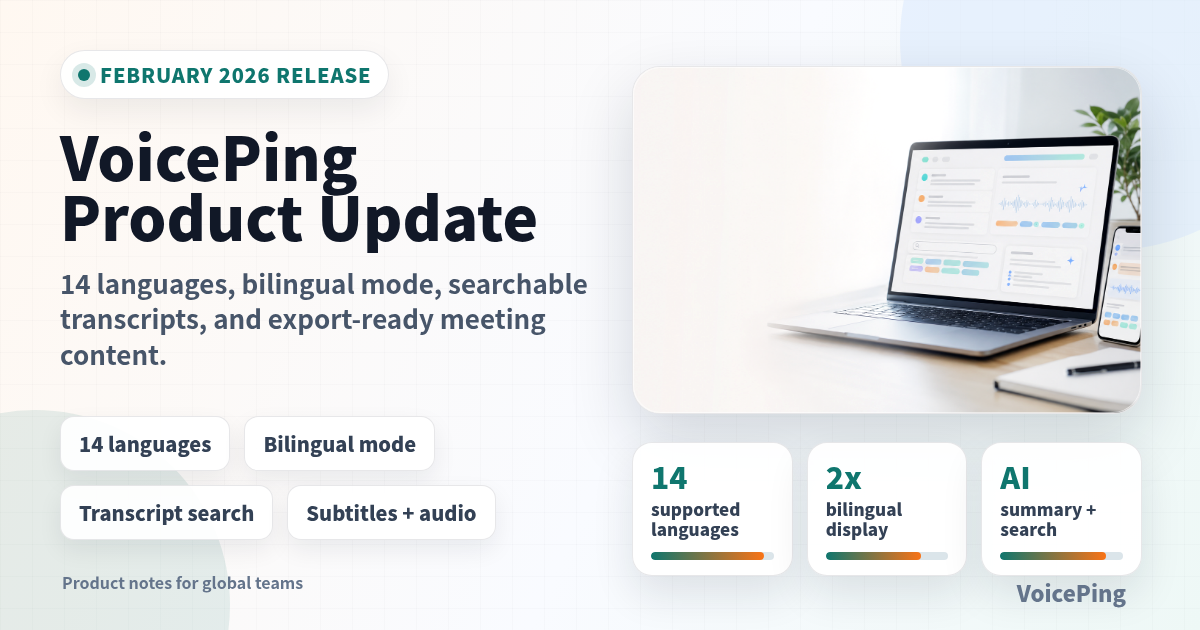
VoicePing now supports 14 languages with bilingual display, rebuilt translation engine, searchable transcripts, custom phrase training, and downloadable subtitles and dubbed audio.
Six months ago, VoicePing supported five languages. Today it supports fourteen — with bilingual display, a rebuilt translation engine, searchable transcript history, and downloadable meeting content. Here’s everything new since October 2025.
At a Glance
| Update | Who benefits most | Why it matters |
|---|---|---|
| 14 supported languages | Global teams, event operators, overseas sales teams | More meetings can be transcribed and translated without switching tools. |
| Bilingual mode | Multinational teams and language learners | Participants can compare original speech and translation in one view. |
| Searchable transcript history | Managers, sales, customer support, project teams | Past meeting decisions become easier to find and reuse. |
| Downloadable subtitles, dubbed audio, and logs | Training, marketing, compliance, and async teams | Meeting and event content can be shared or archived in more formats. |
| Custom phrase training | Technical teams and enterprise customers | Company names, product terms, and specialist vocabulary stay consistent. |
14 Languages: Your Meetings Just Got More Global
Nine new languages in a single update. VoicePing now provides real-time transcription and translation for:
Existing: English, Japanese, Korean, Vietnamese, Chinese New: German, French, Portuguese, Thai, Indonesian, Malay, Hindi, Turkish, Burmese
Whether your team spans Europe, Southeast Asia, or South Asia, VoicePing can now transcribe and translate your conversations in real time. This is our largest language expansion ever, and more languages are on the way.
Try it free with 14 languages →
See Both Languages at Once with Bilingual Mode
The most requested feature from our multinational users is here.
In cross-language meetings, you often want to see both the original and the translation — to verify meaning, catch nuance, or simply follow along in both languages. Bilingual Mode displays both with a single toggle, across all language pairs, on web and mobile.
This is especially popular with language learners and teams where multiple people in the room speak different languages.
A Breakthrough in Translation Quality
Our largest quality improvement of the year.
VoicePing now runs a single unified translation model that handles all language pairs — replacing the separate per-pair models we used before. The difference is clear: translations read more naturally, handle nuance better, and make fewer errors on technical and business terminology.
This isn’t a one-time improvement. The unified architecture lets us iterate faster, so you can expect translation quality to keep improving throughout 2026.
Teams using VoicePing for daily cross-language standups and client meetings will see the biggest impact — fewer misunderstandings, less need to rephrase, and more confidence that the translation captures what was actually said.
We’ve also reduced the delay in real-time audio translation through a new dynamic chunking approach that adapts to conversation pace. The result: translation that feels closer to instantaneous.
Search Your Transcript History
“What did we decide about the timeline in last month’s meeting?”
Instead of opening meetings one by one, you can now search across your available transcripts for any keyword, name, or phrase. Find the exact moment a decision was made, a task was assigned, or a topic was discussed — instantly.
For teams that record dozens of meetings per week, this turns accumulated transcripts from a passive archive into a searchable knowledge base.
Download Subtitles, Dubbed Audio, and Meeting Logs
Everything you create in VoicePing can now be exported:
- Subtitle files in standard formats for use in video editors and media players
- Dubbed audio tracks — your meeting, spoken in another language
- Full meeting logs with speaker labels, timestamps, and translations
You can also adjust font size and color in the player before exporting subtitles. Whether you need to archive meetings for compliance, share translated recordings with a remote team, or repurpose content — it’s all downloadable.
Smarter Custom Terminology
VoicePing’s translation dictionary now goes further. Custom Phrase Training runs a recognition test on each term you add and automatically identifies words that need special treatment — no manual tuning required.
Custom terminology now also applies to subtitle processing automatically. Company names, product terms, and technical vocabulary are translated consistently whether you’re reading live subtitles, reviewing a recorded meeting, or exporting content.
“VoicePing replaced the need for multiple human translators across English, Chinese, and other languages.” — Enterprise customer using Custom Phrase Training
Improved Speech Recognition
We’ve consolidated speech recognition into a single model for English, Japanese, Korean, Vietnamese, and Chinese. The result: better accuracy across all five languages, especially for short phrases and quick responses that previous models sometimes missed. Because it’s one model, every accuracy improvement benefits all five languages simultaneously.
We also fixed an issue where brief sounds — coughs, “uh-huh”, background noise — could be incorrectly transcribed as actual words, delivering cleaner transcripts you can trust.
Faster Playback, Better Subtitles
- 3x playback speed — Play back any recorded meeting at 0.5x to 3x speed on desktop and mobile
- Improved video subtitles — Better font sizing, sharper contrast, and easier readability in exported videos
- Sticky navigation — Headers stay visible as you scroll through long transcripts
- Dictionary in presentations — Manage terminology without leaving your event
Bug Fixes
We resolved issues across all platforms:
- iOS microphone crash — Tapping the microphone button no longer causes a crash
- Guest access — Guest users can join sessions without errors
- Subtitle timing — Fixed drift where subtitles could fall out of sync
- Dictionary modal — Resolved a freeze during audio playback
- Login flow — Fixed duplicate login prompts
- Japanese and Italian UI — Fixed cases where the wrong language appeared
- Traditional Chinese dictionary — Custom terminology now works correctly for zh-hant
- Desktop performance — Fixed a CPU spike after updates
- Enterprise proxy — Desktop app authenticates correctly behind corporate proxy servers
- Listener mode — Password changes and joining work correctly again
- Slow connections — Transcription no longer hangs on poor networks
- Recording — Resolved a failure that could prevent meetings from being recorded
Mobile
- Bilingual mode on mobile — Full dual-language display, matching the web experience
- 3x playback — Review recordings at triple speed
- Multi-language pronunciation — Full support for Traditional Chinese and other languages
- Meeting creators — See who started each meeting directly on the log card
- Android deep links — Shared meeting links open directly in the app
- Translation retry — Retry failed translations and recreate summaries on mobile
- Listener mode — More reliable joining, disconnecting, and usage tracking
- Offline resilience — Better handling when your connection drops
- Clearer error messages — Plain-language explanations replace technical error codes
- Updated for current App Store and Google Play requirements
VoicePing now supports 14 languages with bilingual display, searchable transcripts, and downloadable meeting content. Sign up free or request a demo for your team.