In this article
Choose by what must happen during the call. Does the caller need to hear translated speech, does the agent need readable captions, or does the team need a record afterward? A phone system, a live interpreter and a transcript service solve different parts of that workflow.
VoicePing publishes this guide. The 15 numbers identify the options below, not an accuracy ranking. Features and public prices were checked on September 18, 2026 using official documentation and public pages; this is not a paid-account test or a measured quality comparison. AI Phone’s usage terms were rechecked on September 19, 2026.
Choose the workflow first
- Capture a conversation and keep multilingual follow-up records: start with VoicePing and verify the audio source.
- Translate agent–customer conversations inside a contact center: evaluate CallMiner LiveTranslate or NiCE CXone AI Voice Translation.
- Keep an existing phone platform: assess Zoom Phone, Teams Phone, Webex Calling, Dialpad or Ooma for the exact translation or records feature you need.
- Connect a professional interpreter: compare Propio and LanguageLine’s language coverage and service terms.
- Translate an individual phone call: consider a compatible Apple, Samsung, Pixel or T-Mobile feature; AI Phone’s public license is for personal, non-commercial use.
The important recent changes are feature-specific: Microsoft now documents Interpreter for calls, Webex documents translated captions on selected desk phones, and T-Mobile’s current rollout page lists 80+ languages. Their profiles below explain the conditions. None of these changes makes every phone plan a complete multilingual contact center.
Understand the five service types
Conversation capture and records connect speech with translated text, summaries and follow-up work. Test the audio input and output separately from your telephone routing.
Contact-center AI translation sits within an agent–customer interaction. Ask which party hears translated audio, how languages are chosen and which records the service produces.
Phone systems manage numbers, queues and transfers. PBX means the organization’s phone-switching system; PSTN means the public telephone network. A caption, SMS-translation or summary feature does not necessarily interpret the live audio.
Human phone interpretation adds a professional interpreter to the conversation. Compare the requested dialect, specialist qualifications, availability and handoff procedure.
Device and carrier features help an individual caller. Check model, software, account and language-pair restrictions before assuming the whole support team can use them.
Compare prices and call capabilities
Prices below are US dollars where a dollar amount is shown. Annual equivalents are labeled and are not monthly contracts. Confirm regional taxes, minimum seats, renewal terms, hardware and calling charges at purchase; quoted enterprise services cannot be compared using a seat price alone.
| Service / plan | Price and billing | What to budget or verify |
|---|---|---|
| 1. VoicePing Individual Official price / access | $31.50/month, billed monthly; tax included. | One active account, 450 online minutes/month, five guest listeners. Higher team plans available. Free offers 90 online minutes/month; no paid-plan trial for Individual. |
| 2. CallMiner LiveTranslate Official price / access | Request a scoped enterprise quote. | Confirm language pairs, phone integration, usage, recordings and analytics in the offer. |
| 3. NiCE CXone AI Voice Translation Official price / access | Confirm price with your account representative. | Enablement and language-pair configuration are required; no transcript is supplied by this feature. |
| 4. Zoom Phone US & CA Unlimited + Workplace Basic Official price / access | $16/user/month equivalent, billed annually ($192/user/year). | A phone subscription and calling charges are separate from any live interpretation workflow. |
| 5. Teams Phone Standard Official price / access | $10/user/month equivalent, paid yearly; annual auto-renewing subscription. | Separate Teams license and PSTN service required. Copilot/Interpreter entitlement is additional to the base Phone license. |
| 6. Webex Call Official price / access | $183.60/license/year ($15.30/month equivalent). Enterprise: quote. | International calls billed per minute. Confirm device-caption enablement and enterprise queue/recording requirements separately. |
| 7. Dialpad Connect Standard Official price / access | $27/user/month, billed monthly. Enterprise: quote. | 14-day trial. Confirm AI feature language support, integrations and any separate Dialpad Support contract. |
| 8. AI Phone Official price / access | Current in-app subscription and credit prices. | Personal, non-commercial license: confirm business eligibility with the provider. Call-translation credits and destination-dependent base rates are additional considerations. |
| 9. Ooma Office Official price / access | Essentials $19.95; Pro $24.95; Pro Plus $29.95 per user/month, billed monthly. | Taxes and fees extra. AI call records depend on plan; phone service is not a translation subscription. |
| 10. Propio phone interpretation Official price / access | Request language- and usage-specific rates. | Confirm minimums, specialist charges, connection commitments and cancellation terms. |
| 11. LanguageLine phone interpretation Official price / access | Request current contracted or pay-as-you-go rates. | Confirm language coverage, call minimums and whether the order is human or AI interpretation. |
| 12. Apple Live Translation Official price / access | Device feature; no separate translation subscription is listed in the guide. | Compatible Apple Intelligence iPhone and supported software/languages. Hardware and phone-service charges remain separate. |
| 13. Samsung Live Translate Official price / access | Samsung-provided Galaxy AI basic features are free on supported devices. | Compatible hardware and downloaded languages required. Enhanced or third-party AI features can have other terms. |
| 14. Pixel Live Translate Official price / access | Device feature; no separate translation subscription is listed in the guide. | Compatible Pixel, downloaded models and telephone service. No saved conversation record from this feature. |
| 15. T-Mobile Live Translation Official price / access | Eligible carrier service required; confirm rollout and price with T-Mobile. | Registration does not guarantee access. No universal post-beta price established by the checked product page. |
For example, a team comparing 1,000 translated call minutes each month should request the same language pairs, peak concurrent calls and recording requirements from every vendor. Add phone service, translation usage, interpreter minimums, setup and required seats before comparing totals. This is a budgeting example, not a vendor quote.
Calling platforms, translation services and apps
1. VoicePing — translated captions and customer-call records
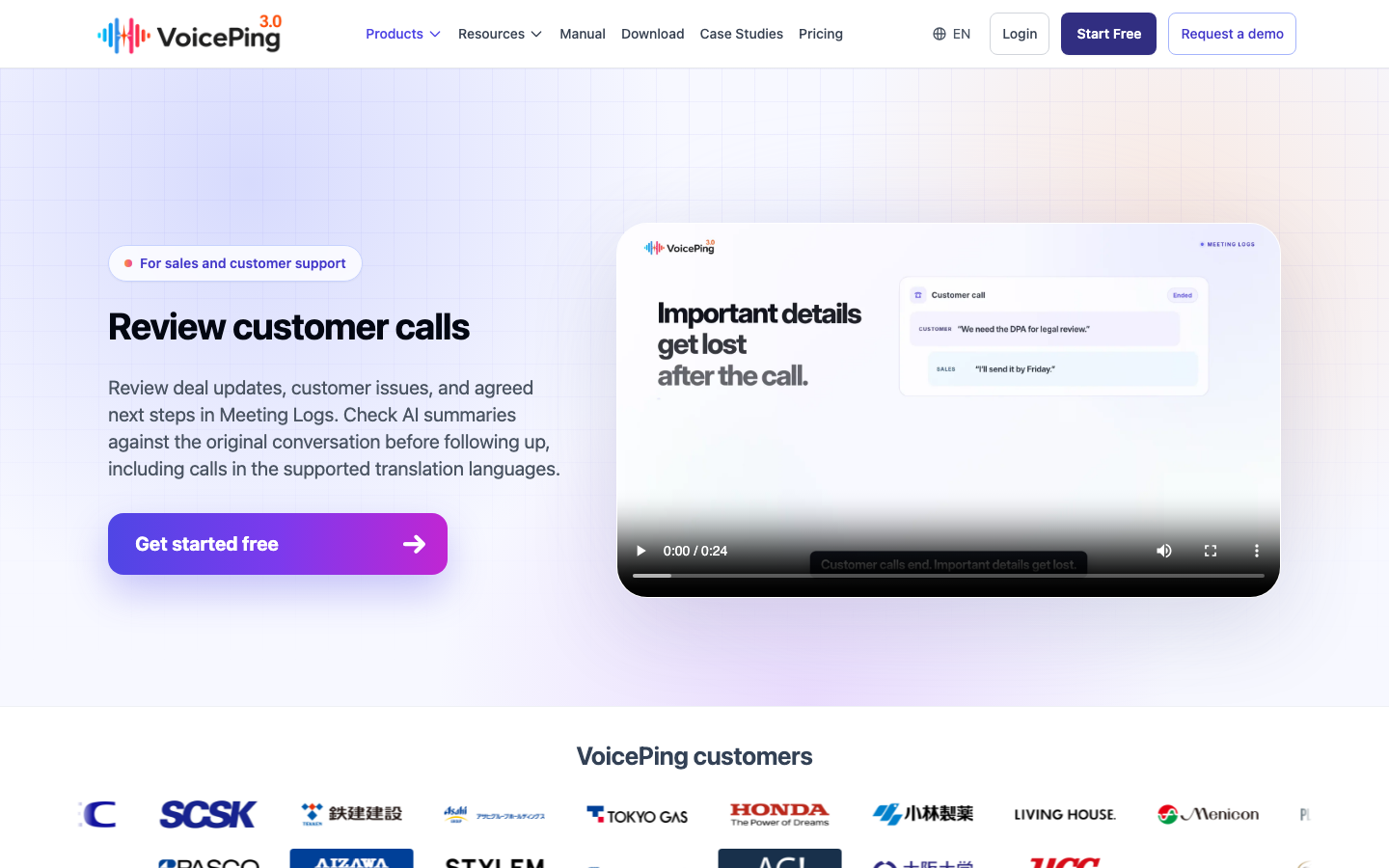
Meeting Logs connects captured conversations with transcripts, summaries and follow-up tasks. Its desktop workflow accepts microphone and supported system audio; the audio setup guide also describes translated speech playback. For a softphone, test that audio route before rolling it out.
- Useful for: Keep a support issue or sales commitment linked to the original conversation for review, then use permitted exports or API access in your existing workflow.
- Check before choosing: Audio capture and translated playback do not by themselves connect two telephone call legs. Confirm what the remote caller actually hears, and keep your phone system for numbers, queues and transfers.
2. CallMiner LiveTranslate — contact-center AI translation
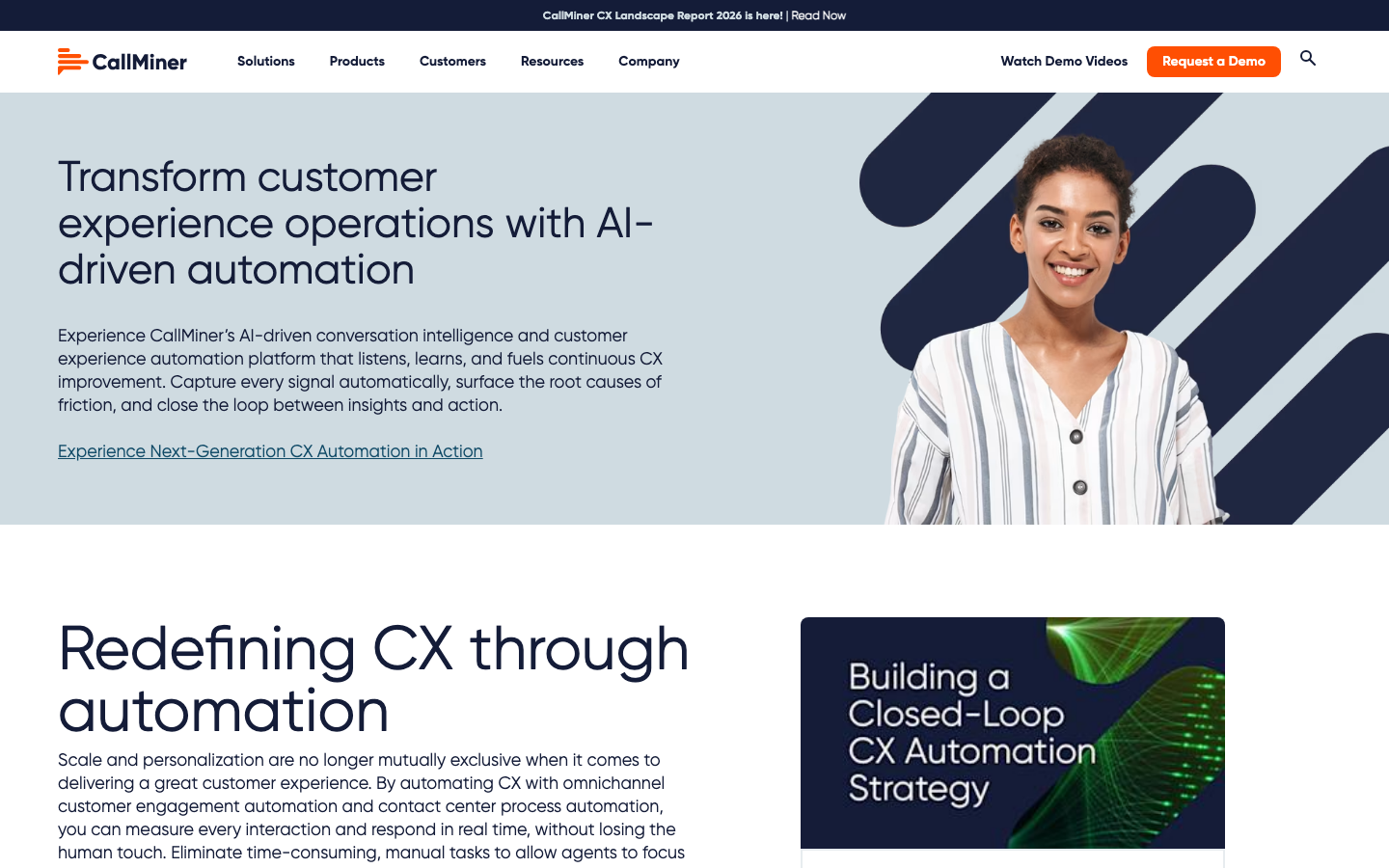
CallMiner describes LiveTranslate within its CX automation portfolio as real-time multilingual conversation translation. Its Q1 2026 product update reports changes to conversation flow and transcription. Evaluate it with the wider CallMiner conversation-intelligence platform.
- Useful for: A candidate when translation needs to sit alongside contact-center analytics and agent workflows.
- Check before choosing: The public pages do not establish a universal price, supported language-pair matrix or integration configuration. Request a demonstration on your own phone platform and a written scope for audio delivery, recording and analytics.
3. NiCE CXone AI Voice Translation — SmartSpeak in the call flow
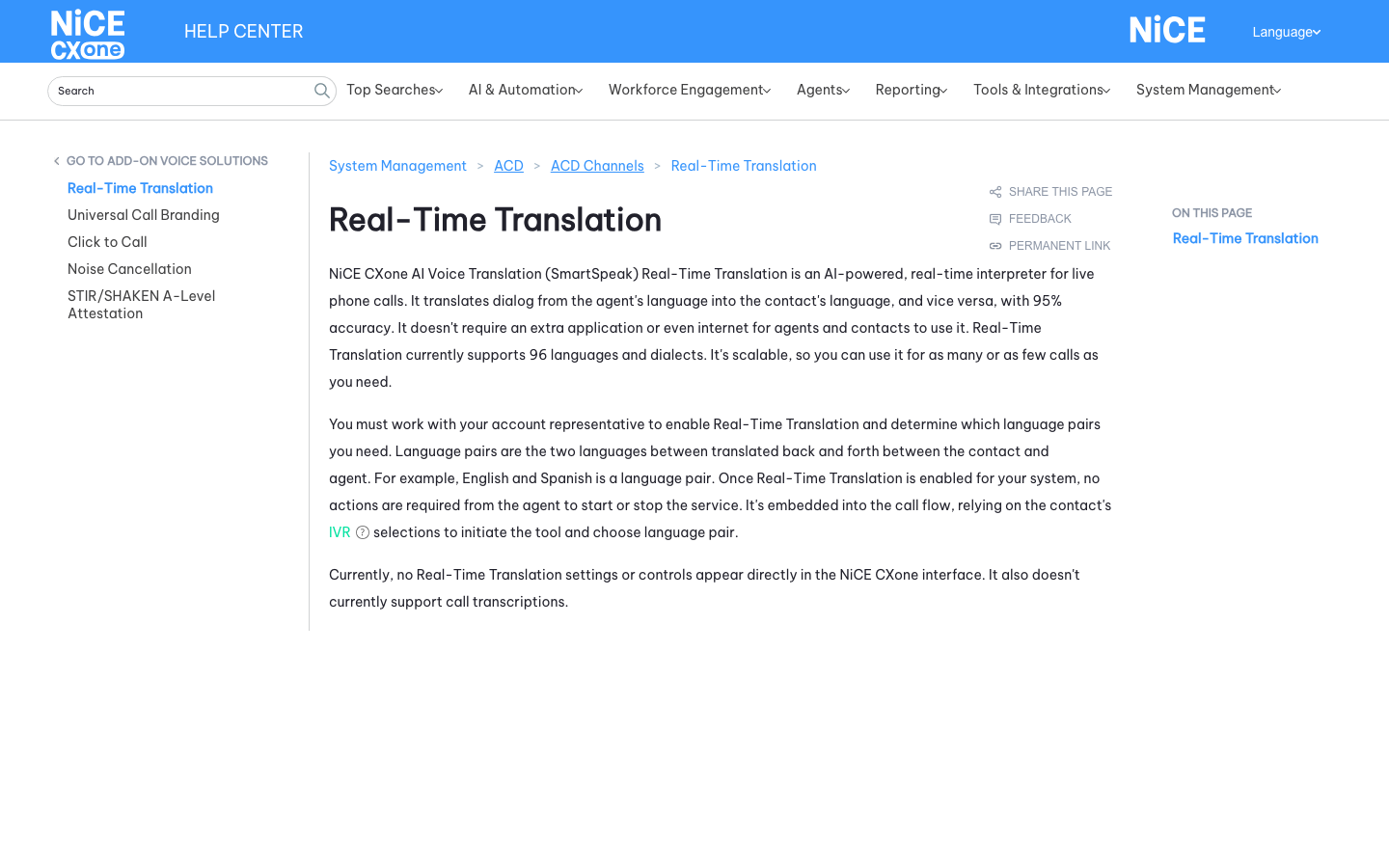
NiCE documents two-way AI interpretation between an agent and caller, covering 96 languages and dialects. An account representative enables the service and agrees the language pairs. The caller’s automated phone-menu selection then activates the configured translation flow.
- Useful for: Agents and callers do not need a separate translation app; the feature can be part of an existing CXone call flow.
- Check before choosing: This feature currently supplies no call transcription and has no direct settings or controls in the CXone interface. Plan any required records separately. NiCE’s published accuracy percentage is a vendor claim, not a benchmark reported here.
4. Zoom Phone — calling plus translated text records
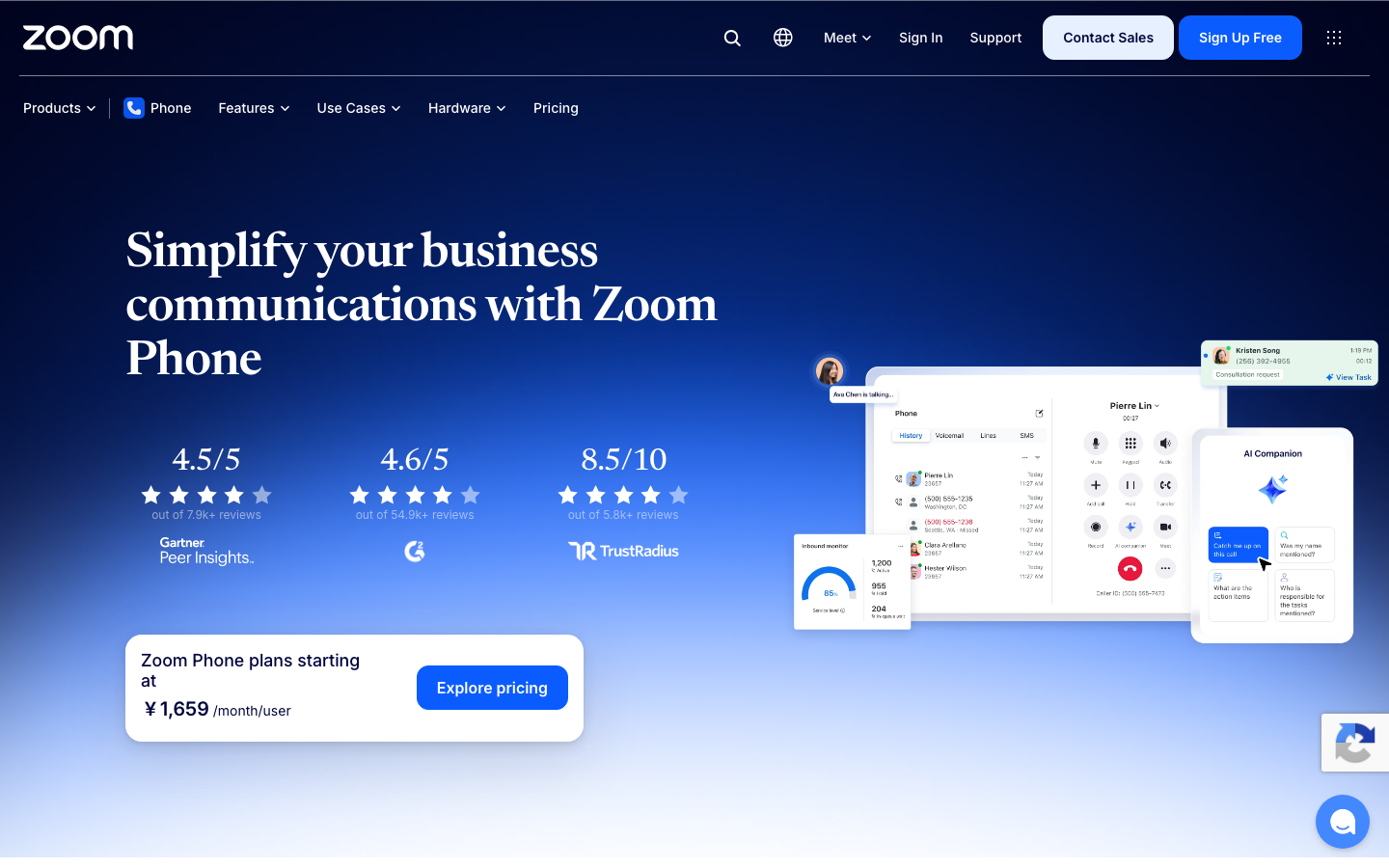
Zoom Phone provides business telephony and call-management features. Its Translation Services setting covers voicemail and recording transcripts, SMS, and AI outputs such as call summaries. An owner or administrator enables it for an eligible Phone license.
- Useful for: Fits teams that already route calls through Zoom and needs phone records in a preferred language.
- Check before choosing: That setting does not document two-way spoken interpretation of a live phone call. Zoom Voice Translator describes a Zoom Meeting feature; do not assume a meeting entitlement applies to PSTN calls.
5. Microsoft Teams Phone — check the Interpreter call scenario
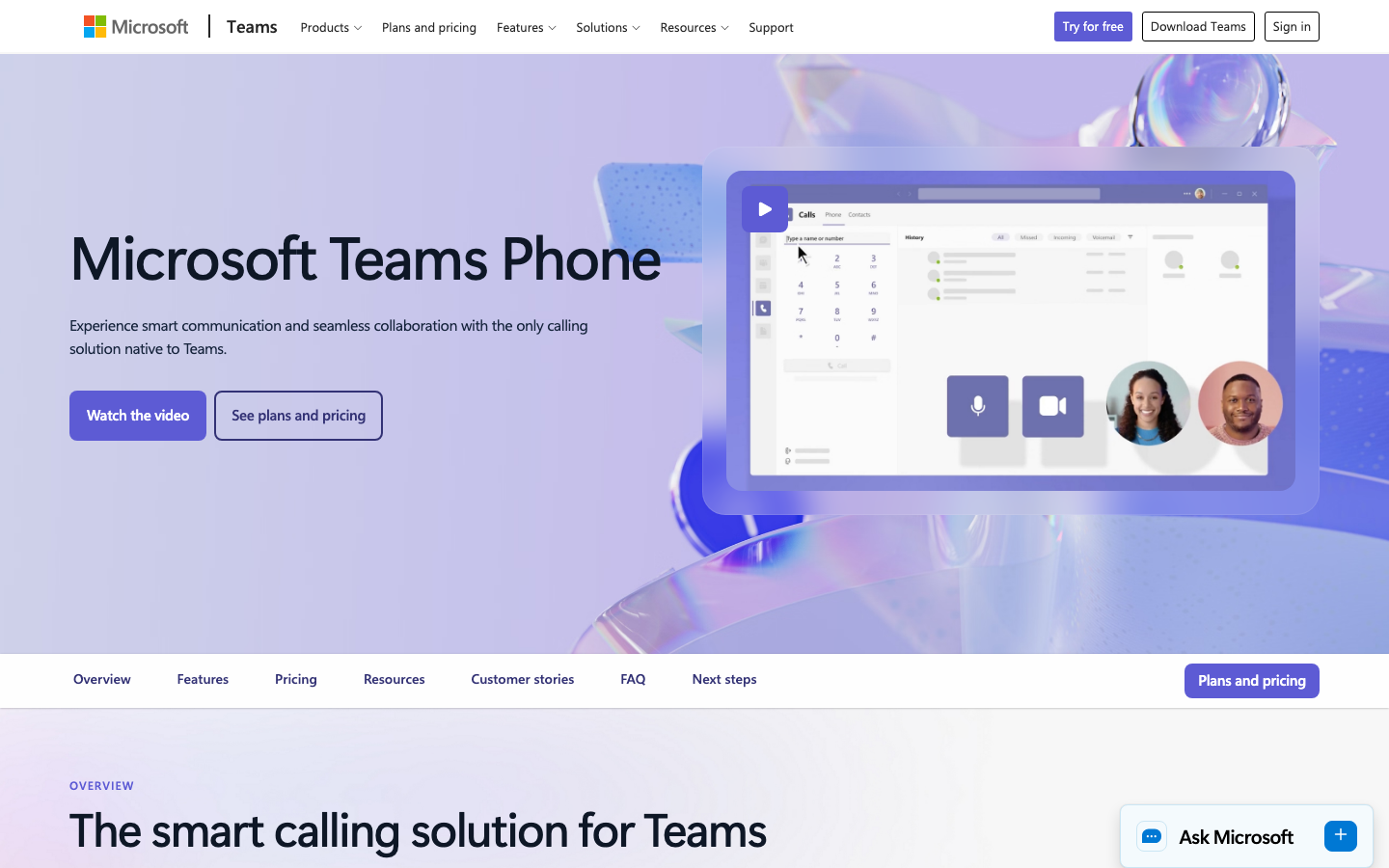
Teams Phone supplies cloud calling; external telephone service also requires a PSTN connectivity option . Microsoft now documents Interpreter in meetings and calls , with 20 hours per licensed Copilot user each month and additional access subject to capacity.
- Useful for: Teams users can evaluate speech-to-speech interpretation alongside the calling environment they already use.
- Check before choosing: The Interpreter help page does not explicitly establish support for every PSTN route, caller type or device. Confirm the exact scenario with Microsoft and test it; the base Teams Phone license alone is not evidence of an Interpreter entitlement. Rapid interruptions and overlapping speech are documented limitations.
6. Webex Calling — translated captions on supported desk phones
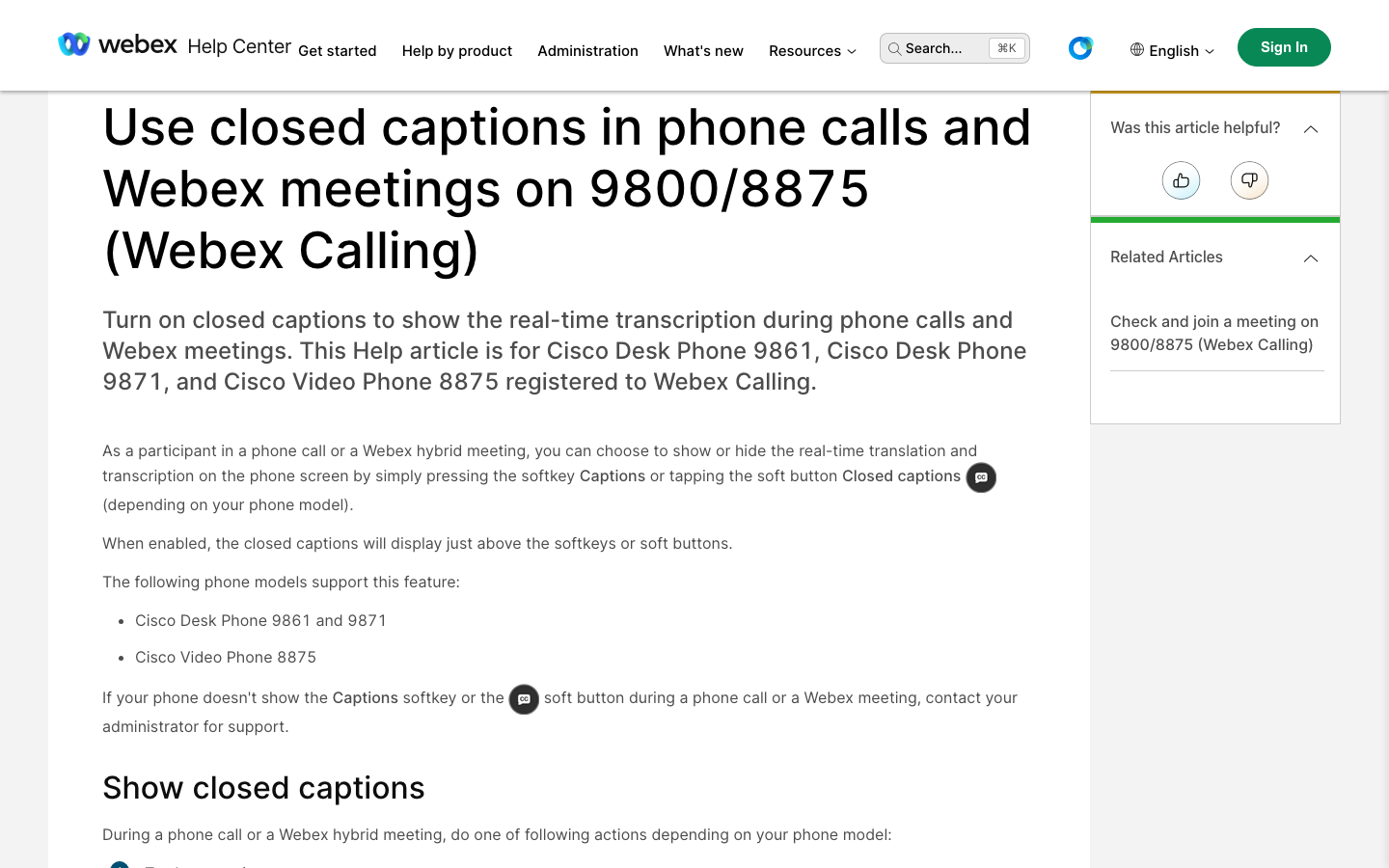
Cisco documents translated phone-call captions on the Desk Phone 9861/9871 and Video Phone 8875 registered to Webex Calling. The documented call-caption languages are English, French, German, Italian, Japanese and Spanish. Use the Captions control and choose a caption language after your administrator enables the feature.
- Useful for: An agent using a supported desk phone can read translated speech during the call.
- Check before choosing: These are screen captions, not a promise that the caller hears a translated voice. The control is limited to the primary line with a single call. Webex meeting-language lists and meeting translation licenses describe a different scenario.
7. Dialpad Connect — live transcripts and call summaries
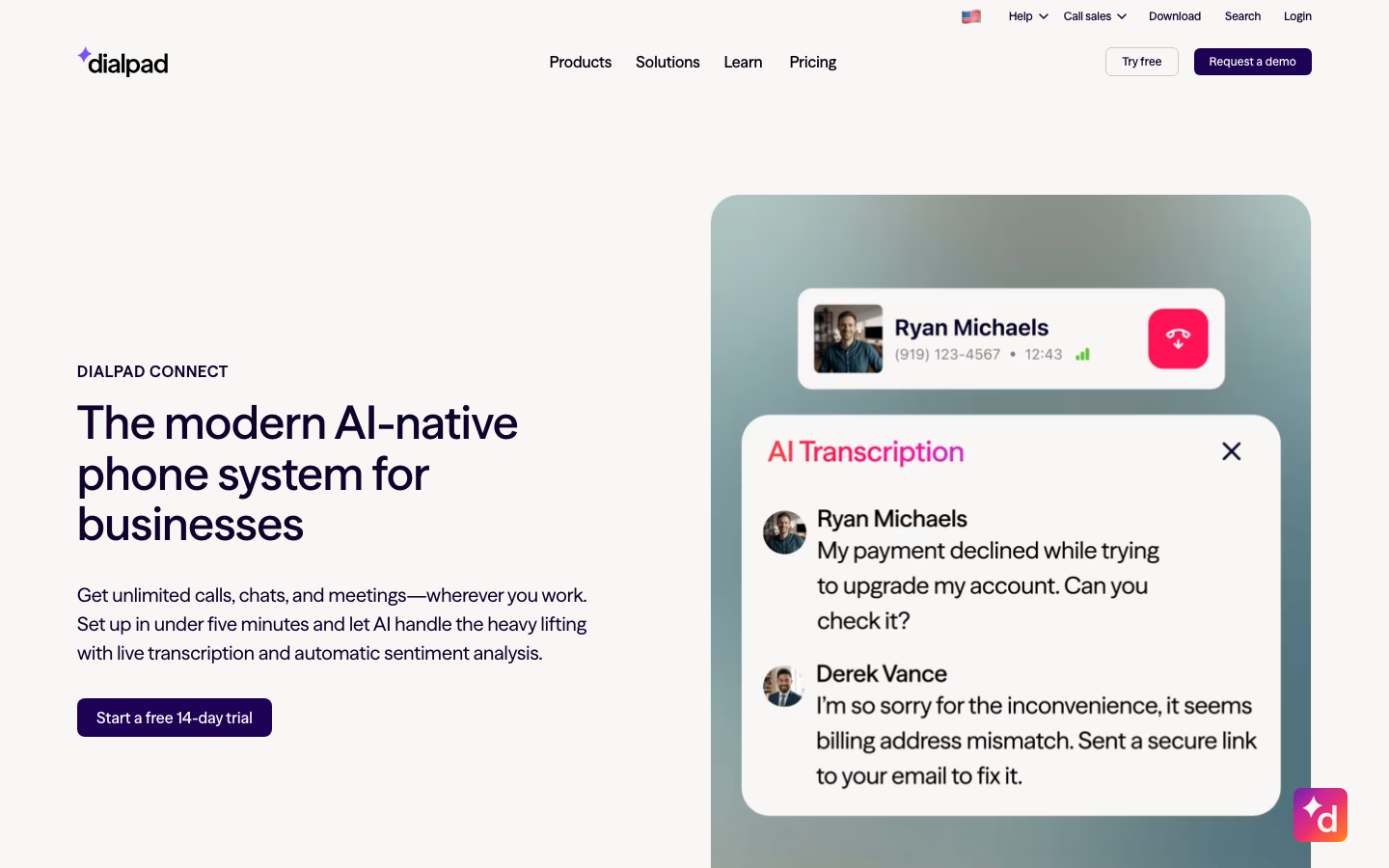
Dialpad Connect combines business calling with AI transcripts, call summaries and action items. Its current product guide describes call routing and integrations alongside those records.
- Useful for: Fits teams that want phone conversations turned into searchable notes and follow-up work.
- Check before choosing: Transcription in a supported language is not the same as translating both sides of a phone call. Dialpad’s documented Android real-time translation concerns chat messages. Ask for the exact voice-translation capability and contract before treating Connect as a two-way call interpreter; Dialpad Support is a separate contact-center product.
8. AI Phone — app-based translated calls
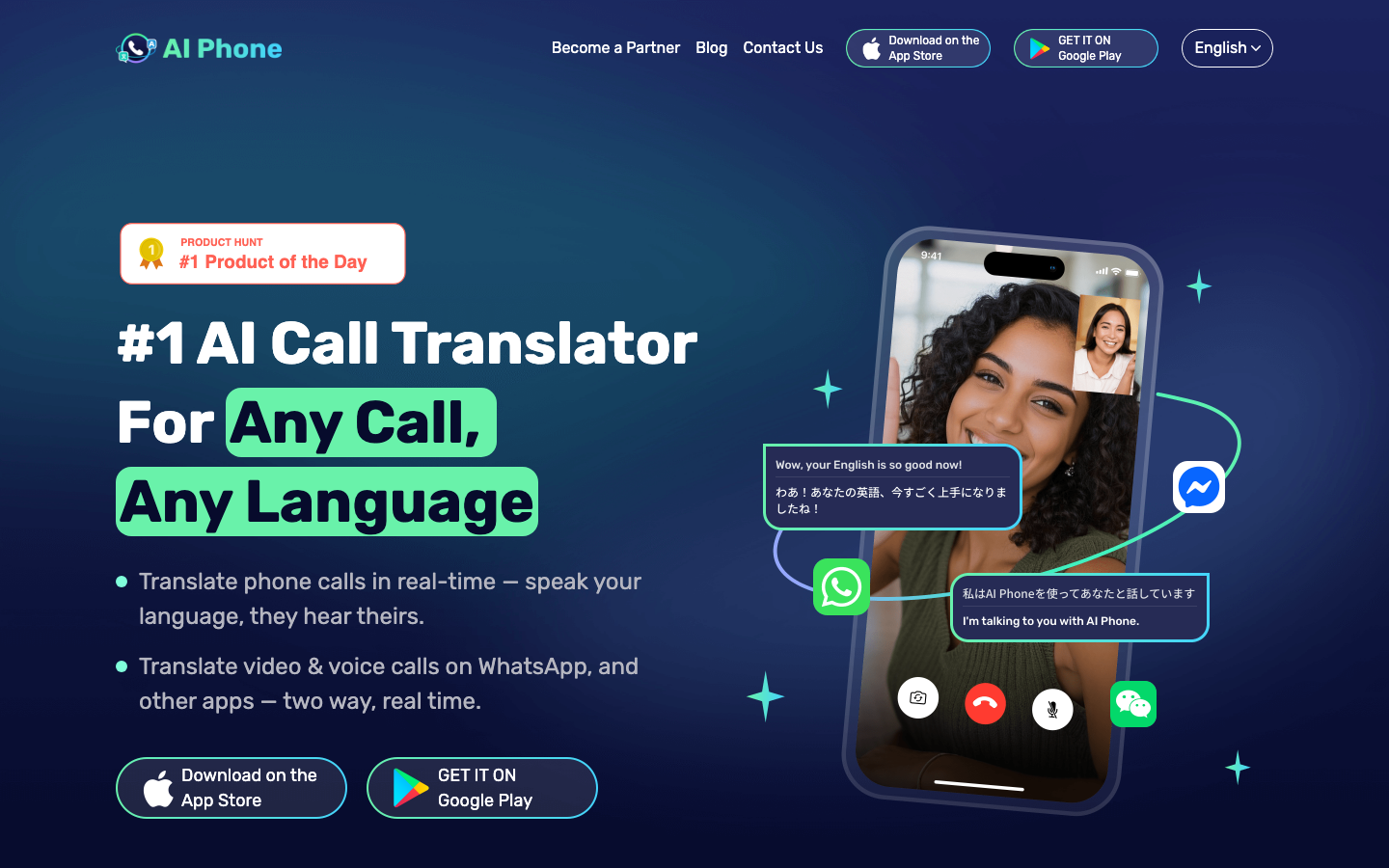
AI Phone advertises two-way translated phone calls and a separate voice/video-call workflow, including bilingual subtitles. The vendor groups more than 150 languages and accents together; check your exact source and target pair rather than interpreting that figure as 150 fully interchangeable languages.
- Useful for: Personal cross-language calls, subject to the app’s supported countries and language pairs.
- Check before choosing: Its public terms grant a personal, non-commercial license. Confirm business-use eligibility with the provider before using it for customer support. Subscriptions, translation credits and destination-dependent calling rates also affect the total; check current in-app prices, credit expiry and renewal terms.
9. Ooma Office — business calling and recorded-call transcripts
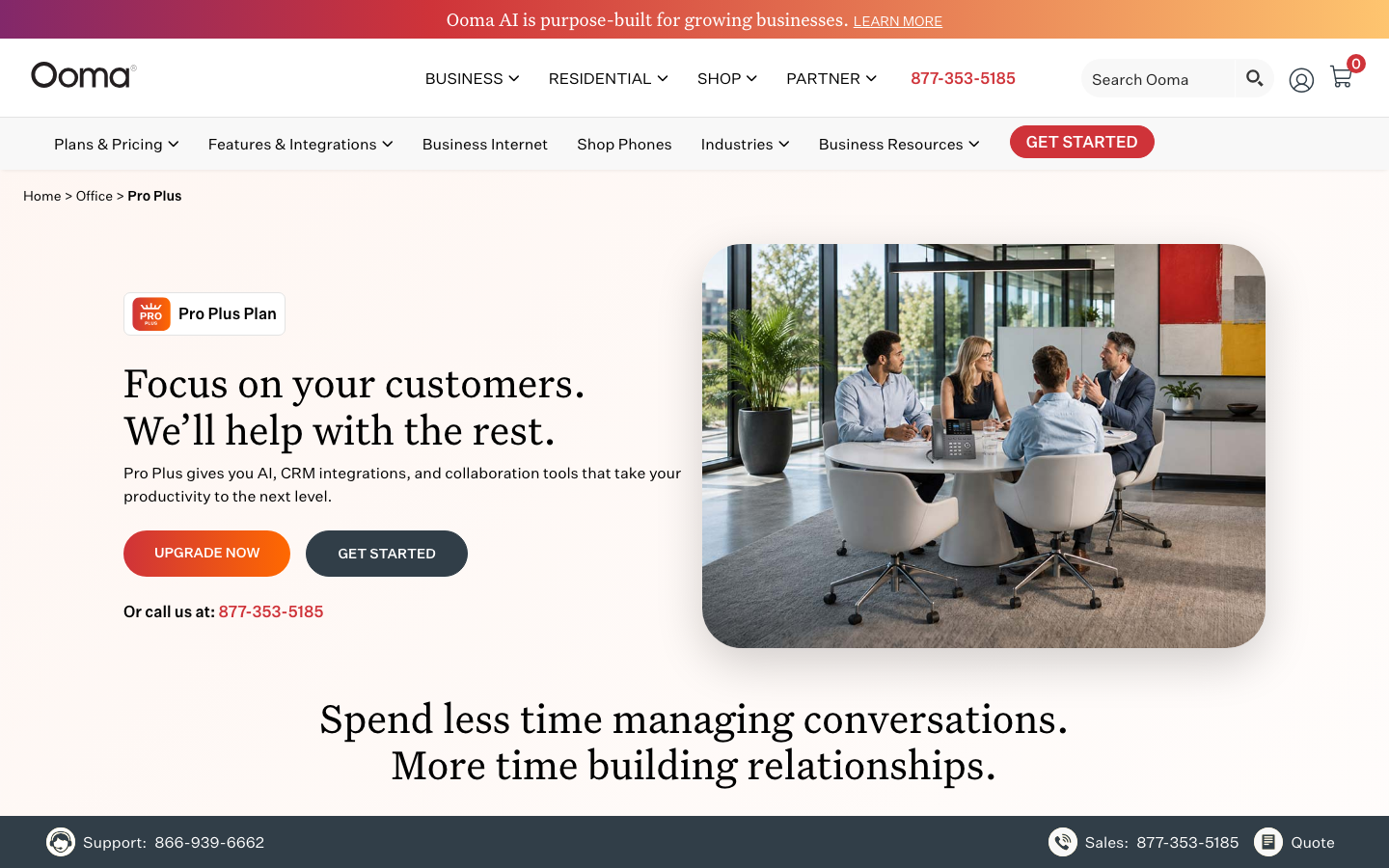
Ooma Office offers Essentials, Pro and Pro Plus business phone plans. The Pro Plus product includes AI transcription and summarization features alongside CRM integrations and more advanced call management.
- Useful for: A practical phone-system candidate when a small business needs call handling and post-call records.
- Check before choosing: The cited Pro Plus features do not establish native two-way spoken translation. Budget a separate interpretation workflow if callers need to hear another language. Compare the exact recording, AI and integration entitlements rather than buying the lowest phone tier expecting every feature.
10. Propio — professional phone interpreters
Propio offers round-the-clock phone interpretation across more than 300 languages, accessed by dialing, mobile tools or integrated workflows. Its product page describes centralized usage reporting and interpreters matched to language and subject requirements.
- Useful for: A human interpreter can ask for clarification and manage the exchange when the wording or context needs judgment.
- Check before choosing: Connection time depends on the requested language, specialist needs and interpreter availability. Obtain the rate schedule, minimum billable duration, transfer process and service commitments. A human service is not automatically slower or more expensive than every AI deployment.
11. LanguageLine — phone interpretation and inbound workflows
LanguageLine’s phone service lists 270+ languages and 24/7 access to professional interpreters. Options include on-demand dialing, inbound routing and contact-center integrations. The company also offers AI services; specify which delivery method you are buying.
- Useful for: Fits teams that need an interpreter connected before or during a customer call, with an organized language-access program.
- Check before choosing: Confirm specialist coverage, waiting-time commitments and how a call moves between agent and interpreter. The pay-as-you-go page offers another procurement route, but the checked page did not supply a numeric public rate.
Individual phone and carrier features
These four options can help with a personal business call. Their documented device or network features do not establish shared call queues, supervisor access, CRM records or an organizational retention policy.
12. Apple Live Translation — one-to-one iPhone calls
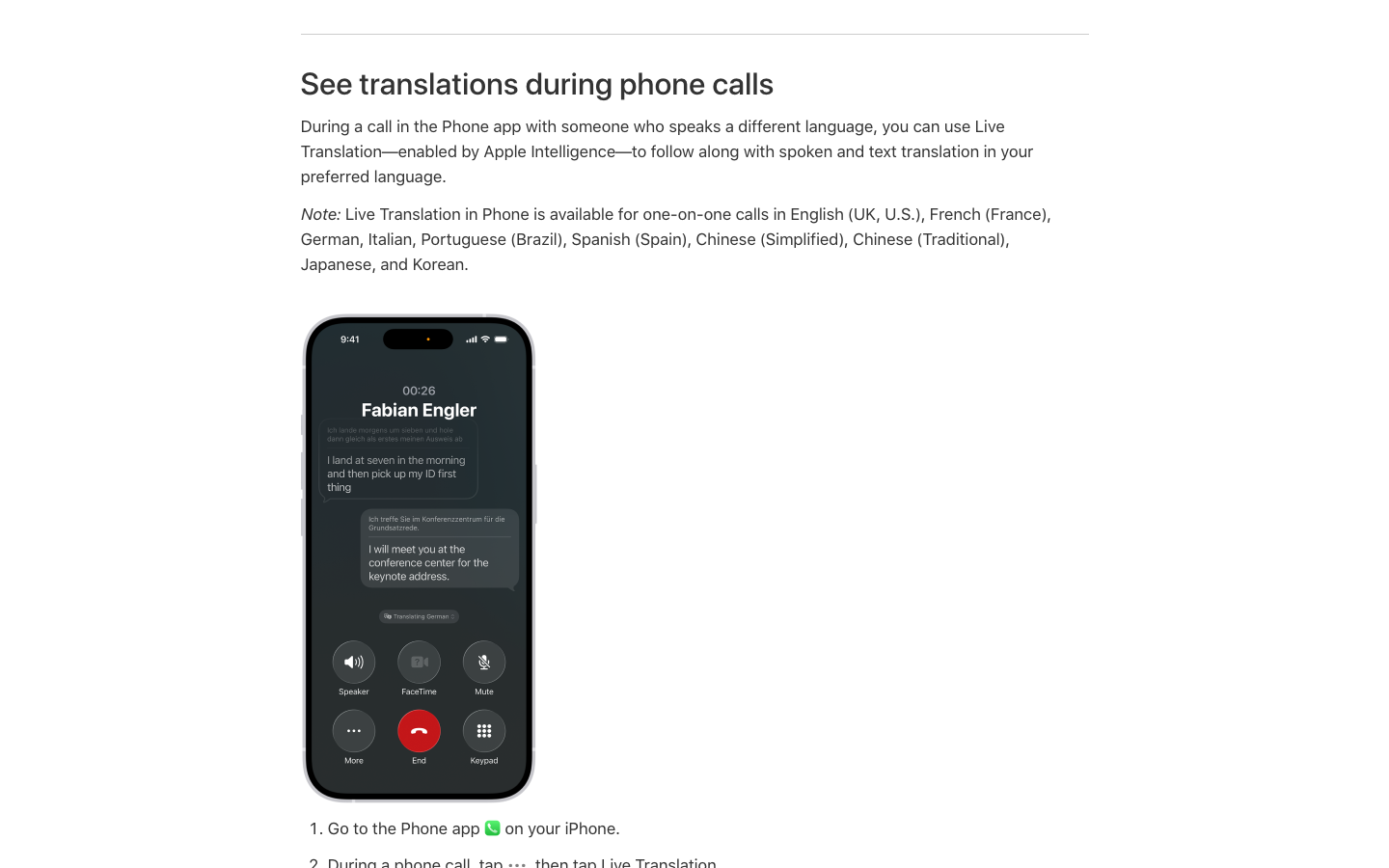
Apple’s iPhone guide documents spoken and written translation inside the Phone app with Apple Intelligence. During a call, open More, choose Live Translation, select both languages and start. Phone support includes English (UK/US), French (France), German, Italian, Portuguese (Brazil), Spanish (Spain), Simplified and Traditional Chinese, Japanese and Korean.
- Useful for: Convenient for an individual who already has a compatible iPhone and an available language pair.
- Check before choosing: This is a one-to-one call feature. An iOS update alone does not make every iPhone Apple Intelligence-compatible. Check device, software and regional availability; Phone, Messages, FaceTime and AirPods have different feature conditions.
13. Samsung Live Translate — Galaxy Call assist
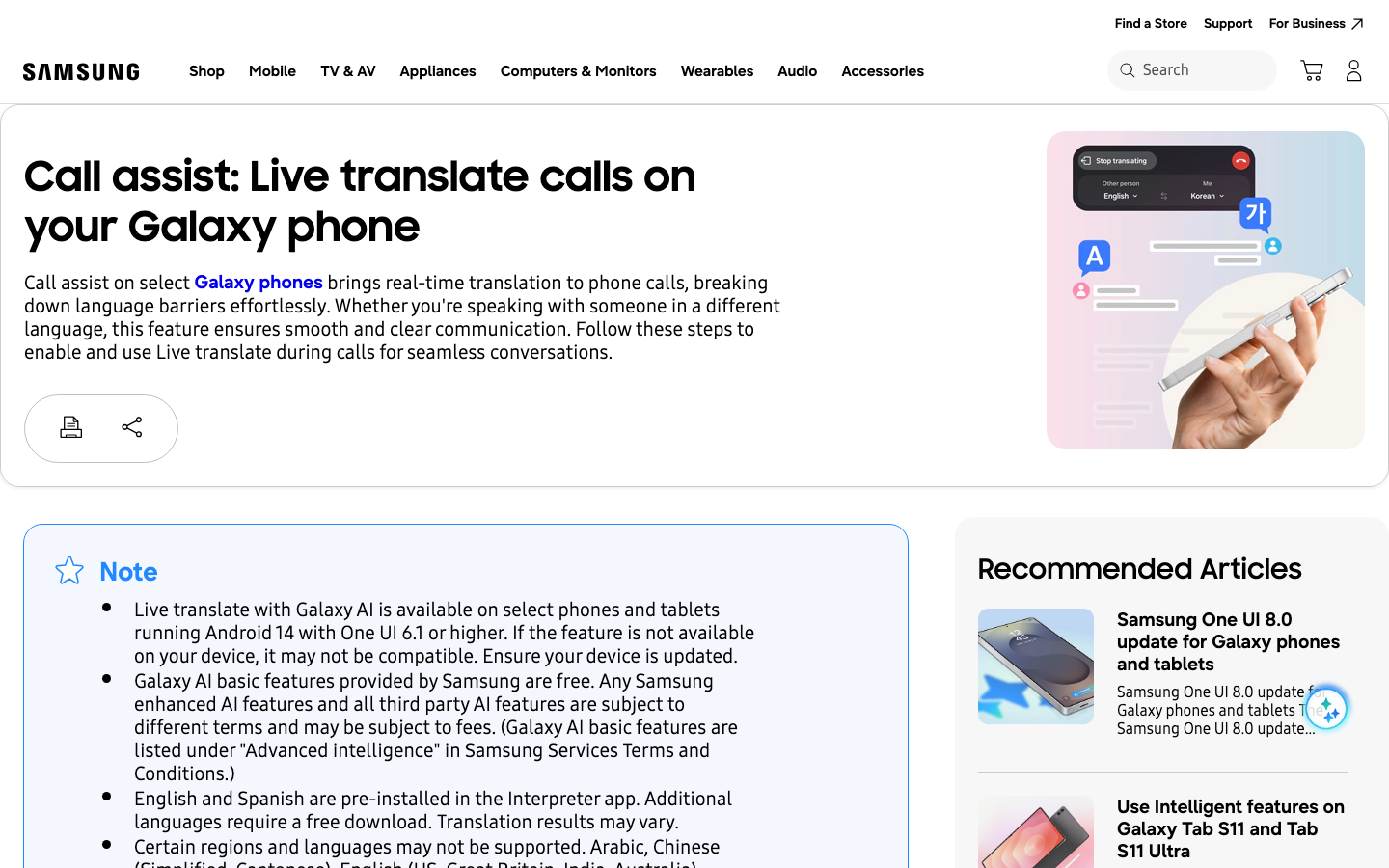
Samsung supports translated speech and text during calls on selected Galaxy devices with Android 14 and One UI 6.1 or later. Enable Galaxy AI → Call assist → Live translate, download the needed languages, then choose Call assist during the call. The official guide also lists supported third-party calling apps.
- Useful for: Can work through the Samsung dialer and selected apps on hardware the user already owns.
- Check before choosing: Samsung says only one participant should enable Live Translate at a time. Both parties activating it can cause translation errors. Compatibility, language and region restrictions still apply; support for a language does not guarantee every accent or technical term.
14. Google Pixel Live Translate — on-device phone translation
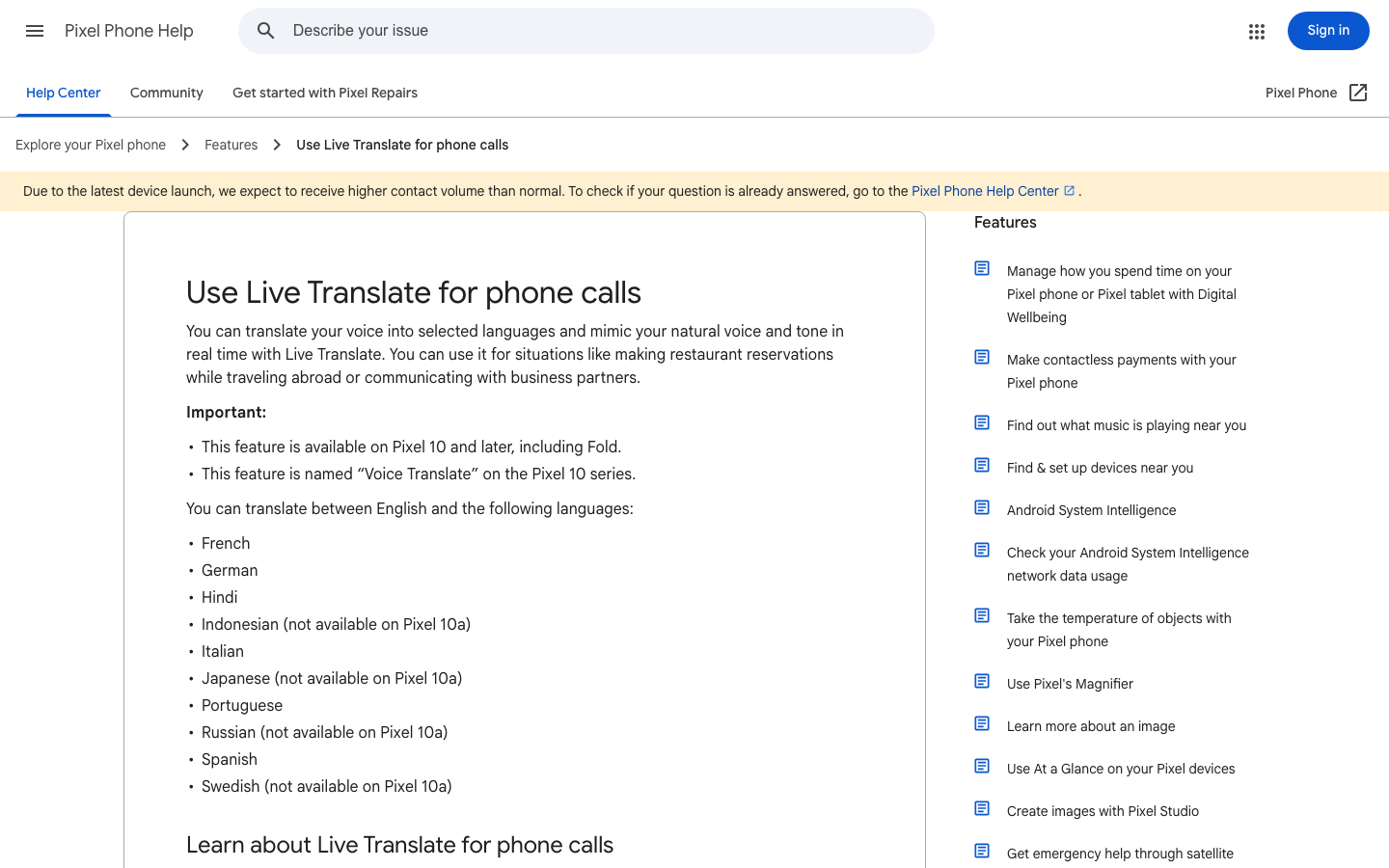
Google documents this call feature on Pixel 10 and later, including Fold; it is called Voice Translate on Pixel 10. It translates between English and ten listed languages. Pixel 10a excludes Indonesian, Japanese, Russian and Swedish from that list. Download the necessary models before use.
- Useful for: The documented translation runs without an internet connection after setup, and both parties hear an announcement. A telephone connection is still needed for the call.
- Check before choosing: Google says conversation audio and transcripts are not saved or retrievable afterward. Choose a separate approved records workflow if follow-up evidence matters. The documented pairs are English-based, not arbitrary pairs among all listed languages.
15. T-Mobile Live Translation — network-based rollout
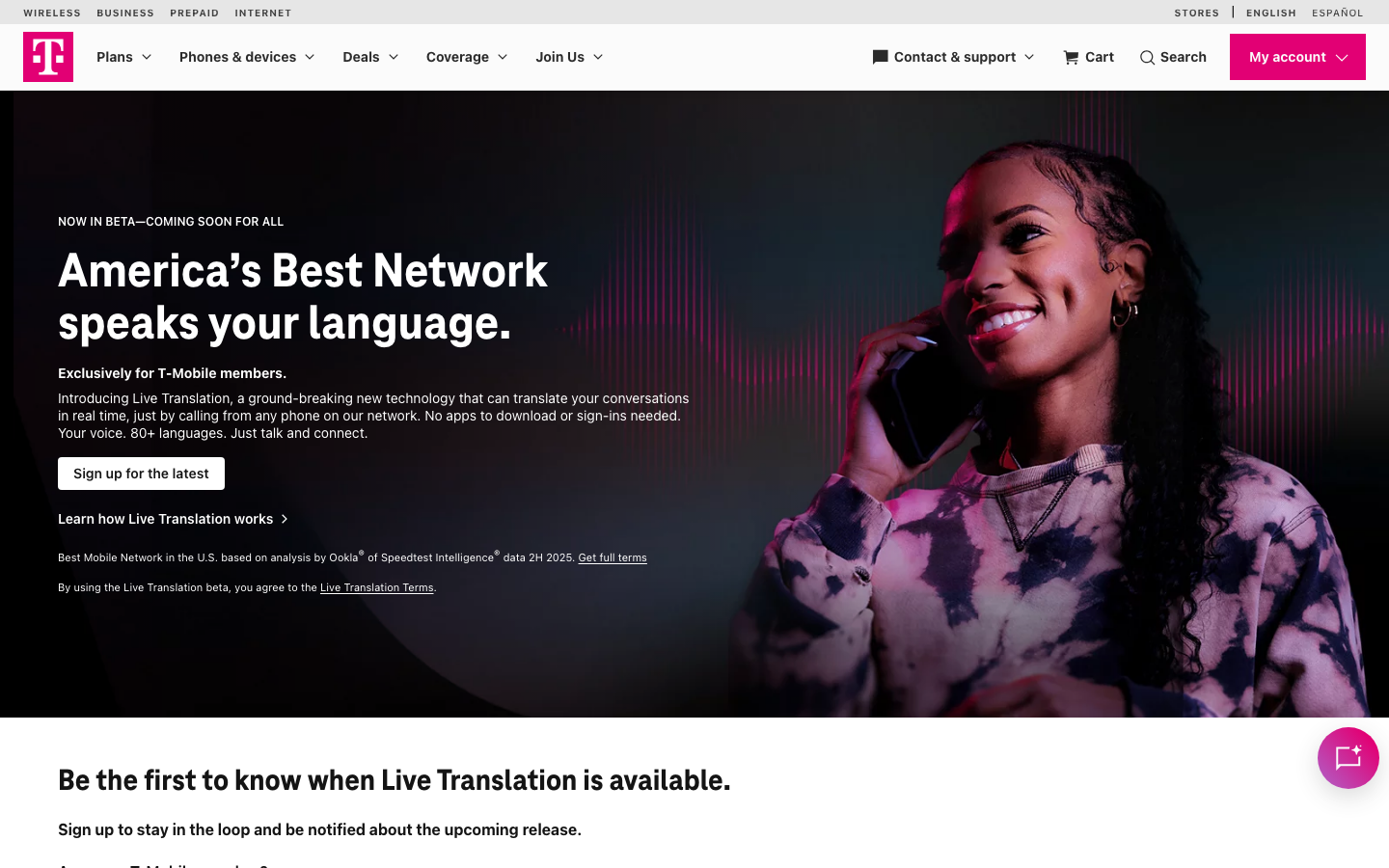
T-Mobile’s current product page advertises 80+ languages, translated in both directions through its network. Its instructions say to connect a call and enter 87 to activate translation once the account has access.
- Useful for: The feature does not depend on installing a separate translation app or buying a particular smartphone model.
- Check before choosing: The page still asks users to register for release information and says registration does not guarantee access. Eligible T-Mobile service and supported calling destinations are required; emergency numbers 911 and 988 are excluded. Confirm account eligibility and commercial terms before planning a deployment.
Follow a call from audio to action
- Connect the call. The phone platform establishes the agent and caller audio paths.
- Choose the languages. Confirm both directions, the spoken dialect and how a caller requests help.
- Deliver the translation. Determine whether each participant hears a voice, reads captions or receives both. Let each turn finish before responding.
- Confirm key facts. Read back names, addresses, amounts and dates. A fluent sentence can still contain a wrong number or a missed negation.
- Handle the record. Save only the approved outputs, review the transcript and summary, and assign follow-up work.
Pilot the workflow before rollout
Start with a representative call scenario and a bilingual reviewer. Decide what counts as a successful interaction before testing. Include these checks in a small pilot:
- Meaning: Does each direction preserve names, numbers, product terms and the caller’s actual request? Include accents your customers use.
- Timing: Can both people take turns comfortably? Observe long answers, interruptions, background noise and hold music.
- Escalation: Can an agent bring in an approved human interpreter without asking the customer to restart the whole process?
- Records: What is stored, where, for how long and with whose access? Can staff correct a transcript and export the approved record?
- Operations: Do inbound calls, outbound calls, queues, transfers, caller ID and the CRM all behave as required?
Review sensitive calls and data handling
Ask your language-access, security and legal owners to approve the actual workflow and vendor terms before using it for sensitive conversations. Record the permitted call types, required notices, processing locations, retention settings and specialist-interpreter path. A product’s language count or marketing accuracy claim does not settle those questions.
Have agents explain that translation is being used, pause when an output is unclear, and follow the approved escalation procedure. Keep healthcare decisions, legal meaning and emergency handling within the organization’s qualified support process.
FAQ
Can Zoom Phone translate calls in real time?
Can Microsoft Teams Phone translate PSTN calls?
What is the difference between AI call translation and phone interpretation?
Is AI phone translation safe for healthcare or legal calls?
Which option is best for a multilingual call center in 2026?
When should we still use human interpreters?
Choose a complete call workflow
Choose VoicePing when the task is to capture and review multilingual conversations, then match your live-call requirement to the appropriate phone, AI-translation or human-interpreter service. Verify what each participant receives, what gets saved, and how the agent escalates a difficult conversation. A successful pilot on your real call route is more useful than the largest advertised language count.