In this article
Start with the recording you have and the result you need. VoicePing turns uploaded audio or video into a transcript with optional translated outputs. Meeting assistants capture calls; editing tools connect words to a media timeline; dictation and accessibility apps display speech as text. Those are different jobs, even when all use speech recognition.
VoicePing publishes this guide. The eleven numbers identify services, not an accuracy ranking. Features and public prices were checked on September 18, 2026. This is a documentation-based comparison, not a paid-account test or an accuracy benchmark.
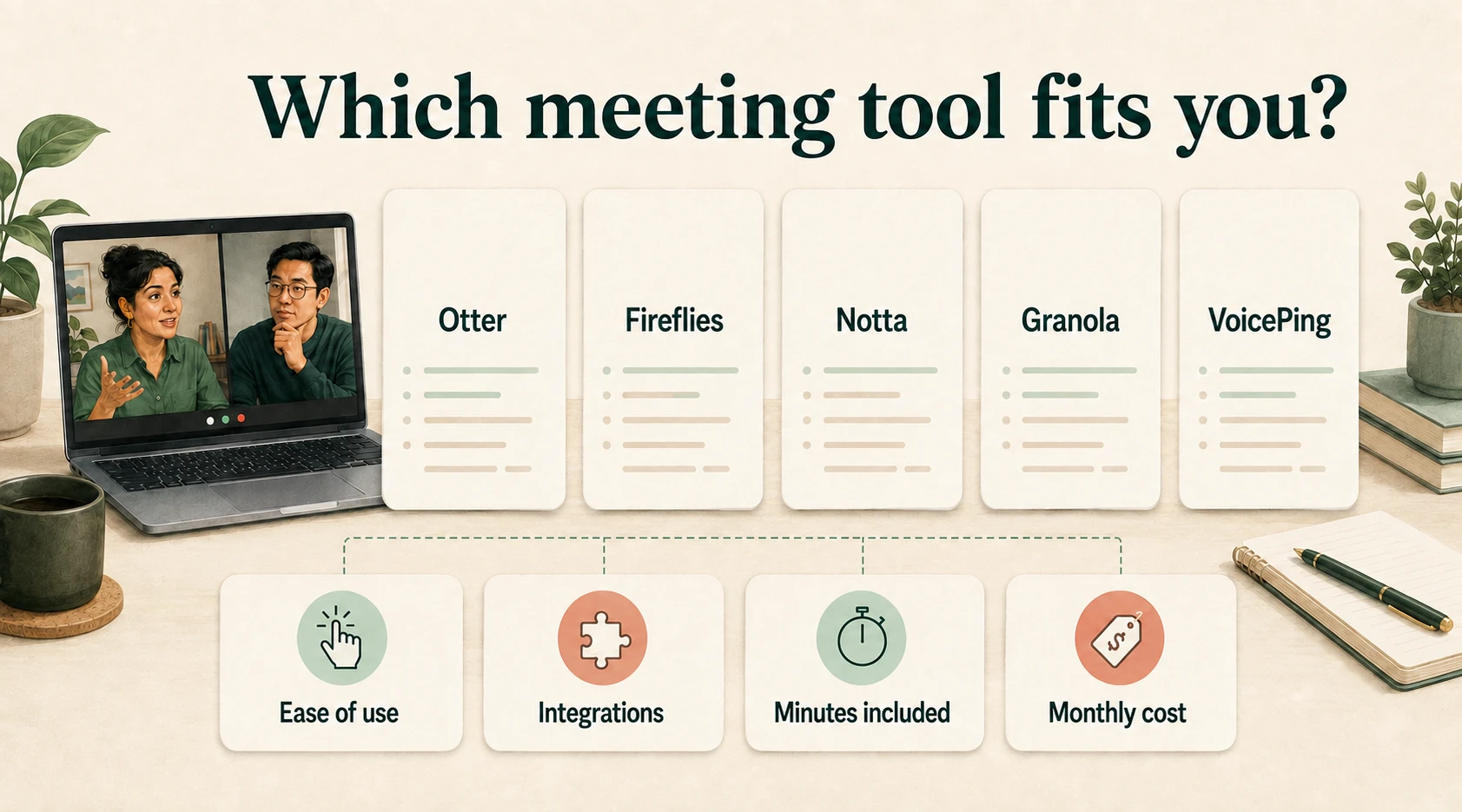
Match the tool to your task
- A recording to transcribe and translate: VoicePing; also consider Notta for imports, Sonix for transcript review, or Rev when you may order human transcription separately.
- A meeting to capture: Otter, Fireflies or Fathom, subject to host permissions and the chosen capture method.
- A podcast or video to edit: Descript connects the transcript with the audio/video edit.
- Words to dictate: Speechnotes or Google Docs.
- An in-person conversation to read on Android: Google Live Transcribe.
A transcript is a draft of the source speech. A summary selects information from it; a translation changes the language. Check names, figures, negations and decisions against the recording before treating any of these outputs as a final record.
Prices and limits at a glance
Prices are US dollars unless marked JP¥. Paid monthly figures below use monthly billing, except Speechnotes Premium, whose advertised monthly equivalent is paid yearly. Notta localized its current web price to yen. Confirm regional tax, renewal and checkout terms; device and connectivity costs are separate.
| Service / plan | Price and billing | Allowance and important limit |
|---|---|---|
| 1. VoicePing Free Official price / access | Free; one active account. | 90 online translation minutes/month. File Transcribe is not included. |
| 1. VoicePing Individual Official price / access | $31.50/month, billed monthly; tax included. | 450 online minutes/month, one active account and five guest listeners. File Transcribe included; no annual Individual plan or Individual trial. |
| 2. Otter Basic / Pro Official price / access | Basic free; Pro $16.99/user/month. | Basic: 300 minutes/month, 30 minutes/conversation, three lifetime imports. Pro: 1,200 minutes/month, 90 minutes/conversation, ten imports/month. |
| 3. Fireflies Free / Pro Official price / access | Free; Pro $18/user/month. | Free: 400 stored minutes/team; unlimited transcripts require eligible Auto-join settings. Pro: 8,000 stored minutes/seat. AI features and upload rate limits are separate. |
| 4. Fathom Free / Premium Official price / access | Free; Premium $20/user/month. | Free includes unlimited meeting recordings, transcripts and instant summaries. Premium adds advanced features; external recording uploads are not supported in the current help guide. |
| 5. Notta Free / Pro Official price / access | Free; Pro JP¥1,980/month on the localized web page. | Free: 120 minutes/month, three minutes/conversation, 50 file uploads/month. Pro: 1,800 minutes/month, five hours/recording, 100 uploads/month. Translation add-ons have separate prices. |
| 6. Descript Free / Hobbyist Official price / access | Free; Hobbyist $24/person/month. | Free: 60 media minutes/month. Hobbyist: ten media hours and 400 AI credits/month. Media time and AI credits are different allowances. |
| 7. Sonix Pay-As-You-Go / Core Official price / access | $10/audio hour pay-as-you-go; Core $25/month. | One-time 30-minute free trial. Core includes five transcription/translation hours and five AI workspace hours/month; extra transcription time $10/hour. One user included. |
| 8. Rev Free / Essentials Official price / access | Free; Essentials $29.99/seat/month. Human transcription $1.99/minute separately. | Free: 45 AI minutes/month, English only. Essentials: 5,000 minutes/user/month, English and Spanish, up to three seats. Higher tiers add languages and capacity. |
| 9. Speechnotes Official price / access | Free dictation; Premium $1.90/month equivalent, paid yearly. File transcription $0.10/minute. | File uploads are pay-as-you-go, separate from dictation. Premium is required for business use or publishing dictated content; yearly license does not auto-renew. |
| 10. Google Docs Voice typing Official price / access | Available with a personal Google Account; paid Workspace plans are separate. | Microphone dictation in supported desktop browsers. No dedicated prerecorded-file import in Voice typing; work administrators may restrict access. |
| 11. Google Live Transcribe Official price / access | Free Android accessibility app. | Live microphone text; offline languages depend on device and downloads. History is temporary, so copy or export what you need. |
The biggest price differences often come from the unit: a seat, an uploaded minute, a monthly allowance or a stored minute. For example, Sonix’s pay-as-you-go rate makes a 30-minute recording $5 before applicable tax; Speechnotes’ file rate makes it $3. These are arithmetic examples, not quotations for an account or comparisons of output quality.
Eleven transcription tools
1. VoicePing — uploaded recordings and translated outputs
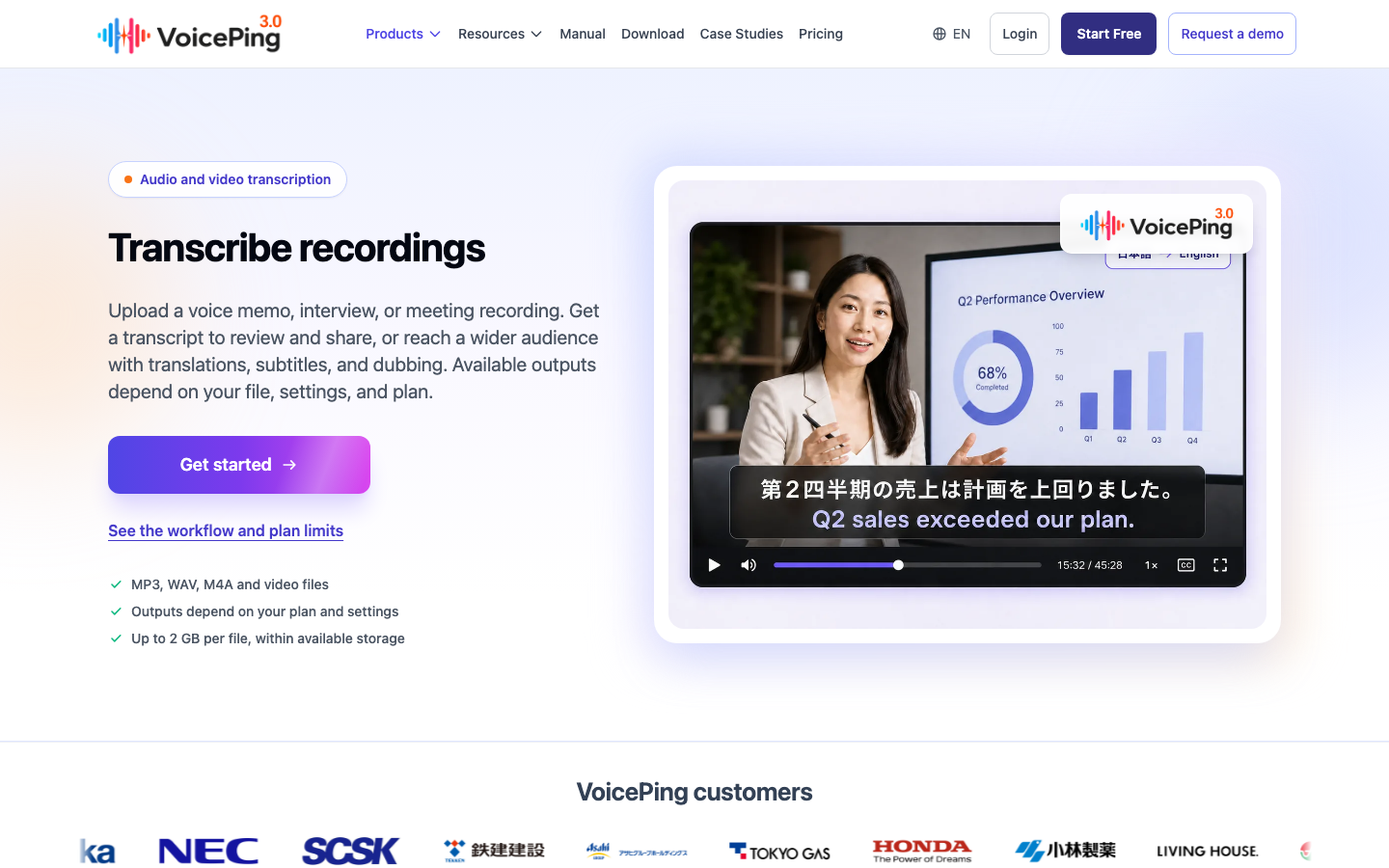
VoicePing is useful when one recording must serve people in different languages. Upload supported audio or video, choose the speech language, and select transcription alone or a translation language. The file workflow guide explains optional subtitled and dubbed outputs, processing status and subtitle downloads.
Strength: transcription and optional translation stay within one file workflow, making an interview, presentation or recorded discussion easier to prepare for another audience.
Limit: File Transcribe starts with the Individual plan. Check remaining minutes and storage before uploading; the product page specifies up to 2 GB per file within available storage. Extra outputs take additional processing and depend on settings and plan. Review the original transcript before relying on its translation.
2. Otter — searchable meeting notes
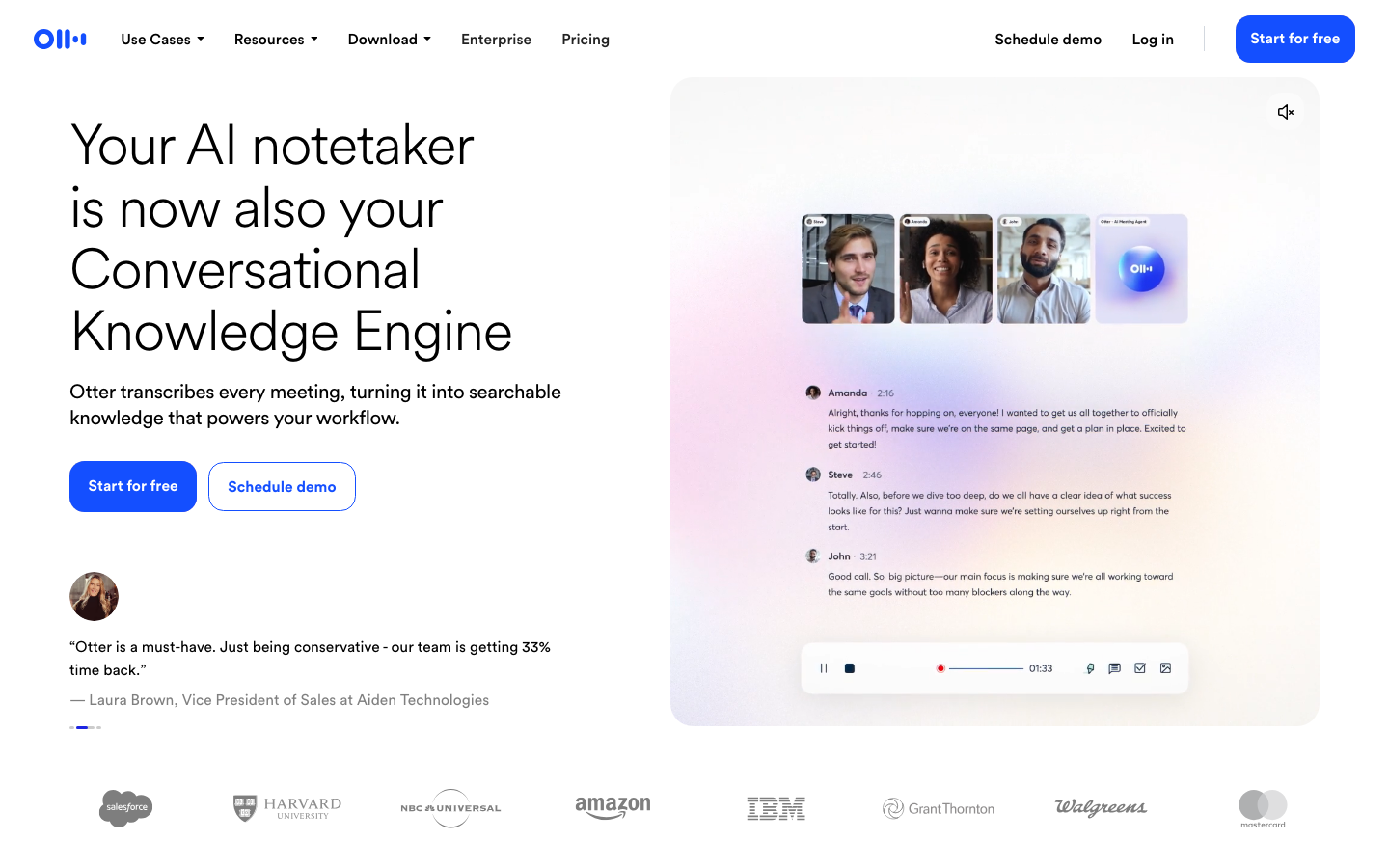
Otter combines meeting capture, searchable transcripts and summaries, with support for Zoom, Microsoft Teams and Google Meet. Its current plan table lists English, Spanish, French, German, Japanese and Chinese transcription; that list is not a promise about every accent or mixed-language recording.
Strength: it suits recurring meetings when a team needs to find a discussion again and follow up from its notes.
Limit: Basic’s 300 monthly minutes do not remove its 30-minute conversation limit, three lifetime file imports or restricted recent history. Pro raises the allowances but still caps each conversation and monthly imports. A large archive of long prerecorded interviews needs a different calculation from a weekly half-hour meeting.
3. Fireflies — meeting archives and integrations
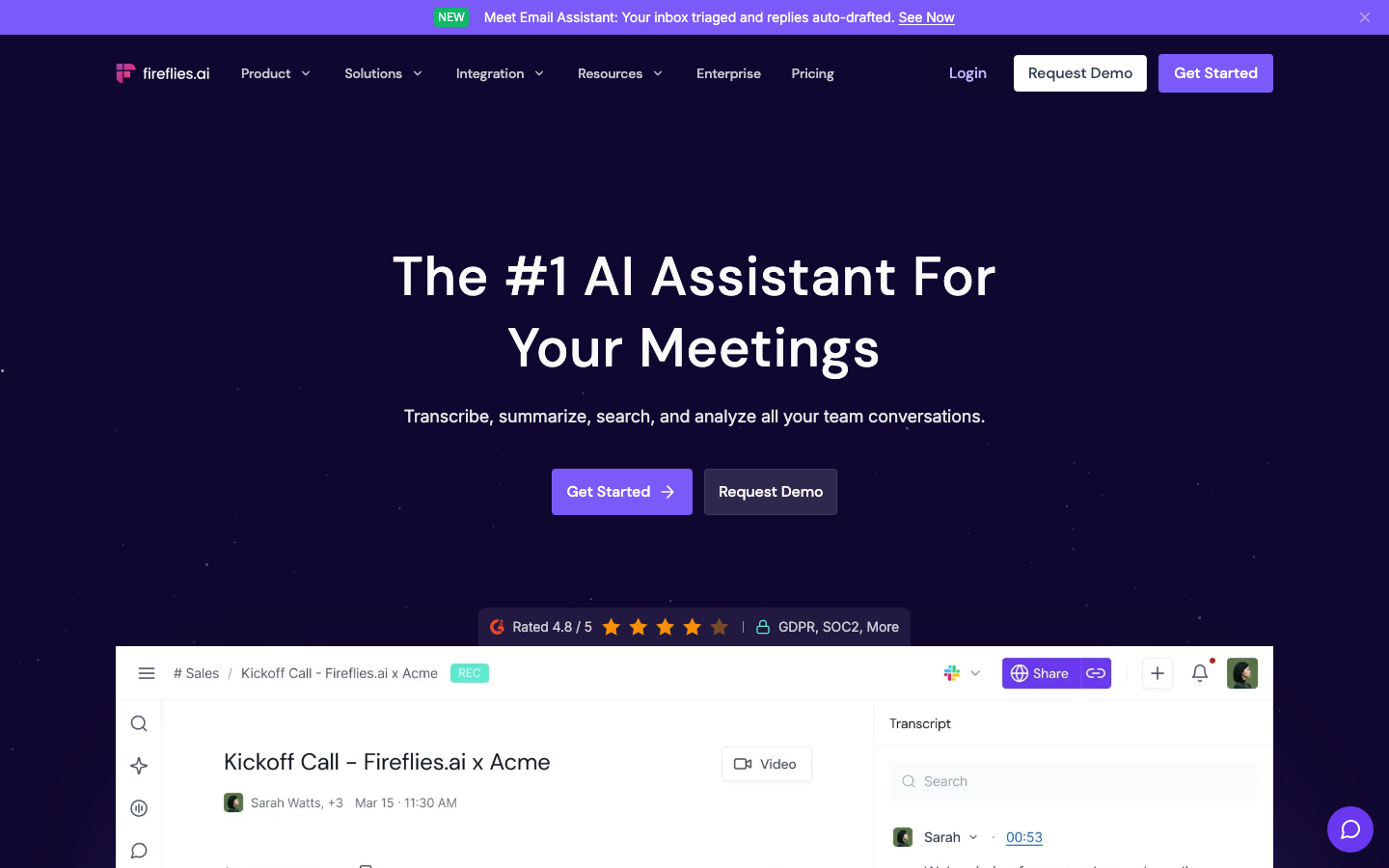
Fireflies connects captured conversations with searchable notes and integrations. Its range of recording methods can suit a team whose calls happen across several meeting apps.
Strength: a shared archive can make past discussions easier to search and use in follow-up workflows.
Limit: “unlimited” has conditions. For Free accounts created from September 1, 2026, eligible Auto-join settings unlock unlimited transcripts ; Auto-join off leaves a three-meeting transcription limit. The “Only when I invite fred” setting does not unlock unlimited access. Review the meeting filter before enabling automatic capture.
The pricing page separately caps stored minutes and AI features. Uploaded external files also have rate limits . Stored minutes are a total capacity, not a fresh monthly transcription allowance.
4. Fathom — individual meeting recording
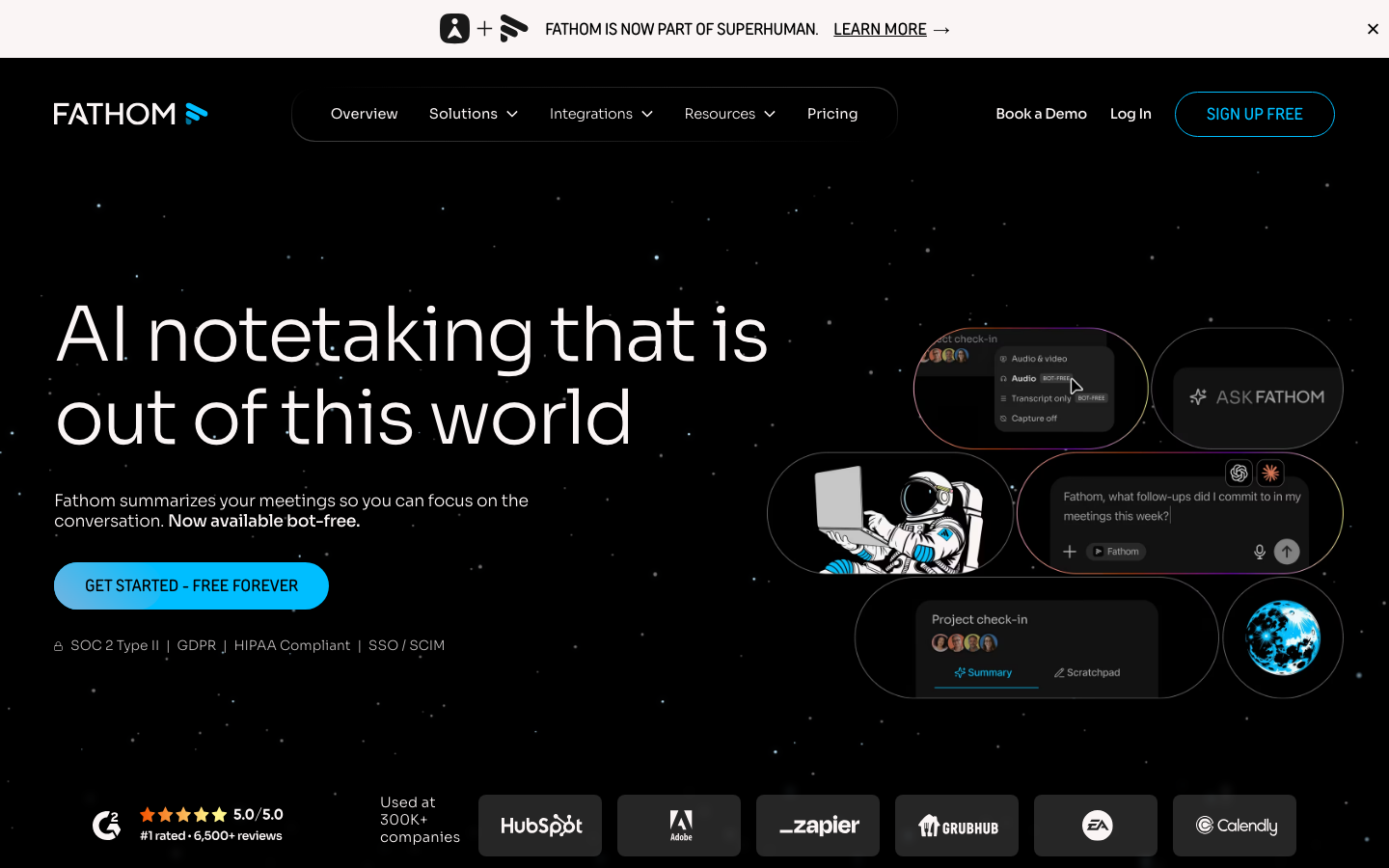
Fathom’s Free plan includes unlimited meeting recordings, transcripts and instant summaries. Premium adds more advanced features. The current offering includes a bot-free Mac beta alongside other capture experiences; check the experience available on your computer.
Strength: its free meeting-recording offer is worth considering when the main task is reviewing calls you attend.
Limit: it is not the same as an upload service for an existing media library. Fathom’s current external-recording help page says uploaded calls are unsupported. Verify the required operating system, meeting app and capture behavior before choosing it for a scheduled interview.
5. Notta — file imports and cross-device notes
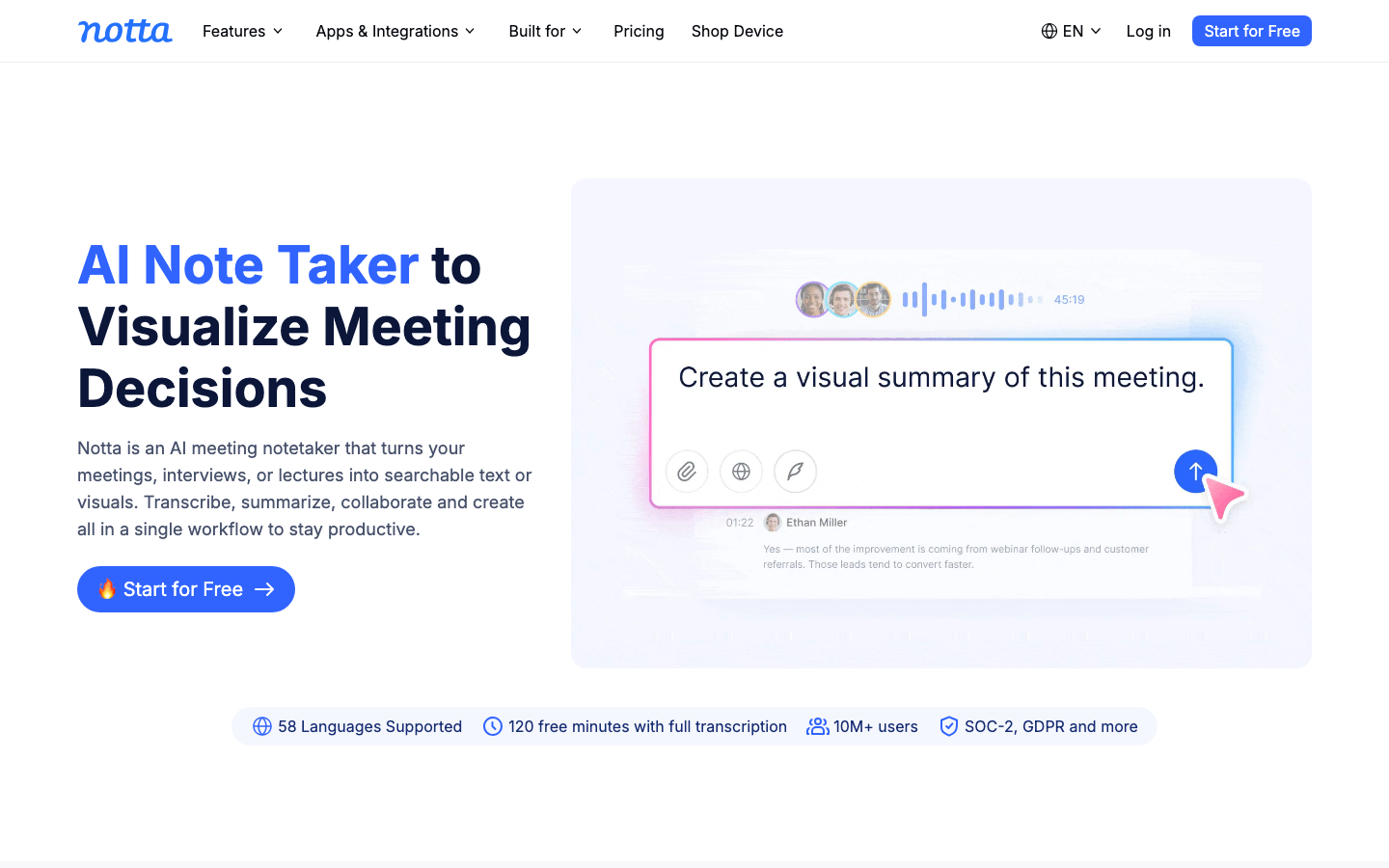
Notta combines recording, file imports and web-meeting transcription with web and mobile access. Its plan guide distinguishes Free, Pro and team-oriented features.
Strength: it fits a workflow that switches between phone recordings, uploaded interviews and meetings.
Limit: Free’s 120 monthly minutes are divided by a three-minute cap per conversation, so the free tier does not provide a complete one-hour interview transcript. Pro allows longer recordings and transcript export, but still has monthly minute and upload limits. Monolingual and bilingual translation add-ons are separately priced on the plan page ; do not assume every translation mode is included in a transcription subscription.
6. Descript — editing audio and video through text
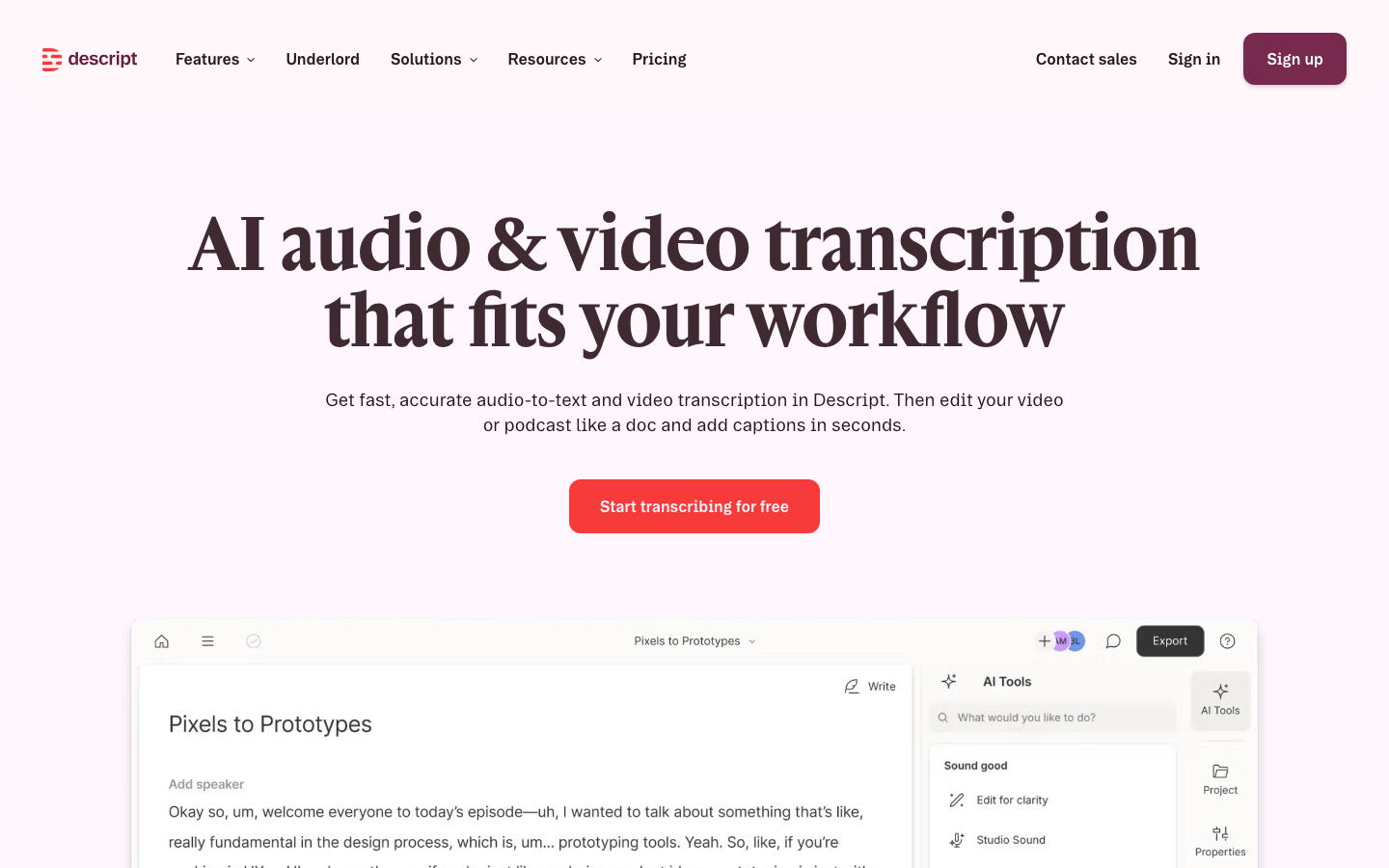
Descript connects transcription with audio and video editing. It suits a producer who wants to revise spoken content, arrange a podcast or prepare captions while working with a text-based view of the recording.
Strength: the transcript is part of the editing workspace, reducing the need to move between an isolated text file and a separate media editor.
Limit: its pricing separates media hours from AI credits. Hobbyist’s ten monthly media hours do not mean unlimited AI operations; export quality and other features also vary by tier. Check the supported transcription language before importing a multilingual project. A collaborative meeting archive is a different requirement from an editing project.
7. Sonix — uploaded-file review and exports
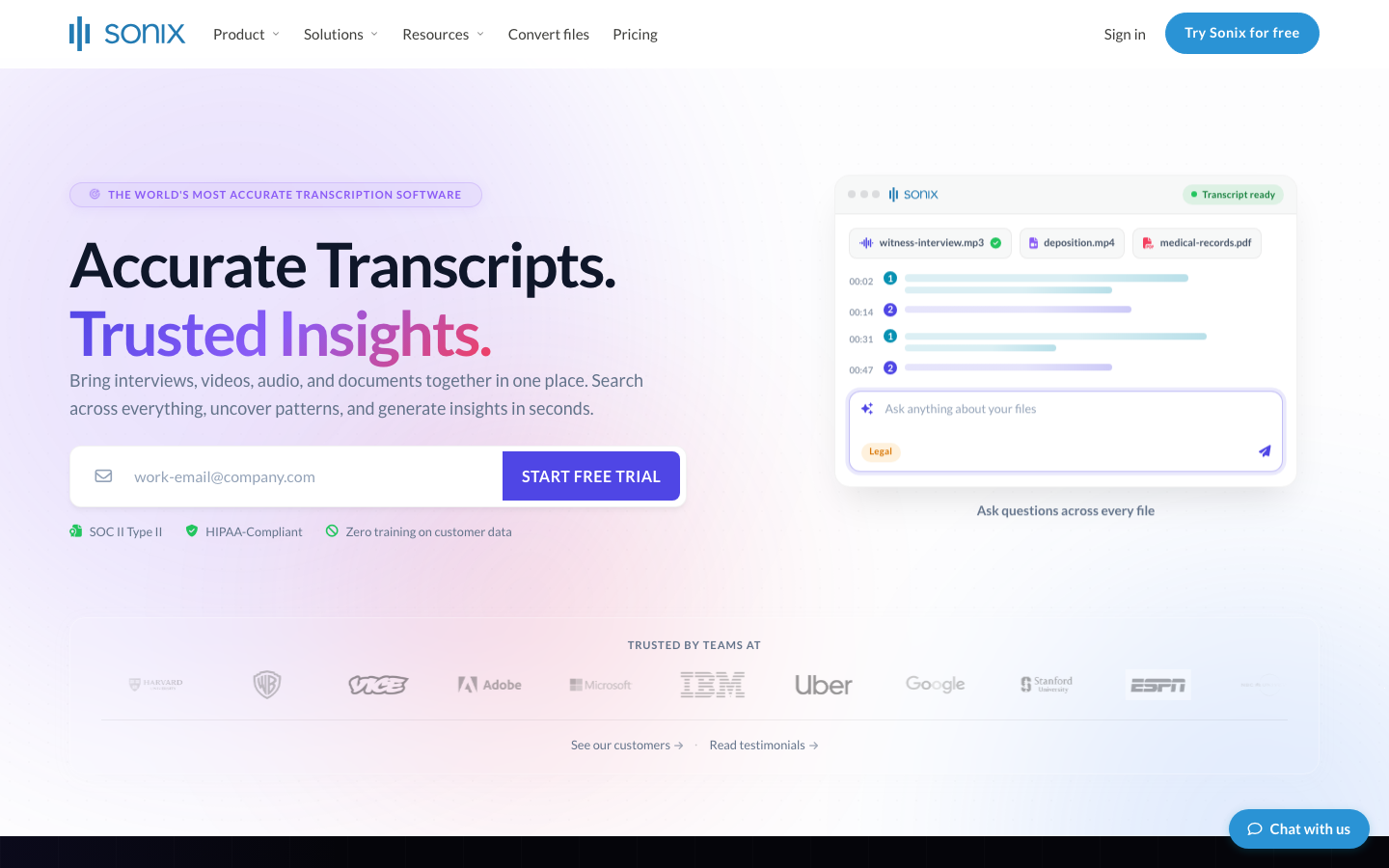
Sonix focuses on uploaded recordings, an in-browser transcript editor and exports such as subtitle files. It offers pay-as-you-go access and current subscription tiers named Core, Advanced and Pro.
Strength: occasional users can price a recording by its duration without committing to a monthly subscription. The editor and timestamps support checking text against the source.
Limit: the current pricing page separates transcription/translation hours from AI workspace hours. Core includes one user; extra seats do not increase the included hours. Translation uses the transcription/translation allowance, so it is not an unlimited free addition to a processed file. The 30-minute free offer is a one-time trial.
8. Rev — AI transcripts with human service available
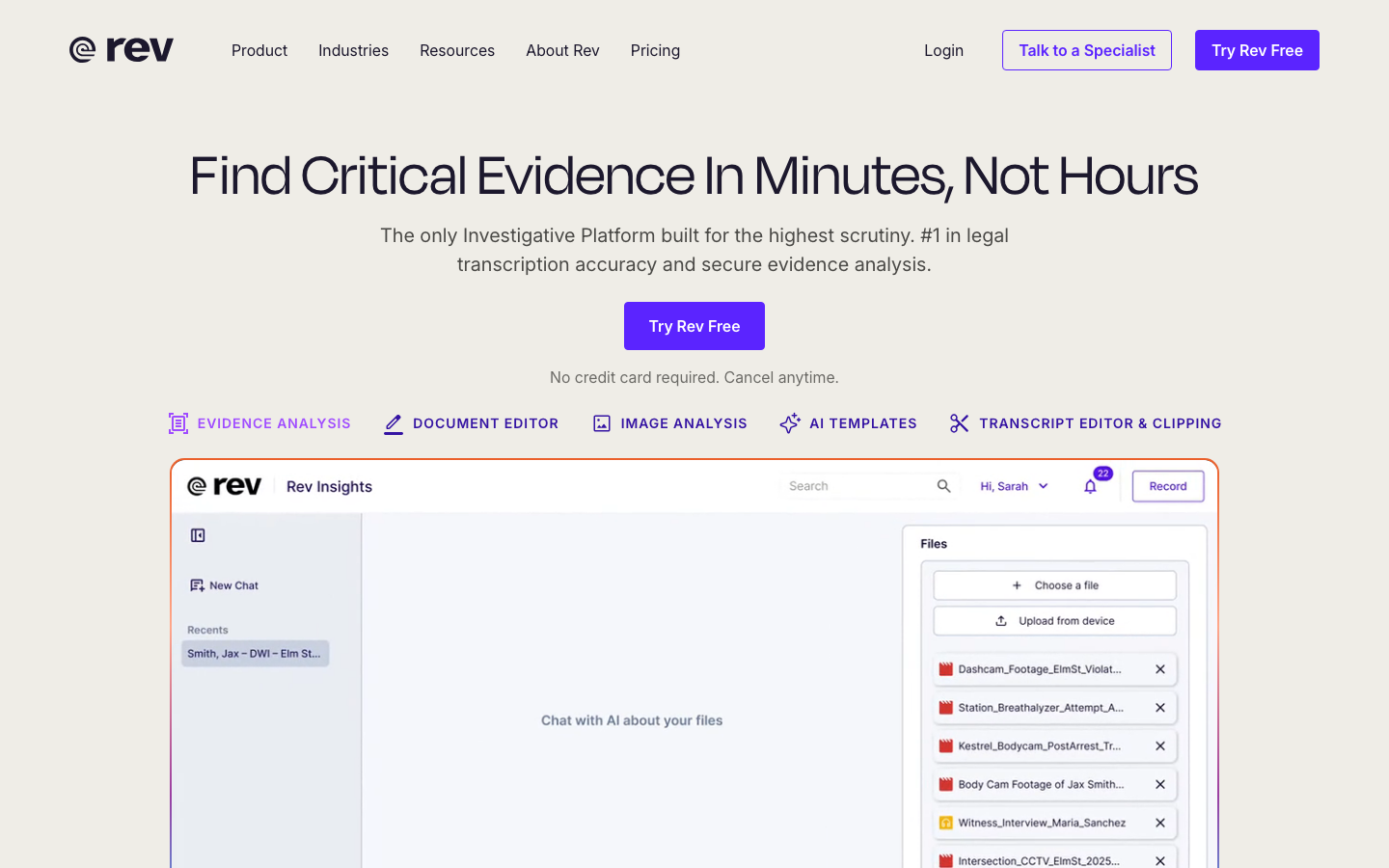
Rev now presents its product around reviewing evidence and recordings. Its plans combine AI transcription with review features, while human transcription is a separately priced service.
Strength: a team can evaluate automated processing for routine material and a human service for recordings that need a different review process.
Limit: Free is English-only, and Essentials lists English and Spanish; wider language coverage requires checking higher tiers. Essentials supports up to three seats, which is a maximum for that plan, not a three-seat purchase minimum. A human-transcription order is not included simply because an account has AI minutes, and neither output should be assumed suitable for a particular formal use without checking the requirements.
9. Speechnotes — dictation or pay-as-you-go files
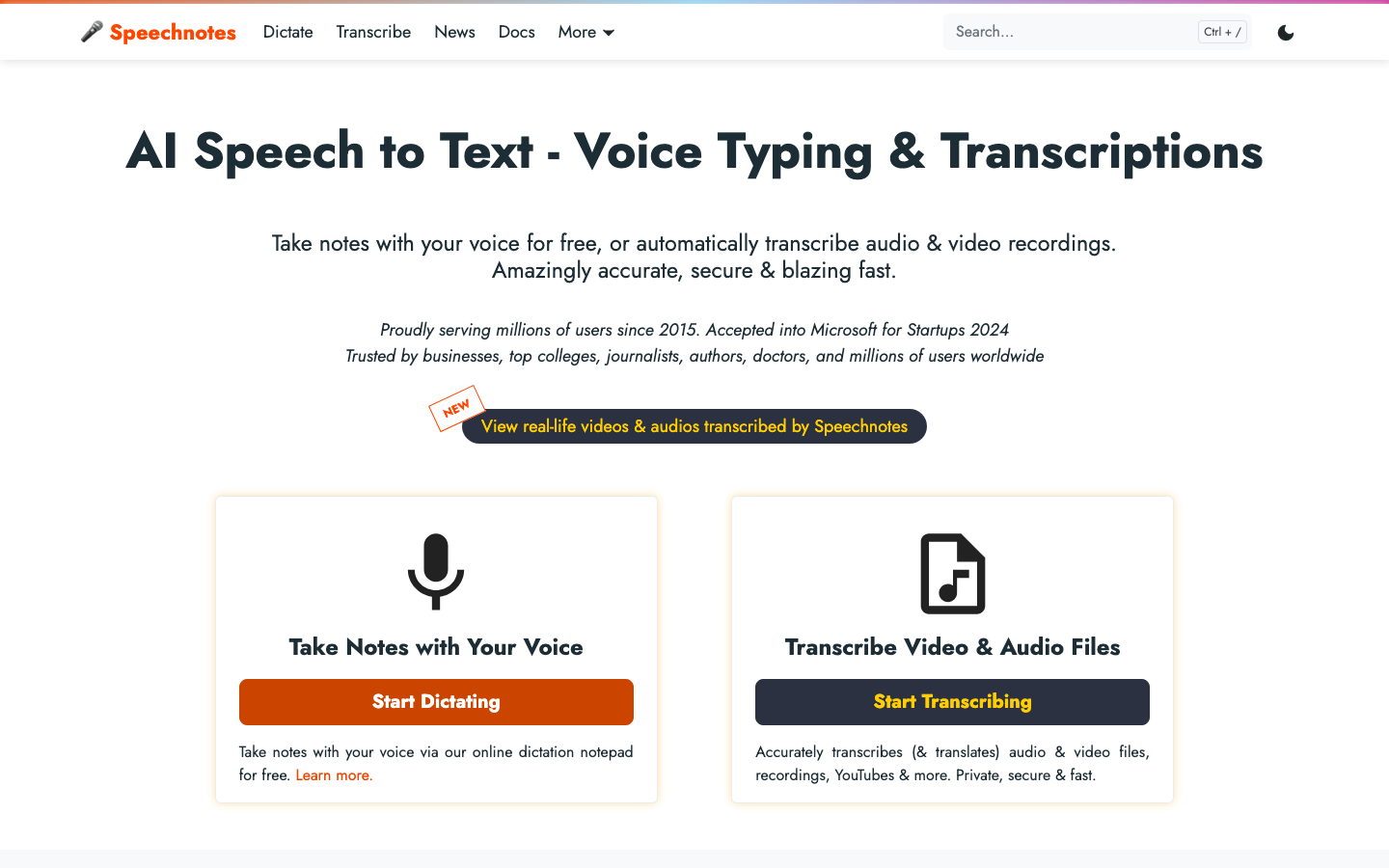
Speechnotes separates a live dictation notepad from paid transcription of audio and video files. That distinction makes it easier to choose a simple writing workflow without treating it as a meeting assistant.
Strength: file transcription has a straightforward per-minute price, useful for an occasional recording. Live dictation is a separate entry point.
Limit: free dictation does not include free file processing. The Premium license page requires Premium for business use or publishing dictated content; its $1.90 monthly equivalent is paid yearly and does not auto-renew. File pricing is $0.10 per minute, independent of that license. Check speaker-label and export needs before processing a multi-person recording.
10. Google Docs Voice typing — microphone dictation
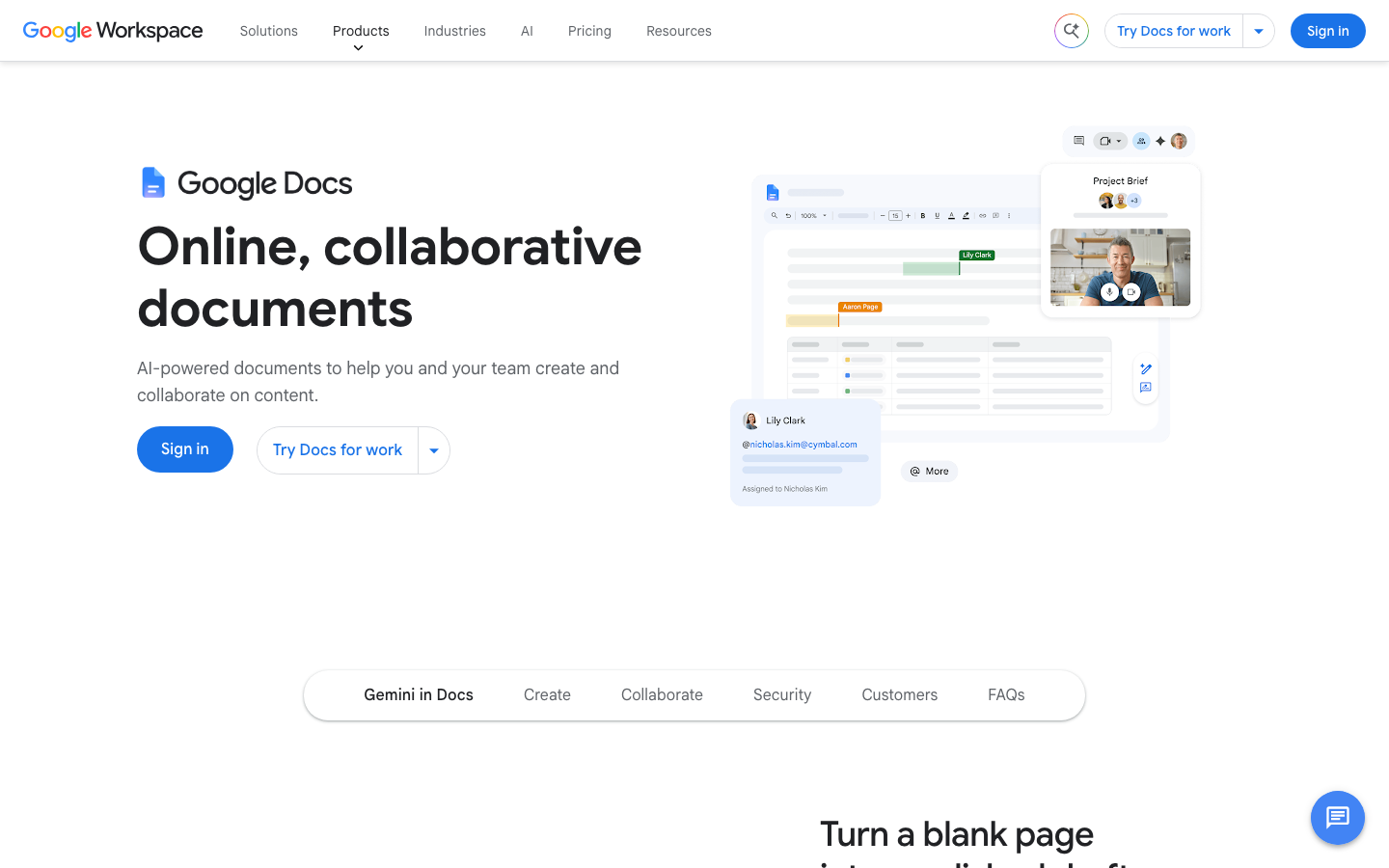
Google Docs is a practical starting point when you want to speak a draft and edit it in a shared document. On a computer, open Tools → Voice typing, choose the speech language and enable the microphone. Google documents support in current Chrome, Edge and Safari versions.
Strength: dictated text is already in an editable document, ready for correction and collaboration.
Limit: Voice typing is a microphone-input feature, not a dedicated recorded-file import or a full meeting archive with speaker review and timestamps. The browser controls speech processing; do not assume it runs entirely offline. Editing commands and punctuation support also vary by language, and administrators can restrict the feature.
11. Google Live Transcribe — Android conversation access
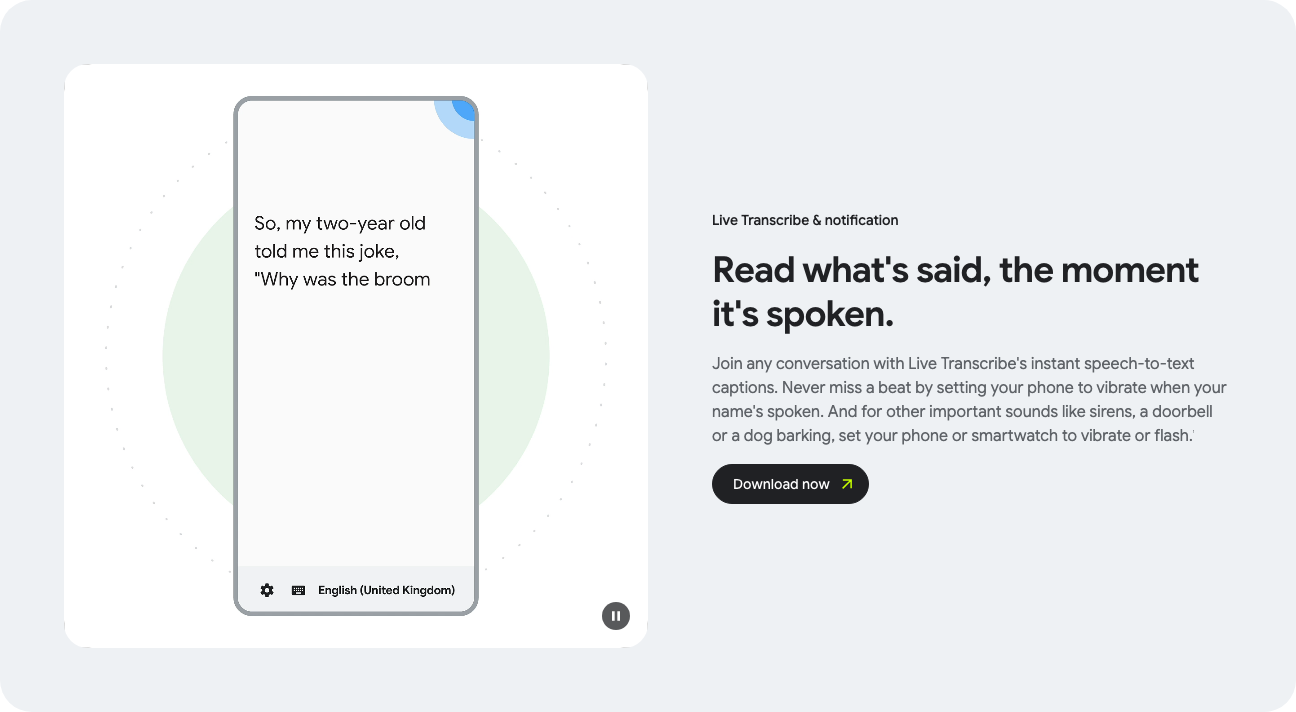
Live Transcribe is an Android accessibility tool for displaying nearby speech and sounds as text. It can help a participant follow an in-person exchange on the phone screen; it is distinct from Live Caption for media playing on a device.
Strength: the immediate reading experience is useful when following the conversation matters more than producing polished minutes.
Limit: Google’s help guide describes temporary history: up to three days when enabled, or deletion after 24 hours when disabled. Copy or export text you need to retain. Offline languages depend on the Android device and downloaded packs; check the download symbol for the chosen language. Do not treat this as an uploaded-file service or a permanent team archive.
Check a representative recording before buying
Use a short, non-confidential sample with the speakers, microphone and background noise you expect. Include a name, a number, a date and a correction. Keep the same sample across candidates and record how much correction work each output requires.
Recognition: compare the words against the audio. A language listing or advertised accuracy percentage does not establish performance for Scottish or Indian English, overlapping voices or your specialist vocabulary.
Meeting capture: check the supported app, host permissions, whether a bot joins, and whether your organization allows that capture method. Confirm recording expectations with participants.
Daily operation: test one complete route from capture or upload to correction and export. Count the manual steps and verify the format your team actually needs.
Access and retention: review sharing permissions, deletion, storage location and organizational requirements before uploading confidential material. For a blocked microphone or network connection, check approved permissions or ask the administrator; disabling a firewall is not a troubleshooting prerequisite.
Languages: verify source recognition and translation separately. Check mixed-language support and whether translation consumes another allowance.
Speakers: test whether labels remain correct when people interrupt or share a microphone. Speaker labels are not proof of identity.
Devices: test on the actual computer or phone, including the required browser and operating-system version. A mobile app does not guarantee the same import, export or administration features as the desktop product.
What a transcript can improve—and what needs review
Drafting: automatic text can give a note-taker a starting point. The useful saving is time after corrections, not simply the speed of the first draft.
Finding a discussion: searchable text and timestamps can help locate a decision. Keep a link to the relevant recording when your retention rules permit it.
Following live speech: a live transcript may help participants catch up, while a file-transcription tool processes material after it is recorded. Confirm which workflow the product actually supplies.
Interpreting meaning: text alone can miss hesitation, irony, emphasis or who a remark addresses. Review the audio and context before attributing a decision or commitment to someone.
Free apps, older listings and recorder devices
For a Windows or Mac computer, Google Docs and Speechnotes suit dictation, while meeting or file services offer limited free access. Check the limit relevant to your task: file imports, duration, export access or storage.
For Android, distinguish Live Transcribe’s accessibility purpose from the mobile recording and file workflows offered by services such as Notta. An app-store search for “transcription” can return products with very different retention rules.
For iPhone, follow the selected service’s official download link and inspect its current store listing. Trial length, renewal period and in-app offers may differ from web billing.
Older lists also name AIGIJIROKU, Sloos and User Local Voice Minutes. If evaluating one for a Japanese-language workflow, check its current publisher, supported meeting apps, export format and contract directly. The eleven profiles above are the current shortlist in this guide; those older names are not additional ranked recommendations.
Likewise, do not rely on an old download link or price for Edivoice, Texter, Speechy Lite or Group Transcribe. Microsoft’s former Group Transcribe product link now leads to its Garage archive . Verify an exact app and publisher before treating an older article as evidence of current availability.
For hardware bundles, including older references to Logmeets or Minutes Mayker, check the recorder and the transcription service separately. A recorder purchase does not establish an ongoing cloud allowance. Ask about supported exports, replacement hardware, microphone placement and the service subscription before budgeting.
Choose by the finished output
Choose VoicePing when an uploaded recording needs a transcript and optional translated outputs. Compare meeting assistants for recurring calls, Descript for editing, and file-focused services for an existing archive. Use dictation and accessibility apps when their narrower purpose matches the task.
Before paying, complete one representative recording through correction, export and deletion. A tool earns its place when that whole workflow fits your team—not when its first transcript merely looks fluent.