
In this article
A Thai supplier call, a menu and a language lesson need different tools. VoicePing connects live translation with meeting follow-up. Phone translators help with short exchanges; a dictionary explains individual words; learning apps help you prepare before the conversation starts.
VoicePing publishes this guide. The eleven numbers identify products, not accuracy rankings. Public features and prices were checked on September 18, 2026. This is a documentation-based comparison, not a paid-account test or a Thai speech benchmark.
Quick recommendations
- Meetings: VoicePing for translated discussion and records to review afterward.
- Travel: Google Translate or Papago for short conversations and camera lookup; Microsoft Translator for Thai text and speech. iTranslate adds paid travel modes.
- Writing and lookup: DeepL Translator for drafts; Thai2English for pronunciation and word-level explanations.
- Study: ThaiPod101 for guided lessons, Ling for interactive practice, Drops for vocabulary.
- Shared reception desk: Pocketalk S2 when a dedicated device is easier to manage than employees’ phones.
Changes that matter when reading older lists
Microsoft has retired multi-device conversation, and its current Thai language row does not include image translation. DeepL now lists Thai in its Translator language guide; the older description of Thai as API-only early access is out of date. Offline text, downloaded lessons and offline speech are also different capabilities.
Human translation and tutoring remain useful alongside software. A tutor can help you practise an unfamiliar expression; a qualified translator can review consequential wording in context. Neither is interchangeable with a phone app for a quick lookup.
How to evaluate Thai translation tools
Start with the input and the output you need. A Thai text option does not prove microphone recognition, camera reading or spoken playback. For work, also check whether the selected plan retains the original, who can access it and how you will review the result.
Use a short, non-confidential sample containing a person’s name, an amount, a date and a correction. Check the recognized Thai first, then the translated meaning. Repeat with the device and background noise you expect to use. This gives you a practical acceptance test without treating a vendor’s language count as an accuracy score.
Prices, free access and limits
Amounts are US dollars unless another currency is explicitly shown. VoicePing and DeepL figures use monthly billing; iTranslate uses the US iOS listing. ThaiPod101’s offer requires 24 months, and Ling’s annual price is charged annually. Drops localized its web price to yen during this review. Confirm local offers, renewal terms and applicable tax at checkout; connection and device costs are separate.
| Product / plan | Price and billing | Access and limits |
|---|---|---|
| 1. VoicePing Free Official price / access | Free; one account. | Online translation: 90 minutes/month. Prepared mobile offline translation: 60 minutes/day. |
| 1. VoicePing Individual Official price / access | $31.50/month, billed monthly; tax included. | 450 online minutes/month, one active account, five guest listeners; unlimited offline translation. No annual Individual plan or Individual trial. |
| 2. Google Translate Official price / access | Free consumer app. | Text, camera and conversation; Thai is not in the current offline Live Translate pair list. API charges are separate. |
| 3. Microsoft Translator Official price / access | Free consumer app. | Thai text, speech and playback. No Thai Image checkmark in the language table; multi-device conversation retired. |
| 4. Papago Official price / access | Free mobile app. | Thai text, speech, conversation and images; Thai is outside the documented offline-language list. |
| 5. DeepL Translator Official price / access | Free version; Individual $10.49/user/month with monthly billing. | Free: 50,000 characters and one file/month. Individual: 300,000 characters and three files/month; 30-day trial. Check Thai support for specialized features. |
| 6. iTranslate Translator Official price / access | Free basic access. PRO monthly offers $12.99 or $14.99; annual $99.99. | US store also lists weekly $9.99 offers. Voice, camera and offline features require PRO; confirm the selected period and trial terms. |
| 7. Thai2English Official price / access | Public dictionary lookup accessible without payment. | Word meanings, pronunciation and examples. No current paid-plan price is asserted; check terms for additional account features. |
| 8. ThaiPod101 Official price / access | Free account; Premium offer $6/month equivalent with a 24-month subscription. | Offer advertised through September 25, 2026; not monthly billing. Premium PLUS offer $13.73/month equivalent on the same term. Free account includes a seven-day Premium trial. |
| 9. Ling Official price / access | Pro $16.99/month or $89.99/year; annual amount charged yearly. | Free introductory lessons. Seven-day trial on annual plans only. Other terms exist; subscriptions renew automatically. |
| 10. Drops Official price / access | Free limited learning; localized web Premium offer JP¥2,069/month during this review. | Paid plans add unlimited learning time and offline lessons. Prices localize by region; annual and one-time offers are separate. Offline lessons are not offline conversation translation. |
| 11. Pocketalk S2 Official price / access | $299 for the US white S2 with five-year eSIM. | Device purchase, not a monthly app plan. Requires connectivity; check country coverage, post-included-period costs and tax/shipping. Other regions and bundles differ. |
Eleven Thai translation and learning tools
1. VoicePing for Thai business meetings
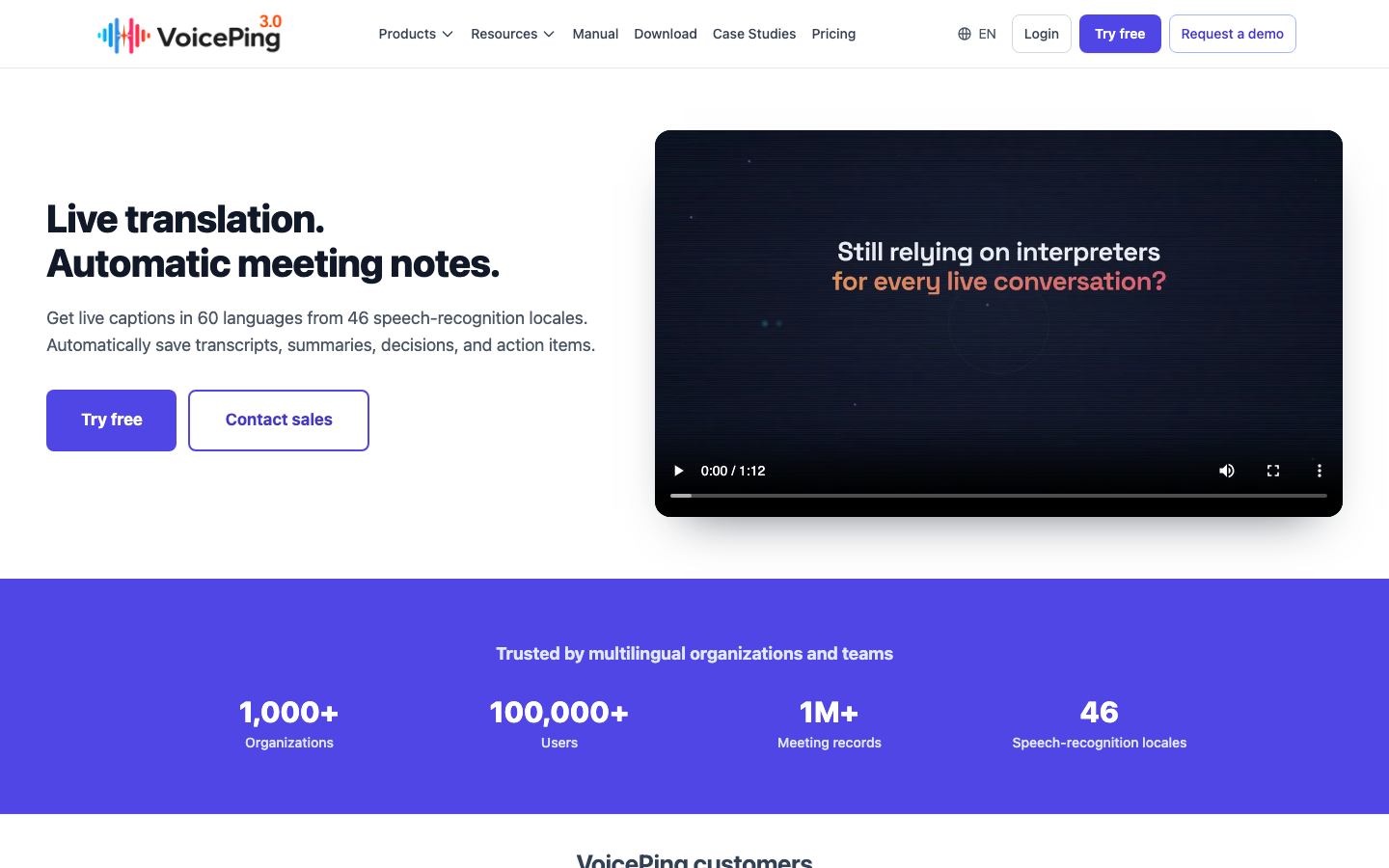
VoicePing suits a supplier call or team discussion where participants need both translation and follow-up. The useful distinction is the output: source transcription and meeting summaries can help a team check what was agreed, who owns a task and when it is due. Choose the plan for the records and access you need; see the pricing manual .
Its limitation is setup. Confirm the audio input, participant arrangement and terminology before the meeting. A short phone lookup may need less preparation. For a visit without connectivity, the separate mobile offline feature supports Thai after the required models are downloaded. Prepare and test the pair before going offline; online and offline time allowances are different.
2. Google Translate for travel and camera lookup
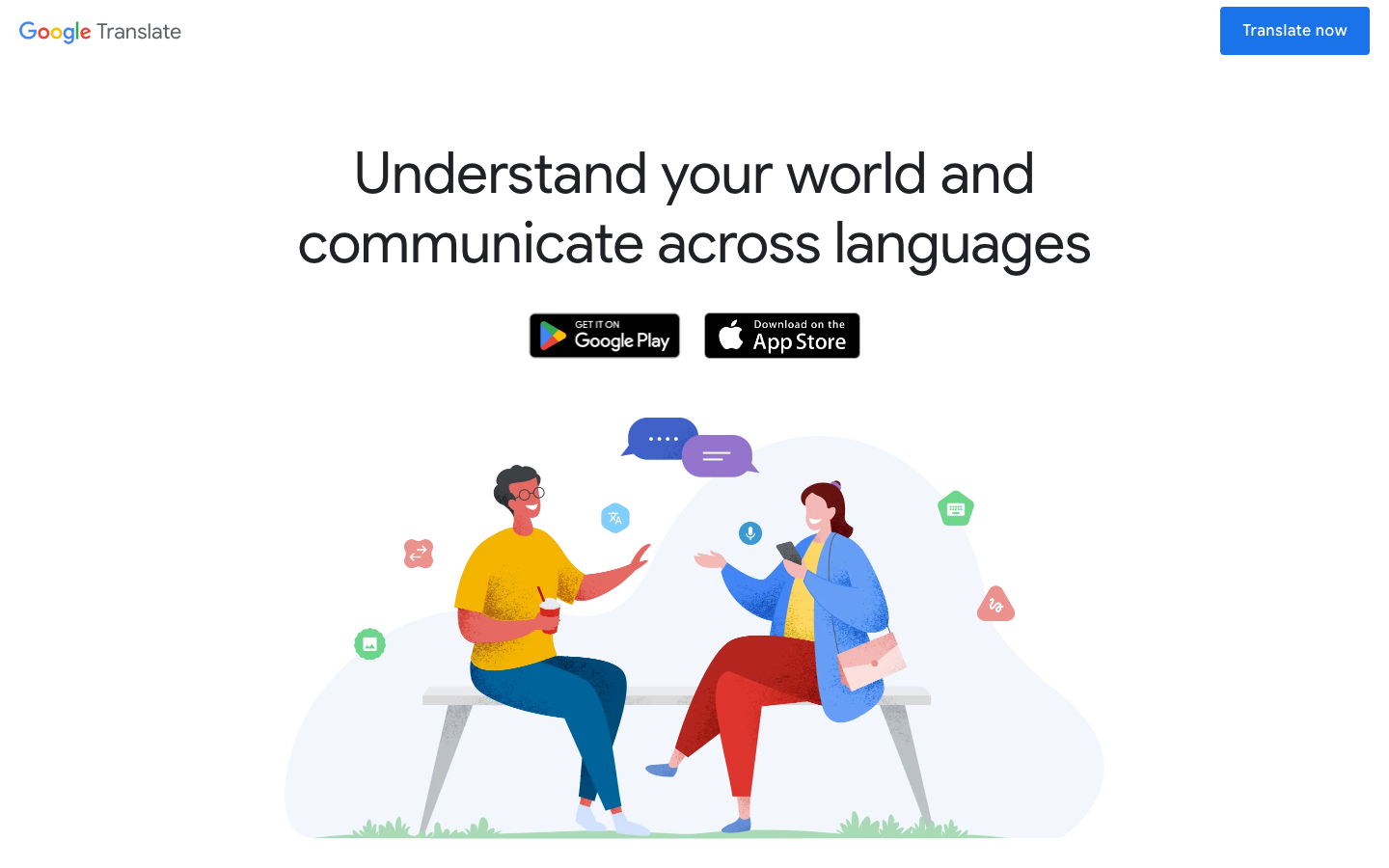
Google Translate combines common travel tasks in one free app. Use camera translation to inspect a menu, or take turns in a brief spoken exchange. Its Android live-translation guide lists Thai and English, plus conversation, text-only and face-to-face modes.
The trade-off is feature-specific connectivity. The current offline Live Translate list is restricted to certain Pixel devices and English pairs; Thai is absent. Downloaded text packs do not extend that list. Prepare internet access for Thai live speech, and test any text or camera downloads on the device you will carry.
3. Microsoft Translator for Thai text and speech
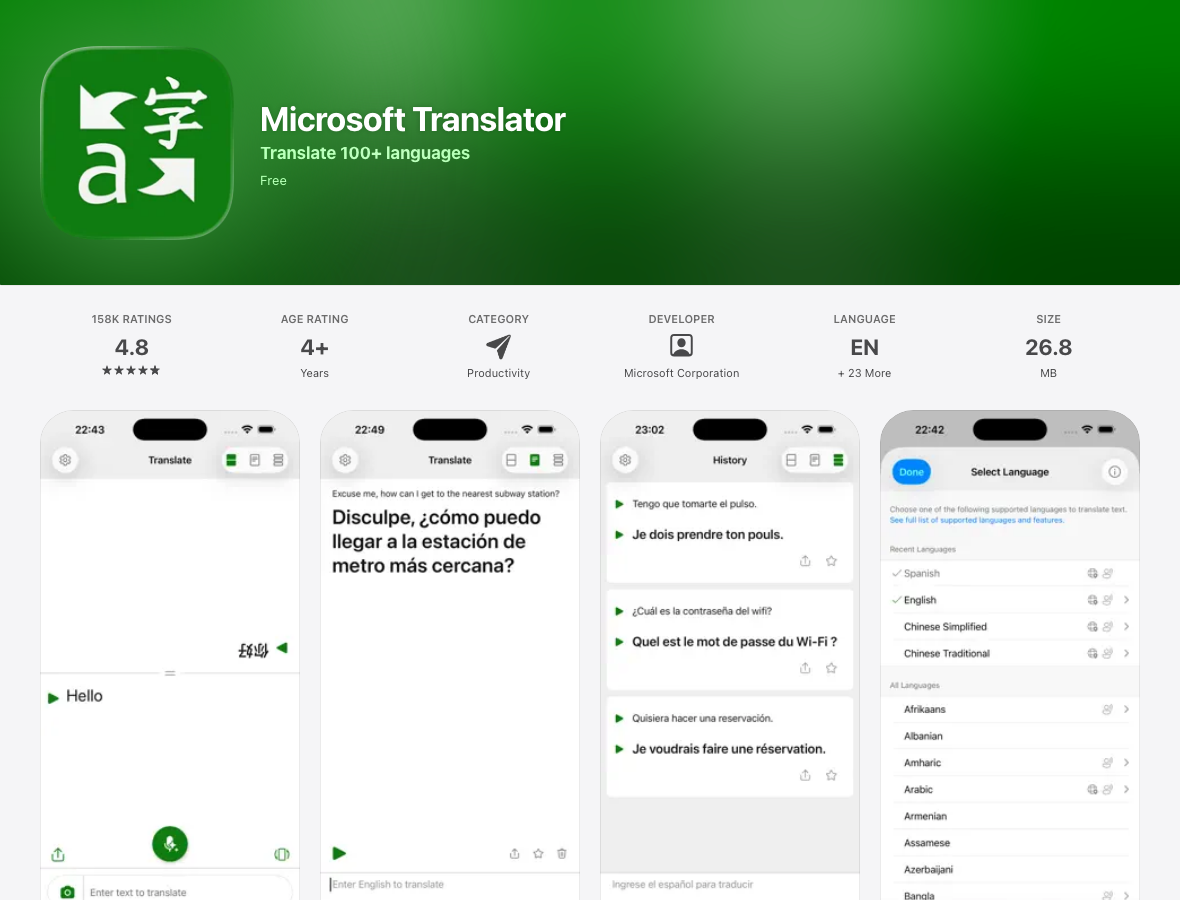
Microsoft Translator offers a free way to translate a short Thai utterance or typed message. Its language table marks Thai text, speech and text-to-speech. Speech can include a split-screen exchange on one phone.
Two limits change the older recommendation. Thai’s Image column is unmarked, so do not choose it on the assumption that it reads Thai menus. The current app release notes also retire multi-device conversation. The Android FAQ excludes offline microphone conversation. Consumer-app support is separate from Teams and other Microsoft products.
4. Papago for short Thai travel exchanges
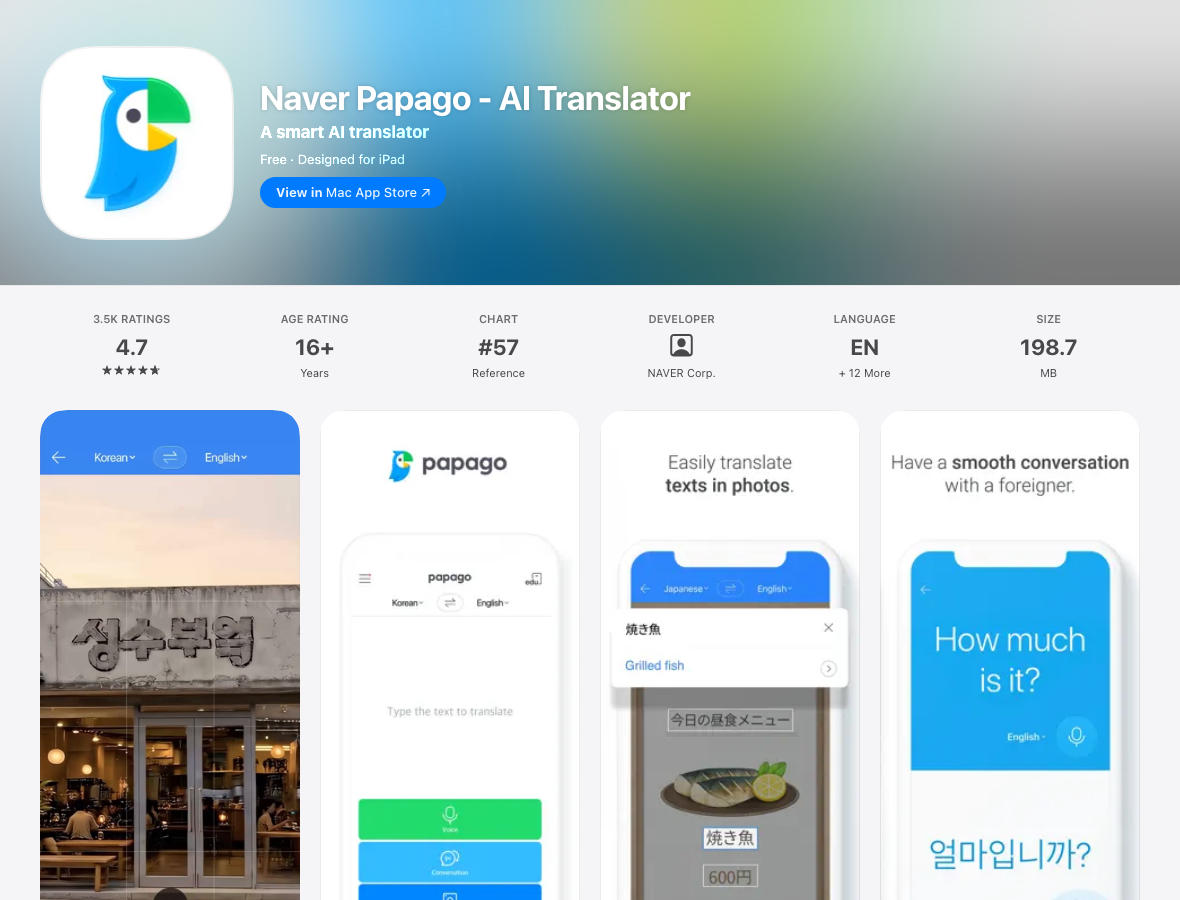
Papago is a useful alternative interface for a brief question at a shop or hotel. Its publisher lists Thai among the languages supported by text, voice, conversation and image translation. Enlarging a result helps when the other person would rather read than listen.
Thai is absent from the documented offline languages . On iOS, Thai voice and conversation translation also need speech-recognition permission in addition to microphone access. If typing works but speech does not, check both permissions and the connection. This mobile workflow does not supply the review and administration needed for a recurring business record.
5. DeepL Translator for written Thai drafts
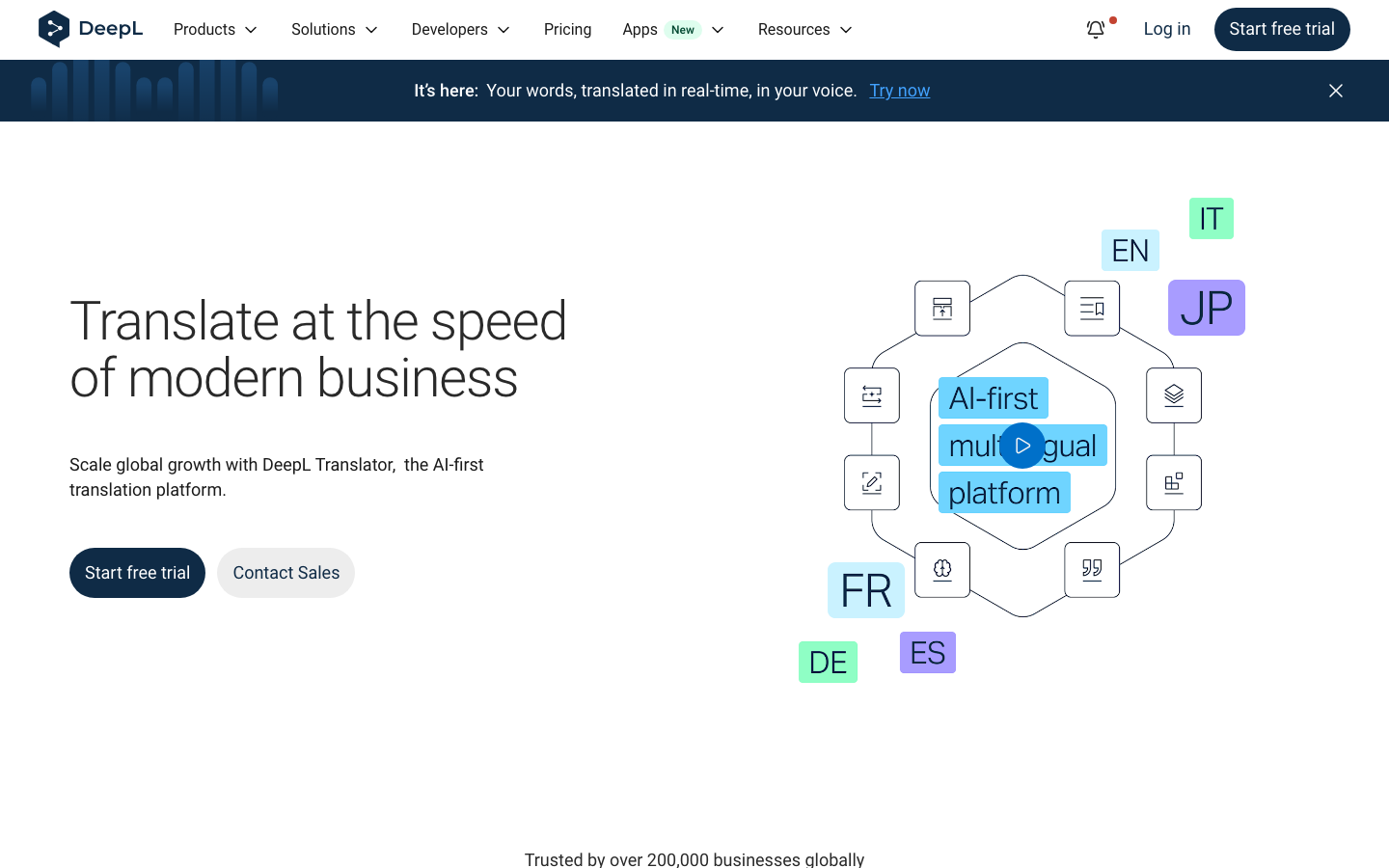
DeepL’s current Translator language guide includes Thai. It is no longer appropriate to describe all Thai access as API-only early access. The consumer Translator is a candidate for a message or document draft that you can inspect before sharing.
Language availability does not make every specialized feature available. DeepL explicitly notes that glossary, formality and alternative-word support vary by language. Check those functions for Thai before planning a workflow around them. API integration and DeepL Voice have separate product conditions; this profile and price row cover Translator, not an unlimited voice-interpreting entitlement.
6. iTranslate Translator for paid travel modes
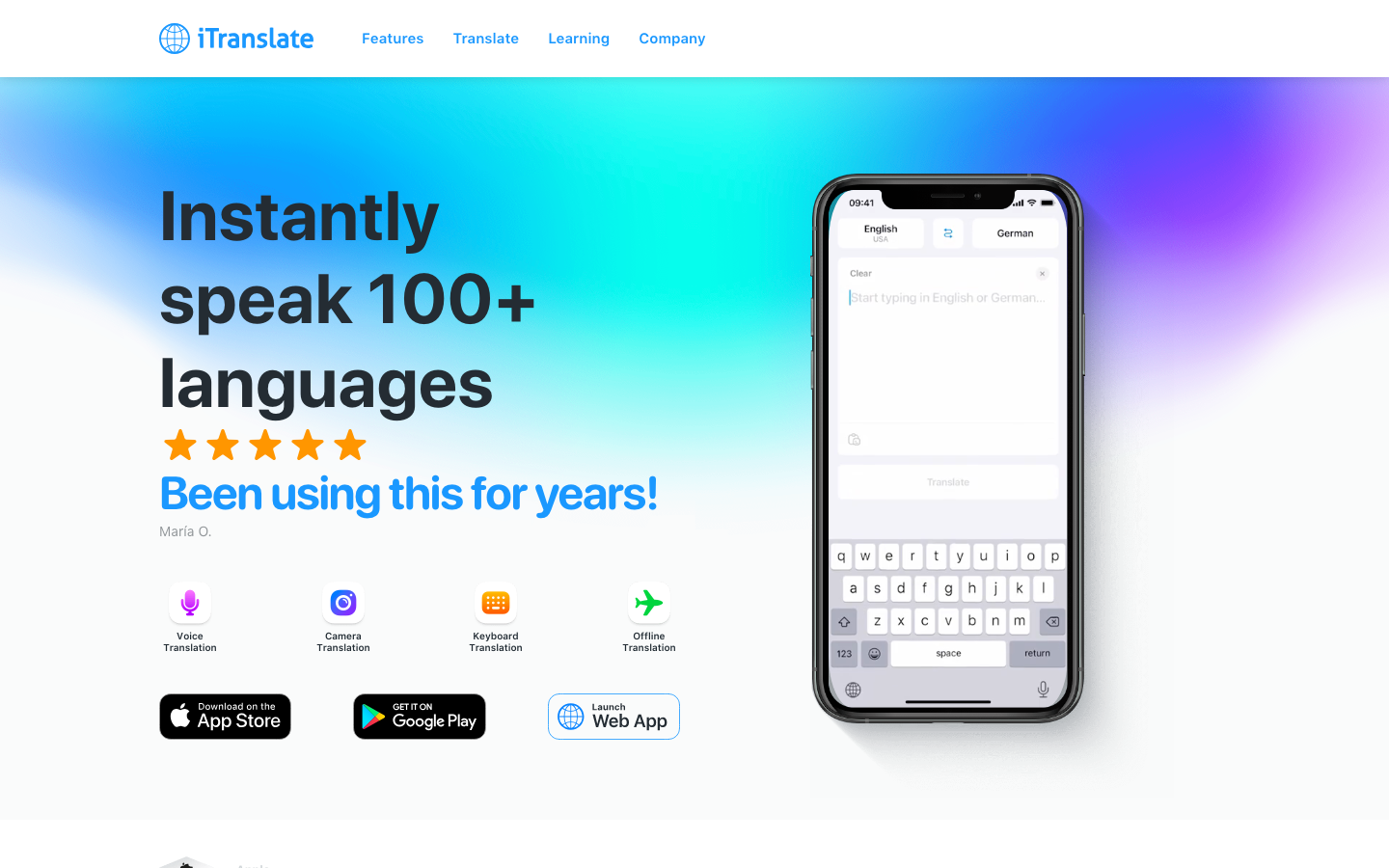
iTranslate offers text lookup alongside paid voice, camera and offline modes. Its feature-availability page lists Thai in speech translation and offline translation. That makes it worth checking for a trip where you want several modes in one interface.
The offline listing does not establish that every Thai voice feature works offline. Test text, microphone input and playback separately. The US app listing contains weekly, monthly and annual offers, so inspect the period before starting a trial. Do not treat a free download as free access to all modes.
7. Thai2English for word-by-word understanding
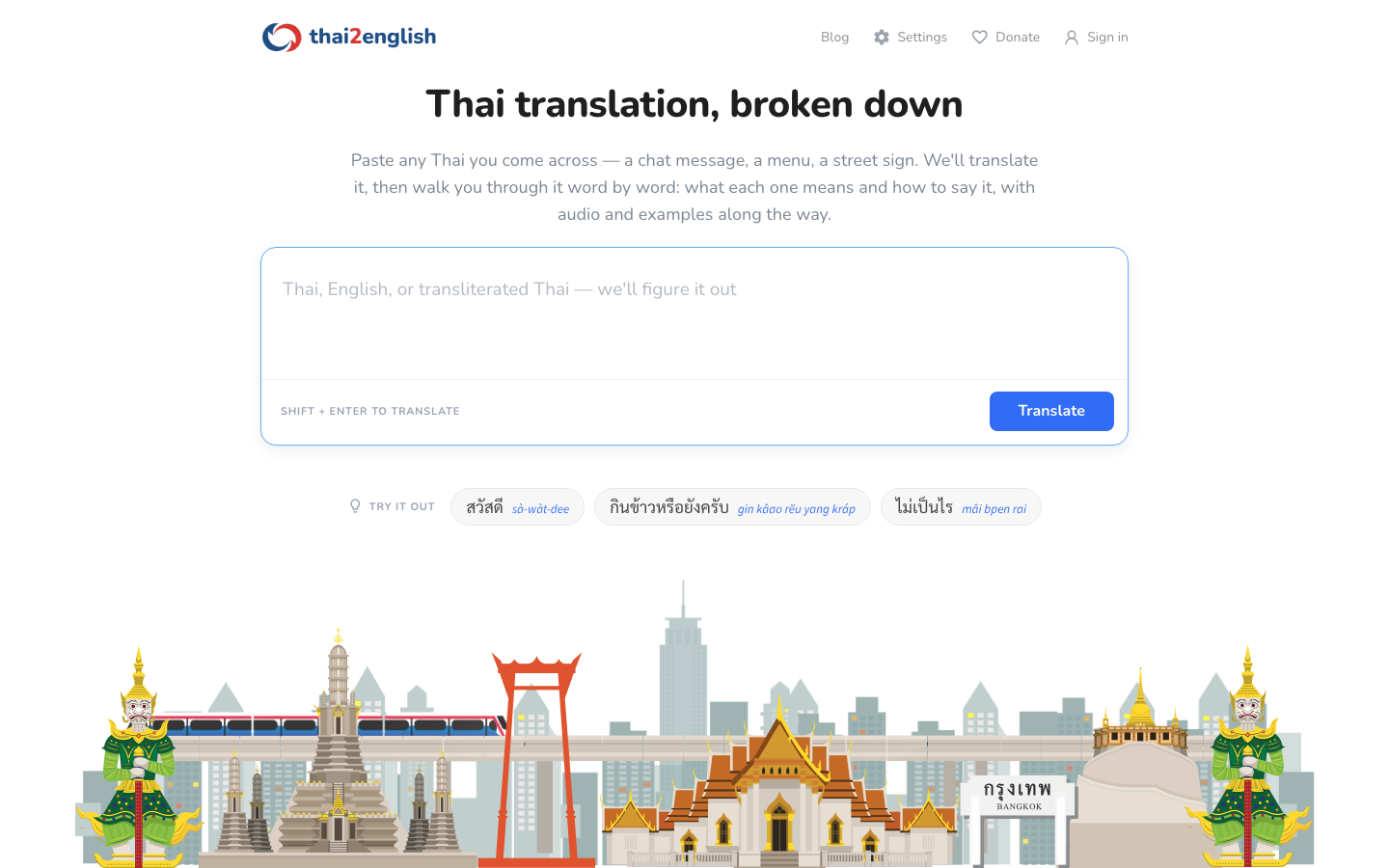
Thai2English combines translation with word explanations, pronunciation and examples. Its public greeting entry shows transliteration, meanings and sentences. This helps when a learner wants to understand why a phrase means what it does.
It is a reference workflow, not a substitute for live meeting captions. Transliteration is a pronunciation aid, and an example needs to fit your context before you reuse it. Public lookup is available without payment. Check the terms of any additional account features, and keep a separate tool for live conversations.
8. ThaiPod101 for guided lessons

ThaiPod101 offers audio and video lessons, line-by-line explanations and study tools. Its free-account guide distinguishes ongoing introductory access from a seven-day Premium trial. Premium PLUS adds teacher guidance under its own conditions.
This is preparation, not automatic interpretation of a live exchange. Choose it if you want a lesson path and repeated listening. Check the full subscription term: the current promotion quotes monthly equivalents based on 24 months, with an advertised September 25, 2026 end date. It is not a month-to-month price.
9. Ling for interactive Thai practice
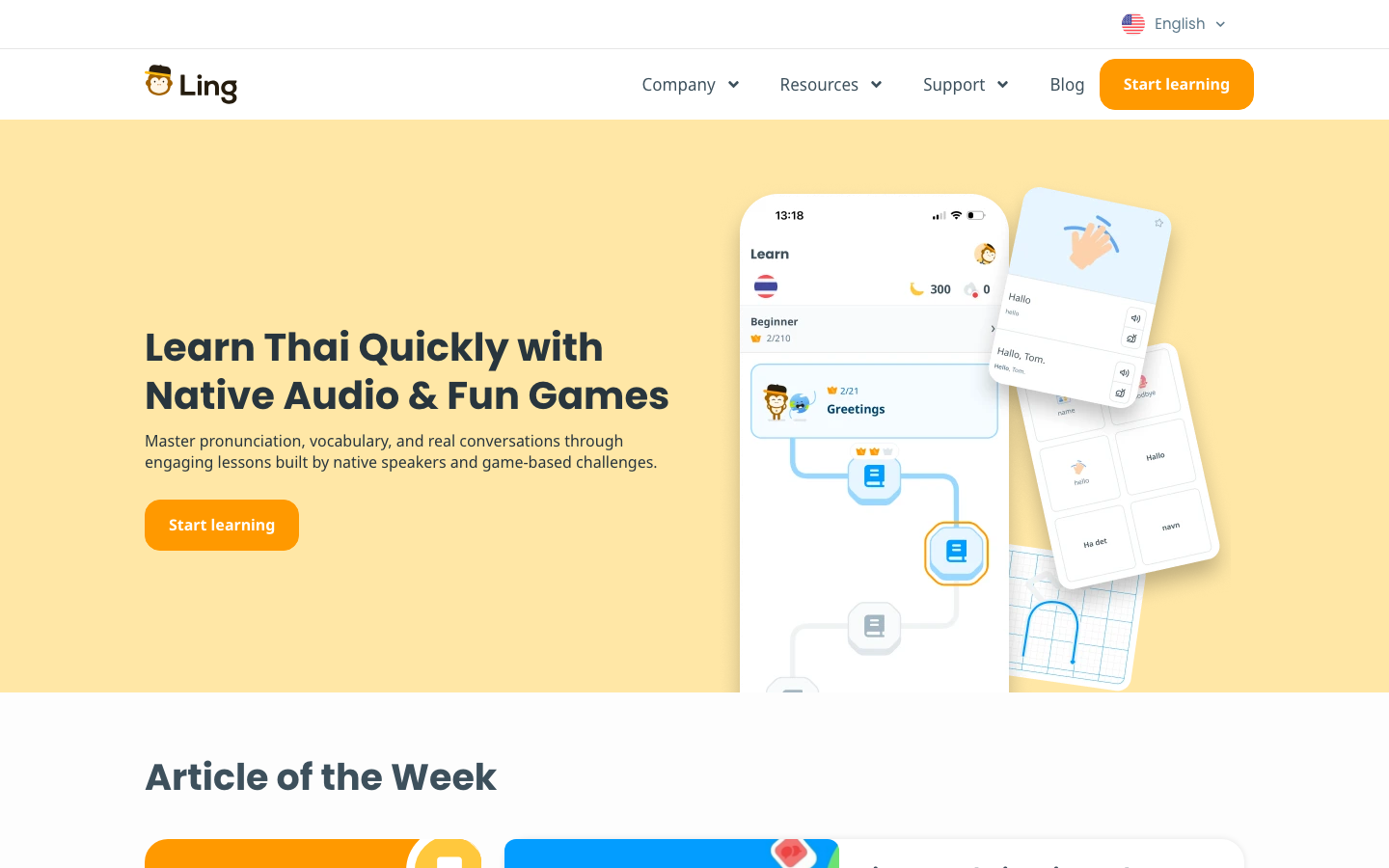
Ling’s Thai course combines native-speaker audio, interactive lessons and practice activities. It suits learners who prefer a sequence of short exercises and visible progress. You can try introductory content before paying for the broader course access.
A course cannot translate an unexpected customer call for you. Treat its dialogues as practice and ask for feedback on sentences you create yourself. The plan guide distinguishes monthly access from the annual subscription’s seven-day trial. The annual total is charged yearly, even when the page displays a monthly equivalent.
10. Drops for Thai vocabulary practice
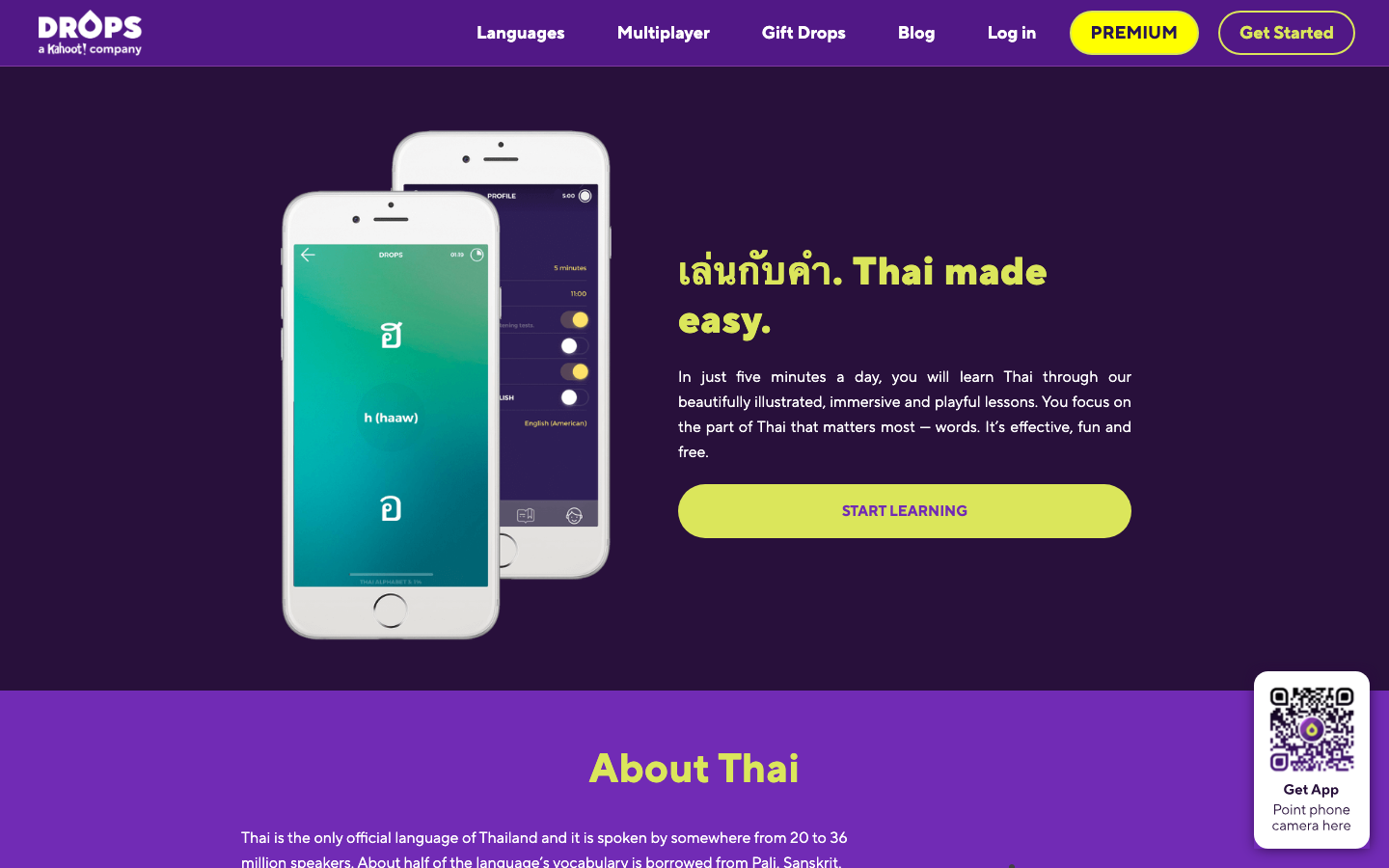
Drops focuses on illustrated vocabulary practice and short learning sessions. It can help you rehearse words for food, transport or daily life before you need them in a conversation. Its Thai course is a learning aid, not a free-form interpreter.
The Premium page adds unlimited learning time, offline lessons and other access. Offline lessons do not mean that Drops translates a new conversation without internet. Prices localize by region and offers differ between the website and app stores. Compare the final amount and renewal period, then keep a separate translation tool for unexpected questions.
11. Pocketalk S2 for a shared translation device
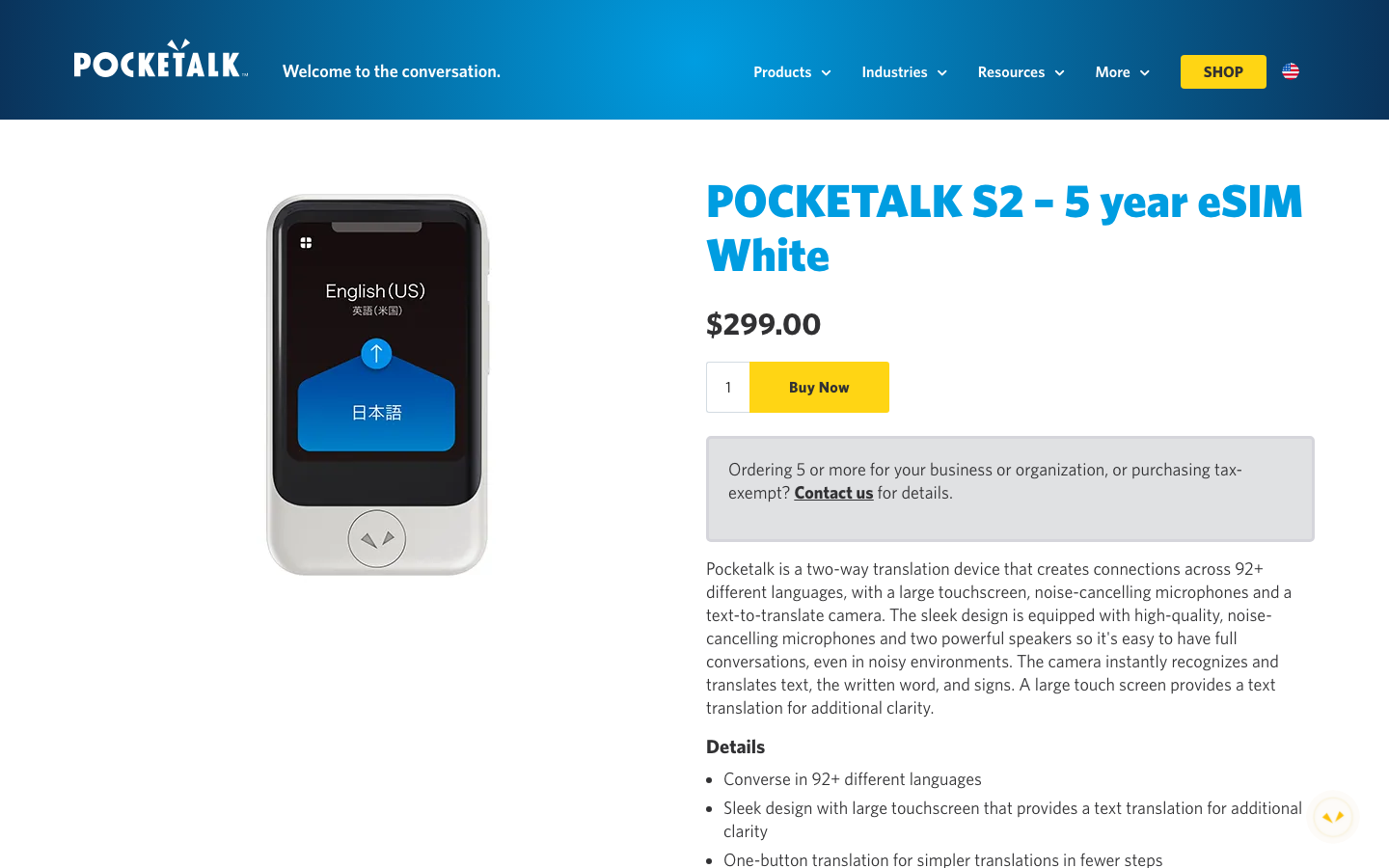
Pocketalk S2 is a practical option when a reception desk or visiting team should not share a personal phone. The device combines voice translation and a text-reading camera; use its language and country table to check the required mode and destination.
The US white S2 is listed at $299 with five years of included cellular service. That is a specific regional package, not the two-year Japanese offer or an S2 Plus bundle. The limitations are an extra device to charge and maintain, plus the need for a connection. Included cellular service is not offline translation, and coverage needs checking at the actual location.
Thai-specific translation checks
Thai script and camera recognition
Camera recognition turns lettering in a photo into text before translation begins. Glare, decorative type and a distant camera can introduce errors at that first stage. Photograph one menu item or one line of a sign, include the price or location label, and inspect the recognized source. Google’s image-translation instructions explain the camera workflow.
A map pin or the original Thai address is often more useful than translating the name of a hotel or ferry pier. Keep both available when asking for directions.
Tone and politeness
Use a speaker’s voice or the original Thai writing when possible. A rough English spelling can hide pronunciation distinctions. A natural-looking English result also cannot tell you whether a Thai sentence has the right level of politeness for its audience.
For an external message, give the reviewer the relationship and purpose: asking a supplier to confirm a date differs from sending a formal notice. A dictionary or lesson can explain an expression; ask someone familiar with the situation to check the final wording.
Regional speech
The product pages reviewed here list Thai without providing separate accuracy evidence for every regional variety. Do not treat that label as verified support for Isan, Northern Thai, Southern Thai or mixed-language speech. Nor does a natural playback voice establish that the microphone recognizes the same speaker equally well.
For a team outside Bangkok, include local speakers in the trial. Ask them to check the recognized source and to repeat an example at normal speed. Record the mode, device and environment so a successful quiet-room test is not mistaken for factory-floor performance.
Names, addresses and numbers
Keep names, dates, phone numbers, addresses and product codes beside their originals. Ask one question at a time: “Is this the price for one item?” followed by “How many items are in the box?” is easier to check than a sentence containing several quantities and conditions.
For a pickup, show the map pin, date and time together. For a business order, distinguish pieces, boxes and lots, and ask the other person to confirm the figures in writing.
When professional review belongs in the workflow
Machine translation can help prepare a draft. For wording with serious consequences, assign an appropriate qualified translator, interpreter or subject specialist and agree who approves the final version. Give them the source, intended audience, terminology and purpose.
Plan live interpretation before a consequential discussion, rather than discovering midway that a phone app cannot support the exchange. Back-translation or agreement between two apps can reveal a possible problem; neither proves that an obligation or instruction is correct.
Put the tools into a practical workflow
Thai business meeting workflow
Start with VoicePing and a plan suited to the records you need. Agree on product names and technical terms before the call. Afterward, compare decisions, owners, quantities and dates with the source transcript before distributing the summary. Have the responsible person approve external commitments.
Thailand travel workflow
Choose a phone translator before departure and rehearse the task you will actually need: checking a pier, reading a menu or confirming a booking. Test each offline mode in airplane mode with Wi-Fi off. Keep the hotel’s Thai address and reservation saved separately.
At a museum or temple, use text quietly and follow the venue’s photography rules. Ask about an official English guide before trying to translate an entire display. For Bangkok visit ideas and how to use translation at each stop, the Japanese Thailand guide covers five locations.
Thai document workflow
Use DeepL or another appropriate text tool for a draft, then inspect names, numbers and terminology against the original. A scan needs a legible text-recognition step before its translation can be judged. Preserve page references so the reviewer can locate the original statement.
Thai learning workflow
Look up an unfamiliar expression in Thai2English, practise it in a lesson, then try your own sentence and ask for feedback. ThaiPod101, Ling and Drops offer different kinds of practice; choose the format you will use consistently. A lesson subscription does not replace live interpretation or professional document review.
FAQ
What is the best Thai translation app?
Can translation apps read Thai menus and signs?
Can apps handle Thai tones?
Is offline Thai translation enough for travel?
Should I use a human translator for Thai contracts?
Related guides
- Voice translation software and hardware
- Automatic meeting transcription tools
- Event translation tools
- English translation tools
Sources and scope
Official product, pricing and support links appear beside the claims they support. Screenshots show those public product pages or publisher listings. Check the exact language pair, mode, device and plan before adoption. Store ratings, marketing slogans and language counts are not independent accuracy evidence.