
In this article
Start with the task: a Spanish sales call, a street sign and a customer email need different tools. VoicePing connects live translation with meeting follow-up. Phone translators help with short exchanges, while document and dictionary tools give you more room to inspect wording.
VoicePing publishes this guide. The ten numbers organize the products, not measured accuracy rankings. Prices and public features were checked on September 18, 2026; this is a documentation-based comparison, not a paid-account test or a Spanish speech benchmark.
Quick recommendations
- Meetings: start with VoicePing when participants need translated conversation and a record to review.
- Travel: Google Translate, Microsoft Translator and Apple Translate cover common phone tasks. iTranslate adds paid voice, camera and offline options.
- Writing: DeepL Translator handles written drafts and files; check terminology with WordReference or Linguee.
- Learning: SpanishDictionary.com explains vocabulary and grammar. Reverso Context connects a phrase with examples and practice.
What changed in this comparison
Each product now has its own numbered section. iTranslate has a separate profile instead of sharing a catch-all heading with SayHi. We could not complete current official access checks for SayHi, so it is outside the recommendations; that does not establish that it has closed.
Professional translation review has its own section below. It is a service you may need alongside an app, not an eleventh software product. Microsoft’s retired group-conversation feature and the device restrictions on Google’s offline live mode also matter when reading older lists.
How to evaluate Spanish translation tools
Decide what you need to keep: a sentence, the original sign, a formatted document or the decisions from a meeting. Then check input and output separately. Typed Spanish, microphone recognition, translated text and spoken playback can have different language and plan limits.
For a work trial, use non-confidential examples that include names, a date, an amount and a condition. Inspect the recognized source before the translation. Ask the intended readers to check tone and vocabulary, and confirm what the selected plan stores and who can access it.
Prices, free access and limits
Amounts are in US dollars. DeepL uses US monthly billing; mobile offers below use the US iOS store. Store offers, tax treatment and eligibility can differ at checkout. Device and connection costs are separate. A free download does not make every feature free.
| Service | Price and billing | Included access and limits |
|---|---|---|
| 1. VoicePing Official price / access | Free; Individual $31.50/month, billed monthly. Tax included. | Free: 90 translation minutes/month. Individual: 450 minutes/month for one account; 5 guest listeners. No annual Individual plan. |
| 2. Google Translate Official price / access | Free consumer app. | Phone text, camera and conversation tools. Offline live translation has device and language-pair restrictions. |
| 3. DeepL Translator Official price / access | Free version; Individual $10.49/user/month with monthly billing; confirm applicable tax at checkout. | Free: 50,000 characters and 1 file/month. Individual: 300,000 characters and 3 files/month; 30-day trial. |
| 4. Microsoft Translator Official price / access | Free consumer app. | Text, camera and speech. Android offline packs exclude microphone conversation; multi-device conversation has retired. |
| 5. Apple Translate Official price / access | Free on compatible Apple devices. | Text, voice, camera and conversation. Download the required languages for on-device translation. |
| 6. SpanishDictionary.com Official price / access | Free tools; Premium $12.99/month, $39.99/6 months or $59.99/year. | Website subscriptions start with a 7-day trial and renew automatically. Premium adds lessons and learning features. |
| 7. WordReference Official price / access | Free dictionary app. | Dictionary, conjugation and forum access. The app requires an internet connection. |
| 8. Reverso Context Official price / access | Free app; a Premium 1-month purchase is listed at $4.99. | The store also lists $19.99 and $39.99 offers without a period in the item name. Confirm the exact subscription before paying. |
| 9. Linguee Official price / access | Free public dictionary lookup. | Dictionary entries and bilingual examples. Separate DeepL subscriptions are not needed for this lookup. |
| 10. iTranslate Translator Official price / access | Free download/basic access; PRO monthly offers $12.99 or $14.99; annual $99.99. | The same store also lists $9.99 weekly offers. Confirm billing period and trial terms; voice, camera and offline features require PRO. |
Ten Spanish translation tools by use case
1. VoicePing for Spanish business meetings
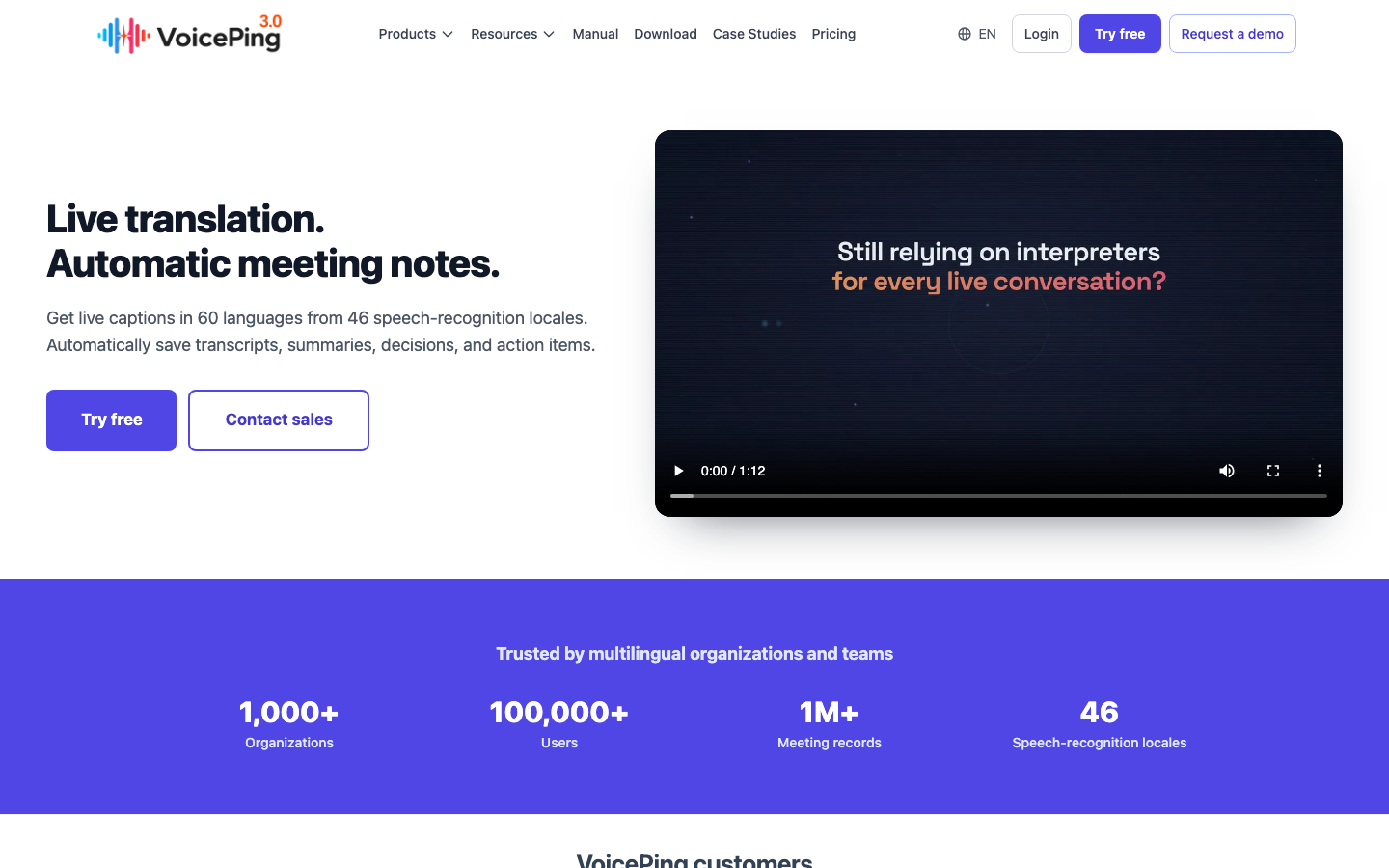
VoicePing brings live translation, transcription and meeting summaries into a business workflow. Its advantage is continuity: participants can follow the conversation and use meeting output for follow-up. Spanish is included in its published language support.
For a supplier call, check the source transcript alongside translated quantities, responsibilities and dates. Its limitation is that this workflow takes more setup than a quick phone lookup: you need the right audio input, participant arrangement and plan. Free access is capped at 90 translation minutes per month; check the official plan table for your expected usage.
Do a short pilot with your actual Spanish speakers. A listed language is not a guarantee for every accent, overlapping discussion or industry term.
2. Google Translate for travel and camera lookup
Google Translate is a practical free starting point for a menu, an address or a brief conversation. Camera translation helps you connect a result with the visible source; check names and numbers against the original image before acting on them.
Its offline modes need care. Downloading language packs does not make every live feature work without a connection. Google’s current Android live-translation guide lists offline live translation on Pixel 9, 10 and 11, with Spanish–English among the supported pairs. That entitlement does not extend to every Android phone or to iOS.
Prepare the language downloads and test the exact mode before leaving connectivity behind. A phone conversation view also does not supply the meeting administration and follow-up workflow of a business platform.
3. DeepL Translator for written drafts and documents
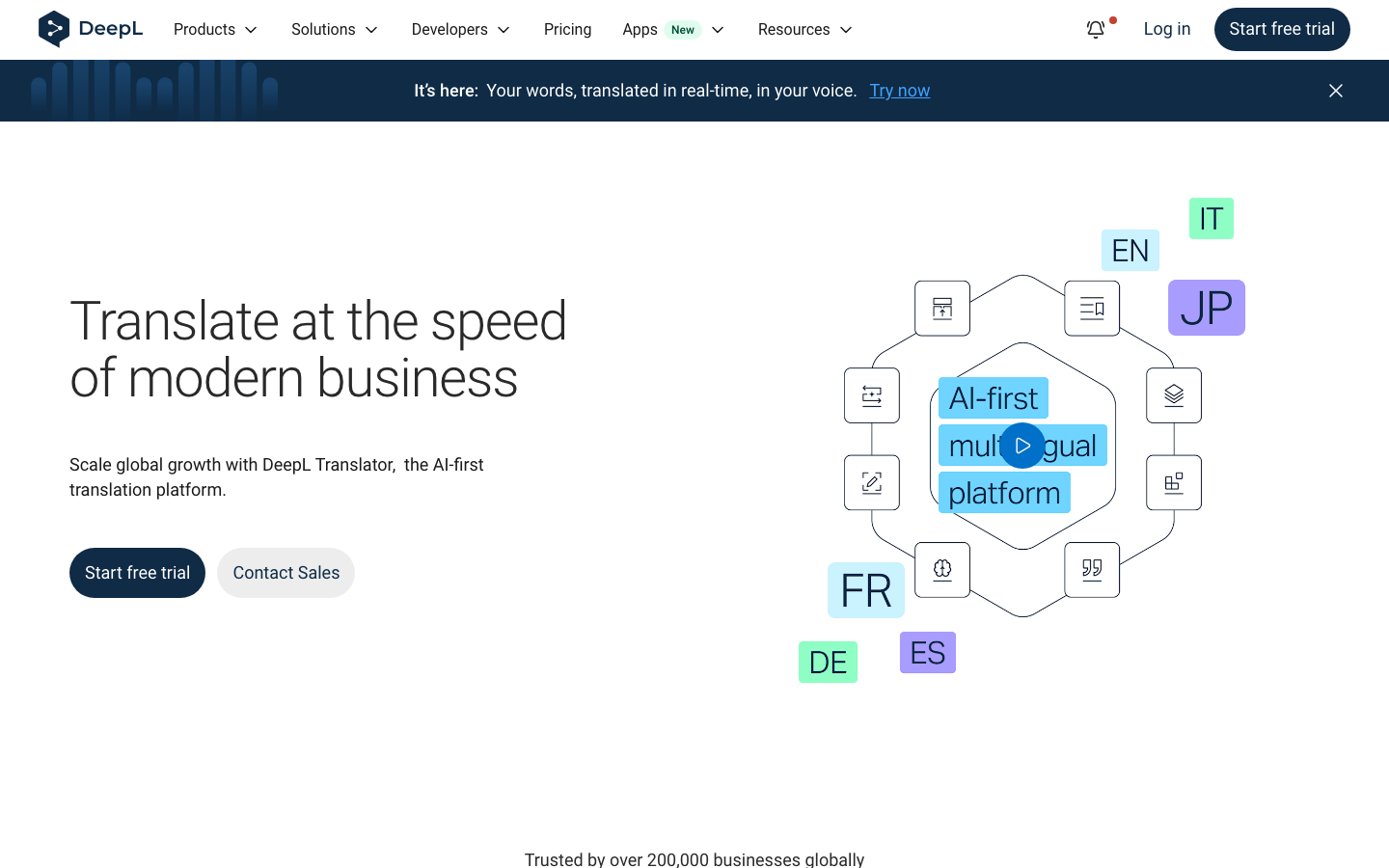
DeepL Translator suits a document or an email that you can inspect before sending. Its value is a written workflow with file translation and glossary options, rather than a promise that every output is publication-ready. File and character allowances depend on the plan.
The official language guide distinguishes European Spanish and Latin American Spanish as output choices. Latin American Spanish requires the next-generation model and aims for a neutral variety, not a specific country’s usage. Source Spanish is not split into those variants.
Check names, product terminology, tone and file formatting after translation. This profile covers Translator; do not infer unlimited live meeting translation from its document subscription or transfer features from the separate DeepL Voice offering.
4. Microsoft Translator for phone translation
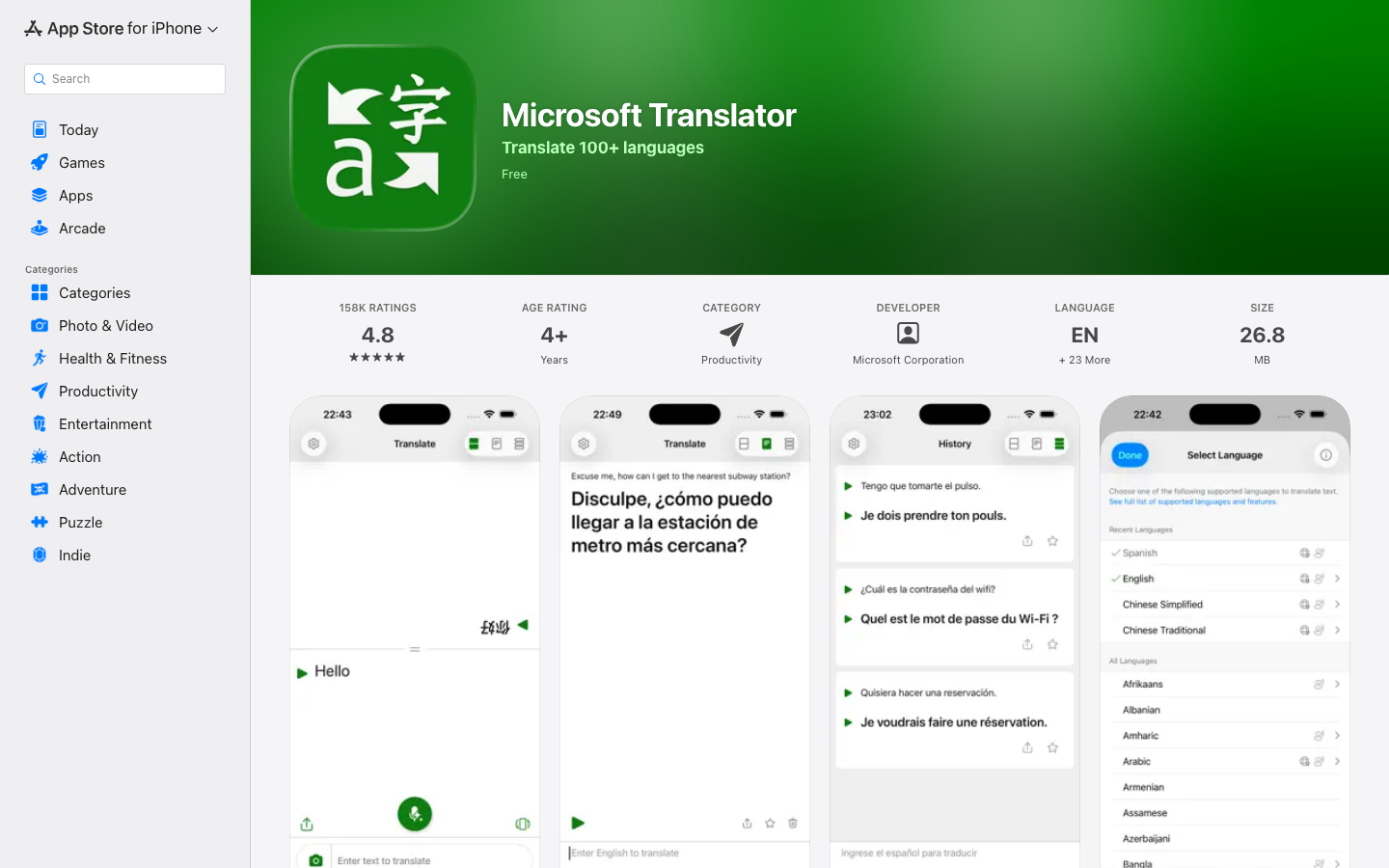
Microsoft Translator offers free text, image and speech translation. It is useful for a brief exchange or a prepared travel phrase. Microsoft’s Android help says downloaded packs cover text, camera translation, phrasebooks and pinned translations, while microphone and split-screen conversation need connectivity.
A material change for business readers: the current app listing says multi-device conversation has been retired. Older instructions for joining a group conversation should not guide a new deployment.
The Microsoft name alone also does not establish that this consumer app has your organization’s required account controls or data terms. Evaluate that separately from any Microsoft 365 tools you already license.
5. Apple Translate for iPhone conversations
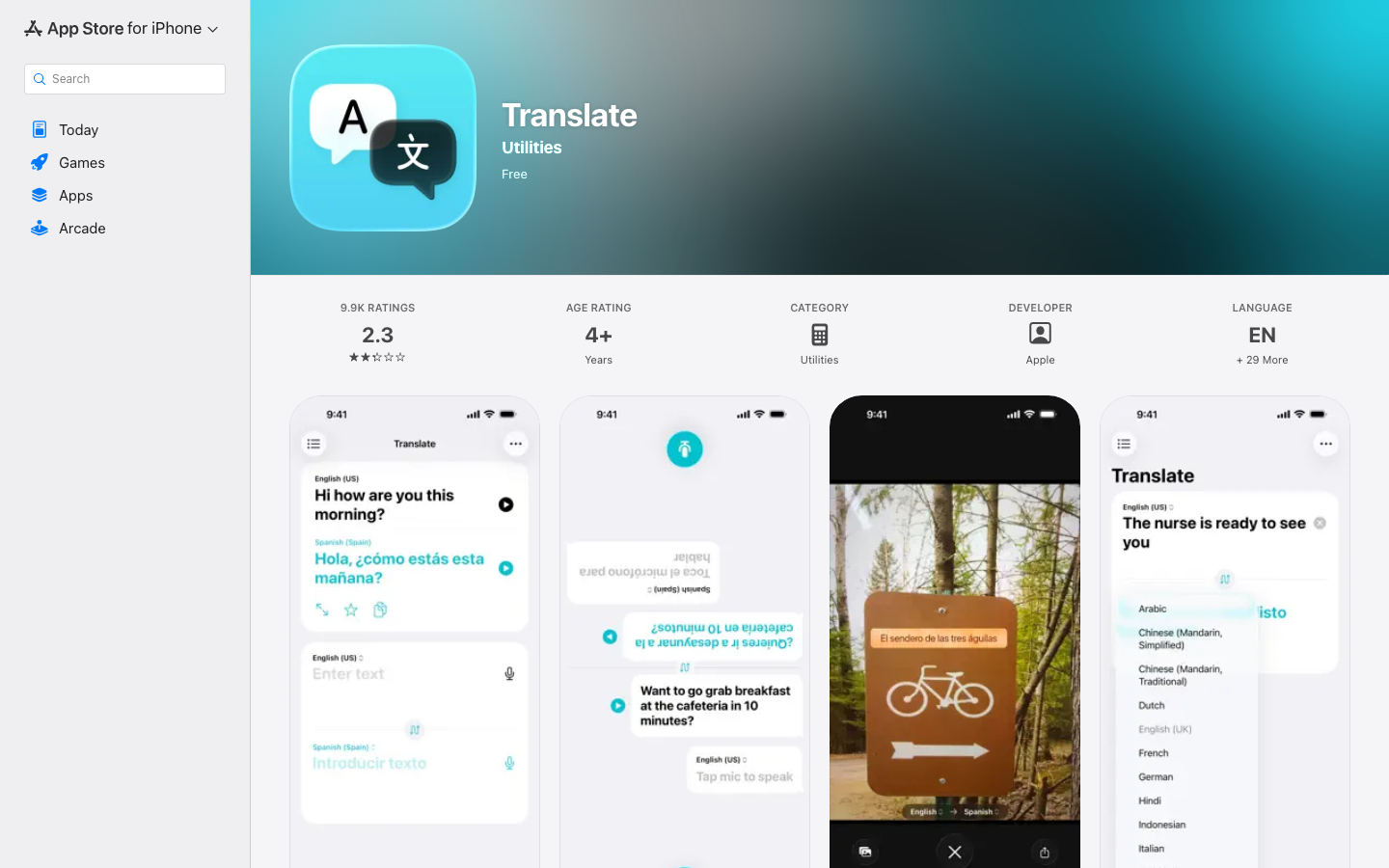
Apple Translate offers text, voice, camera and conversation tools, including Spanish. For someone already using a compatible iPhone, its advantage is a dedicated conversation interface without a separate paid translation subscription.
For offline use, download the required languages. Apple’s current on-device instructions distinguish Automatic from Always: Automatic can use Apple servers when the languages are not downloaded; Always processes translations on the device using downloaded languages.
The limitation is device and mode coverage. Do not transfer claims about this Translate app to live phone calls or AirPods translation. Check those features’ separate hardware, language and software requirements if they are your actual goal.
6. SpanishDictionary.com for vocabulary and grammar
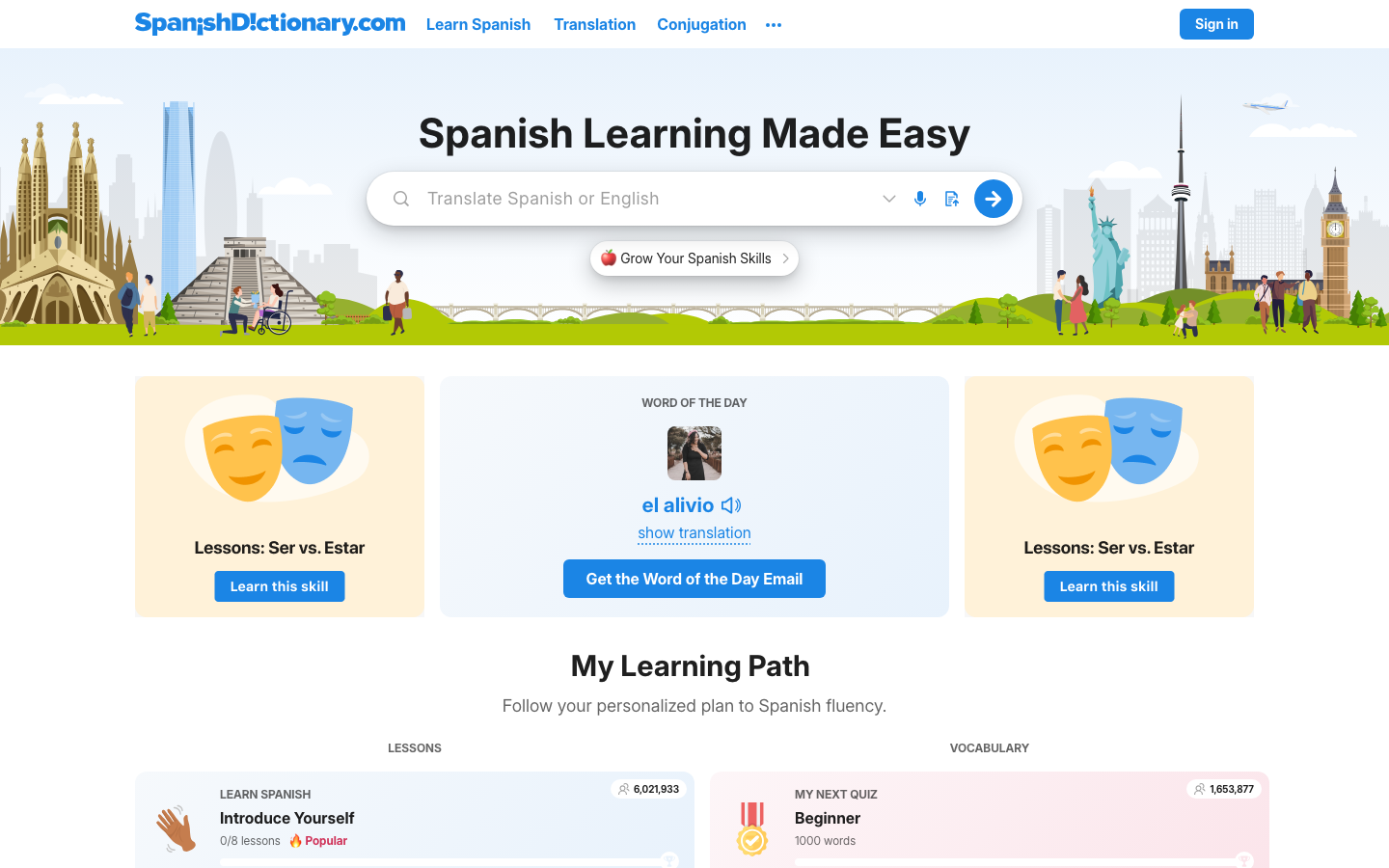
SpanishDictionary.com, formerly known as SpanishDict, focuses on Spanish–English lookup and learning. Dictionary entries, conjugation, pronunciation and examples help explain a word you meet in an email or a conversation. That makes it useful after a first translation leaves you unsure about a verb or expression.
The free tools and paid learning subscription serve different needs. Premium adds learning content, with Latin American and Spain accent preferences applied where available. Those lesson preferences are not a guarantee of live speech recognition across regional accents.
Its limitation for business calls is the workflow: a learning and reference subscription should not be treated as continuous meeting interpretation. Start with the dictionary; buy lessons only if practice is part of your goal.
7. WordReference for meanings and usage questions
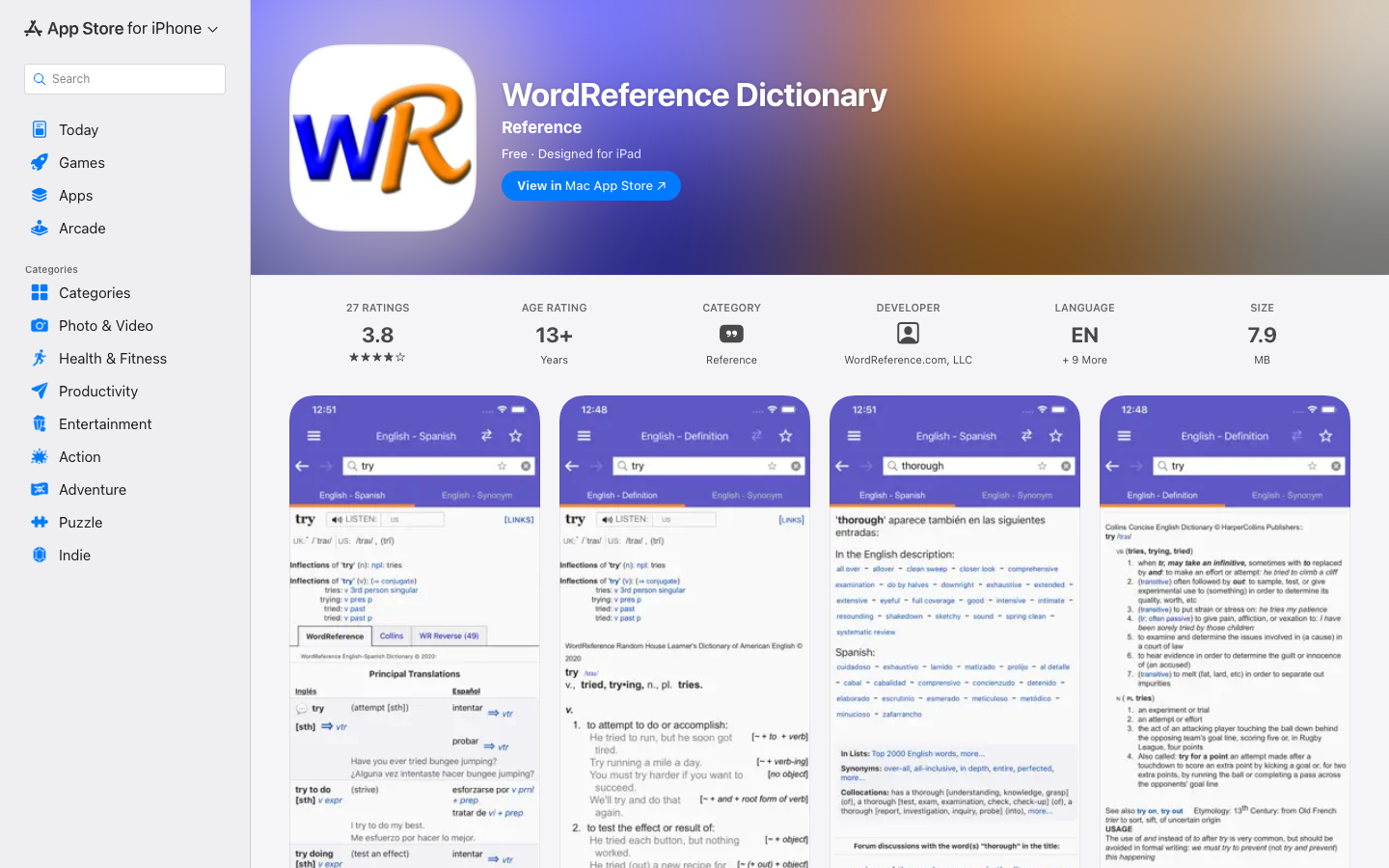
WordReference is useful when a translated word looks plausible but you need to examine its meaning. The official app provides Spanish–English dictionaries, Spanish conjugation and links to forum discussions.
Its strength is the review step: compare the sense and grammatical context before choosing a word. Community discussions can help you form a question for a fluent reviewer, but they do not approve a contract or company message.
The app is free and requires internet access, according to its listing. It is a reference tool, not a continuous voice interpreter; downloading the app does not give you an offline dictionary entitlement.
8. Reverso Context for phrases in sentences
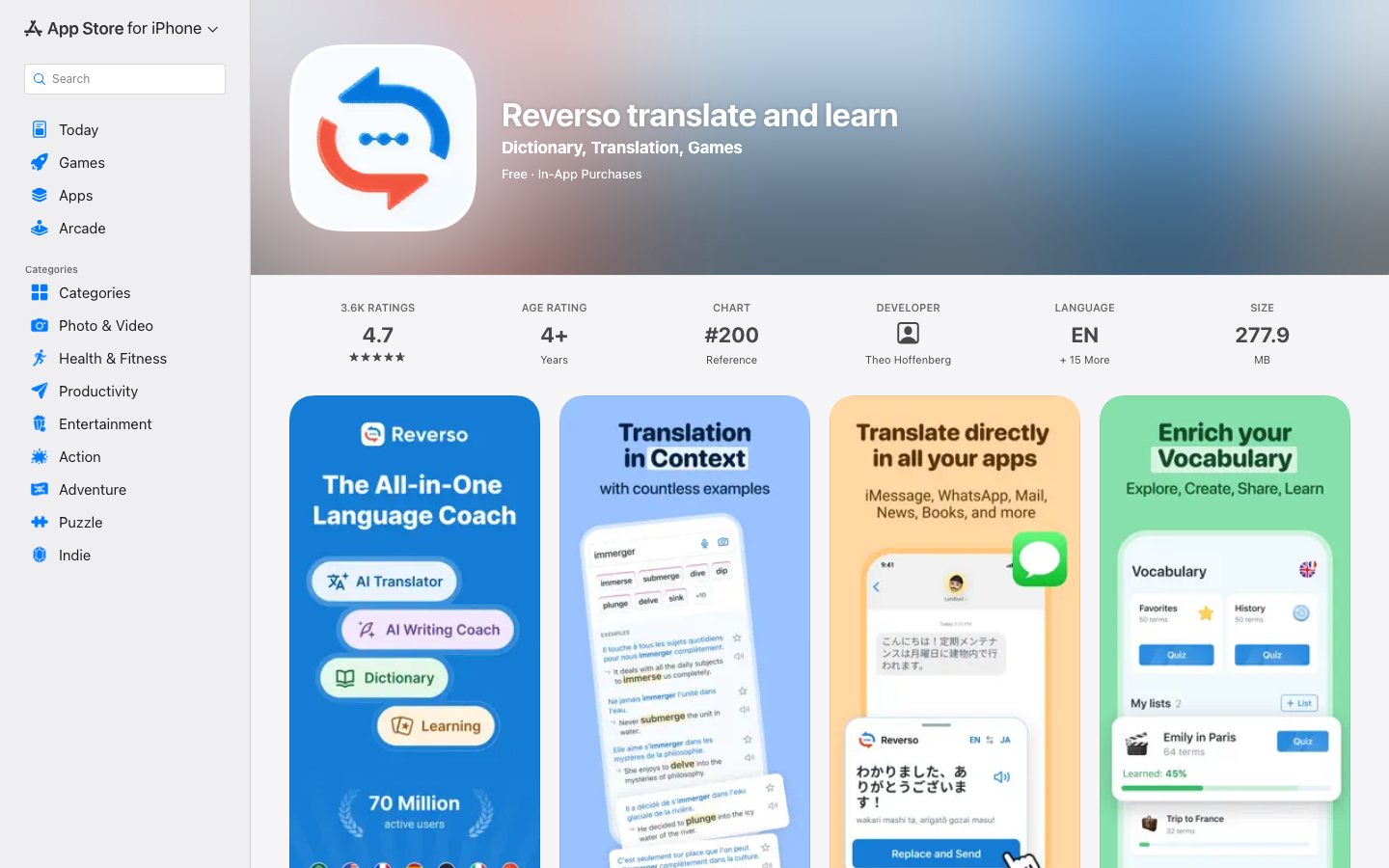
Reverso’s translate-and-learn app combines contextual examples with vocabulary practice. It can help when individual words are clear but a phrase is still difficult to interpret. The publisher describes examples drawn from sources such as documents, subtitles and product descriptions.
That variety is also the limitation: an example’s audience and register may differ from yours. Compare several relevant sentences and inspect the surrounding meaning; copying the first result is not a review method.
Free access is available, with optional Premium purchases. The US listing identifies a $4.99 one-month offer; other displayed prices do not all name a period. Confirm the subscription, renewal and trial conditions shown to your account.
9. Linguee for bilingual reference examples
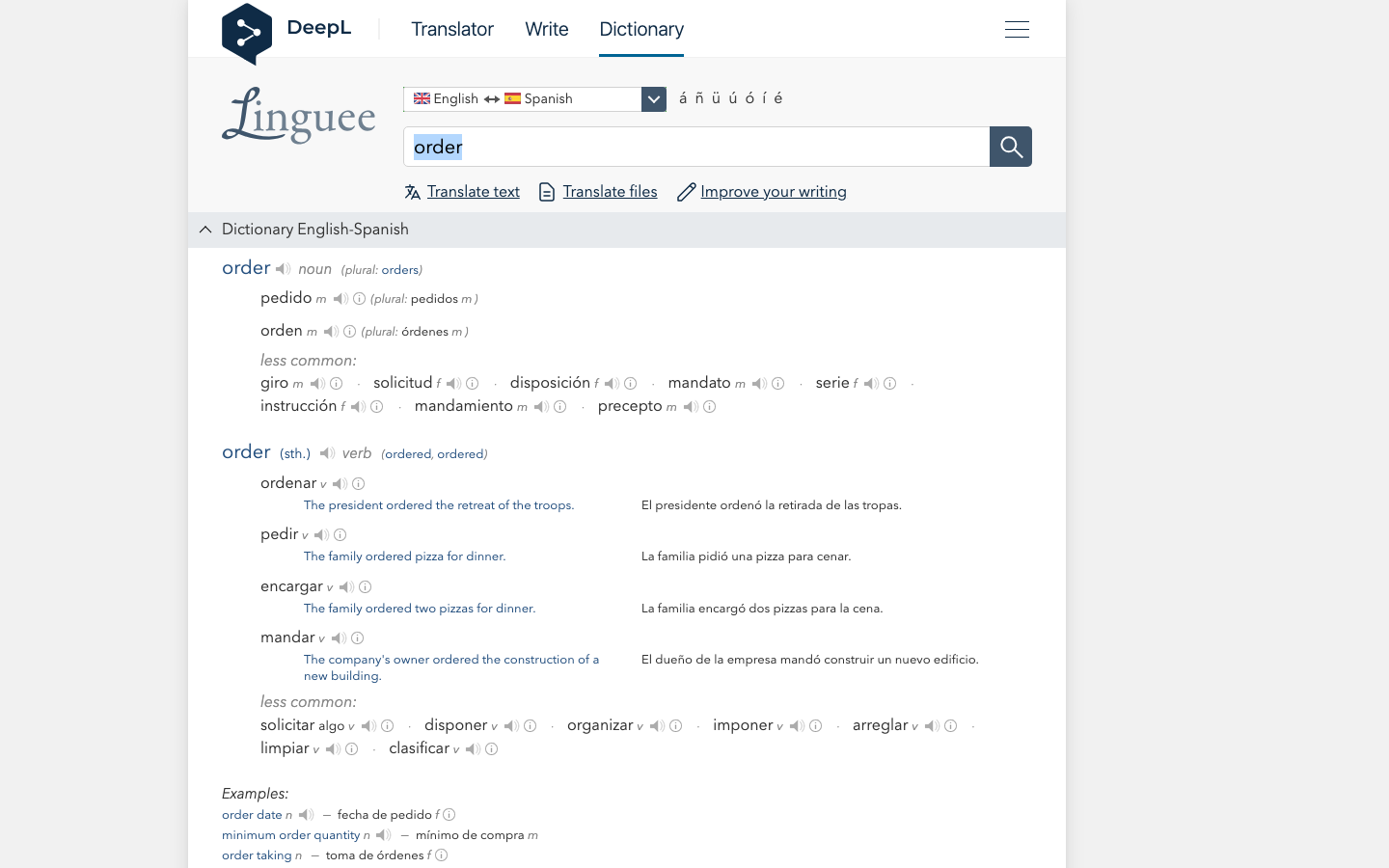
Linguee pairs dictionary entries with bilingual examples. The entry for “order” illustrates why context matters: a purchase can be a pedido, while an instruction can be an orden. A single English spelling does not determine the right Spanish meaning.
Use it to investigate terminology while reviewing a draft. Follow the example’s source and compare the domain, actor and intended action with your own text.
Public lookup is free. Its limitation is that an example is evidence of usage, not certification that a phrase suits your situation. The dictionary also does not replace document layout review or live conversation translation, even though it is connected with DeepL.
10. iTranslate Translator for mobile travel tasks
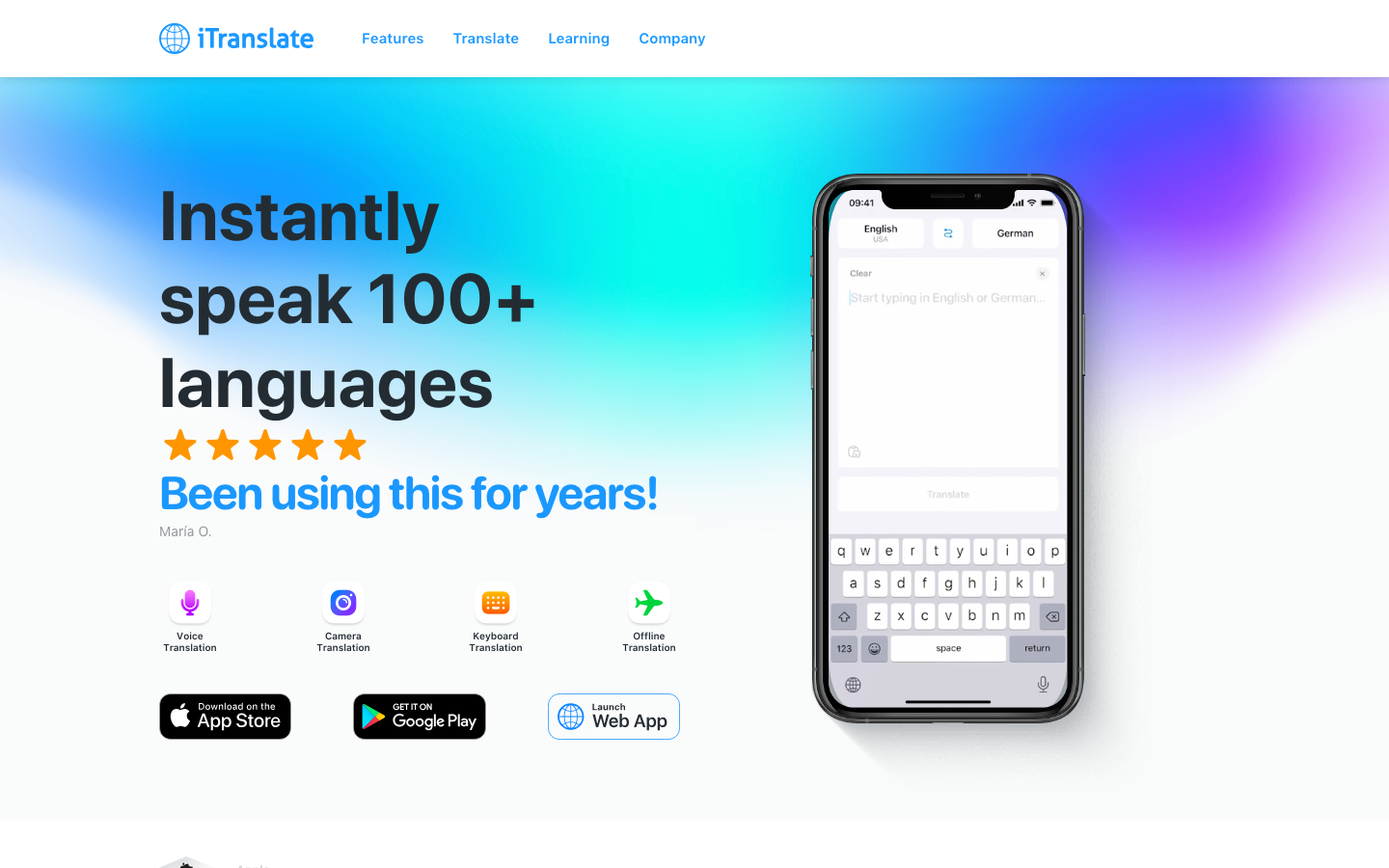
iTranslate Translator combines phone text translation with paid voice, camera and offline features. Its language list names Spanish for Spain, the USA and Mexico under speech translation, and Spanish under offline translation.
Those are different lists. They do not establish offline speech support for every Spanish locale on every device. Test the exact feature and downloaded language pair before depending on it during a trip. This profile concerns the main Translator app, not separate iTranslate products.
The advantage is having several travel modes together. The trade-off is subscription complexity: the US listing includes weekly, monthly and annual offers. Check the period as carefully as the amount, and confirm which features remain available after a trial ends.
Spanish regions, accents and tone
A country selector can describe several different things: the speech a system tries to recognize, the written Spanish it produces or the voice used for playback. Check which one the setting changes. A Spain voice is not evidence that a product recognizes every accent in Spain; a neutral Latin American draft does not settle local terminology.
For customer-facing work, record the destination country, audience and preferred level of formality. Keep tú, usted and other forms consistent with that relationship. Have someone familiar with the audience check terms and address forms instead of relying on a broad “Latin America” label.
Try a short sample from the actual speaker that includes a name, a number and a correction. Review it in order: recognized Spanish, translated meaning, then the final wording. Avoid using accent caricatures or a clear studio recording as proof of performance in a noisy meeting.
When professional review belongs in the workflow
A machine draft can help prepare a document; it does not supply professional approval. For consequential wording, give an appropriate qualified reviewer the source, intended audience, terminology and purpose. Agree what they are reviewing and who signs off on the final version.
For live discussion where misunderstanding has serious consequences, plan the interpreter or review process before the meeting. Back-translation and agreement between two apps can highlight a problem, but they cannot prove that an obligation, instruction or condition is correct.
Put the tools into a practical workflow
Business meeting workflow
Start with VoicePing for translated discussion and follow-up, using the plan that fits your required output. Agree on names and terms before the call. Afterward, check decisions, owners, quantities and dates against the source before distributing the record. Use a writing or dictionary tool only where a specific sentence needs closer review.
Travel workflow
Choose one phone translator and prepare its language downloads while connected. Test text, camera and speech separately in airplane mode so you know what remains available. Keep the original destination address and booking details; show those alongside a translation when confirming a route or reservation.
Learning workflow
Look up an unfamiliar expression in SpanishDictionary.com, WordReference, Reverso or Linguee. Read more than one suitable example, write your own sentence and ask for feedback on that sentence. Saving an explanation is more useful than collecting isolated translated words.
Customer support workflow
Set the target market and preferred terms before drafting. Check the customer’s actual problem and the action you promise. Preserve amounts, dates, product names and uncertainty: “we will investigate” must not become “we will refund.” Have the responsible person approve commitments before sending.
FAQ
What is the most accurate Spanish translation app?
Can translation apps handle Spanish accents?
Should I choose Spain Spanish or Latin American Spanish?
Are free Spanish translation tools enough for business?
Related guides
- English–Spanish translation for work
- Voice translation software and hardware
- English translation tools
Sources and scope
The official product, pricing and support pages are linked beside the relevant claims and in the price table. Public screenshots show the linked product pages or the developer’s app listing. Features and prices can change; confirm the mode, device, account and billing period before adoption. No app-store rating or vendor slogan is treated here as an independent accuracy test.