In this article
A Korean meeting, a menu and a question about politeness need different tools. Start by deciding whether you need an immediate translation, a record to review or an explanation that helps you learn.
VoicePing publishes this guide. The twelve numbers organize the products; they are not measured accuracy rankings. Official prices and features were checked on September 17–18, 2026. We did not run a controlled Korean speech benchmark or test paid-account features firsthand.
Quick recommendations
VoicePing is the starting point here for meetings and follow-up records. Papago, Google Translate, Microsoft Translator, Apple Translate and iTranslate serve shorter exchanges on a phone. DeepL’s written and spoken products have separate profiles because their plans and workflows differ.
NAVER Dictionary helps investigate a word. HiNative, HelloTalk and Tandem help with questions or practice; they are adjacent learning services, not replacements for continuous meeting interpretation.
How to choose a Korean translation app
Ask what must survive the translation. For a supplier call, that may be the person responsible, a quantity and a delivery date. For a traveler, it may be the original address and the recognized Korean on a sign. For a learner, it may be why a particular ending sounds appropriate.
Check input, output and access separately: typed text, camera recognition, speech recognition, translated text and spoken playback can have different conditions. Downloading a text pack does not establish offline conversation support. For work, also check recording, retention, sharing and the actual plan limits.
Prices and access
DeepL figures below use US monthly billing. Consumer purchases use public US iOS listings unless stated otherwise. They show offer examples, not a guaranteed checkout price for every account or country. Device and mobile-data costs are separate.
| Service and plan | Price and billing | What to check |
|---|---|---|
| 1. VoicePing — Free / Individual | Free; Individual US$31.50/month per account, monthly billing, tax included | Free: 90 minutes/month. Individual tier shown: 450 minutes/month. Confirm recording and storage entitlements. |
| 2. Papago — consumer app | Free | Offline voice has device requirements; conversation and spoken playback remain excluded offline. |
| 3. Google Translate | Free consumer app | Korean supports online live translation. The current offline live list does not include Korean. |
| 4. DeepL Translator — Free / Individual | Free; Individual US$10.49/user/month, monthly billing | Free: 50,000 characters and one file/month. Individual: 300,000 characters and three files; 30-day trial. |
| 5. DeepL Voice — Starter | US$13/user/month, monthly billing | 300 minutes/user/month; 14-day trial. Caption and audio listeners have different licensing. |
| 6. Microsoft Translator | Free consumer app | Multi-device conversations retired. Microphone translation requires connectivity. |
| 7. Apple Translate | Free on supported Apple devices | Downloaded on-device languages; separate requirements apply to call/AirPods features. |
| 8. NAVER Dictionary | Free iOS listing | Word lookup and learning resources; not continuous meeting interpretation. |
| 9. iTranslate Translator — PRO | US iOS US$12.99 or US$14.99/month; US$99.99/year | Other offers include US$9.99/week. Trial, renewal and paid access vary by offer. |
| 10. HiNative — Premium | US iOS US$4.49 or US$9.99/month; US$34.99 or US$83.99/year | Free basic access. Description separately says US$11.40/month; verify the in-app offer. Coins are separate. |
| 11. HelloTalk — VIP | Free basic access; US iOS US$12.99/month or US$79.99/year | Free: ten in-app translations/day; VIP: unlimited. Separate coins and other plans are also listed. |
| 12. Tandem — Pro / Pro Plus | Free basic access; US iOS Pro Intro 12 months: US$39.99 or US$80.00 | Pro Plus 12 months: US$64.99. Other Pro items omit a period; confirm renewal and eligibility. Free: three in-app translations/day. |
Sources: VoicePing plans , Papago , Google Translate , DeepL plans , Microsoft , Apple , NAVER Dictionary , iTranslate , HiNative , HelloTalk and Tandem .
VoicePing Individual renews monthly. For other paid products, check checkout tax, renewal price and cancellation terms. A trial or introductory price does not establish the ongoing charge, and an unlabeled store item does not establish its billing period.
Translation and dictionary tools
1. VoicePing: Korean meetings and follow-up records
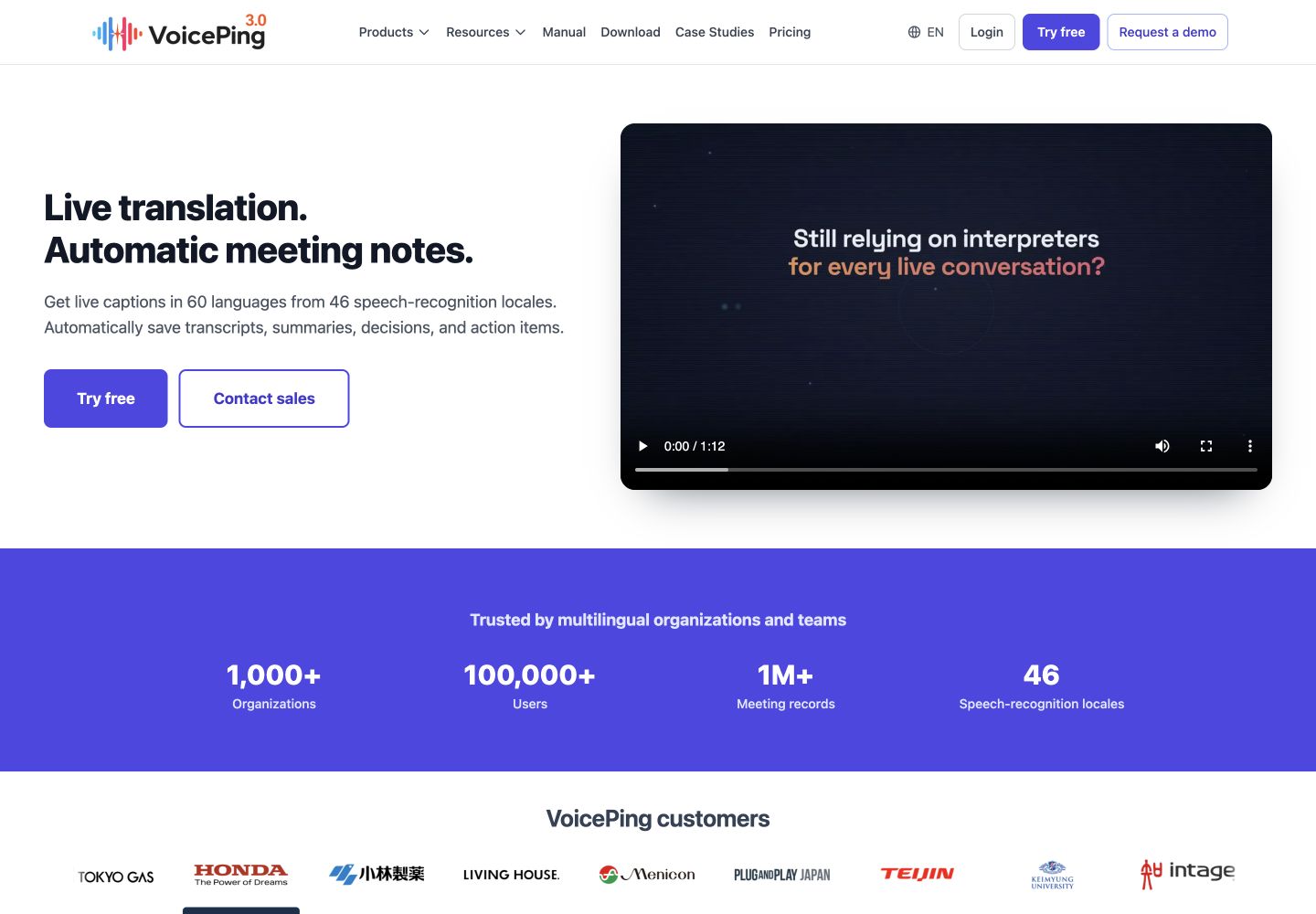
VoicePing fits a Korean–English project discussion when people need to revisit decisions and action owners. It connects live translation with meeting records. The advantage is a shared follow-up workflow; the tradeoff is preparing the audio setup and choosing enough translation time and the right recording entitlements.
For an online call, follow the Zoom and Teams audio guide . Include Korean names, product terms and a spoken deadline in a short pilot, then have participants check the result. Event audiences have a separate QR-code translation workflow .
The plan page lists 90 Free minutes per month and the Individual 450-minute tier at US$31.50 per account/month, billed monthly with tax included. Check the selected plan’s saved-record and storage conditions. Korean support does not guarantee recognition of every regional accent or overlapping discussion.
2. Papago: Korean travel and short exchanges
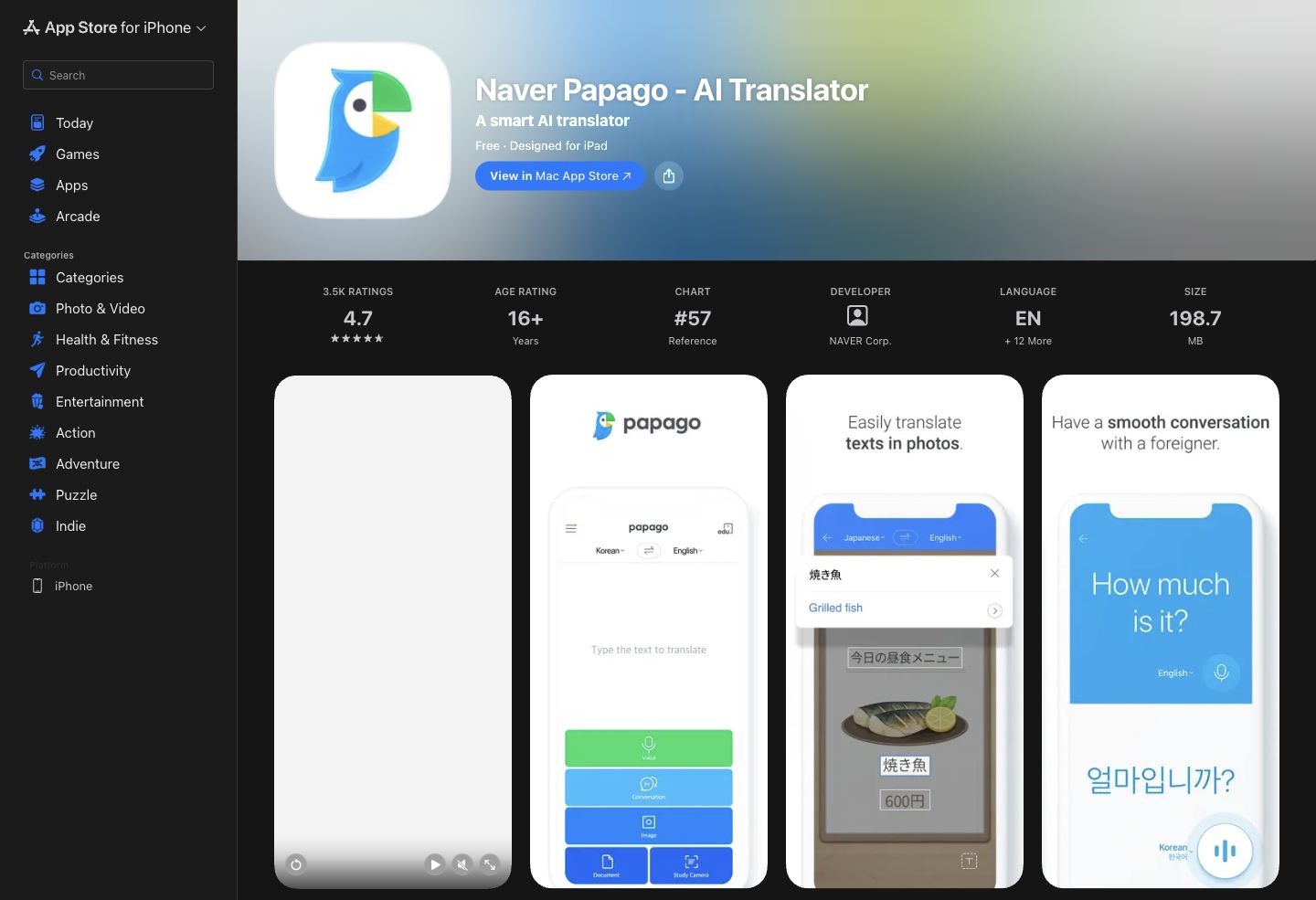
Papago combines text, image, voice and conversation translation. Its free consumer app includes Korean and English. It is a practical option when a visitor needs to read a menu, ask a question or compare a phrase with dictionary information.
The current offline guide supports Korean–English text and voice input after downloads. Android voice needs Android 14 or later, at least 4 GB RAM and an additional voice pack; iOS needs at least 4 GB RAM.
The limitation matters: offline conversation mode, images, documents, pronunciation playback, honorifics and glossary features are excluded. Offline voice input is therefore not a promise of a complete spoken conversation. Test before departure, and keep the original Korean address available. No controlled comparison here establishes that Papago is more accurate than Google.
3. Google Translate: camera and conversation input
Google Translate is useful for switching between a photographed sign, typed text and a spoken question. Its strength is that several input methods are available in one free consumer app. Its limitation is that language availability differs between modes.
Google’s Android live-translation guide includes Korean for online use. Conversation mode supports turn-taking; Face to face shows each speaker their side of the exchange. Korean is absent from the guide’s current offline live language-pair list, even on the listed Pixel 9, 10 and 11 devices.
Do not infer offline Korean conversation from a downloaded text pack. Try the actual Korean–English mode with connectivity disabled before relying on it. For names, compare the recognized Korean first; a fluent English sentence can conceal an input error.
4. DeepL Translator: Korean documents and English drafts
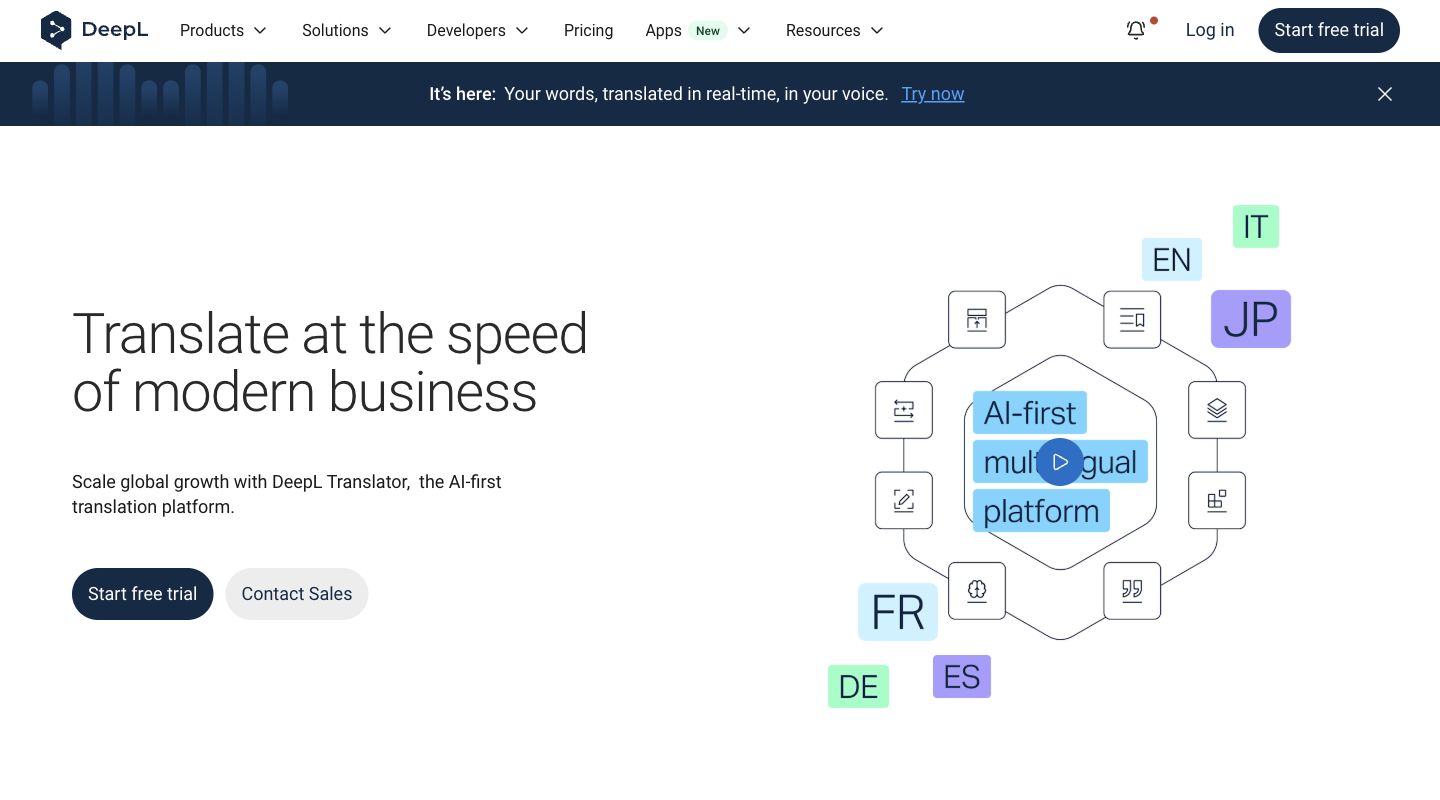
DeepL Translator is the written translation product. Its language guide supports Korean and allows American or British English output from Korean. This is useful when a team needs a consistent English style for drafts.
Its advantage is reviewing text and documents alongside the original. Its limitation is that fluent wording does not identify a missing actor or prove that an implied request became the right English obligation. Check names, units and document layout before approving the result.
The Individual plan and its character/file allowance are listed in the price table. Paid Translator includes 30 DeepL Voice minutes per user/month; that is separate from a Voice subscription. Check feature-specific language support before assuming Korean has every tone, glossary or alternative-word control.
5. DeepL Voice: Korean speech, captions and audio
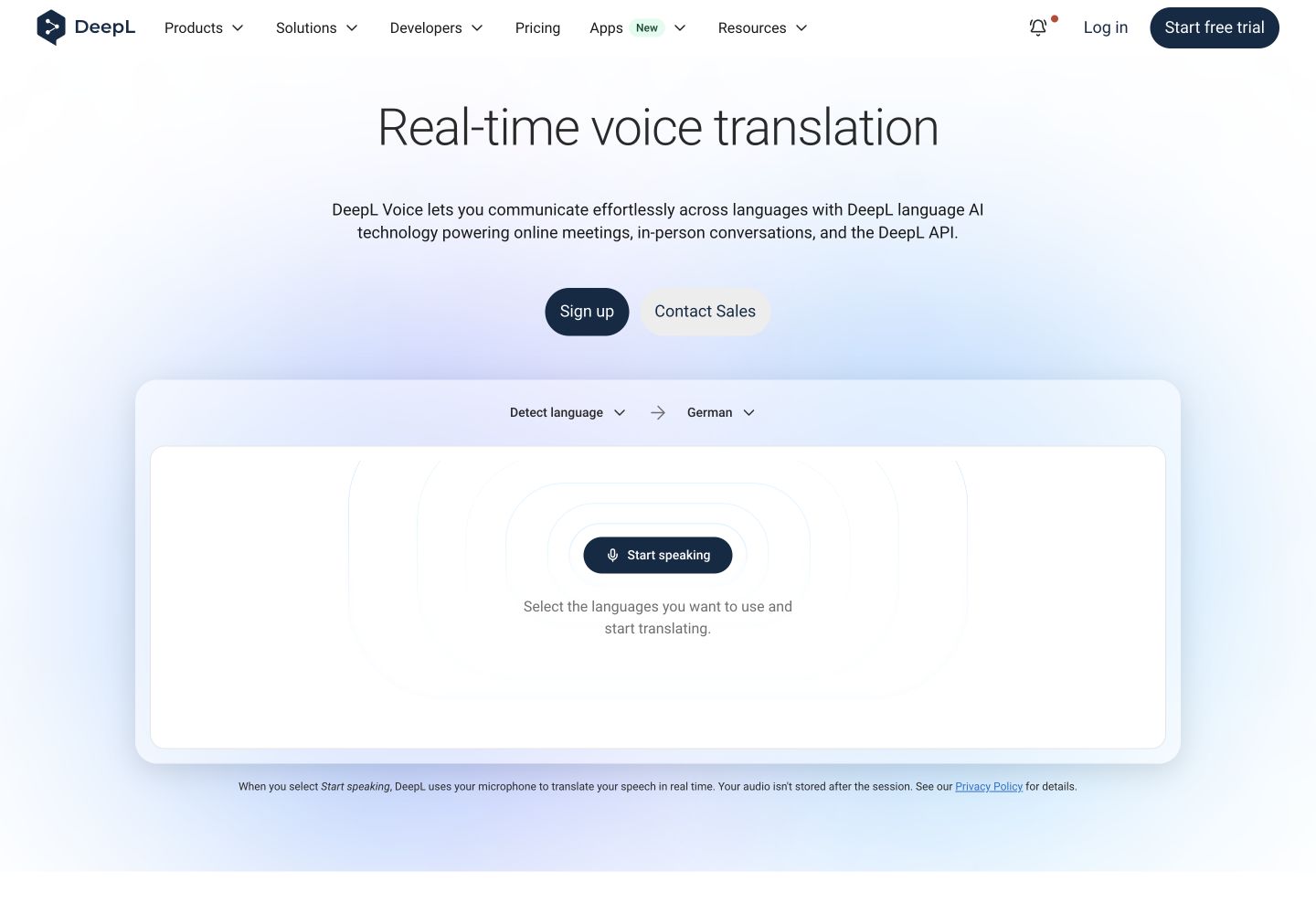
DeepL Voice is separate from Translator. Its current matrix lists Korean speech recognition, subtitles and voiced output under DeepL models; Korean output also supports Speaker match.
The advantage is a choice of reading or hearing the translation. The limitation is that these access models have different licensing. Under the license guide , caption readers need no individual license or account when a licensed Translation Manager starts the session. Online audio listeners each need the desktop app and an eligible license, with usage charged to the manager’s minutes.
Decide which output each participant needs before estimating cost. Test both Korean-to-English and English-to-Korean in the actual call setup; the language list is not a regional-accent benchmark.
6. Microsoft Translator: short phone-based translation
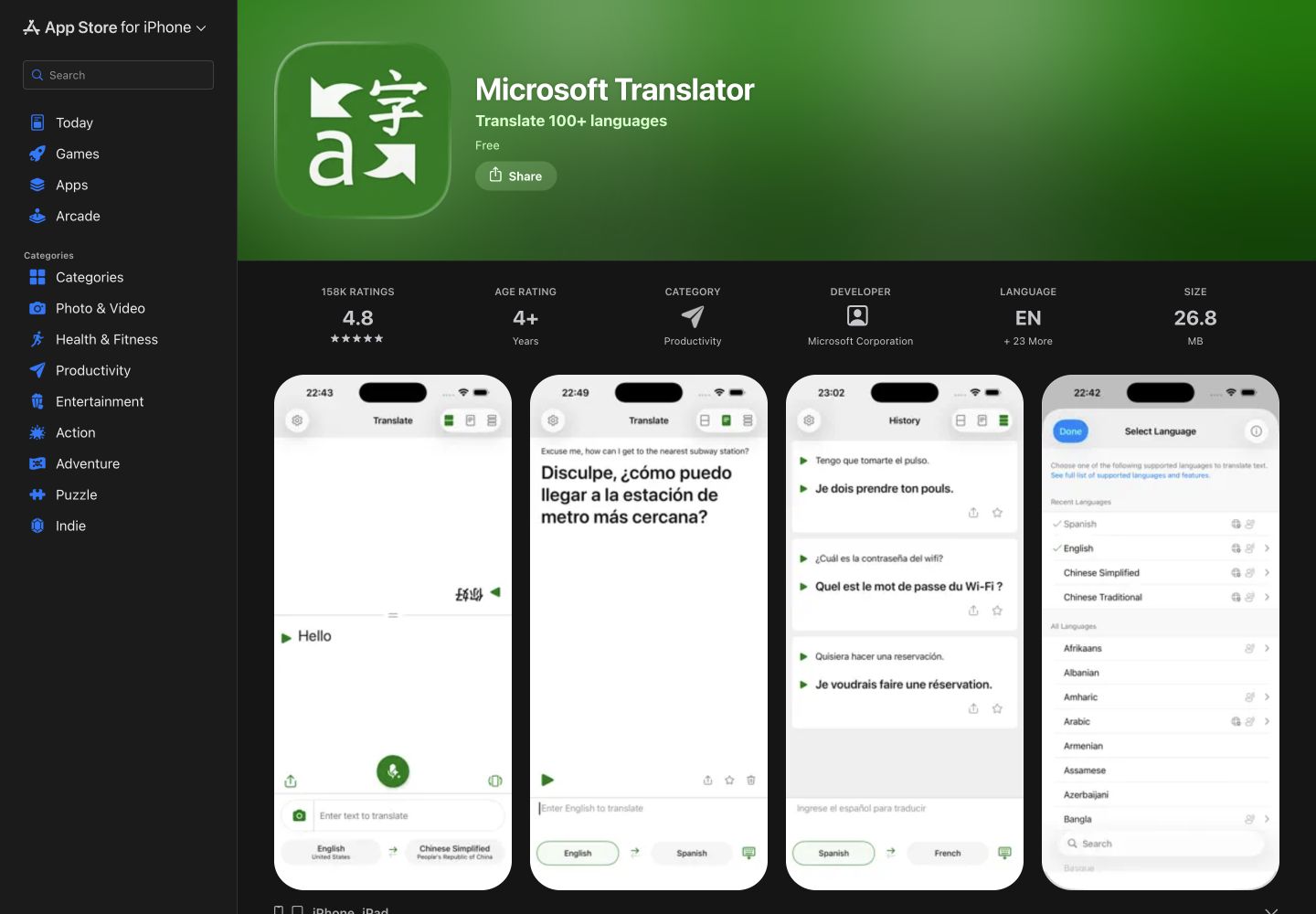
Microsoft Translator is a free consumer app. The language matrix lists Korean text, speech, image translation and spoken output. It can help when a name is easier to show or type than to pronounce.
The main correction to older advice is that multi-device conversations have retired in the current app listing. Do not choose it on the assumption that the former QR-code group workflow is available. The Android FAQ also excludes microphone speech translation from offline use.
Its advantage is several phone input methods; its limitation is the lack of that former group workflow. Teams translation is a different product and license, not an entitlement supplied by the free Translator app.
7. Apple Translate: a shared iPhone conversation
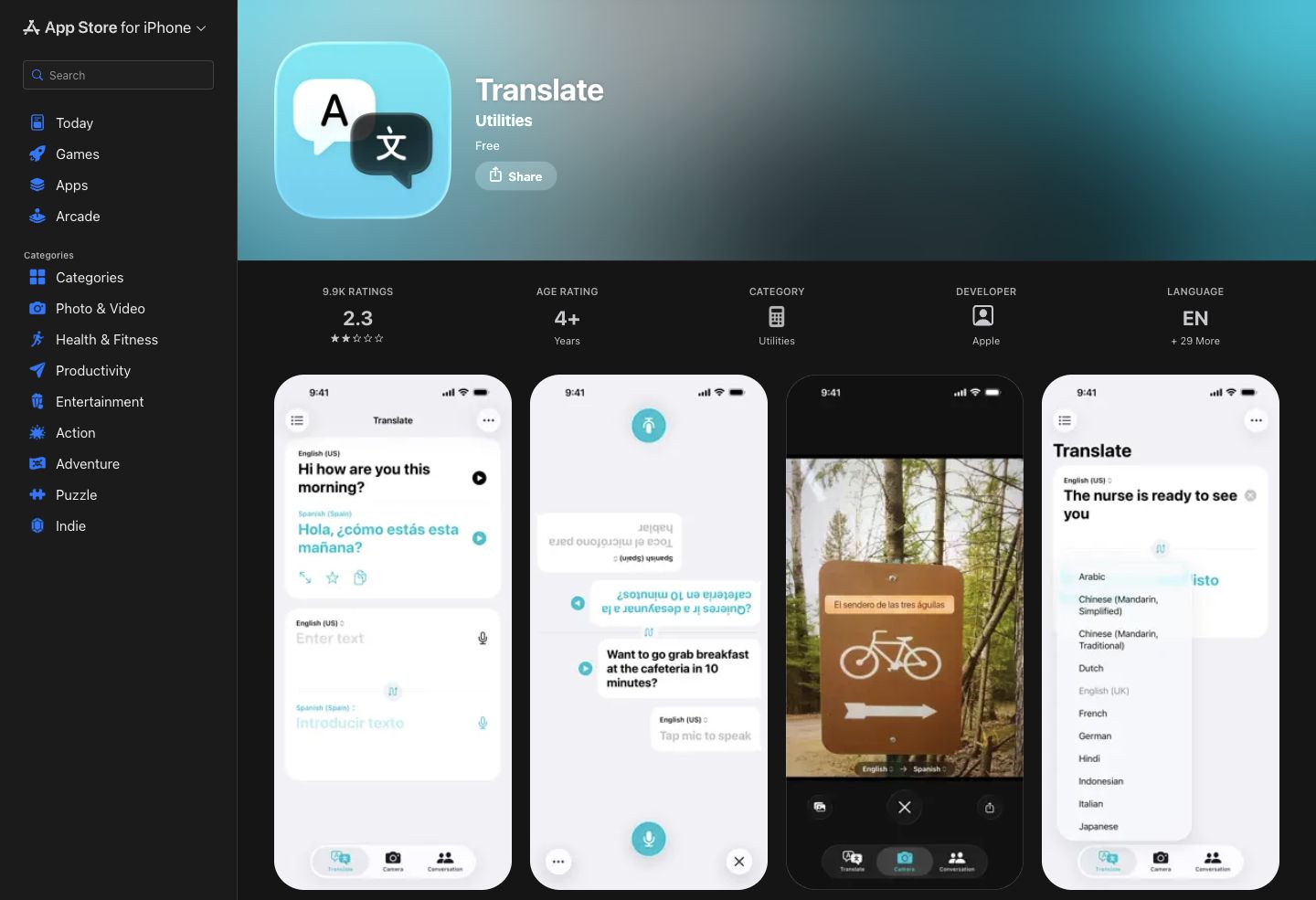
Apple Translate includes Korean and English in the current app language list. It offers typed and spoken input, face-to-face viewing and on-device use for downloaded languages. Its advantage is a simple exchange on supported Apple hardware, with no separate app subscription.
Download the available languages before a trip. The iPhone guide also explains how holding the playback control offers a slower speaking speed. Try that when you want to repeat a phrase yourself.
Its limitation is that a phone conversation is not a managed meeting-record workflow. The app’s Korean support does not establish Korean support for every separate AirPods or call-translation feature. Check those hardware, language and operating-system requirements independently.
8. NAVER Dictionary: meanings and example sentences
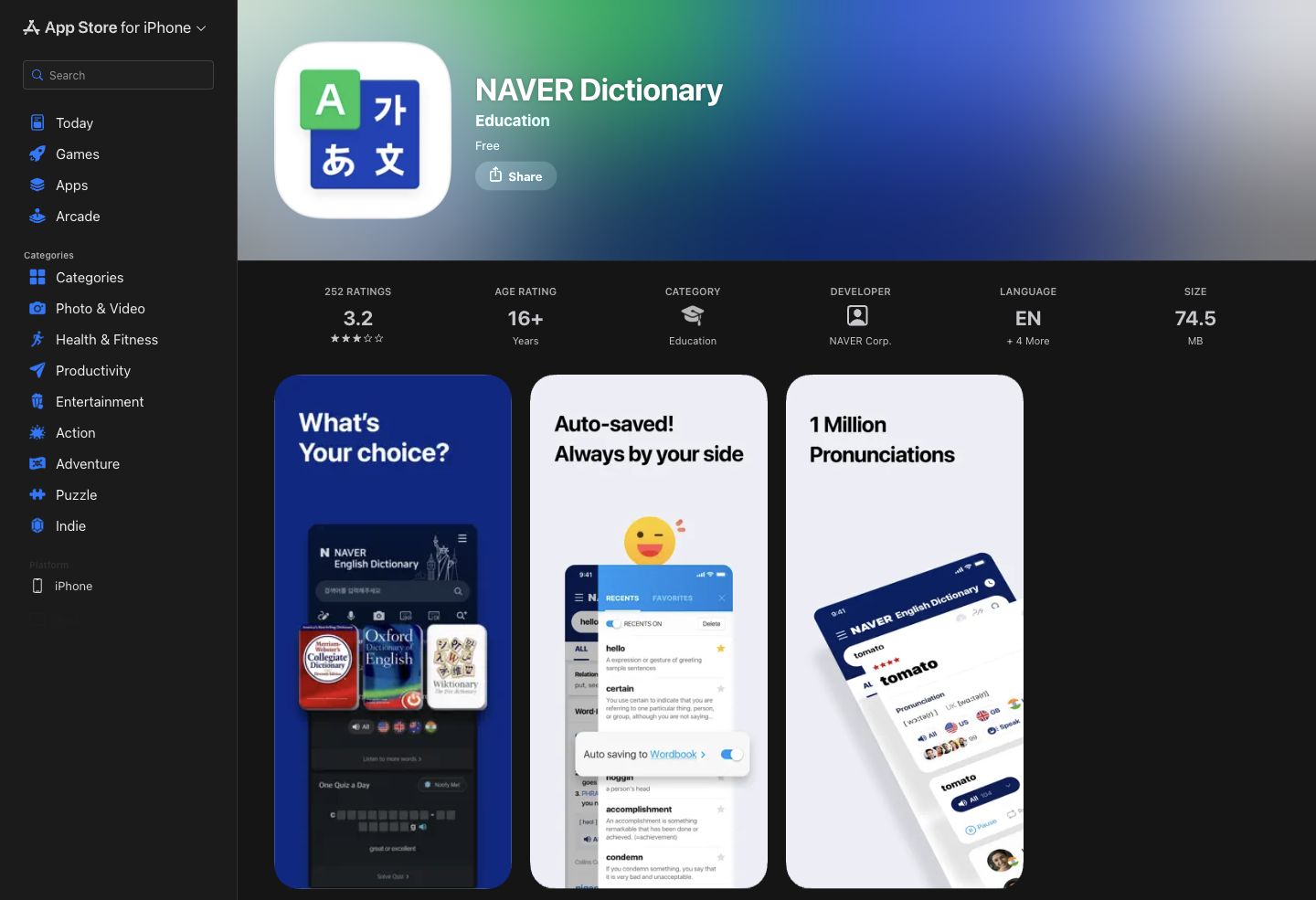
NAVER Dictionary provides Korean–English dictionary lookup alongside examples and pronunciation resources. The public iOS listing is free. The advantage is examining the meaning of a key word instead of accepting a whole sentence without understanding it.
For a work message, look up the term that determines the action, compare examples, and return to the complete sentence. For study, contrast the dictionary meaning with the way the word is used in context.
Its limitation is the effort required: an appropriate definition is not a full translation of a request or conversation. The dictionary also cannot decide who an omitted subject refers to or approve a sensitive message. We did not establish offline availability for every dictionary resource.
9. iTranslate Translator: a paid travel alternative
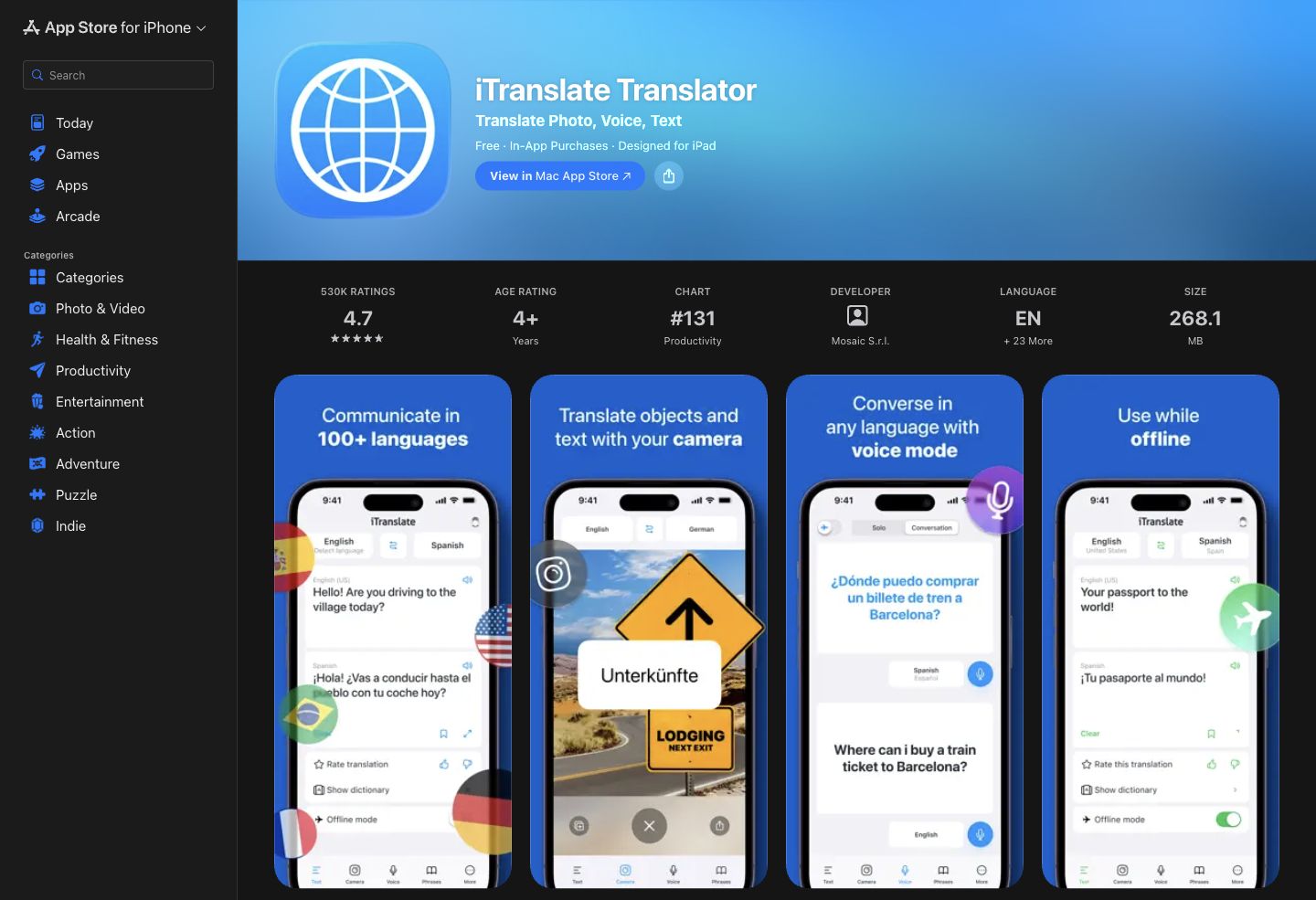
iTranslate Translator is the main Translator app, separate from Voice and Converse. Its language list includes Korean speech translation and offline translation. The advantage is keeping several travel functions and saved phrases in one app.
The limitation is that access depends on the subscription and mode. The offline feature page lists different text and voice sets; check the exact Korean–English direction in the app rather than extending a generic offline claim to all functions.
Multiple monthly, yearly and weekly offers appear in the US store. Check the renewal amount before starting a trial. The current support guide retires account creation and cross-platform accounts, so older shared-account instructions should not guide a purchase.
Korean learning and language exchange
10. HiNative: questions about Korean wording
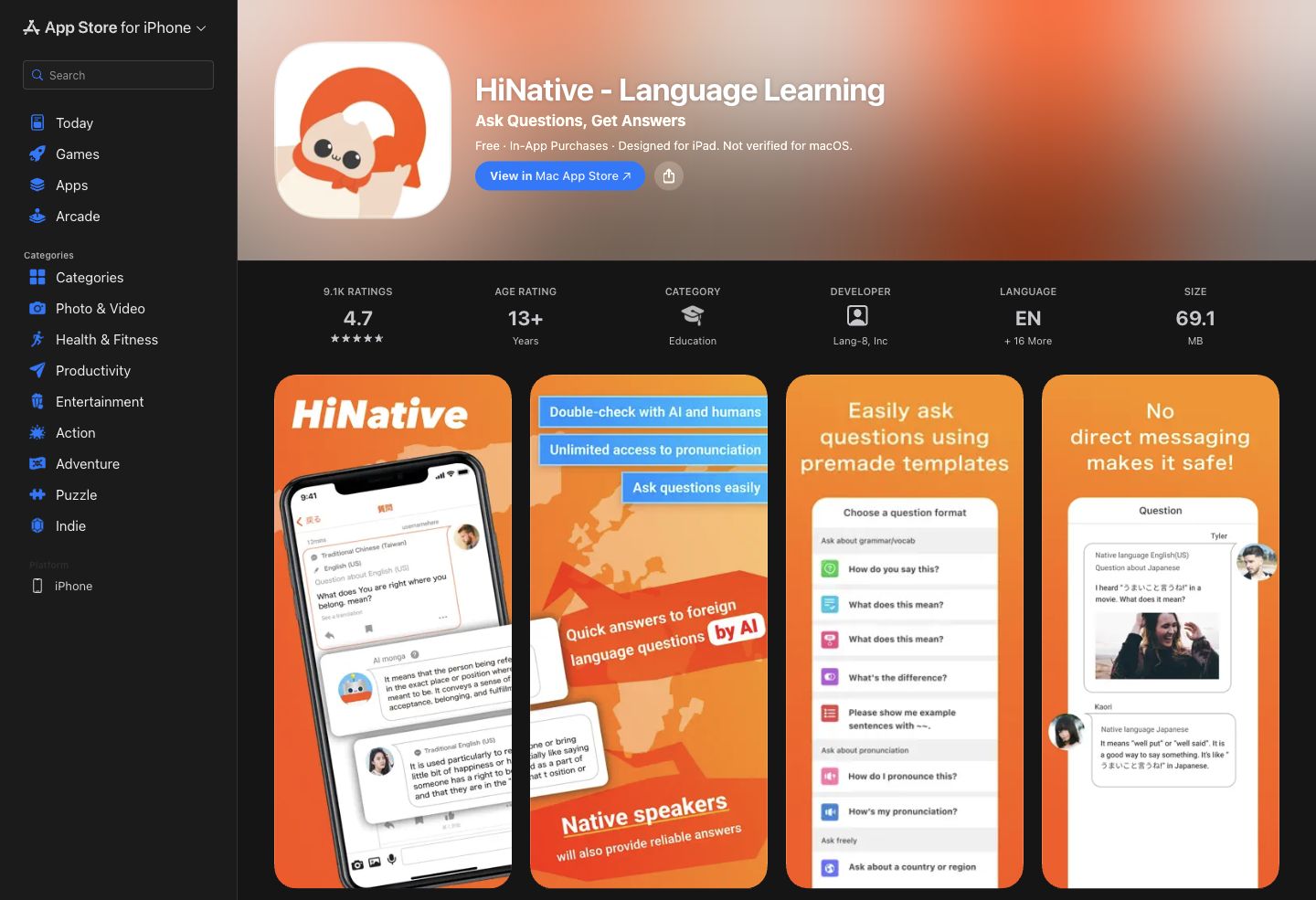
HiNative supports questions about meaning, natural phrasing and pronunciation. Current official previews show both AI and community answers, so it should not be described as exclusively human feedback. Its advantage is asking a focused follow-up rather than receiving only a replacement sentence.
A useful question describes the audience: for example, whether a Korean request is for a colleague or a customer. Use invented, non-confidential examples. Check whether an answer is AI-generated or from a community member; neither is professional approval by itself.
Its limitation is that community responses are not a guaranteed live interpretation service. Premium adds features such as broader voice-answer playback, bookmarks and tickets that highlight questions. Public US purchase amounts vary, and the description’s US$11.40 monthly figure differs from the listed offers; confirm the actual in-app offer.
11. HelloTalk: Korean language exchange and corrections
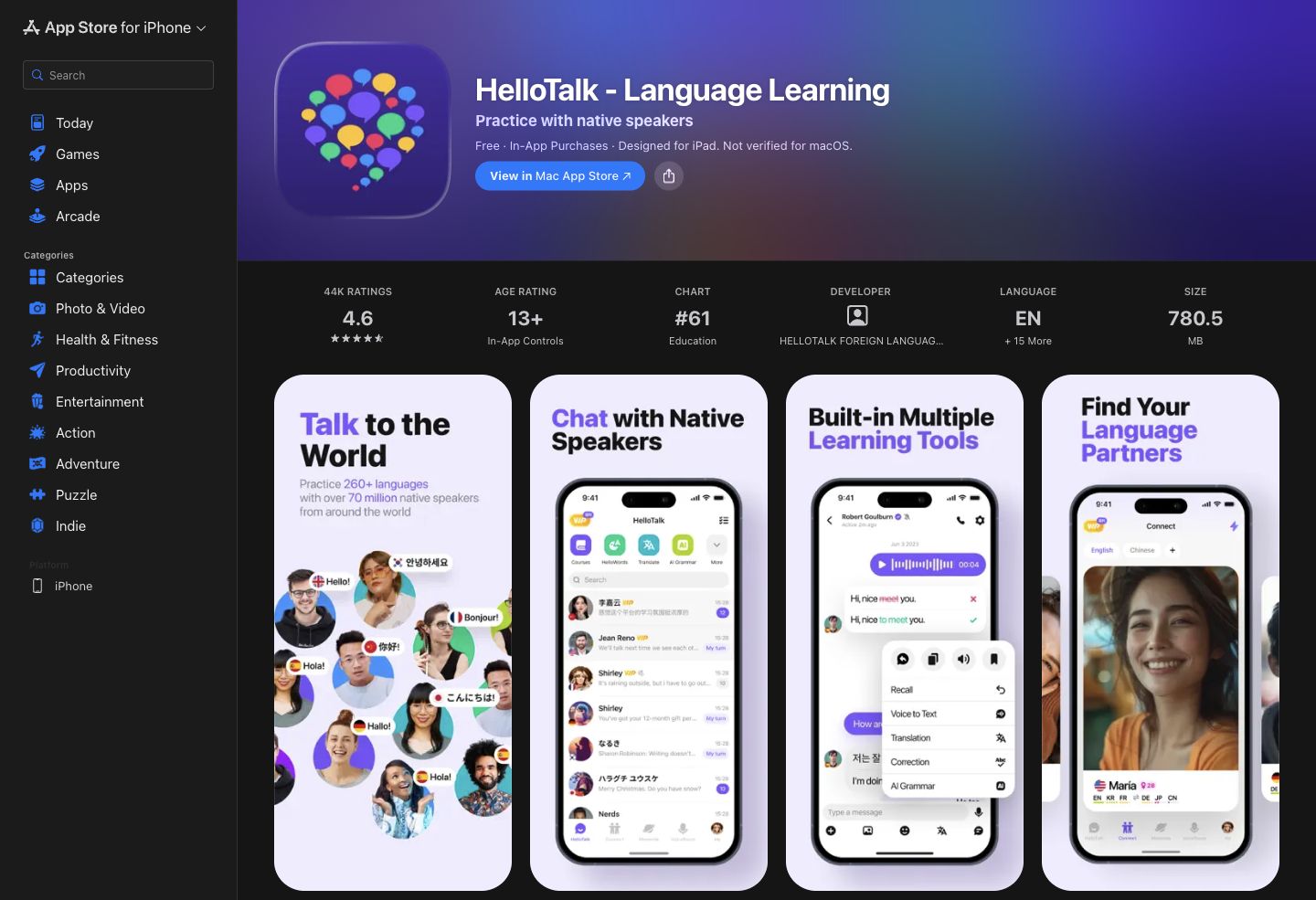
HelloTalk connects learners for language exchange, including Korean and English. Chat corrections, voice interaction and learning tools help turn a phrase into practice. Its advantage is continuing a conversation with another person instead of stopping at a translated result.
The translation-limit FAQ lists ten free translations per day across the app and unlimited translation for VIP. This allowance applies to learning inside HelloTalk, not to translating an external business meeting.
The limitation is that finding a helpful partner and getting a response take time. Use it for language practice, not confidential client material. US iOS VIP lists monthly and annual purchases; coins and other plans are separate, so check what the selected purchase includes.
12. Tandem: partner conversations and message help
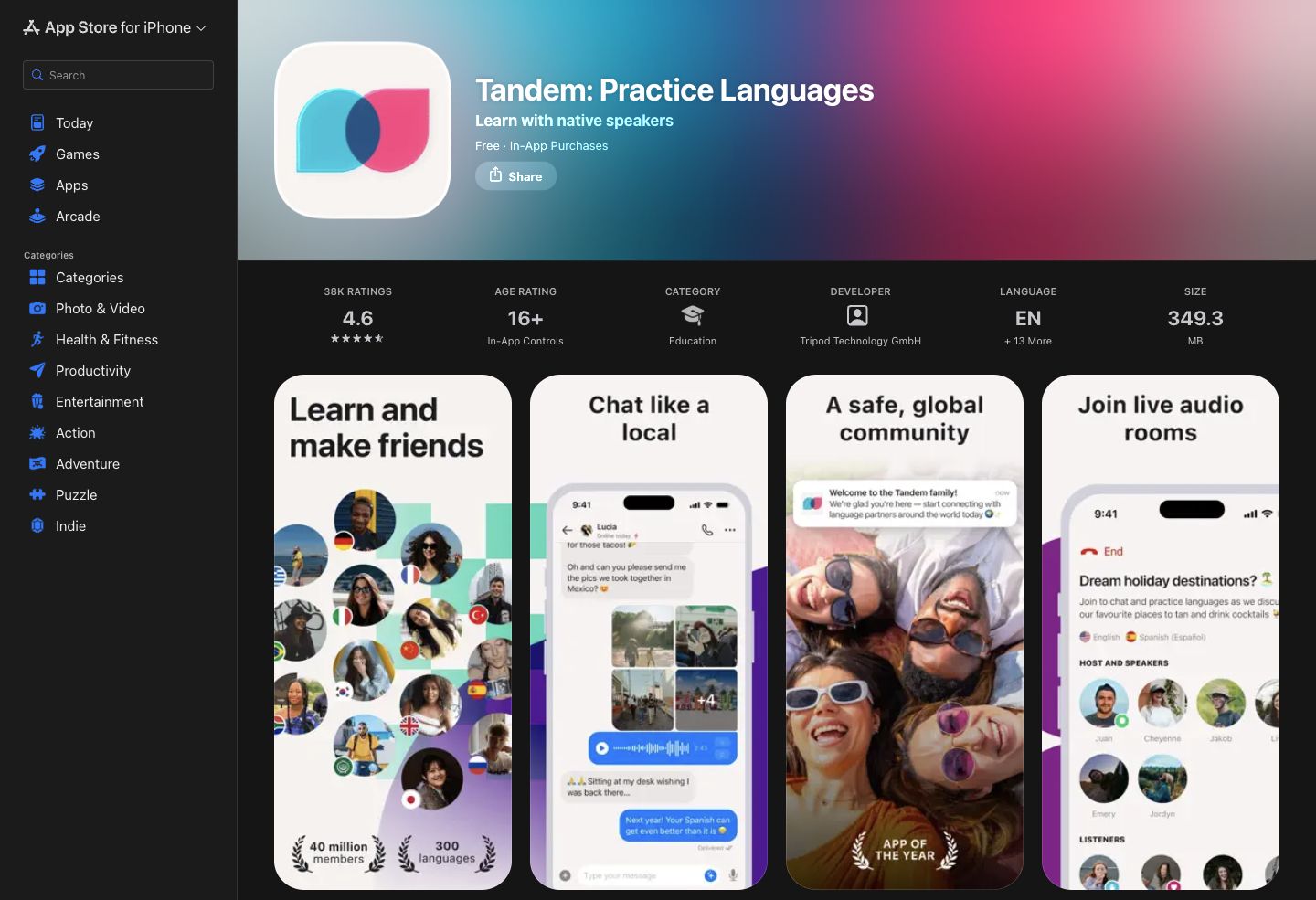
Tandem offers language exchange through messages, voice notes and calls, with corrections and in-chat translation. Korean and English are included. Its advantage is using a corrected phrase in an ongoing conversation with a partner.
The official translation guide describes three free translations per day and unlimited in-app translation with Pro. It is a learning allowance, not an external meeting-caption subscription. The limitation is that partner availability and feedback quality vary.
The US store lists several Pro purchases, often without a period in the item name. The table quotes only offers explicitly labeled for twelve months; it does not assign an invented monthly period to the US$14.99 item. Subscriptions renew automatically , and deleting the app does not cancel them.
Before relying on an older SayHi recommendation
The earlier guide included SayHi. We could not complete its current official access and product checks, so it is outside this comparison. This does not establish that the service has closed. Confirm current developer information and availability before relying on an old app recommendation.
Accuracy tips for Korean-to-English translation
Add context before translating
Korean can leave the actor unstated. For example, “확인했습니다” can mean that something was checked, while the surrounding conversation identifies who checked what. In a meeting record, include that known actor and object. Do not invent an approval or responsible person to make an English sentence sound complete.
Watch speech level
Explain who is speaking to whom and what they want the recipient to do. A request to a customer needs a different review from a message to a close colleague. Ask a reviewer to check the relationship and intended action, rather than treating one polite ending as proof that the whole translation is appropriate.
Check names and titles
Keep the spelling preferred by the person or organization. Compare the original Hangul with the recognized text before checking the English. Where the product and plan support a glossary, add agreed names and technical terms. A pronunciation sample or dictionary entry cannot settle an individual’s preferred romanization.
Confirm numbers and dates
Write the amount, currency, date and time zone explicitly. For example, confirm whether “Friday at 3” means 3 p.m. Korea Standard Time and which calendar date. Ask the responsible person to check the value in the final record; this is a suggested review step, not a measured app result.
Use back translation as a clue
A second translation can expose a missing detail, but a smooth round trip can reproduce the same error. Compare actor, action, condition, amount and deadline directly with the original. For a confusing word, check examples and ask about its use in the complete sentence.
Use human review for consequential wording
Have an appropriate qualified reviewer approve contracts, medical instructions or other wording with serious consequences. Provide the source, audience and terminology. Community feedback and a machine draft can support preparation; neither supplies professional sign-off.
A focused team pilot
Use a short non-confidential discussion with Korean and English speakers, including a question, an unfinished decision and a date. Test in the actual remote-call or room setup. Check recognition before translation, then inspect the saved record and who can access it.
Compare the total plan cost and limits with that workflow. Agree who corrects names and decisions, how long records are kept, and which messages require specialist review. A travel phrase app or learning subscription should not be purchased on the assumption that it includes meeting administration.