In this article
Choose a meeting tool for a conversation you need to review, a phone translator for a short exchange, and a dictionary when the difficult part is reading a word. Japanese-to-English translation often requires all three at different times.
This guide compares eleven products separately. VoicePing publishes the article; the numbers indicate presentation order, not measured accuracy. Prices and public support information were checked on September 17–18, 2026. We have not run a controlled speech benchmark or verified paid-account features firsthand.
Quick recommendations
Start with VoicePing for Japanese–English meetings that need follow-up records. Google Translate, Microsoft Translator, Apple Translate, VoiceTra and iTranslate cover shorter phone-based exchanges. DeepL Translator handles written drafts, while DeepL Voice handles spoken communication.
For reading, Yomiwa helps turn a photograph into text and definitions. Takoboto and Shirabe Jisho help look up unfamiliar words and kanji. These dictionary tools complement translation; they do not provide the same result as a continuous meeting transcript.
How to choose a Japanese translation app
Choose the task, then check the input and the result you need to keep. For a meeting, test both speakers and review the transcript. For a sign, inspect the Japanese characters recognized by the camera. For a document, check who must do what, the tone and the layout.
Offline support needs a feature-level check. A dictionary can work without a connection while its cloud synchronization cannot. A translator can download text resources while requiring connectivity for microphone input. Install updates and test on the actual device before depending on it away from Wi-Fi.
Prices and access
The table distinguishes free access from paid options. DeepL prices use US monthly billing. Consumer in-app figures use the US iOS store unless stated otherwise; regional offers and taxes can differ. Hardware and mobile data are separate costs.
| Service and plan | Price and billing | What to check |
|---|---|---|
| 1. VoicePing — Free / Individual | Free; Individual US$31.50/month, monthly billing, tax included | One account. Free: 90 minutes/month. Individual tier shown: 450 minutes/month. Check the selected plan’s recording and storage entitlements. |
| 2. Google Translate | Free consumer app | Japanese–English offline live translation is specifically documented for Pixel 9, 10 and 11. |
| 3. DeepL Translator — Free / Individual | Free; Individual US$10.49/user/month, monthly billing | Free: 50,000 characters and one file/user/month. Individual: 300,000 characters and three files; 30-day trial. |
| 4. DeepL Voice — Starter | US$13/user/month, monthly billing; 14-day trial | 300 minutes/user/month. Caption-reader access and translated-audio licensing differ. |
| 5. Microsoft Translator | Free consumer app | Multi-device conversations retired. Microphone translation requires connectivity. |
| 6. Apple Translate | Free on supported Apple devices | Download available languages for on-device use. Calls/AirPods Live Translation has separate requirements. |
| 7. VoiceTra | Free download; no monthly app fee | Short travel exchanges; Internet required. NICT’s terms exclude private and confidential input. |
| 8. Yomiwa — Pro | Free download; US iOS Pro US$2.99/month or US$19.99/year | Also lists “Yomiwa Pro” at US$39.99 without a billing period, plus separate Outlier purchases. Confirm the selected offer’s scope and terms. |
| 9. Takoboto — Android / Cloud | Free dictionary features; paid Cloud subscription | The public Android listing does not show the subscription amount. Check the in-app price; sync and other Cloud functions are separate. |
| 10. Shirabe Jisho | Free download; US iOS Shirabe Extras US$9.99 | Optional purchase introduced in the current release. Check which extras are included; it remains a dictionary rather than a meeting translator. |
| 11. iTranslate Translator — PRO | US iOS: US$12.99 or US$14.99 for one month; US$99.99 for one year | Other offers include US$9.99/week. Trial eligibility, renewal and paid feature access depend on the offer. |
Sources: VoicePing plans , Google Translate , DeepL plans , Microsoft Translator , Apple Translate , VoiceTra fees , Yomiwa , Takoboto , Shirabe Jisho and iTranslate .
VoicePing Individual renews monthly. DeepL tax totals and consumer app renewal conditions should be checked at checkout. Yomiwa’s US$39.99 listing does not by itself establish a lifetime entitlement, and a free trial is not continuing access to a paid plan.
Individual app and tool guides
1. VoicePing: meetings with a record to review
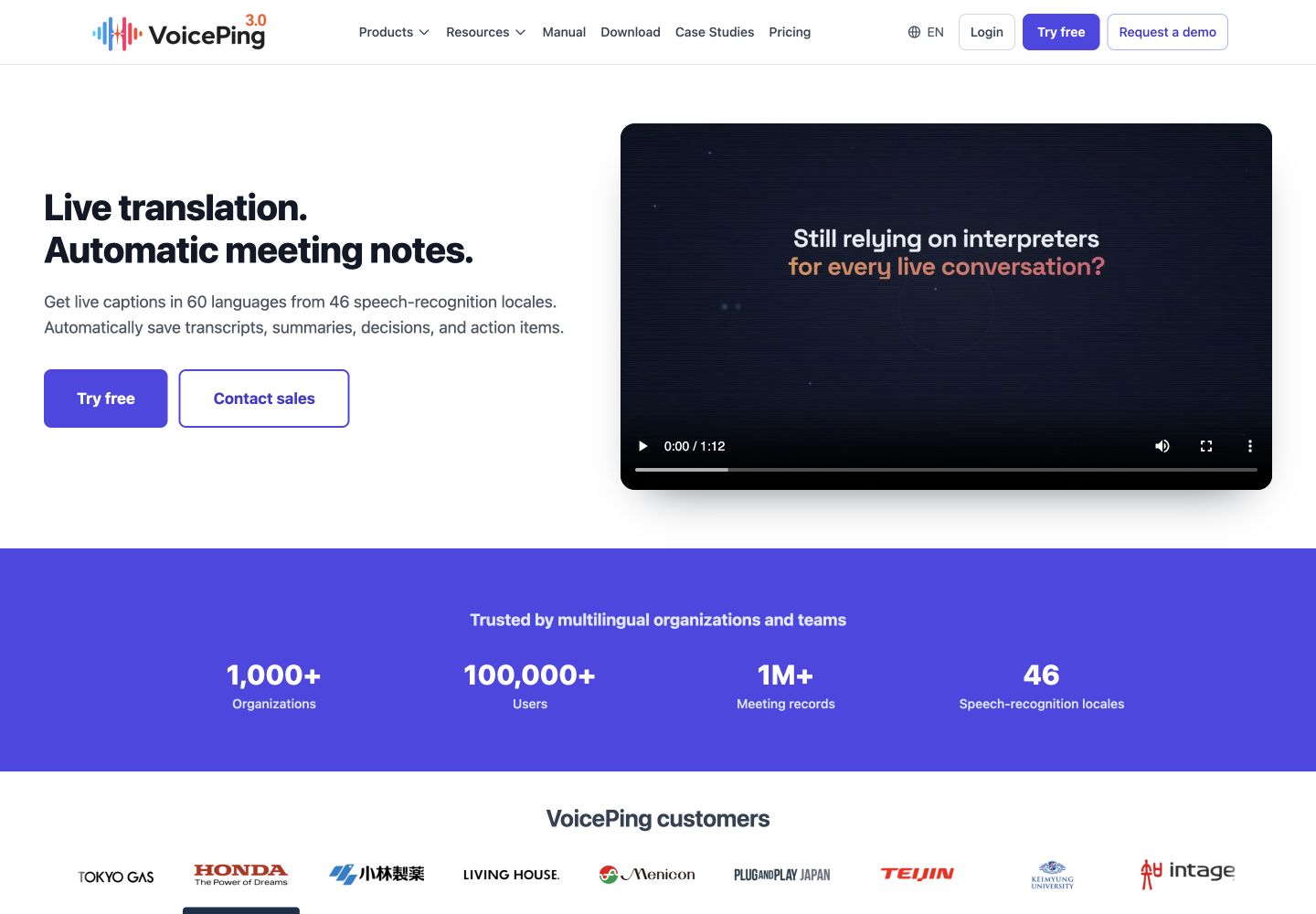
VoicePing brings Japanese–English live translation together with meeting records. It fits a supplier call when participants need to review delivery dates, decisions and action owners afterward. Its advantage is keeping that follow-up connected to the discussion; its limitation is the preparation needed for audio routing and the chosen plan’s time, storage and recording allowances.
Follow the meeting-app setup guide , then test the local and remote speaker before a real meeting. Include a person’s name, a number and a specialist term. A fluent English caption can still conceal a Japanese recognition error, so compare the recognized source as well as the translation.
For an event, assess the separate event translation workflow and attendee access. For disconnected use, review the offline product’s requirements ; a normal cloud-meeting subscription alone does not establish an offline setup.
2. Google Translate: signs and short conversations
Google Translate is a practical starting point for a menu, typed address or spoken question. Its strength is switching among camera, text and conversation input. The tradeoff is that availability changes by feature and device; one download does not establish every offline mode.
The current Android live-translation guide includes Japanese. Use Conversation for turn-taking or Face to face to show each person their language. It specifically supports Japanese–English offline live translation on Pixel 9, 10 and 11. That statement does not extend to other phones.
Before a trip, try your own printed sign and a short spoken exchange with the exact device and downloaded languages. Keep the original Japanese address available even when its English translation looks readable.
3. DeepL Translator: written drafts and documents
DeepL Translator is the text and document product. Its language guide includes Japanese. Use it for an email or representative document page that a bilingual reviewer can compare with the source.
Its advantage is a written-review workflow. Its limitation is that polished English does not settle an omitted subject, implied obligation or name reading. Check those before approving the draft, together with table layout, units and terminology.
The paid Translator plan includes a limited 30 DeepL Voice minutes per user per month. That addition is separate from Voice Starter’s 300-minute allowance; compare the actual product and quota on DeepL’s plan page .
4. DeepL Voice: speech, captions and translated audio
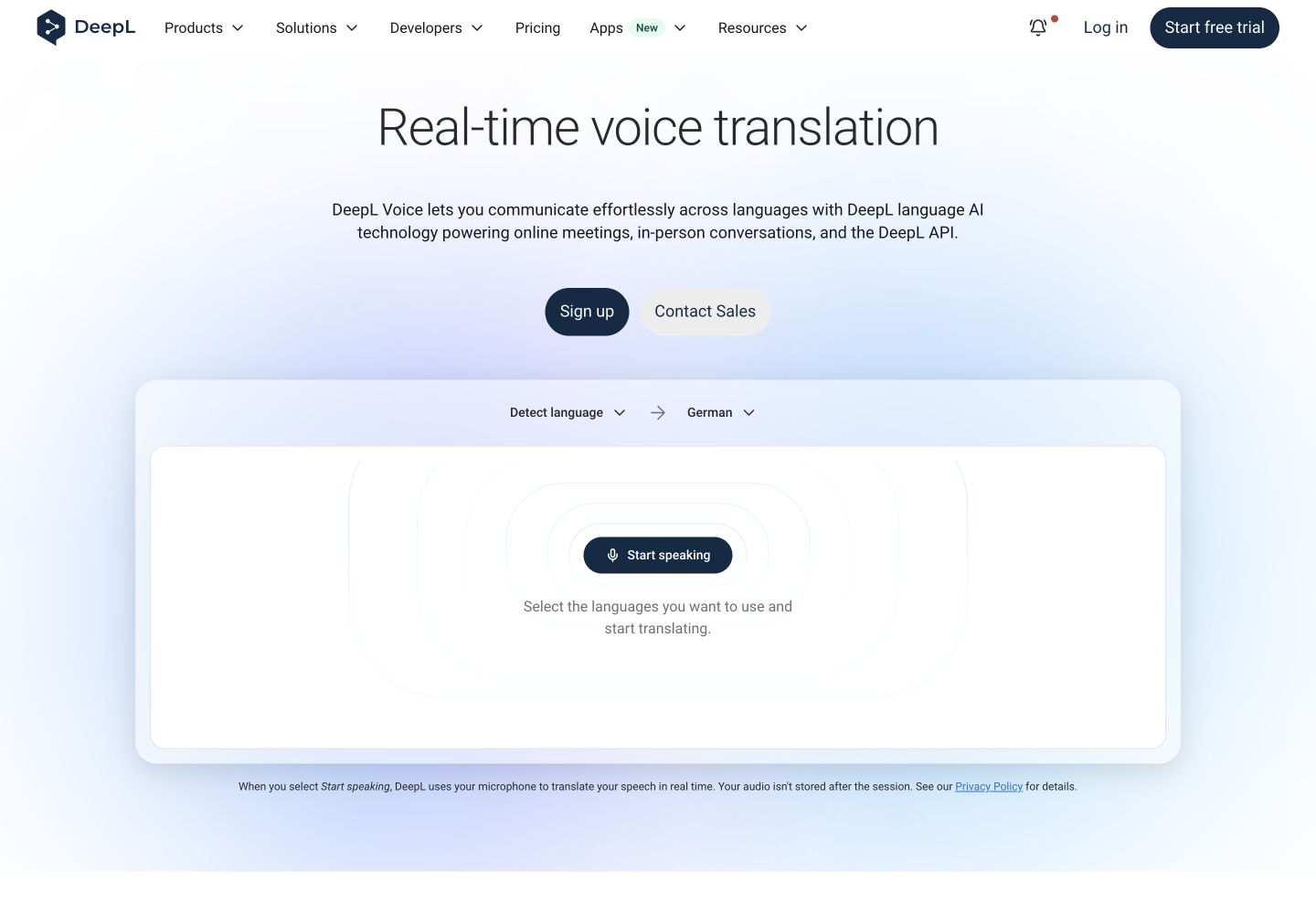
DeepL Voice handles spoken communication separately from Translator. Its language matrix lists Japanese transcription, subtitles and spoken output under DeepL models. Japanese spoken output also supports Speaker match.
The useful distinction is access. Under the license guide , people can read captions without an individual account or license when a licensed Translation Manager starts the session. Online translated-audio listeners each need the desktop app and an eligible license; their usage draws on the manager’s minutes.
Choose whether the team needs captions or audible interpretation before estimating cost. Test Japanese input, English output and the reverse direction with the actual meeting setup. Language support alone does not establish accuracy for regional speech or overlapping speakers.
5. Microsoft Translator: phone text, speech and images
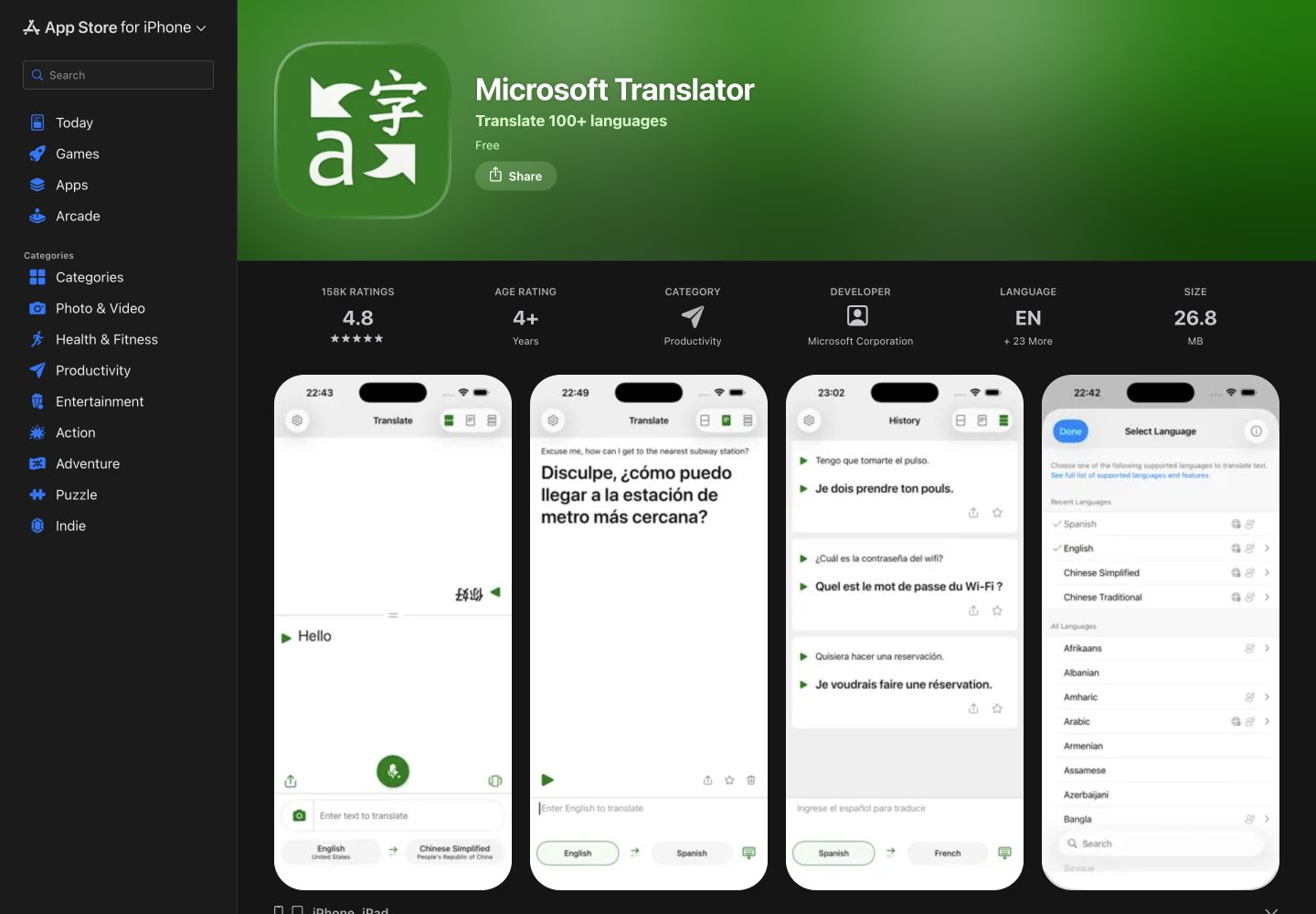
Microsoft Translator is a free consumer phone app. Its language matrix includes Japanese text, speech, image translation and spoken output. Changing input method can help when a name is easier to type or show than to say.
Two limitations matter: the current listing says multi-device conversations have retired, and the Android FAQ requires connectivity for microphone translation. Old instructions to assemble a group using conversation codes are not a current reason to select the consumer app.
Use it for a short exchange and review the source words. Downloaded text/camera resources do not make live speech work offline, and the free app does not grant Teams Premium translation features.
6. Apple Translate: a built-in conversation option
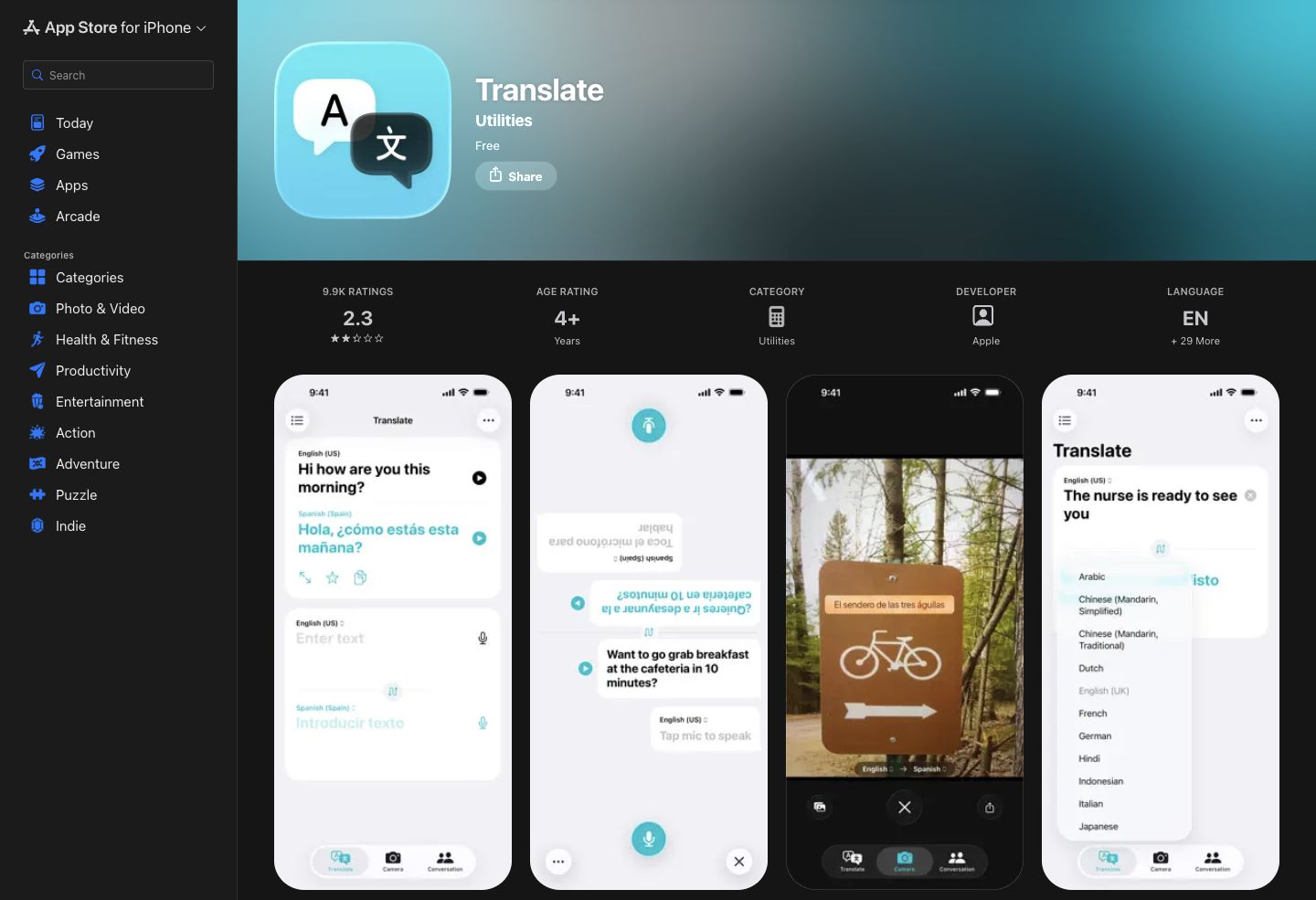
Apple Translate offers typed and spoken translation on supported Apple devices. Its advantage is a compact phrase/conversation interface with downloaded languages for on-device use. It is useful for a short Japanese–English exchange when both people can look at the phone.
The iPhone guide explains language downloads and playback controls. Holding the playback button lets you choose a slower speed, which can make a phrase easier to repeat. Check the available Japanese and English downloads on the actual phone before going offline.
Its limitation is scope: it is not a managed meeting-record system. Do not confuse the Translate app with separate Live Translation features in calls or AirPods, whose device, operating-system and language requirements need their own check.
7. VoiceTra: short Japanese travel exchanges
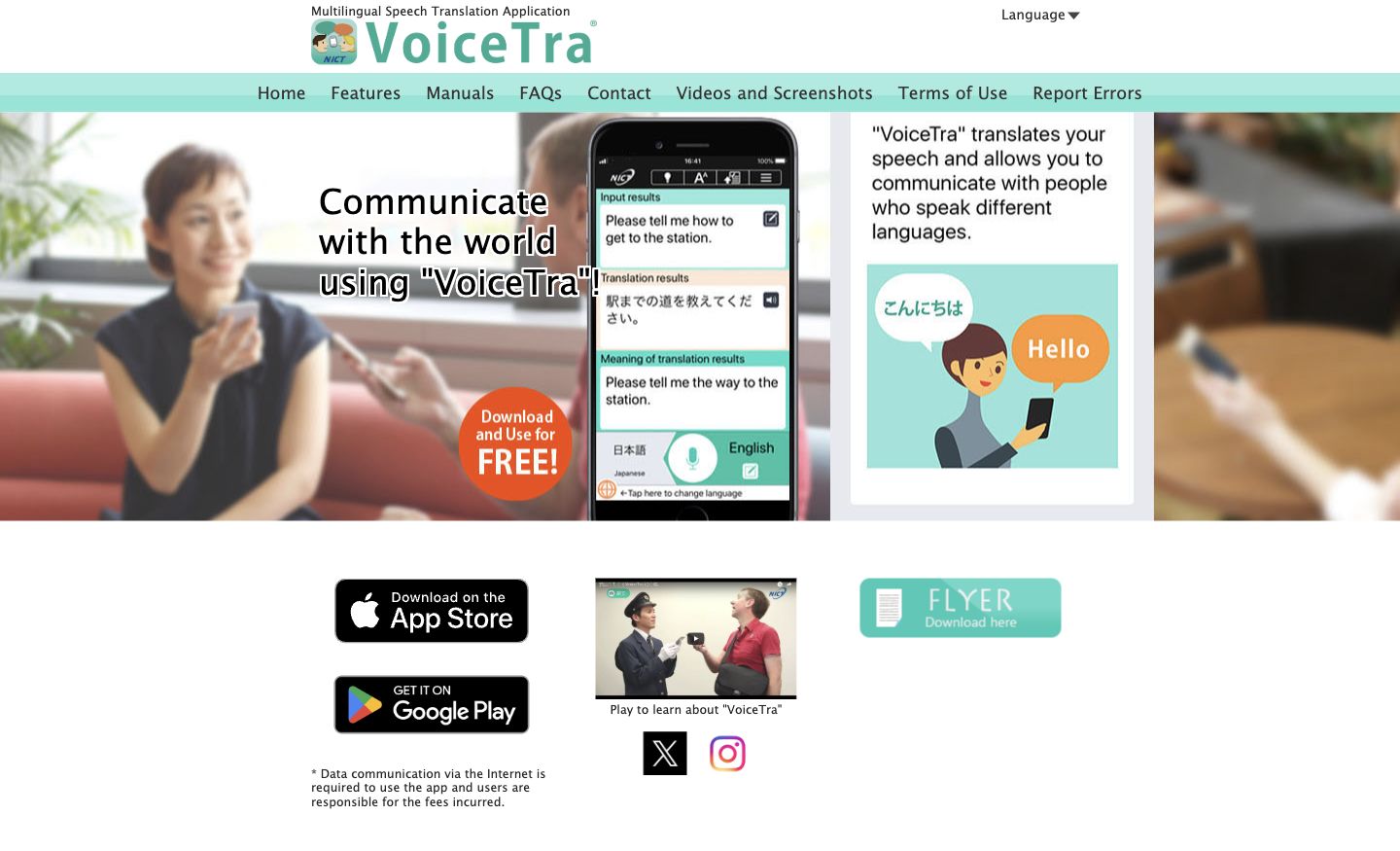
VoiceTra is NICT’s free speech-translation app. Japanese and English speech input/output appear in its feature list . Its advantage is the back translation shown in your own language: you can check whether the result appears to preserve your intention.
The FAQ describes short travel sentences and requires Internet access. A sensible back translation does not prove the first translation was correct. Update to the current release; the August 2026 service notice requires version 9.2.1 for affected older versions.
For workplace use, note the privacy policy : inputs and translation results are recorded for improvement. The terms tell users to keep personal, private and commercially confidential information out of the app.
8. Yomiwa: read kanji from a camera or page
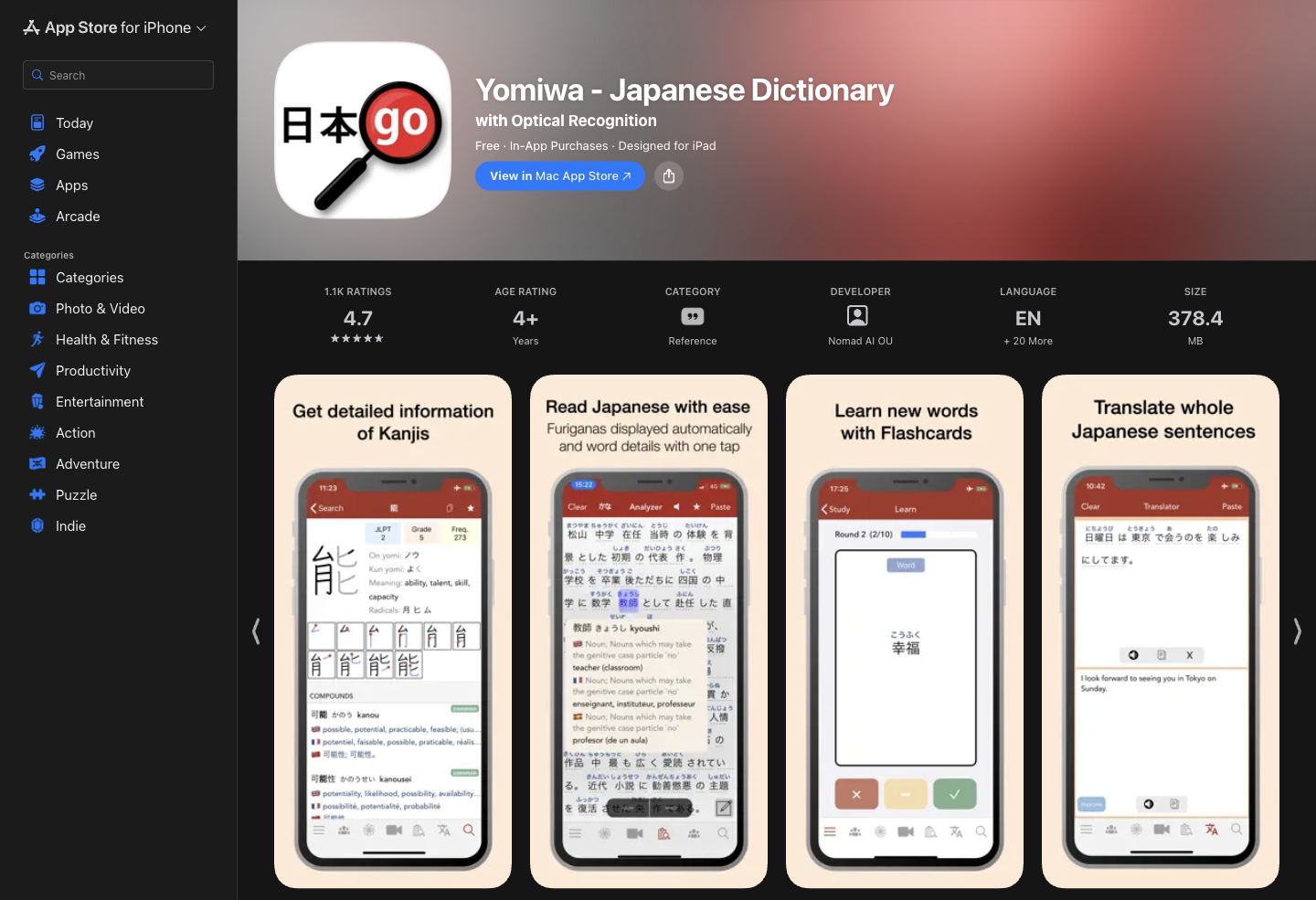
Yomiwa combines a dictionary with optical character recognition (OCR), which turns photographed text into characters an app can read. Its iOS listing describes offline OCR for horizontal and vertical Japanese, furigana reading aids and Japanese-to-English sentence translation.
Its advantage is moving from an unfamiliar printed word to its reading and meaning. Its limitation is that recognition can still be wrong: compare the extracted kanji with the photograph before accepting the English. It also serves reading and study, rather than continuous meeting interpretation.
The US iOS store lists monthly and yearly Pro options alongside other purchases. Check which functions the selected offer unlocks; free download is not proof that every OCR, translator or dictionary option is included.
9. Takoboto: offline dictionary lookup on Android
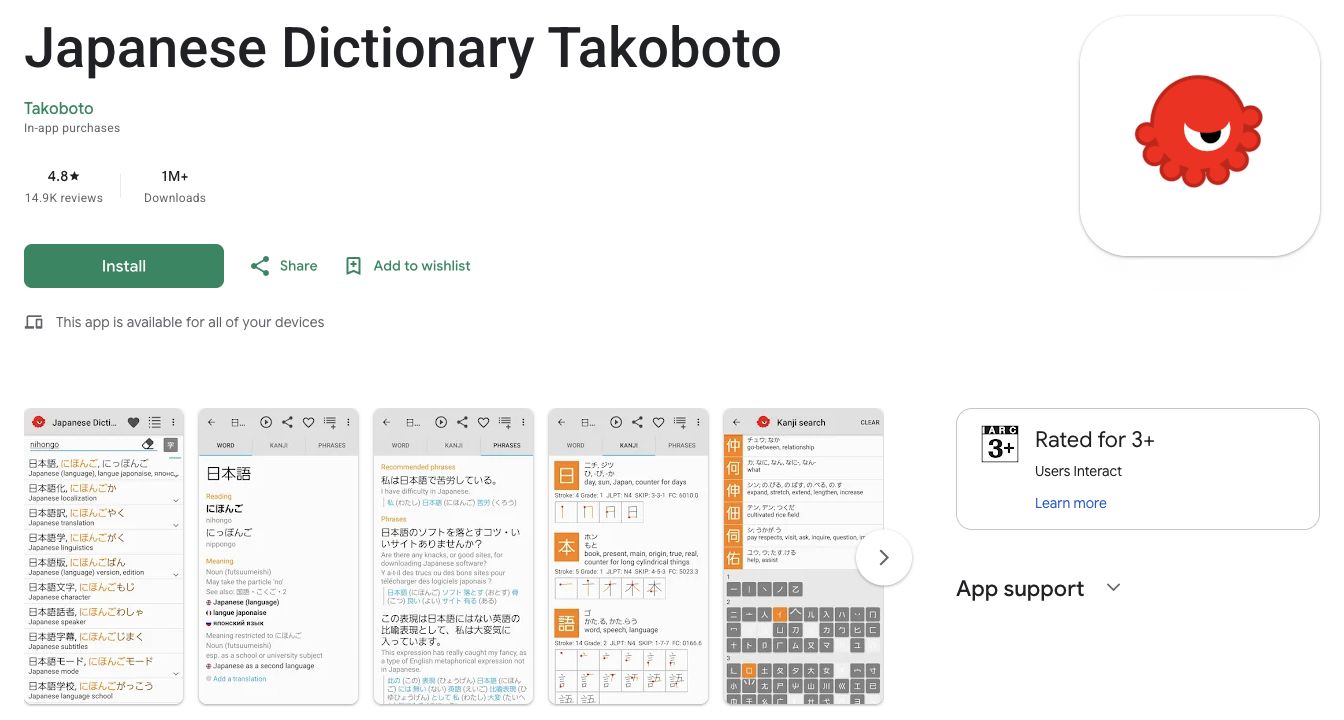
Takoboto’s Android app is an offline Japanese–English dictionary and study tool. Free features include examples, conjugations, radical search, flashcards and AnkiDroid export. Its advantage is checking how a word behaves in a sentence, not just receiving one English equivalent.
The limitation is that its dictionary is not a live interpreter or whole-document translator. Takoboto Cloud separately requires a paid subscription for features such as synchronization, shared lists, extra online resources and integrated handwriting search. The public listing inspected here does not establish the subscription price.
Search with kanji, kana, romaji or English, then compare the example with your context. The official download page also links iOS and Kindle editions; do not assume the Android feature and purchase details apply identically to them.
10. Shirabe Jisho: kanji lookup on iPhone and iPad
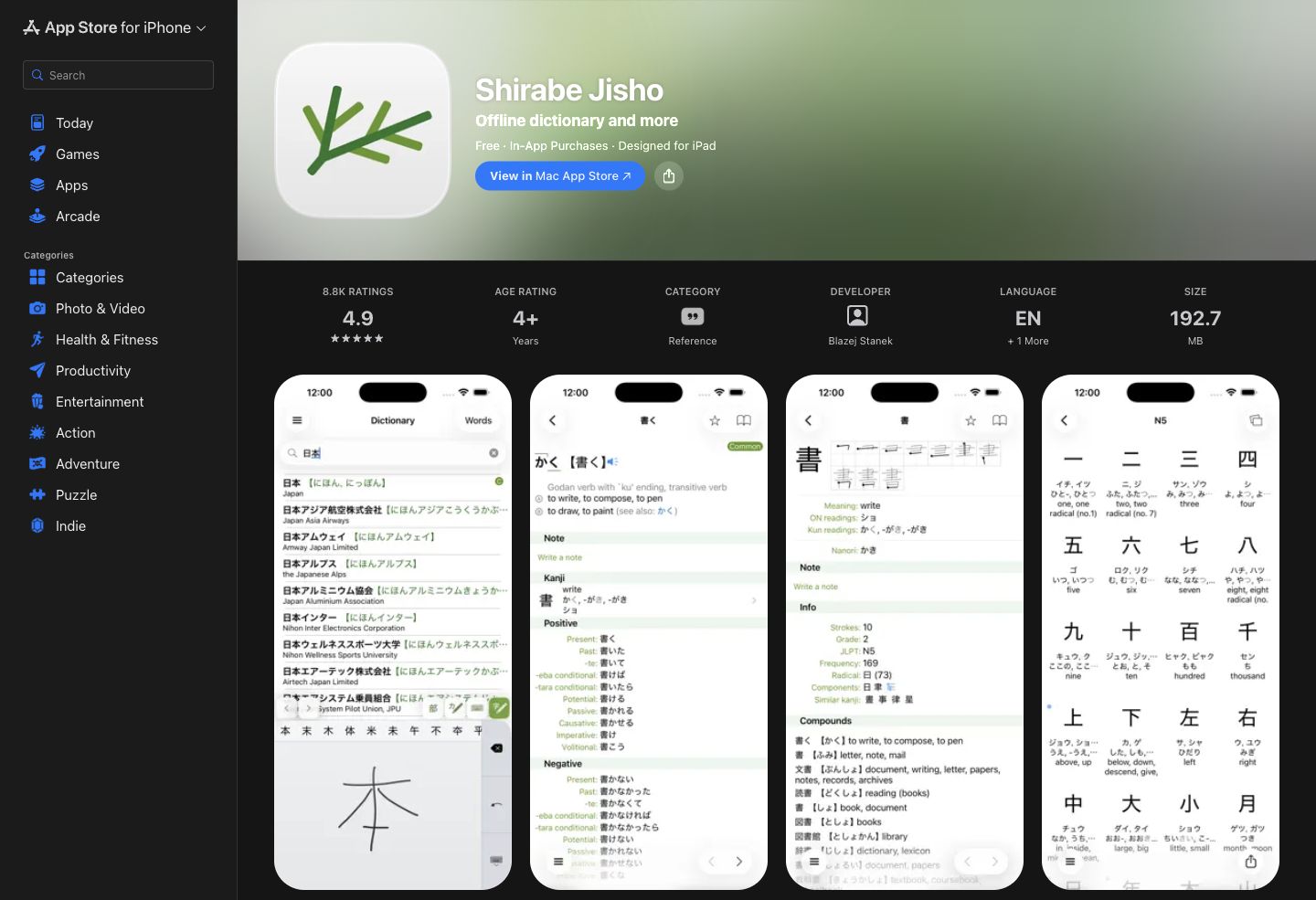
Shirabe Jisho is an offline Japanese–English dictionary for iPhone and iPad. Its official site describes handwriting, multi-radical, romaji and conjugated-form searches. These are useful when you recognize a character’s shape but cannot type its reading.
Its advantage is investigating a word and its kanji in one place. Its limitation is the same category boundary as other dictionaries: a correct word definition does not translate a whole meeting or approve a business message.
The base download is free. The current US listing includes Shirabe Extras at US$9.99, and the September 7 release notes describe optional purchasable features. Review the offered features in the app; older descriptions implying that every feature is free are incomplete.
11. iTranslate Translator: a consumer travel alternative
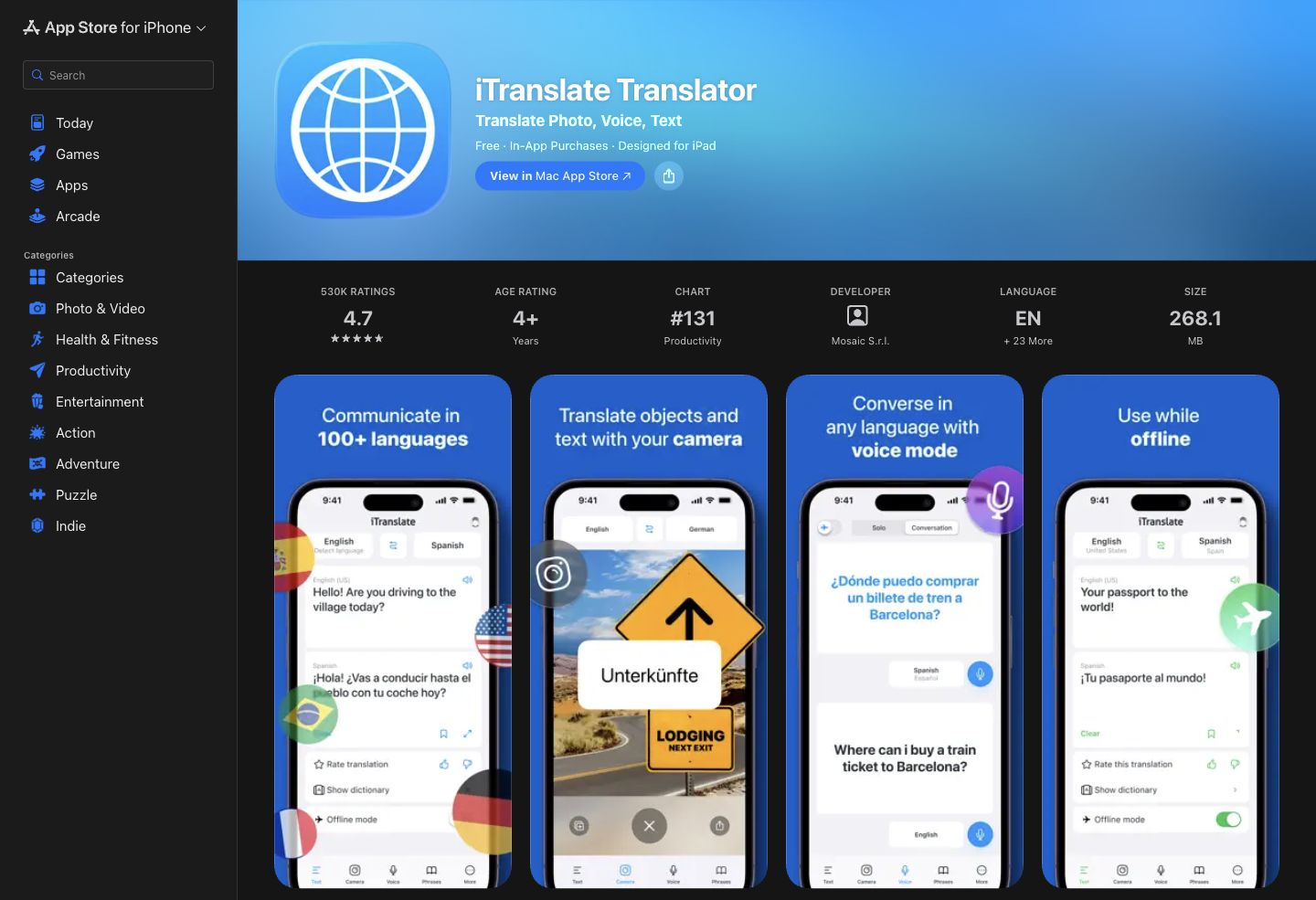
iTranslate Translator is the main Translator app, distinct from Voice and Converse. Its advantage is combining text, camera and voice options with phrase collections. Its language list includes Japanese.
The limitation is that paid features, language pairs and offline modes must be checked separately. The offline page advertises different text and voice sets. Test the exact Japanese–English mode before relying on a generic offline label.
US monthly, yearly and weekly offers coexist. A trial can renew into the selected subscription. The current support guide also retires account creation and cross-platform accounts, so do not rely on an old shared-account purchase workflow.
Check older recommendations before relying on them
Earlier versions of this guide included Jisho and SayHi. They are outside this comparison because we could not complete the current access and product checks for them. That does not establish that either service has closed. Before relying on an older recommendation, confirm the developer, current availability and the features you need on your device.
Accuracy tips for Japanese-to-English translation
Add the missing subject
“確認しました” can leave the actor unstated. In a meeting record, identify who checked what: for example, “Tanaka checked the delivery date.” Add the actor and object to the source or your review notes when the surrounding conversation supplies them. Do not let a translator guess a person or an approval that was never stated.
Watch keigo
Keigo is language that expresses politeness and social relationships. Tell a reviewer whether the message is for a customer, a colleague or a friend. A natural English translation may need a courteous request rather than a literal rendering of every honorific. Check both the intended action and the relationship.
Confirm names, titles and departments
Keep an agreed spelling list for people, companies, departments and products. A kanji name can have more than one reading. Ask its owner rather than treating a dictionary result or synthesized voice as definitive. Use the tool’s glossary where the selected product and plan support it.
Inspect camera recognition
OCR mistakes happen before translation. Compare the extracted Japanese with the photograph, especially for vertical text, stylized signs, low light and similar characters. For a name or date, magnify the source and confirm it directly. Keep the original alongside any English explanation.
Use back translation as a clue
Translating the result back can reveal an unexpected meaning. It can also reproduce the same mistake, so a smooth round trip is not proof of accuracy. Ask whether the two versions identify the same actor, action, quantity and deadline. These are review suggestions, not measured results from the apps in this article.
Use human review for consequential content
Have a qualified translator or responsible domain reviewer approve wording that affects contracts, medical care or safety. Provide the original text, intended audience and terminology. A machine draft or word definition can help preparation; it does not establish approval of the final message.
A practical team pilot
Use a short, non-sensitive sample with Japanese and English speakers. Include names, numbers, a question and an unfinished decision. Check recognition first, translation second, and saved records last. Repeat in the remote-call or room setup the team actually uses.
Agree in advance who checks the record and which material requires human review. Compare actual costs, language directions, retention and sharing permissions before committing. Keep a separate travel fallback: downloaded resources plus readable addresses and essential phrases.