
In this article
Choose the output first. VoicePing is a fit for translated business meetings with records on paid plans. Google Translate, Microsoft Translator, Apple Translate and Papago cover short phone-based exchanges. DeepL Translator handles written drafts; DeepL Voice handles speech and meeting translation.
The seven profiles below explain those differences individually. VoicePing publishes this guide; the numbers are an order of presentation, not measured accuracy rankings.
Quick recommendations
For an English meeting, check that both local and remote speakers reach the translation and that your plan saves the record you need. For travel, check the exact offline mode on your phone before departure. For a document, check terminology, formatting and the intended variety of written English.
An app that translates one sentence may be enough at a ticket counter. A project meeting needs a reliable path from speech to captions and reviewed notes. Those are different buying decisions even when both products list English.
Changes that affect the choice
Microsoft Translator’s current iOS listing says multi-device conversations have retired. DeepL’s document and voice products have different plans and licensing. Papago’s updated offline help now includes voice translation, subject to language and device limits. Each change is explained with its source in the relevant profile.
How to evaluate a tool
Start a trial with the same short sample: a speaker introduction, one technical term, a deadline and a quantity. Check what was recognized, what was translated and what can be saved or shared. This is a suggested evaluation procedure; we have not run a controlled speech-accuracy benchmark for this article.
Check the direction as well: English speech translated into Japanese and Japanese speech translated into English use different input settings. Confirm captions, spoken playback and offline access separately. For workplace use, check the relevant plan’s retention and administration terms before uploading internal material.
Seven tools: prices and practical limits
Checked September 17, 2026. DeepL prices below use the public United States selector with monthly billing. They are not annual-price equivalents. Local currency, availability and applicable taxes may differ; confirm the checkout total. Free app prices exclude your device and connectivity costs.
| Service and plan | Price and billing | What to check |
|---|---|---|
| 1. VoicePing — Free / Individual | Free; Individual US$31.50/month, billed monthly, tax included, one account | Free: 90 minutes/month, no saved notes, audio or file transcription. This Individual tier includes 450 minutes/month. |
| 2. Google Translate | Free consumer app | Offline text and offline live speech have different device and language requirements. |
| 3. Microsoft Translator | Free consumer app | Text, speech and images. Multi-device conversations have retired in the current iOS listing. |
| 4. DeepL Translator — Free / Individual | Free; Individual US$10.49/user/month, monthly billing | Free: 50,000 characters and 1 file/user/month. Individual: 300,000 characters and 3 files/user/month. |
| 5. DeepL Voice — Starter | US$13/user/month, monthly billing; 14-day trial | 300 minutes/user/month. Online translated-audio listeners each need eligible access and the desktop app. |
| 6. Apple Translate | Free on supported Apple devices | Download supported languages for on-device use. Separate Live Translation features have their own requirements. |
| 7. Papago | Free consumer app | Offline text and voice cover a smaller language set; offline conversation mode is excluded. |
Sources: VoicePing plans , Google Translate , Microsoft Translator , DeepL plans , Apple Translate and Papago . VoicePing Individual renews monthly. DeepL also advertises a 30-day Translator trial; a trial is not continuing free access to the paid allowance.
Individual service guides
1. VoicePing: meetings with a record
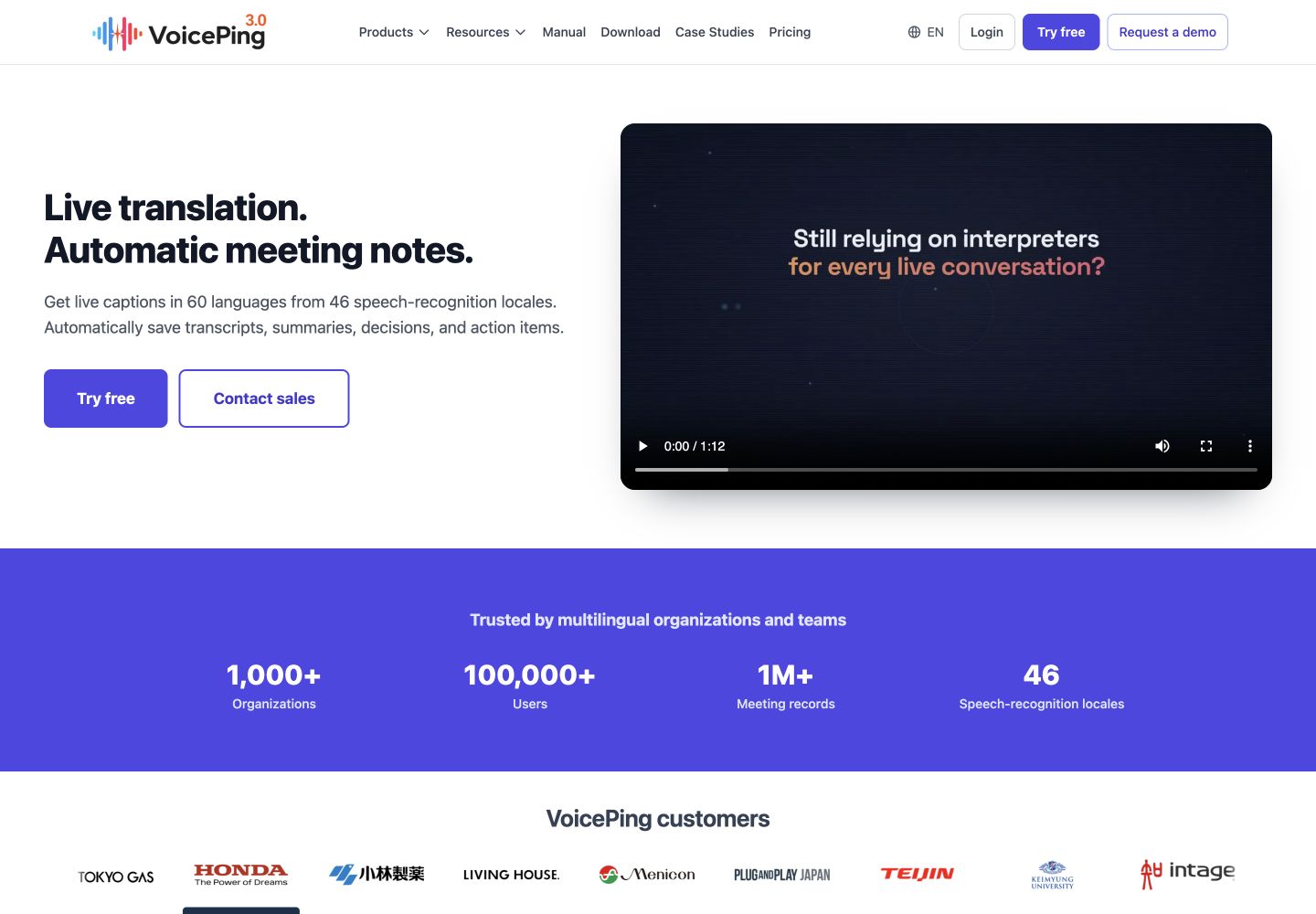
VoicePing suits an English project meeting when participants need live translation and a record for follow-up. Its advantage is combining that live display with saved meeting notes and audio on eligible paid plans. Its limitation is that Free excludes those saved outputs, even though it provides 90 live minutes per month.
Use the meeting-app setup guide to connect the audio, then set the spoken and translated languages. Confirm that a remote colleague appears in the transcript as well as your own microphone. After a paid-plan meeting, review names, decisions and action owners before sharing the record.
For an occasional sentence at a station, a phone conversation app requires less setup. For recurring meetings, evaluate the complete record and plan allowance , not only the live caption display.
2. Google Translate: short travel conversations
Google Translate is a useful free starting point for short exchanges, signs and phrases. Its advantage is having several translation modes in a familiar phone app. Its limitation is that a conversation display does not provide the same meeting-record workflow as a dedicated business tool.
In the current Android guide , open Live translate, select the languages and choose Conversation for turn-taking with spoken playback. Face to face gives each person a separate half of the display. iPhone controls can differ.
The guide limits offline live translation to selected Pixel models and supported pairs, including English–Spanish. Downloading an offline text pack does not establish that your phone can translate live speech offline. Test the required mode before travel.
3. Microsoft Translator: text, speech and images
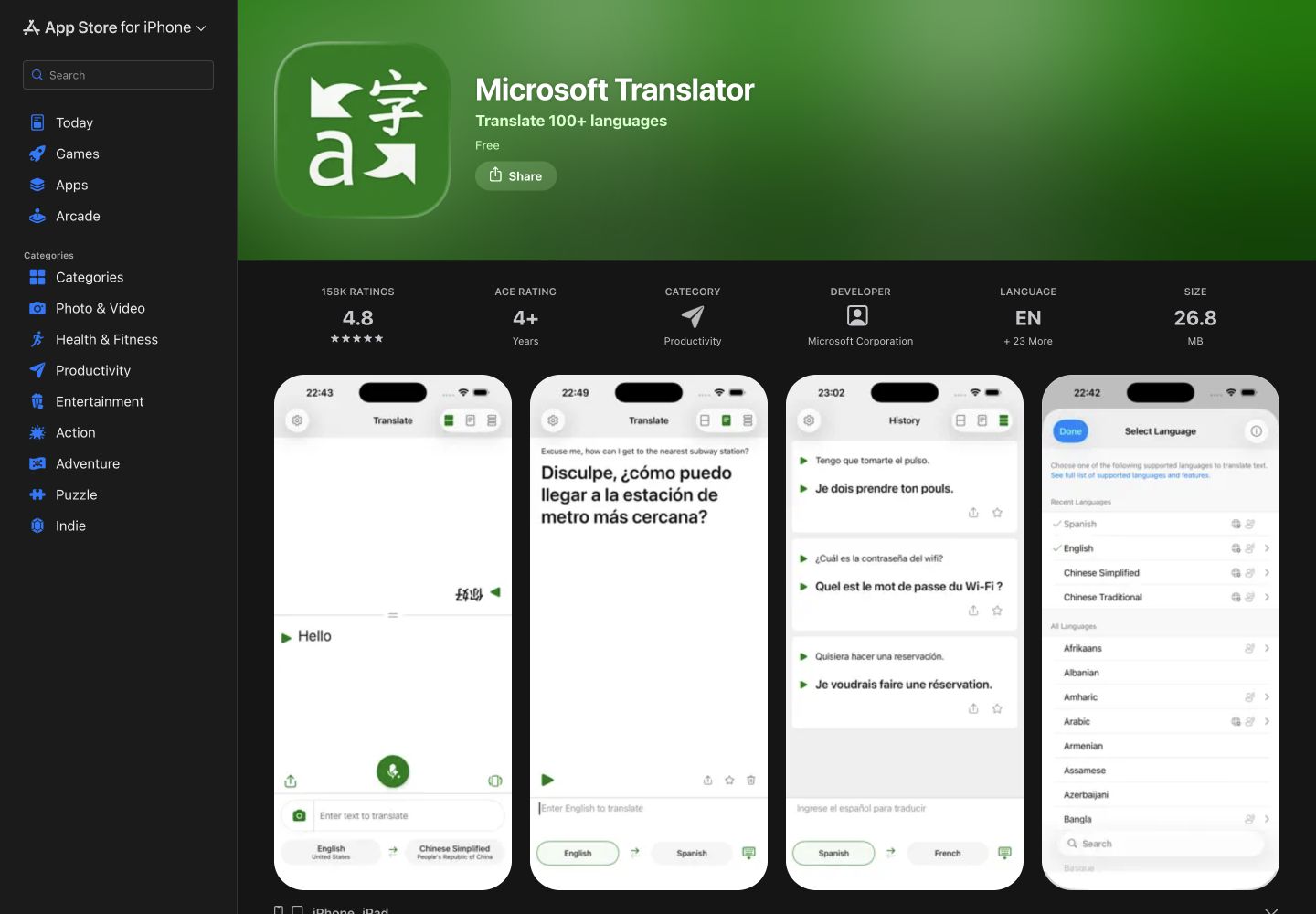
Microsoft Translator offers a free consumer app for short written and spoken exchanges. Its language matrix lists English support for text, speech, image translation and spoken output. That combination is useful when switching between a sign, a typed name and a spoken question.
Its main limitation in this comparison is important: the current iOS listing says multi-device conversations have retired. Old instructions for joining a group by code should not be used to plan a new meeting. The consumer app also does not establish access to Teams Premium captions or enterprise administration.
Choose the two languages, speak a short phrase and inspect the recognized text before sharing the translation. Type a proper name when recognition is unclear. Check the exact app version and mode rather than assuming feature parity across platforms.
4. DeepL Translator: written English and files
DeepL Translator is the document and text choice here. Its advantage is a workflow for reviewing translated wording and files, with glossary support under the applicable plan. Its limitation is that character, file and glossary allowances differ; it is not an unlimited meeting-translation subscription.
The monthly Individual plan lists 300,000 characters and three file translations per user per month. It includes one glossary with five entries per language pair. A terminology-heavy document may therefore require a different plan or additional review.
For English output, American and British variants are available for specified source-language pairs. Check the pair rather than assuming every source offers both variants. Review the translated document against the original layout, names and units. Paid Translator plans also list a small 30-minute monthly Voice allowance; sustained voice use has separate plans.
5. DeepL Voice: captions and translated speech
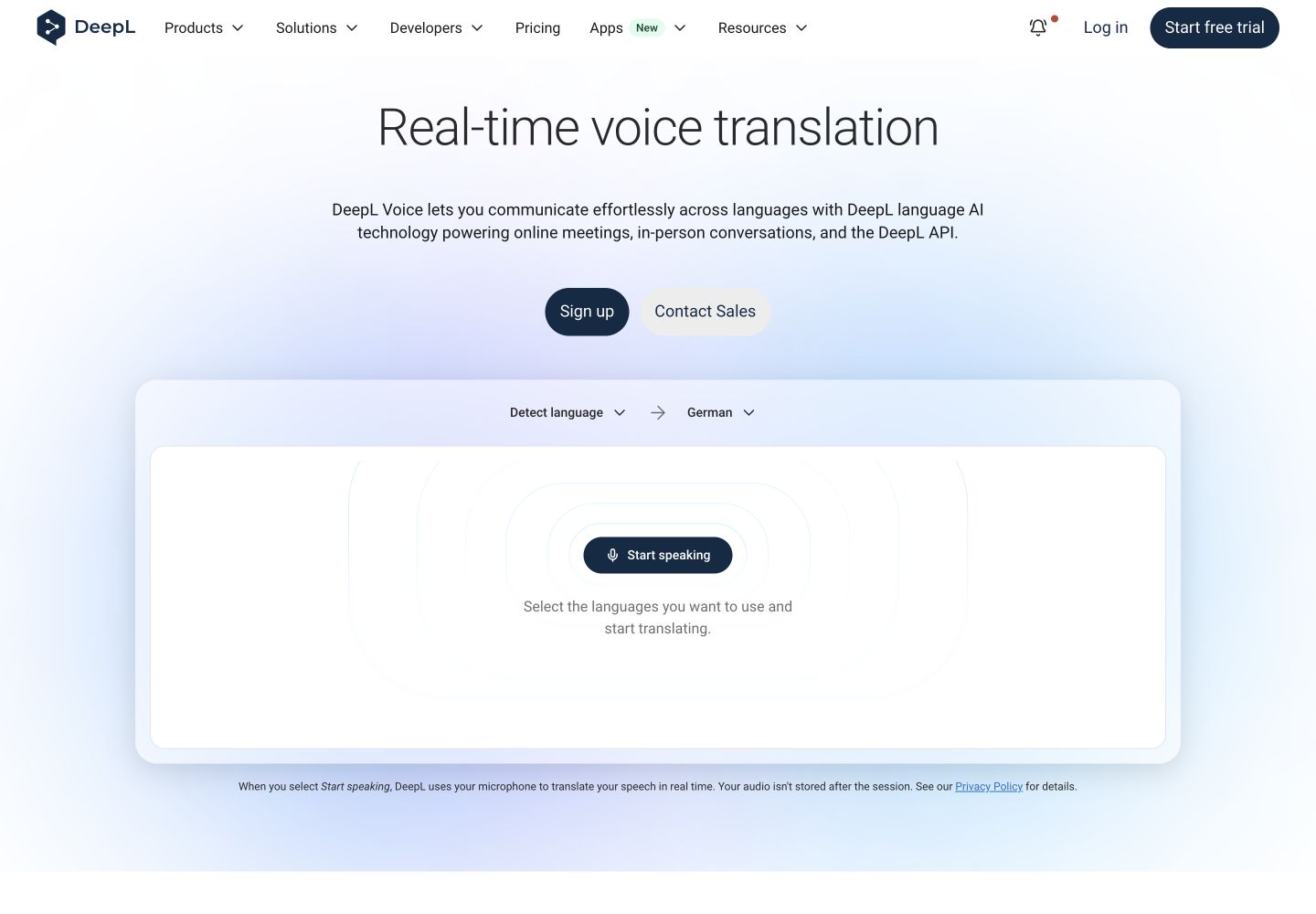
DeepL Voice covers online meetings and in-person speech. Its advantage is live captions and translated audio across the supported workflows. Its limitation is that caption access and translated-audio access have different licensing rules.
The license guide says online caption readers can join without a DeepL account or license when a licensed Translation Manager connects the meeting. Each person who wants translated audio needs the desktop app and an eligible Voice license. Audio usage is deducted from the Translation Manager’s included minutes.
Starter lists 300 minutes per user per month at US$13 on monthly billing. Before buying, decide whether participants will read captions or listen to audio, and price the necessary licenses accordingly. The language guide lists English speech input and American/British English caption and voice output; those output choices are not an accent-accuracy guarantee.
6. Apple Translate: an iPhone conversation
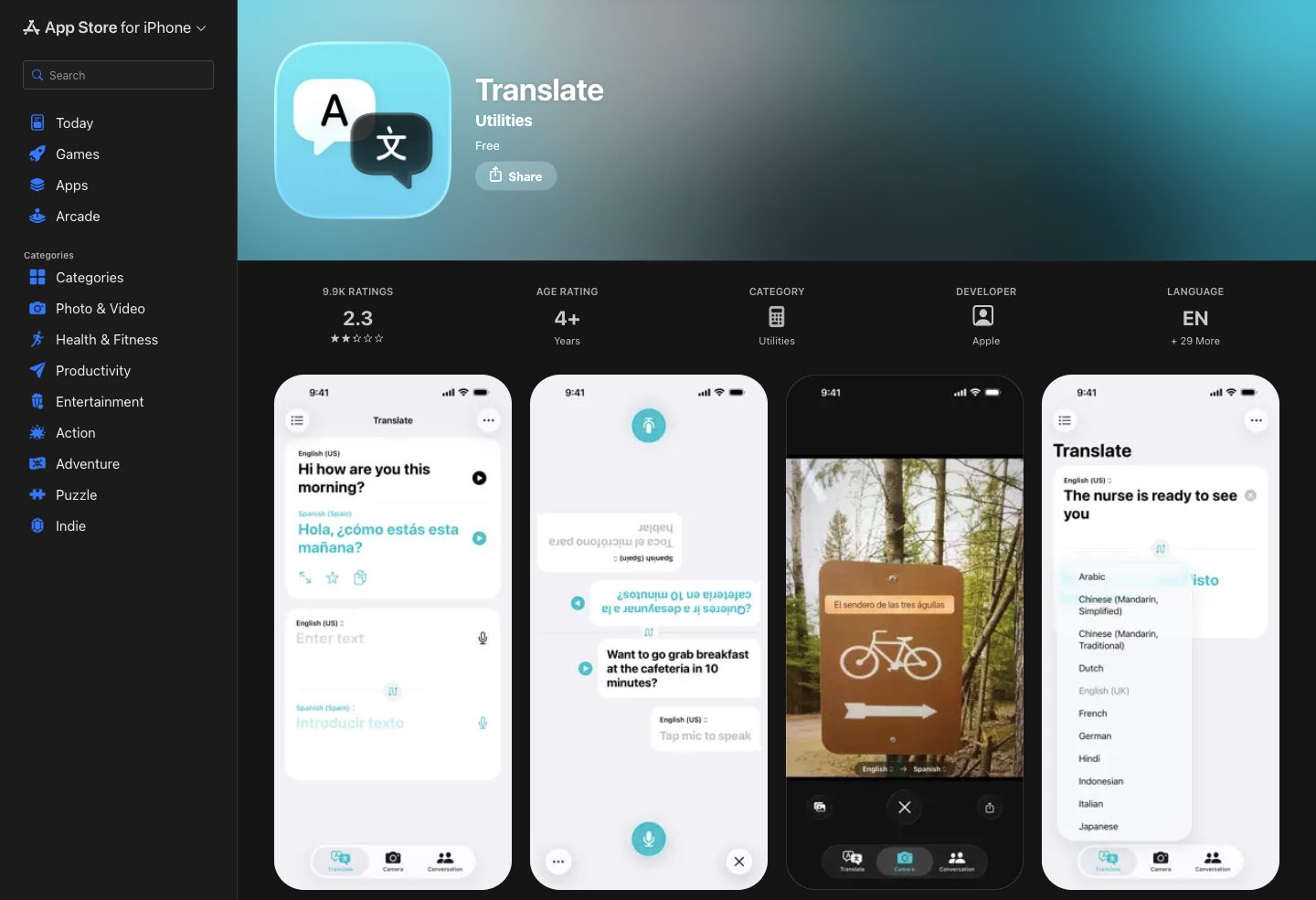
Apple Translate is a free option for supported Apple devices. Its advantage is a compact phrase and conversation workflow, with face-to-face viewing and downloaded languages for on-device use. Its limitation is that it is not a complete meeting-notes system, and language availability depends on the operating-system version.
The iPhone guide explains selecting the two languages, speaking or typing a phrase, and playing the result. Touch and hold the playback button to choose a speed. Download the supported languages beforehand when offline use matters.
Basic Translate app functions and separate Live Translation experiences in calls or with AirPods should be checked independently. Do not assume that access to one confirms every device and language requirement for the other.
7. Papago: English with Asian-language travel
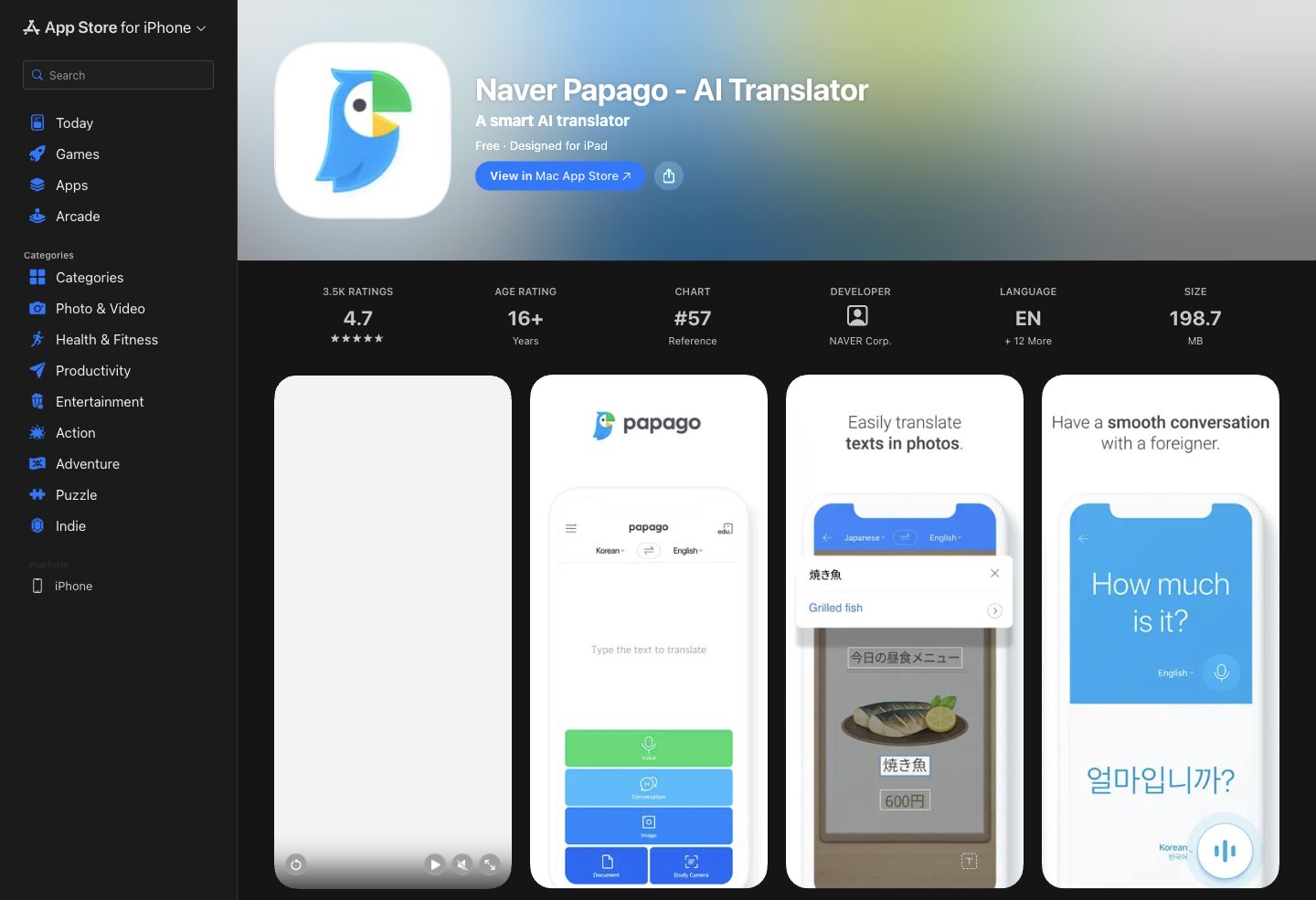
Papago combines English text, voice, image and conversation modes in a free consumer app. Its advantage for travel is moving between a spoken question and a photographed sign. Its limitation is that offline operation covers fewer languages and features than its online app.
NAVER’s current offline help supports text and voice among English, Korean, Japanese and Simplified Chinese. Android voice translation requires Android 14 or later, at least 4 GB RAM and an additional voice pack; iOS text and voice require at least 4 GB RAM. Download the appropriate packs before losing connectivity.
Offline voice input does not mean offline conversation mode or spoken playback. NAVER excludes conversation, image, website and document translation, along with pronunciation playback, from offline use. For example, you may be able to speak an English question and read its translated text while still needing a connection for the fuller conversation experience.
When the workflow needs something else
Translation inside a meeting platform
If everyone already uses the same conferencing platform, compare its native translated captions with a separate translation app. Check organizer licensing, participant access and whether the feature produces text or spoken interpretation. Our English–Spanish guide explains the current Teams Premium caption requirements.
Recorded video and subtitles
A finished video needs source-transcript editing, subtitle timing and an export that retains the intended quality. Live captions alone do not complete that job. Use the video transcription and translation comparison to evaluate that workflow separately.
Shared translation hardware
A dedicated device can suit a shared reception desk or tour team. Evaluate who maintains it, the network and data-plan requirements, supported language pairs and whether staff can retrieve the required record. See the hardware section in the voice translation comparison .
Professional translation and interpreting
A qualified reviewer adds value when the wording needs professional judgment or formal acceptance. Decide who owns that review before translating a consequential document or conversation. The app can provide a draft, but its output alone does not establish an approved final version.
English-specific checks
Choose the intended register
A support reply, a technical specification and a casual conversation need different wording. Give the reviewer the audience and purpose. A fluent sentence can still be too informal, too indirect or wrong about the intended action.
Check accents through the recognized text
Scottish English, Indian English and other varieties can expose differences in speech recognition. None of the sources used here establishes that all seven products recognize every accent equally well. A supported English locale or a British output voice is not such evidence.
Test a short sample from the people who will actually speak. Inspect the English source transcript first: if “thirteen” became “thirty,” the translation is working from the wrong number. Reduce background noise, avoid overlapping speech and repeat important terms in writing. Compare the effort required to correct the result, not only how fluent the translated sentence sounds.
Separate input recognition from output variety
When English is spoken, the input setting controls recognition. When English is the translation, a US or UK choice controls the output variety where supported. DeepL explicitly distinguishes these in its language documentation; Apple also lists US and UK English. Neither distinction promises accurate recognition of every regional speaker.
Confirm names, numbers and acronyms
Write critical details in the shared chat or document and have the other person confirm them. For example, “September 25, 3 p.m. London time” is clearer than an ambiguous numeric date and “this afternoon.” State a currency and unit beside each amount. This is an illustrative writing example, not a product-test result.
Put the tools into a complete workflow
Business meetings
For VoicePing or another meeting tool, prepare names and terms, check both sides of the audio, then review the saved record against the actual decisions. Confirm that the chosen plan includes the output you expect to keep.
Travel
Save addresses and important phrases before departure. Download the supported packs and test the required mode with connectivity disabled. Keep a readable written version available if speech input or playback is unavailable.
Documents
Translate a representative page first. Review terminology, units, layout and the requested English variety before processing the rest. Assign a person to approve the final wording.
Events
Test the venue audio and attendee access from the audience area. Include a person responsible for correcting names and communicating any interruption. For event-specific products and audience licensing, use the event translation comparison .
FAQ
What is the best English voice translation tool?
Are free English voice translation apps enough for business?
Can apps translate English accents accurately?
Should I use a translation device instead of an app?
When do I need a human translator?
Related guides
- Voice translation apps and hardware
- Automatic meeting transcription tools
- Japanese–English translation apps
- Korean–English translation apps
- English–Spanish translation tools
Sources and scope
This comparison uses the official product pages, prices and support documentation linked beside the relevant claims. Public pages and their desktop/mobile presentation were inspected on September 17, 2026. We did not run paid-account accuracy tests or establish a comparative ranking. Check the live plan and language requirements before purchasing.