In this article
Match the tool to the conversation. For translated meetings and a saved record, consider VoicePing. For a short exchange on a phone, start with Google Translate or Microsoft Translator. Teams offers translated captions within licensed meetings; Flixier handles a recorded video after the conversation.
These five choices solve different tasks, and their free access differs. VoicePing publishes this guide. Listing order is not a measured accuracy ranking.
Choose live speech, captions or a finished video
A colleague reading Spanish captions during an English presentation needs a different output from a visitor asking directions or an editor subtitling a training video. Decide whether you need spoken playback, readable captions, saved meeting notes or an exported video before comparing language counts.
For a meeting, also check which audio the tool receives. A translation of your microphone alone is incomplete when the remote speakers are missing. For a video, check the exported result, including its subtitles, resolution and watermark.
Five tools and their free-plan limits
Prices and conditions checked September 17, 2026. US-dollar figures are listed reference prices; availability and checkout currency can vary by market.
| Service and plan | Price and billing | What to check |
|---|---|---|
| 1. VoicePing — Free / Individual | Free; Individual from US$31.50/month, billed monthly, tax included, one account | Free: 90 minutes/month, without saved minutes, audio or file transcription. Individual: 450 minutes/month at this tier, with paid recording features. |
| 2. Google Translate | Free consumer app | Phone conversations and text. Offline live speech has narrower device support than offline text. |
| 3. Microsoft Translator | Free consumer app | Text, speech and image translation. The current iOS listing says multi-device conversations have retired. |
| 4. Teams — Premium captions | US$10/user/month equivalent, paid yearly, plus a separate paid Teams license | Annual subscription renews automatically. Eligible organizer licensing enables translated captions for participants. Confirm tax at checkout. |
| 5. Flixier — Free / Starter | Free; Starter US$19/seat/month on monthly billing, according to its plan guide | Free: 10 subtitle-translation minutes/month, 5 auto-subtitle minutes, 10 video-export minutes, 720p and a watermark. Confirm local price and tax at checkout. |
Sources: VoicePing plans , Google’s free app listing , Microsoft’s free app listing , Teams Premium pricing , Flixier’s current feature table and Flixier’s US-dollar plan guide .
VoicePing Individual renews monthly. Teams Premium’s one-month trial requires a payment card and becomes a paid annual subscription unless cancelled. Neither a free trial nor a free account should be confused with a continuing entitlement to every translation feature.
1. VoicePing: live meetings and saved records
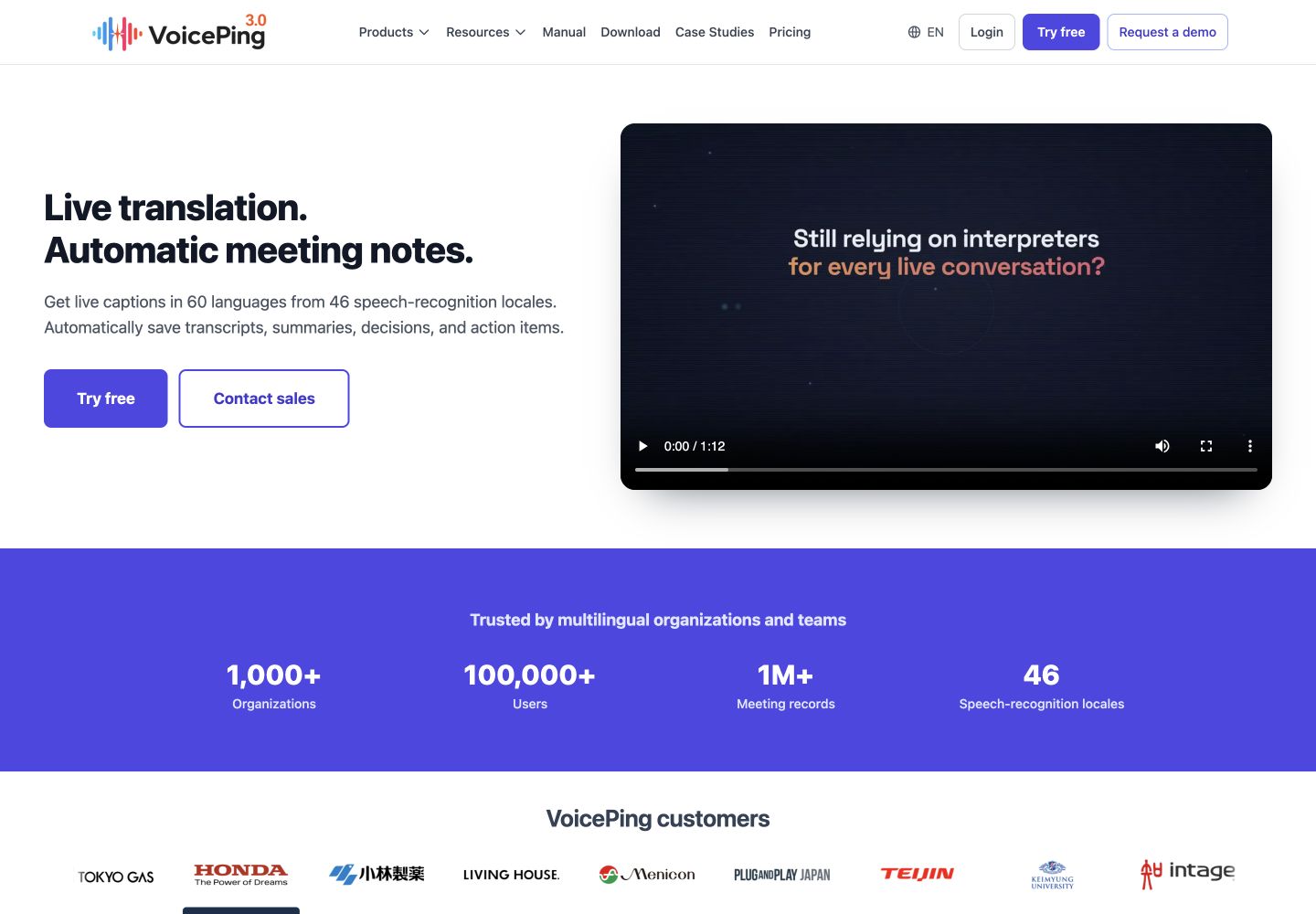
VoicePing fits an English–Spanish meeting when people need to follow speech as text and review the discussion afterward. Its advantage is connecting live translation with meeting records on eligible plans. Its limitation is that the free allowance does not include saved minutes, audio data or file transcription; those require a paid plan .
For an online meeting, use the official meeting-app setup : join the call, open VoicePing, select the spoken language and translated display language, and check that local and remote audio both reach the transcript. Confirm the required output during a short practice call before using it for a customer meeting.
This is the relevant choice when a decision and its action owner must survive beyond the live caption display. Check the saved record and correct names and quantities before sharing it.
2. Google Translate: a conversation on your phone
Google Translate is a practical free starting point for a face-to-face exchange. Its advantage is a phone-based workflow with translated text and spoken playback. Its limitation is that the available modes depend on the device and app version; a consumer conversation view is not a complete meeting-record system.
Google’s current Android Live translate guide includes English and Spanish:
- Update and open Google Translate, then choose Live translate.
- Select English and Spanish, and choose Conversation for turn-taking with spoken playback.
- Use Face to face when each person needs a separate half of the screen.
- Pause and check a name or number when the recognized text differs from what was said.
Offline text downloads do not establish offline speech support. The same guide limits offline live translation to selected Pixel models and lists English–Spanish as a supported pair. Check your exact device before relying on that mode during travel. iPhone controls can differ from the Android procedure above.
3. Microsoft Translator: short spoken and written exchanges
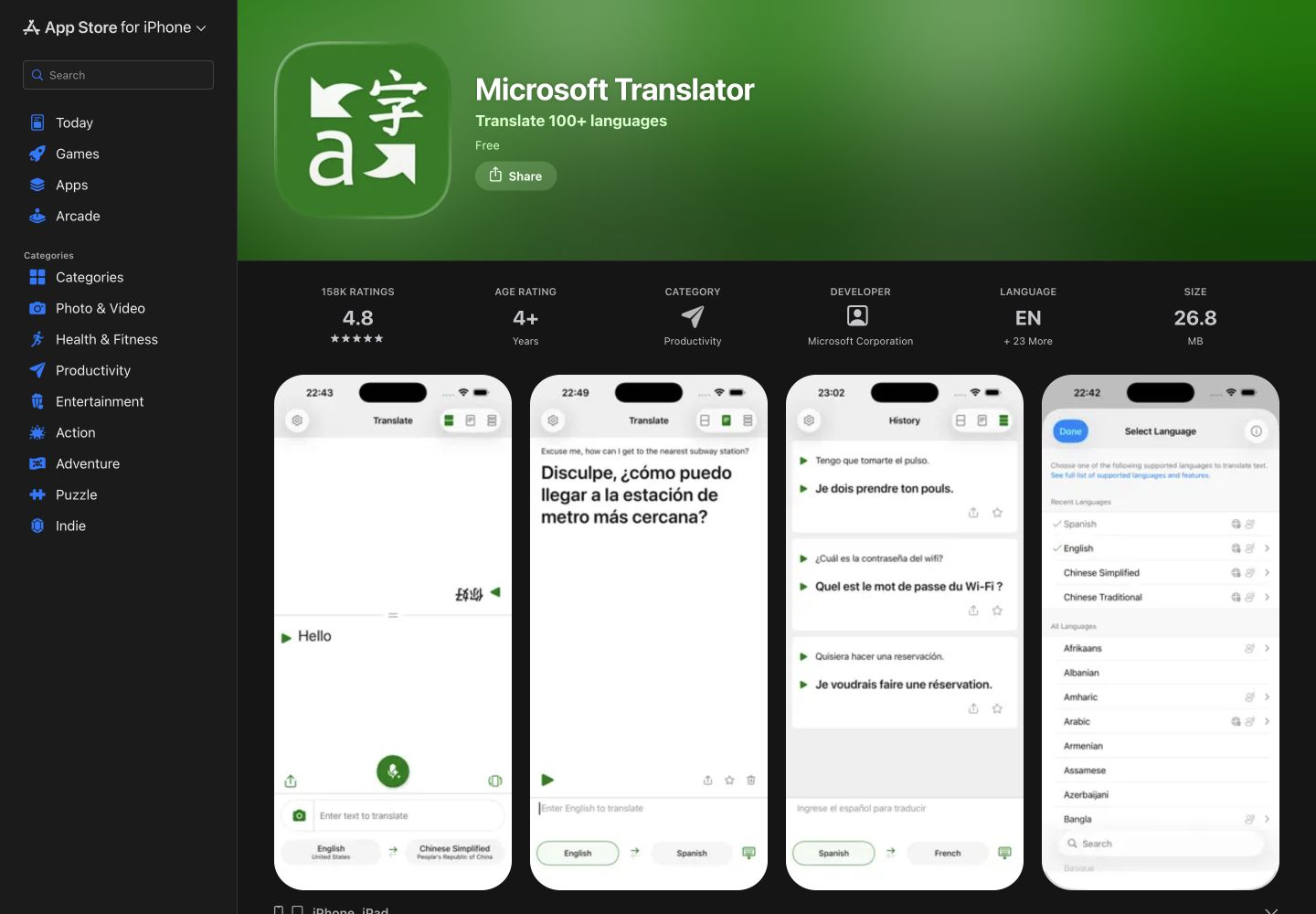
Microsoft Translator offers free text, speech and image translation. Its language matrix lists English and Spanish for all four columns: text, speech, image and spoken output.
Its advantage is handling a short spoken exchange or a written phrase in one consumer app. Its limitation matters for group meetings: the current iOS listing explicitly says the multi-device conversation feature has retired. Do not build a new multi-phone meeting around old join-code instructions.
Select English and Spanish, speak a short phrase into the microphone, then read the recognized text and translation before playing it to the other person. Use text entry to resolve a misheard name.
The earlier version of this article recommended Group Transcribe. Microsoft’s Garage project page marks that experiment complete and directs users to Translator. This does not mean every former Group Transcribe feature remains available in today’s app.
4. Microsoft Teams: captions in a licensed meeting
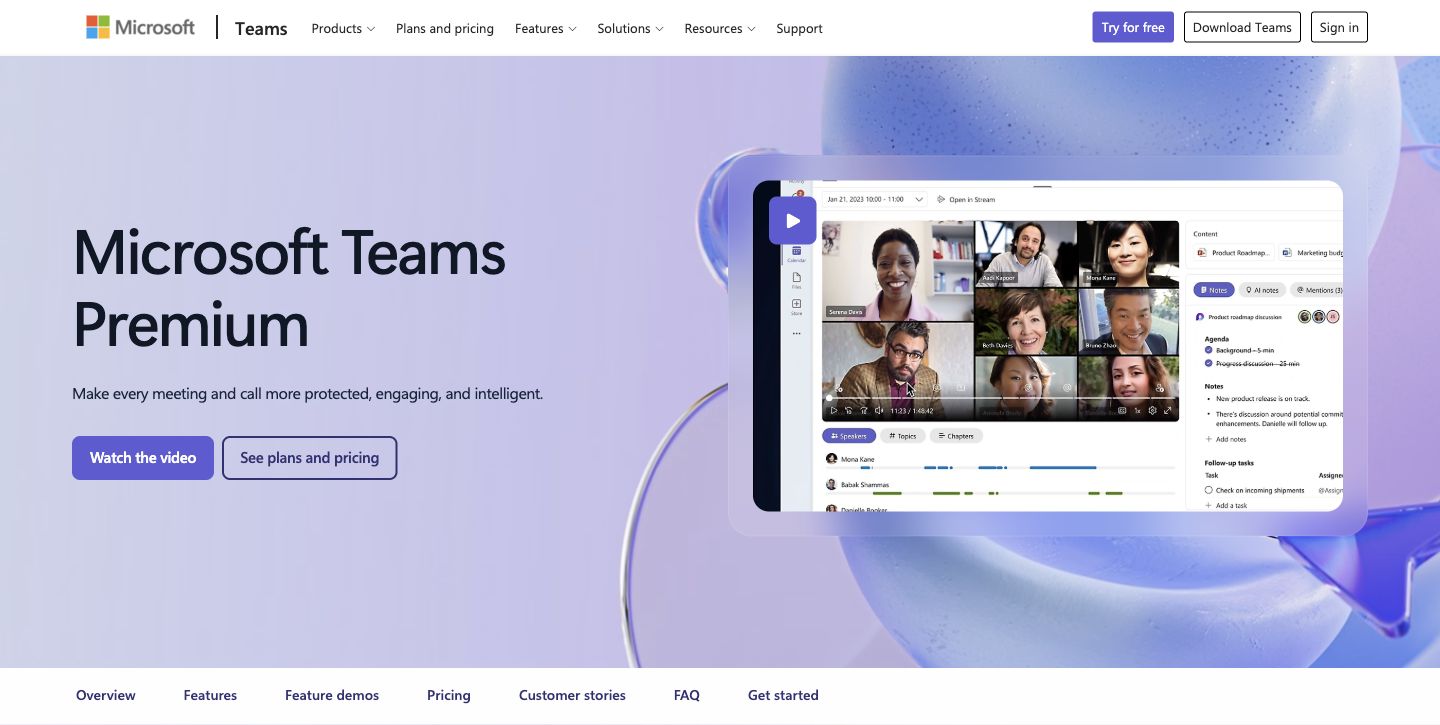
Teams Premium is relevant when your organization already meets in Teams. Its advantage is translated captions inside the existing call. Its limitation is licensing: this is a paid feature, with a separate Teams license required. It is not enabled merely by installing the free Microsoft Translator app.
The Teams captions guide says eligible Teams Premium or Microsoft 365 Copilot licensing is required. If the organizer has the qualifying license, all participants can use translated captions. If only an attendee has it, access is limited to that licensed attendee.
Turn on live captions, open their language settings, set the spoken language correctly and choose the translation language under Translate to. The guide lists Spanish from Mexico and Spain among its speech settings. Choose the matching setting where available, then check names and numbers.
These are translated captions. Spoken interpretation is a separate Teams feature and should not be assumed from a caption entitlement.
5. Flixier: translate a recorded video
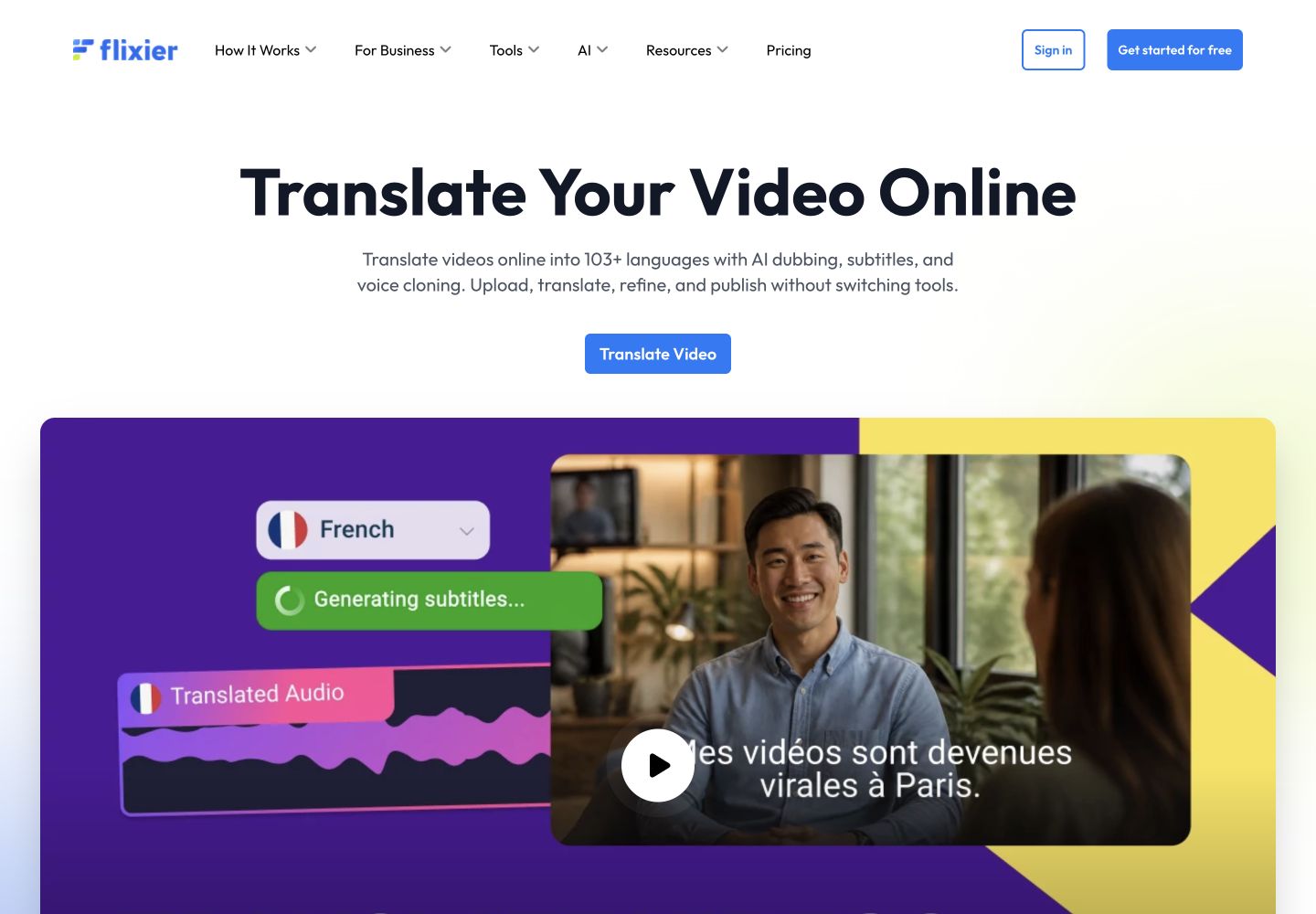
Flixier’s video translator suits an English training recording that needs Spanish subtitles, or the reverse. Its advantage is keeping transcript corrections, translated subtitles and video editing in one timeline. Its limitation is that this is a post-production workflow, not interpretation for a live call.
Upload the permitted recording, generate its source transcript, correct it, translate the subtitles and review their timing before export. Correcting the source first helps you avoid carrying a misheard name into the translated version.
The pricing table separates automatic subtitle generation, subtitle translation and video export. Free includes 5, 10 and 10 minutes per month respectively, with watermarked 720p video. A five-minute recording therefore fits the listed time allowances for one transcription and translation pass, but you must still check the actual export settings.
Starter removes the watermark and allows 1080p, yet its listed subtitle-translation allowance remains 10 minutes per seat per month. Creator lists 500 translation minutes per seat; Business lists unlimited subtitle translation. Do not mistake Starter’s 120 auto-subtitle minutes for 120 translation minutes. AI dubbing and other generated audio use separate feature or credit conditions; this guide does not describe them as unlimited free services.
Why Skype Translator is no longer listed
Microsoft retired consumer Skype on May 5, 2025 . The old recommendation is no longer a practical starting point. Moving a conversation to Teams does not automatically provide its paid translated-caption features.
Make English–Spanish translation easier to check
Prepare names and technical terms
Write product names, abbreviations and the intended meaning of specialist terms in the meeting agenda. Use a shared glossary for recurring discussions. Check what the speech recognizer heard before deciding that the translation itself is wrong.
Leave room for confirmation
Use short turns and let the other person respond. For a deadline or quantity, ask them to repeat the agreed value and put it in the chat. A plausible translated sentence is not proof that both people agreed to the same action.
Keep the instruction specific
For example, replace “Can you get this over the line soon?” with “Please send the revised file by Friday, September 25, at 3 p.m. Mexico City time.” This is a writing example, not a recorded product test. State the currency and unit beside every important number, and use a written month name when a numeric date could be ambiguous.
Use gestures as a supplement
A shared image or pointing to an object can help explain context. Confirm the meaning in words too; a nod or gesture alone should not establish approval, a quantity or a deadline.
Choose the smallest workflow that completes the task
Start with the output you need, then test the whole path from speech to the final record or export. Compare correction effort, missing speakers and plan restrictions using the same short sample. The right free tool for a phone exchange may not cover a recorded customer meeting or a publishable training video.
This comparison uses current official documentation and inspected public product pages. It does not report a controlled accuracy test or repeat unverified customer ratings.