In this article
The finished dub says “twenty samples.” The approved lesson says “twelve.” Before buying a dubbing service, ask the vendor to repair that error in the workflow it is quoting—and return the corrected lesson.
The editing stage matters more than a polished first demo. Pre-generation proofreading, an editable dub project and an enterprise API offer different recovery paths. A corrected subtitle alone still leaves the wrong quantity in the audio.
Compare four services below. ElevenLabs has three distinct workflows, so the quick comparison contains six rows. VoicePing publishes this guide; listing numbers identify services, not measured performance rankings.
Which workflow can repair the dub?
| Workflow | Correction route and purchase condition |
|---|---|
| 1. VoicePing File Transcribe | Transcripts, subtitles and dubbed video. Ask for a demonstration of correcting a finished dub and regenerating its media. |
| 2. ElevenLabs — web v2 | Automatic dubbing without in-app content editing. A v2 dub cannot become a legacy Studio project. |
| 2. ElevenLabs — legacy Studio | Editable v1 projects with clip regeneration; the product is in maintenance mode. |
| 2. ElevenLabs — Enterprise API | Source/target edits and audio regeneration. Requires Enterprise and an engineering integration. |
| 3. HeyGen Video Translation | Proofreader before final generation, on all paid plans. A completed translation needs a new translation workflow to repair speech. |
| 4. Synthesia AI Dubbing | Enterprise transcript editing before or after dubbing. Target-language edits affect only that version. |
The service profiles link to the documentation for each correction route. Eligibility and charging conditions were checked September 17, 2026.
Four services and their correction workflows
1. VoicePing File Transcribe
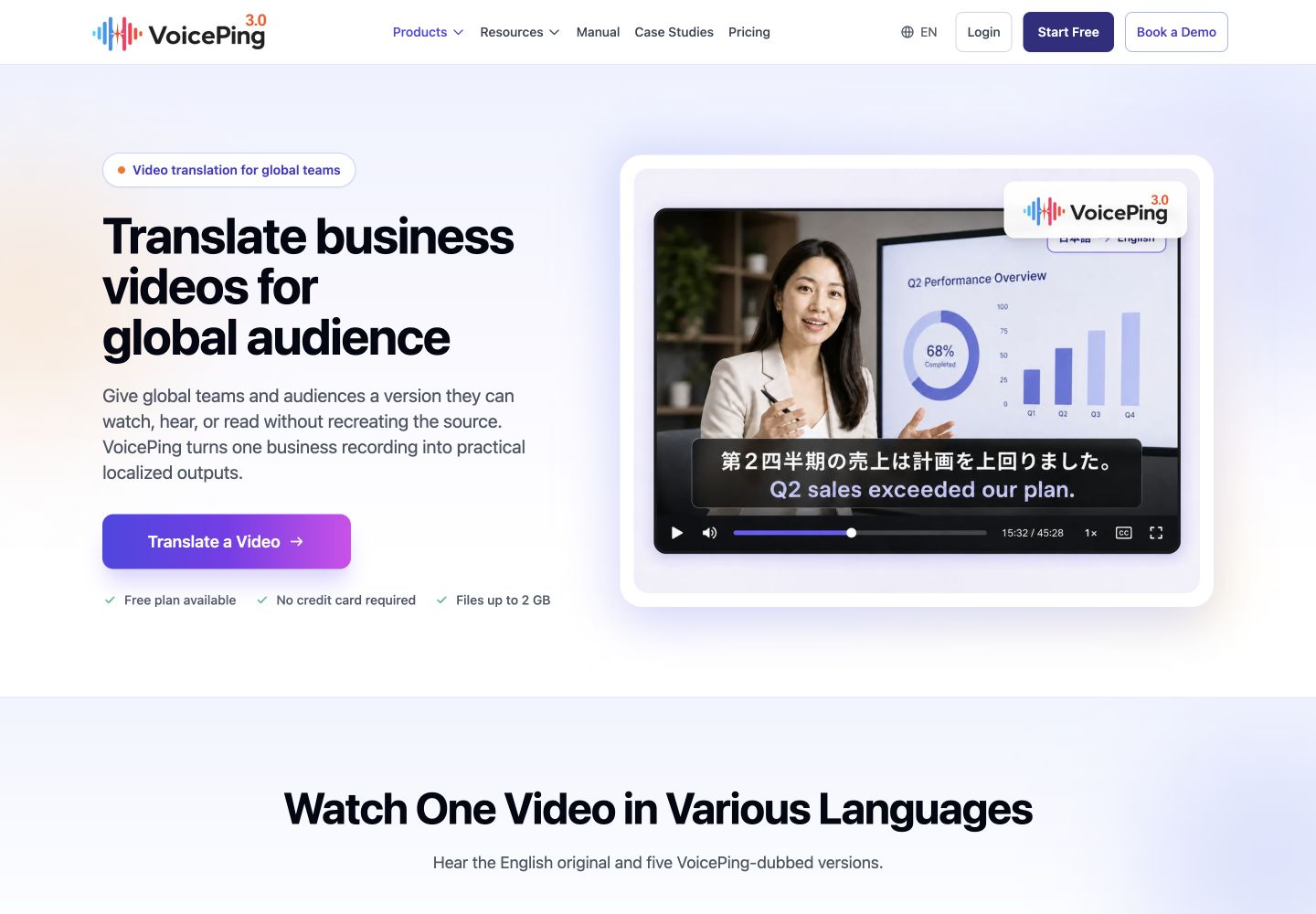
VoicePing File Transcribe suits teams that need a recording’s transcript, summary, subtitles and translated voice-over together. Its file-processing manual documents choosing the target language and enabling dubbed or subtitled video before submission, then reviewing the completed job and Meeting Log.
- Strength: One upload can produce several useful training materials, including downloadable SRT and ASS subtitles.
- Limit: The manual does not establish an edit-a-segment → regenerate-media workflow for a finished dub. Confirm that capability and its charge in a demonstration; editing transcript text alone is insufficient evidence.
For the “twelve samples” test, request the corrected downloadable video and subtitle files, then replay the sentence in both outputs.
2. ElevenLabs Dubbing
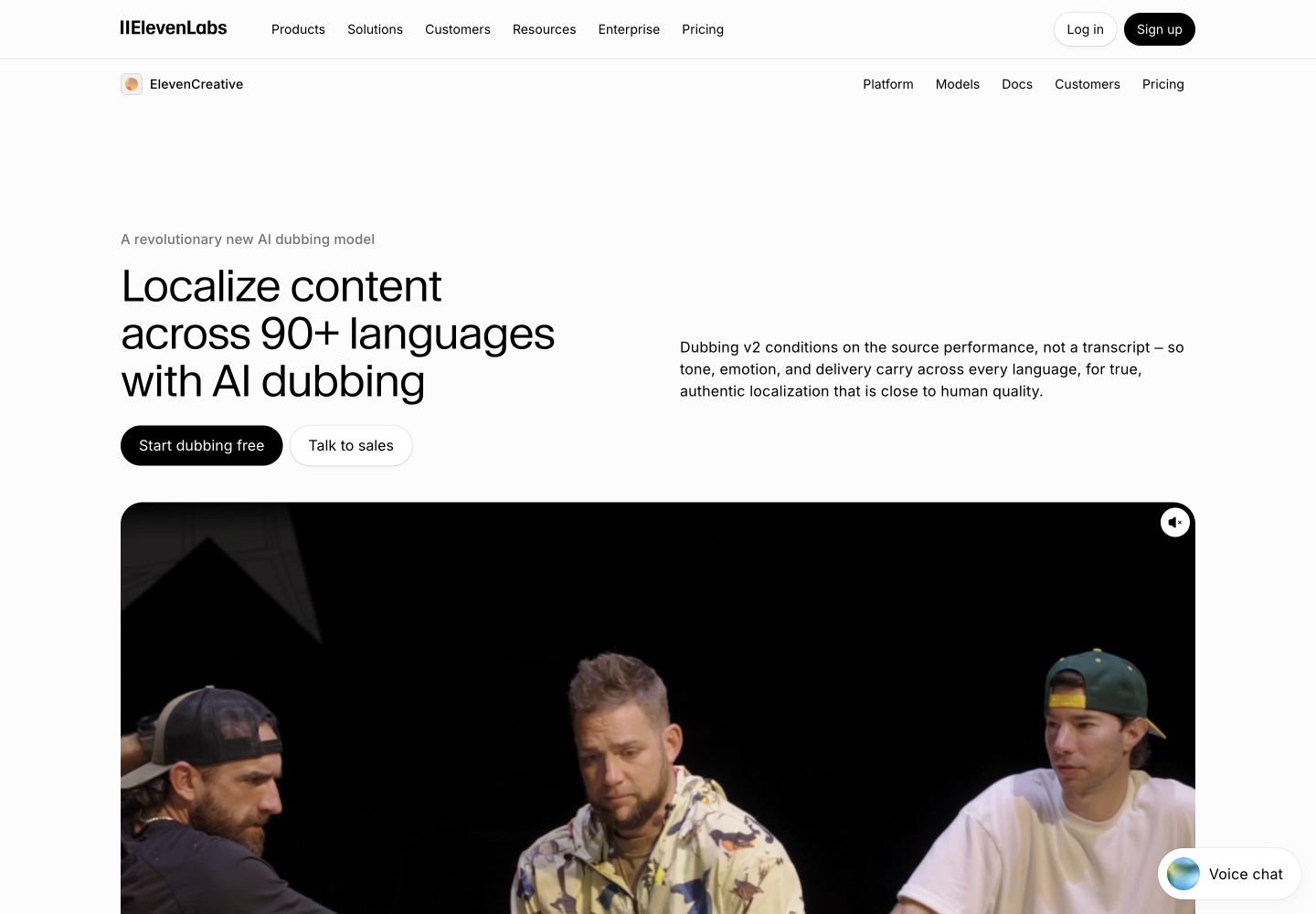
ElevenLabs Dubbing needs a workflow-specific quote. Its documentation separates automatic web v2, editable legacy v1 Studio projects, and Enterprise API editing. Studio receives critical fixes only; v2 has no in-app content editor and returns a single lossless audio file.
- Strength: Legacy Studio supports clip corrections; the Enterprise API offers source/target edits and regeneration for a custom correction pipeline.
- Limit: You cannot convert an automatic v2 dub into a Studio project. An audio export may also need separate video assembly and subtitle handling.
For the API, a text edit can leave old audio in place. Regenerate and confirm that output_revision equals revision before downloading. The refinement guide
also states that regeneration is charged like generation.
3. HeyGen Video Translation
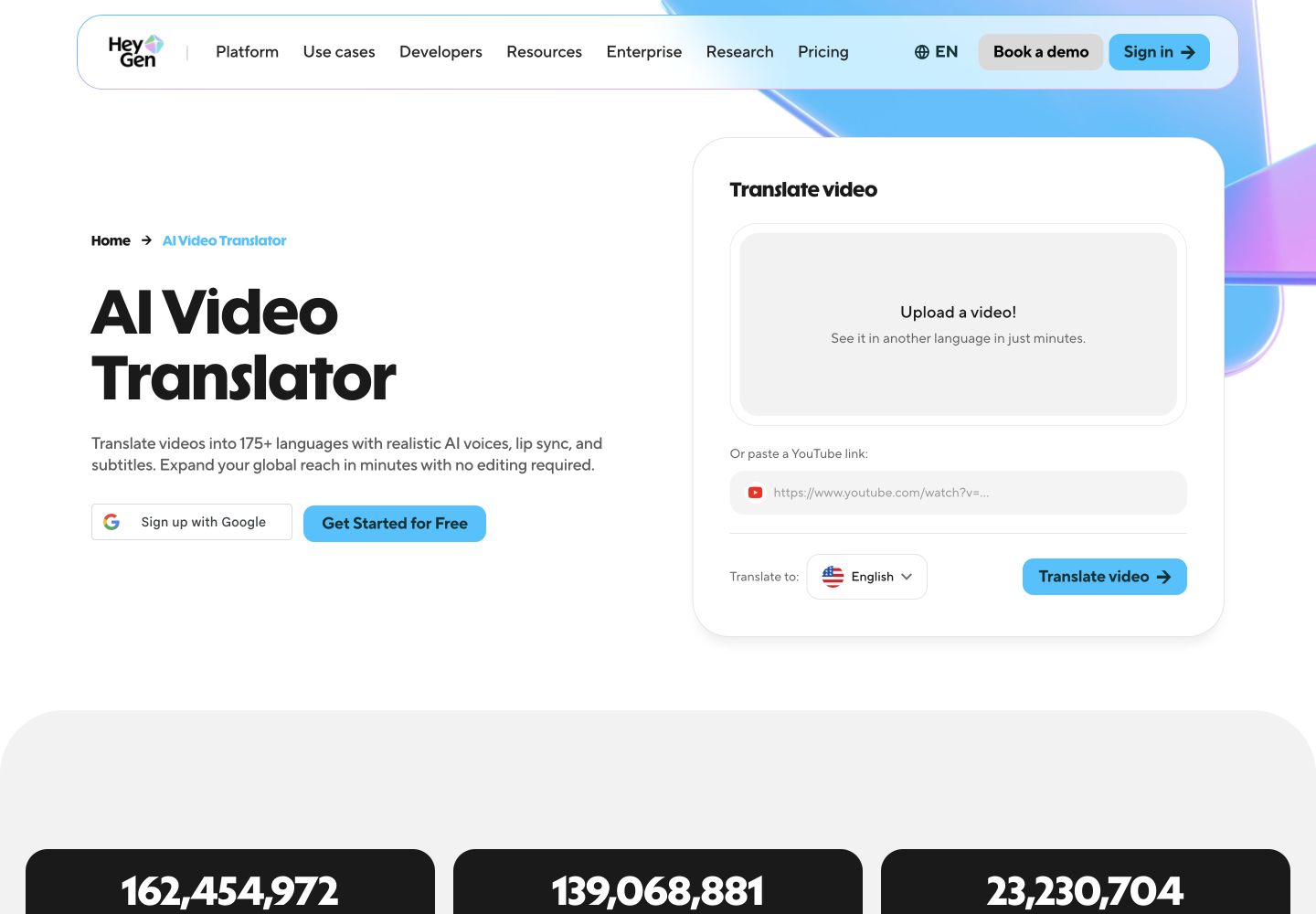
HeyGen Video Translation fits a review-before-release process. Select Review and Edit to inspect the translated script before generating the final video. The current help guide lists Proofreader on all paid plans.
- Strength: Review wording before committing to the final video; Proofreader also supports offline script revision and pronunciation adjustments.
- Limit: HeyGen’s proofreading instructions say the tool cannot edit a fully generated translation. Start a new translation with Proofreader enabled to repair spoken content; changing downloaded captions leaves the audio unchanged.
For “twelve samples,” approve the translated quantity in Proofreader, then listen to the generated sentence. The Audio Only translation engine disables lip sync; downloading a separate audio-only file is a different feature and requires Enterprise.
4. Synthesia AI Dubbing
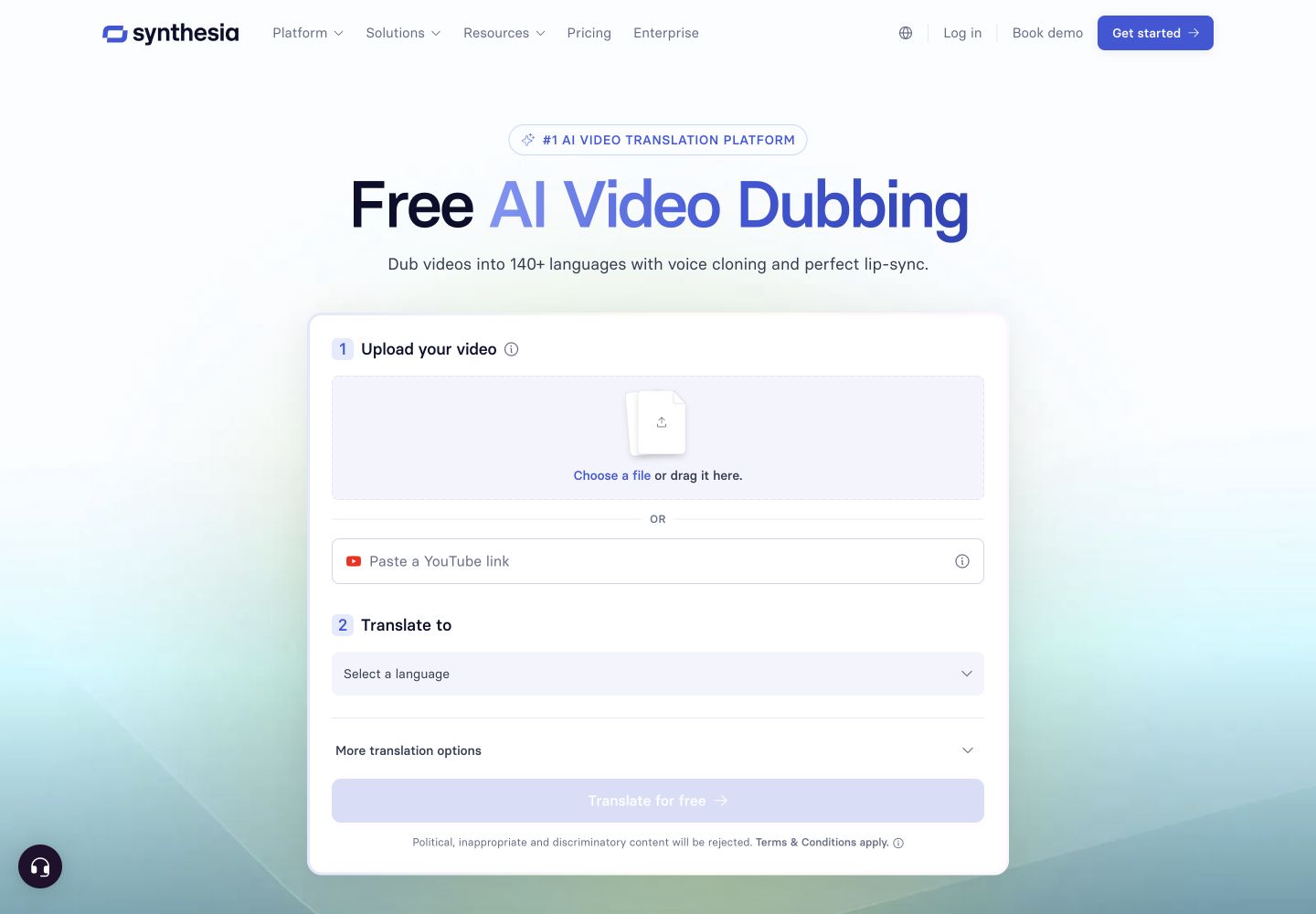
Synthesia AI Dubbing documents correction before and after dubbing. Transcript editing requires Enterprise . Edit a translated version’s script and select Generate to apply the change to that language.
- Strength: A documented path repairs an already generated language version; editing the source transcript can also establish corrected wording for future dubs.
- Limit: Target-language edits do not update other versions. The guide says retranslation affects the whole video, so review timing and nearby sentences again.
For the sample quantity, decide whether the error belongs to the source or only one translation before editing. Synthesia states that retranslating dubbed videos consumes no extra credits; that does not remove the Enterprise editing requirement or the initial generation charge.
Price the corrected lesson
Compare correction charges
These are billing conditions for the correction workflow, not interchangeable subscription prices. Request a quote for the same clip length, target languages, export format and number of revisions.
| Service | Correction access and charges to confirm |
|---|---|
| 1. VoicePing | Confirm the finished-dub repair route and its minute usage or charge; the file-processing guide does not specify a correction tariff. |
| 2. ElevenLabs | Dubbing is charged per source minute per target language, with model-dependent rates. Enterprise API regeneration is also charged. Request the Enterprise quote and rerun allowance. Billing and plans · Regeneration billing . |
| 3. HeyGen | All paid plans include Proofreader. Generation uses 4 credits/minute for Audio Only, 6 for Speed or 10 for Precision; confirm credits for a new translation after a completed dub. Official credit rates . |
| 4. Synthesia | Enterprise required for transcript edits; initial dubbing uses credits. Retranslating a dubbed video uses no extra credits. Confirm the Enterprise subscription quote. Editing and credit conditions . |
Work through a fictional correction budget
Use the synthetic training script and correction log to compare the same finished package. This is a fictional revision through a generic editable workflow, with invented time and charge inputs, not vendor prices or measured performance.
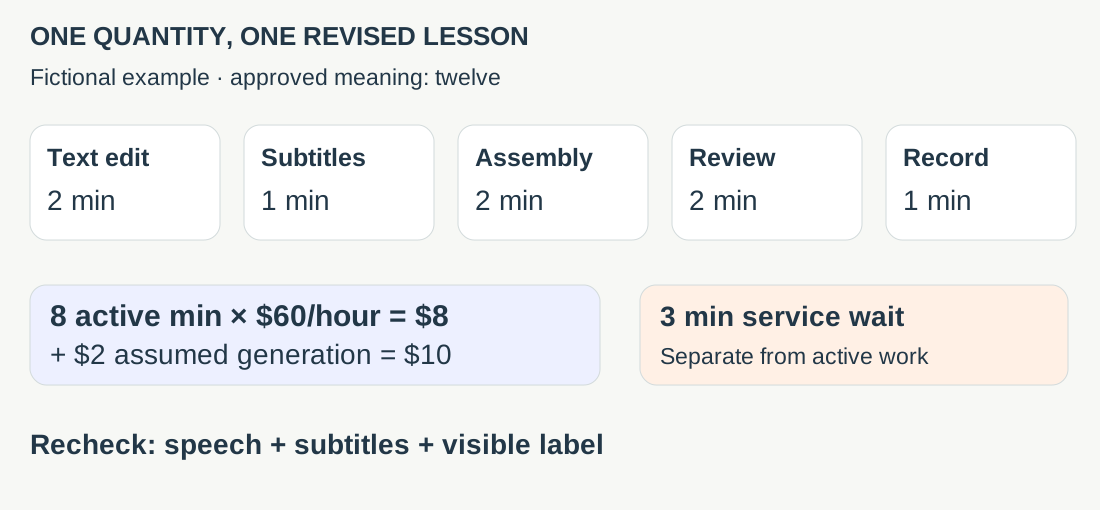
Eight active minutes plus three minutes of sequential service wait means eleven elapsed minutes. Count the wait as labor only if someone actually has to attend it. Include rerun charges, assembly and review when comparing quotes.
The example’s visible label already says twelve. If baked-in text is wrong, add a source-video edit: neither HeyGen nor Synthesia documents automatic translation of that text in its dubbing workflow.
Ask for one revised export
Freeze a short source clip and a qualified reviewer’s target-language reference. Preserve the first output. Correct one quantity, regenerate, then check speech, subtitle timing, visible text and neighboring segments together.
Accept the revision only when the files learners receive match the approved meaning. Record the source version and replacement file; an edit inside the tool does not update copies already distributed. For recurring course releases, use the language-version register .
Documentation checked September 17, 2026. This comparison is based on published workflows; no shared-clip product trial is claimed.